
Pixlr Alternative Free: 6 Best Photo Editors Without Daily Save Limits
Looking for a Pixlr alternative free? Compare top tools for photo repair, layer editing, and upscaling without daily save limits or subscription walls.

Finding a reliable pixlr alternative free of restrictive export paywalls has become essential for photographers, digital creators, and everyday users. While Pixlr long served as a standard browser-based editor, recent pricing shifts enforce a strict limit of roughly three image saves per day for non-paying accounts, inject intrusive banner advertisements, and gate automated AI features behind paid credit subscriptions. For creators seeking a dependable pixlr alternative free of monthly caps, exploring dedicated tools provides a seamless editing experience. Furthermore, Pixlr's traditional clone stamp brushes and healing tools struggle with complex physical flaws—they often smudge natural surface grain when attempting to remove flash glare or restore damaged prints.
If you need a reliable pixlr alternative free of subscription fees, the best option depends on your primary task:
- For automated defect repair and optical glare removal: Choose CrispFix, which delivers specialized neural restoration, tools to colorize image files, and upscaling as a pixlr alternative free of daily save caps.
- For full in-browser Photoshop layer editing: Turn to Photopea for comprehensive PSD support, blending modes, and mask controls as an advanced pixlr alternative free of export restrictions.
- For heavyweight offline desktop power: Install GIMP to access professional open-source color depth and extensible plugin architectures as a desktop pixlr alternative free of licensing constraints.
Note: This site operates CrispFix and we've aimed to evaluate all tools objectively.
Quick Decision Guide (TL;DR)
Looking for the best pixlr alternative free of daily caps? Here is how the top options stack up across free tiers, strengths, and platforms when evaluating each pixlr alternative free option:
| Tool | Free Tier | Best Strength | Platforms | Best For |
|---|---|---|---|---|
| CrispFix | 100% Free (no accounts/credits) | AI glare, scratch, pure B&W, and 4K upscale | Web (All browsers) | Automated defect repair & reflection fix |
| Photopea | Free with ads (full toolset) | PSD layer compatibility & precision selection | Web | In-browser Photoshop workflow & design |
| GIMP | 100% Free & open source | 32-bit floating point GEGL color & plugin ecosystem | Windows, macOS, Linux | Advanced offline desktop photo editing |
| Paint.NET | Free web download (unrestricted) | Snappy startup & lightweight layer editing | Windows | Fast everyday Windows photo adjustments |
| Polarr | Free basic adjustments (Pro paywalled) | Cinematic LUT presets & selective gradient masks | Web, iOS, Android, Mac, Windows | Aesthetic color grading & stylized presets |
| Pixlr (Benchmark) | Free with 3 daily saves (ads) | Dual X/E workspace modes & template library | Web, iOS, Android | Quick daily crops & template collage design |
- Best for Defect & Optical Glare Repair: CrispFix repairs physical tears, removes glasses reflections, and upscales vintage scans as a dedicated pixlr alternative free of usage limits.
- Best for Full Layer Editing: Photopea replicates Photoshop workflows in a browser as an accessible pixlr alternative free of daily save limits.
- Best for Offline Desktop Power: GIMP provides full open-source precision as a standalone pixlr alternative free of recurring costs.
- Best for Lightweight Windows Retouching: Paint.NET provides fast, responsive layer editing on PC workstations.
- Best for Stylized Presets & Grading: Polarr excels at cinematic LUT aesthetics and selective masking.
Core Friction Points in Pixlr's Current Model
Evaluating an editing suite requires looking at both daily usability limits and algorithmic boundaries. Users looking for a pixlr alternative free of artificial friction typically run into three major roadblocks:
1. The Daily Export Threshold
Free accounts on Pixlr operate under a strict limit of three downloads every 24 hours. A user adjusting multiple crop ratios, testing variations, or batching family photo scans encounters a blocking paywall after three saves. Bypassing this restriction requires a paid Plus ($1.99/mo) or Premium ($7.99/mo) plan, driving users to adopt a pixlr alternative free of download limits.
2. Manual Cloning vs. Neural Reconstruction
In Pixlr, repairing scratches or tears relies on clone stamp brushes and healing patches. This process presents three structural disadvantages:
- Blends neighboring pixels linearly, wiping out natural film grain and surface paper texture.
- Demands tedious manual brush strokes across complex scratches.
- Distorts anatomical landmarks such as eyelashes, lips, and nostrils where adjacent pixels provide insufficient context.
3. Inability to Decompose Specular Glare
Flash reflections on eyeglasses or glass-framed prints create blown-out white highlights. Standard contrast, highlight, or shadow sliders in general editors simply turn pure white glare into flat gray blocks without reconstructing the hidden eye geometry beneath, underscoring the need for a dedicated pixlr alternative free of manual restoration hurdles.
Technical Architecture: Pixel Blending vs. Generative Inpainting
Comparing traditional raster manipulation with deep generative restoration clarifies why a dedicated pixlr alternative free of conventional raster bottlenecks produces superior results:
1. Traditional Raster Processing (Pixlr Model)
Standard browser editors compute color values directly on a 2D pixel grid:
- Unsharp Masking: Elevates local edge contrast. While outlines appear crisper, high-frequency sensor noise and JPEG compression artifacts are amplified simultaneously.
- Grayscale Conversion: Calculates monochrome values through static channel weighting (0.299R + 0.587G + 0.114B). This creates flat tonal ranges lacking archival depth.
- Interpolation Healing: Fills gaps by averaging border pixels, resulting in visible smudge patches across detailed surfaces.
2. Neural Structural Reconstruction (CrispFix Model)
Generative restoration in a modern pixlr alternative free architecture treats photo repair as an inverse optical problem:
- Specular Layer Decomposition: Separates direct specular reflections from diffuse underlying light, recovering genuine chrominance under reflective surfaces.
- Dynamic Zone Monochrome Mapping: Evaluates luminance across virtual wide-gamut space, enabling clean 1-bit thresholding via convert image to pure black and white while anchoring deep blacks and luminous highlights for clean black-and-white conversions.
- Generative Structural Inpainting: Synthesizes authentic micro-textures that cleanly match surrounding paper fibers and skin contours.
Detailed Evaluation of Top 6 Alternatives
Here is an in-depth breakdown of each prominent pixlr alternative free option evaluated across functional scope, pricing models, and restoration depth:
1. CrispFix (Best for Automated Defect Repair & Glare Removal)
CrispFix is a dedicated browser-based restoration suite built to handle complex photo flaws automatically as a pixlr alternative free of export caps or subscriptions.
Key Capabilities
- Optical Glare & Reflection Extraction: Isolate and eliminate flash reflections and glass glare with the remove glare from photo and remove glasses glare from photo modules.
- Physical Tear & Crack Repair: Automatically fill surface fractures, emulsion tears, and dust specks using the old photo restoration pipeline.
- Archival Black & White Conversion: Generate balanced, rich monochrome portraits via convert image to pure black and white and black and white image converter tools.
- Neural Super-Resolution: Enlarge vintage photographs and low-res graphics up to 4K and 8K clarity with the resolution image enhancer.
- Intelligent Colorization: Add natural, context-aware color to vintage monochrome shots via colorize photo.
Verified Pricing & Limits
- Price: 100% Free.
- Limits: No daily save limits, no mandatory sign-up, no watermarks.
Strengths & Limitations
- Strengths: Automated one-click processing; zero usage metering; advanced optical glare separation in a pixlr alternative free of charge.
- Limitations: Built specifically for defect repair and enhancement; does not provide a freeform multi-layer canvas for graphic poster assembly.
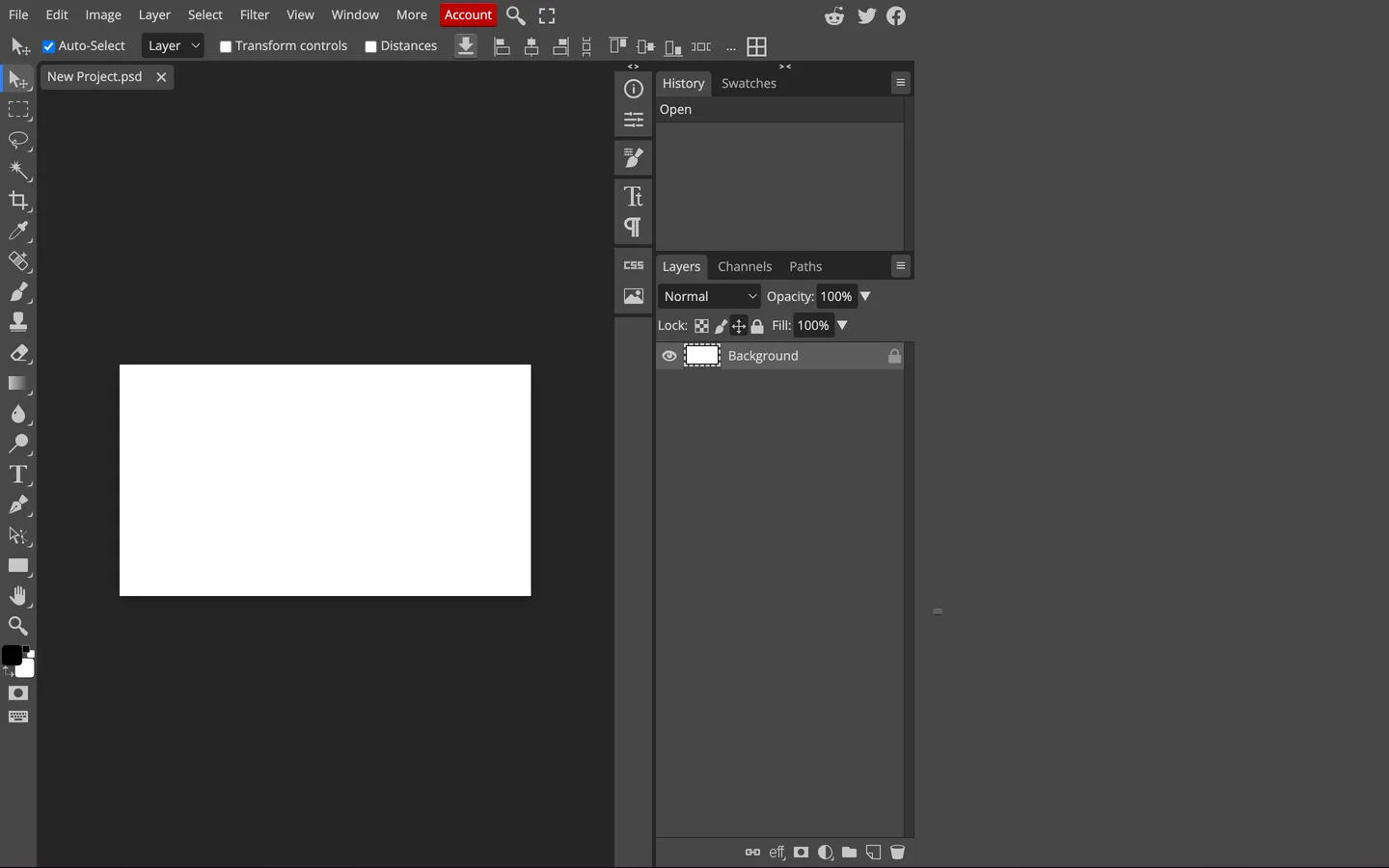
2. Photopea (Best for Full In-Browser Photoshop Workflows)
Photopea
provides an advanced in-browser layer editor that mirrors Adobe Photoshop's interface and capabilities, serving as an exceptional pixlr alternative free of save thresholds.
Key Capabilities
- Native PSD & Vector Support: Reads and writes PSD, AI, XD, and Sketch files with complete layer hierarchy and adjustment masks.
- Comprehensive Toolset: Pen tools, clone stamp, channel mixers, smart objects, and parametric filters in a versatile pixlr alternative free of charge.
Verified Pricing & Limits
- Price: Free with sidebar advertisements; Premium account is $5.00/month or $50/year.
- Limits: Unlimited saves on both free and paid accounts.
Strengths & Limitations
- Strengths: Deep graphic design flexibility; zero export caps on free tier; broad file format support.
- Limitations: Contains banner ads on free plan; steep learning curve for novice users; lacking automated neural glare isolation.
3. GIMP (Best Open-Source Desktop Powerhouse)
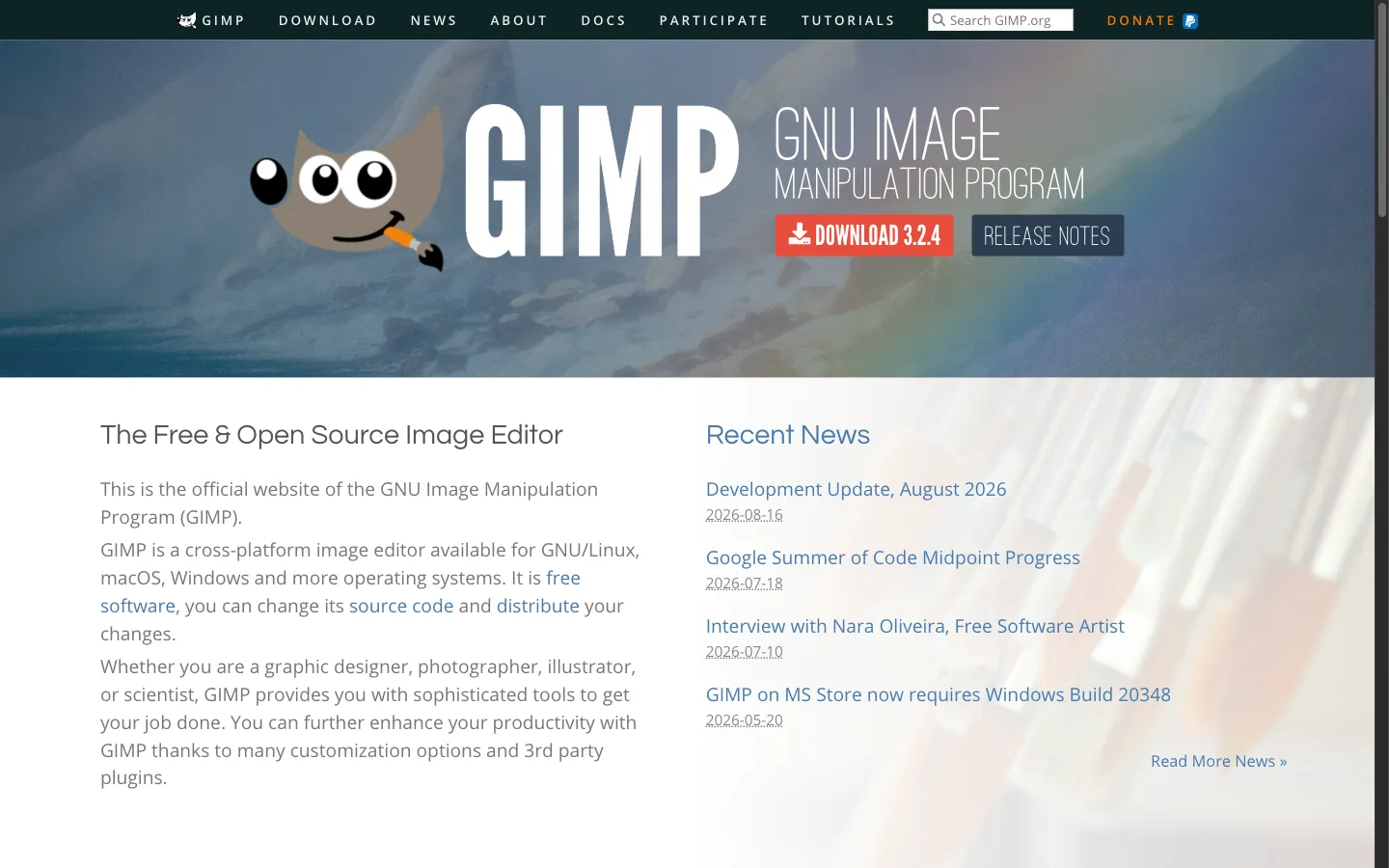
The GNU Image Manipulation Program (GIMP) remains the leading free, open-source desktop image suite, functioning as a powerful pixlr alternative free of licensing fees across Windows, macOS, and Linux.
Key Capabilities
- High Bit-Depth Processing: Powered by the GEGL engine supporting 32-bit floating-point color precision.
- Extensible Architecture: Expansive ecosystem of third-party plugins, Python scripts, and custom brush dynamics.
Verified Pricing & Limits
- Price: 100% Free and Open Source under GNU General Public License.
- Limits: Unrestricted local processing with zero limits.
Strengths & Limitations
- Strengths: Zero subscription cost; complete data privacy; professional color management in an open-source pixlr alternative free of restrictions.
- Limitations: Requires local installation; complex non-standard UI; manual photo repair requires substantial user effort.
4. Paint.NET (Best Lightweight Windows Desktop App)
Paint.NET
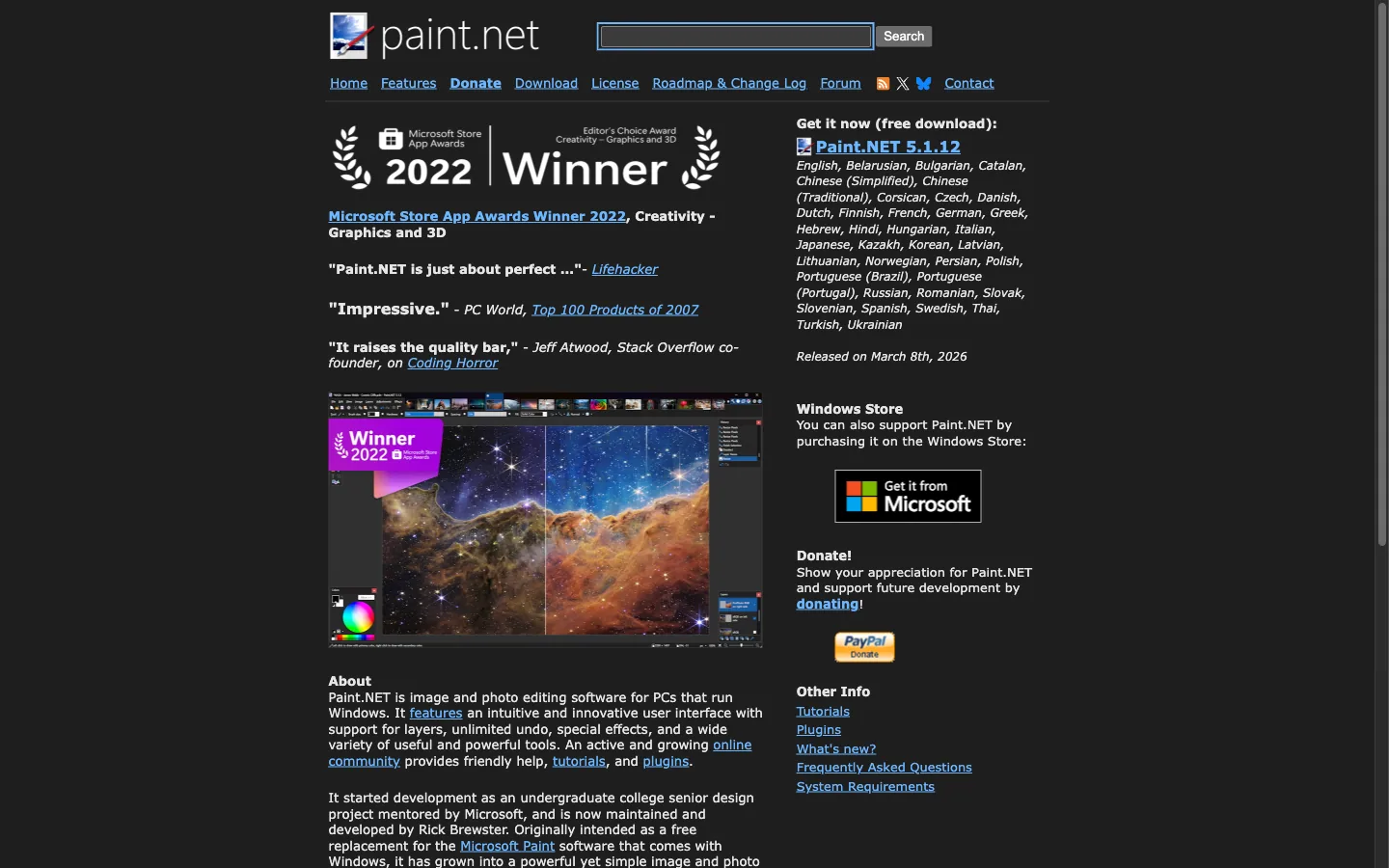
provides a fast, approachable desktop editing experience for Windows users seeking a lightweight pixlr alternative free of subscription bloat.
Key Capabilities
- Tabbed Multi-Document Interface: Rapid switching across open canvases with real-time thumbnail previews.
- Layer & Blend Modes: Essential compositing tools, transparency handling, and community adjustment plugins.
Verified Pricing & Limits
- Price: Free download on the web; optional $14.99 purchase on Microsoft Store to support development.
- Limits: Completely unrestricted on Windows machines.
Strengths & Limitations
- Strengths: Fast launch speed; low RAM footprint; straightforward interface.
- Limitations: Windows OS only; no built-in AI glare extraction or automatic portrait inpainting.
5. Polarr (Best for Creative Color Grading & Presets)
Polarr
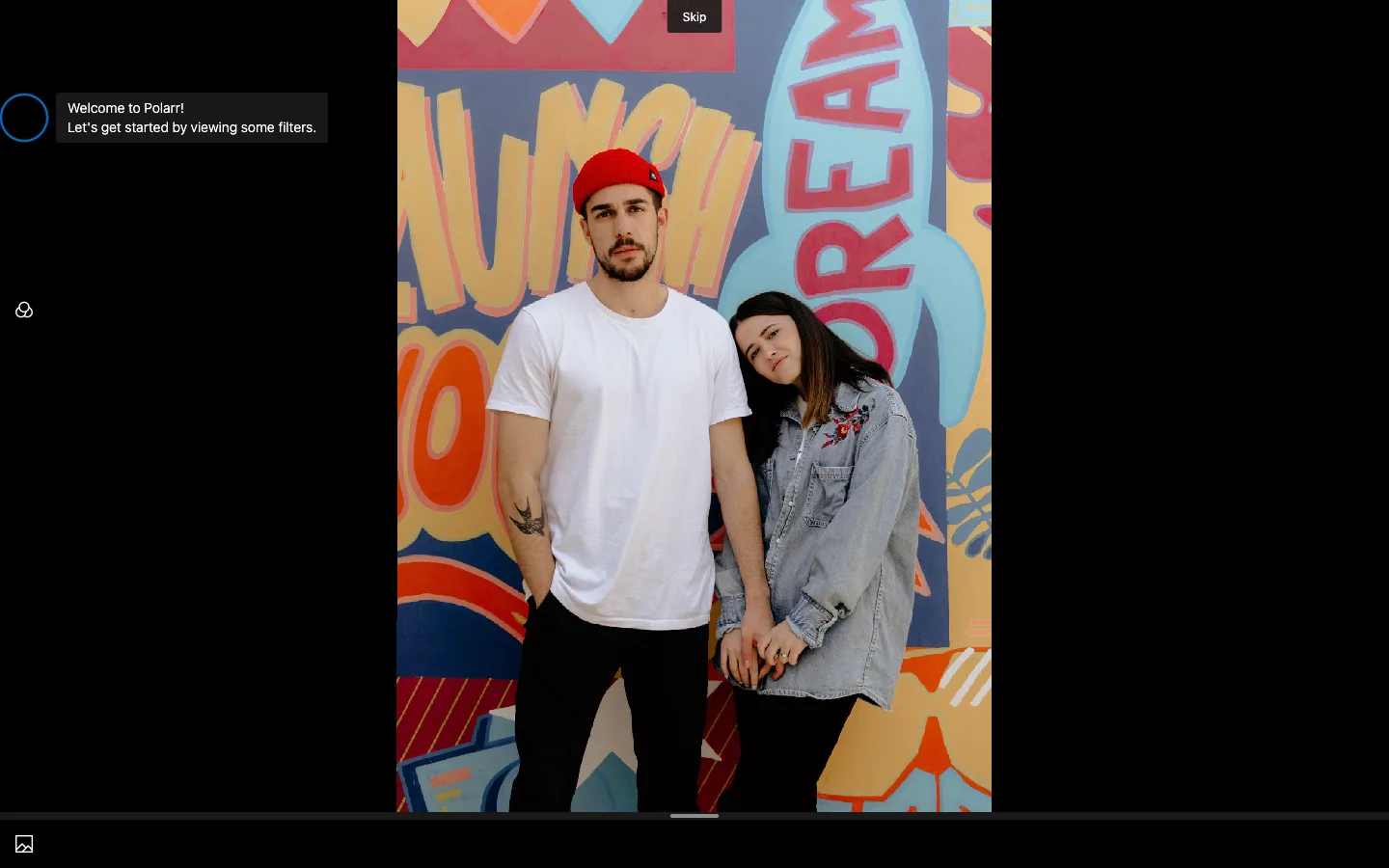
focuses on refined color adjustments, atmospheric filters, and selective aesthetic grading, serving as a stylish pixlr alternative free of complicated layer setups.
Key Capabilities
- Aesthetic Look-Up Tables (LUTs): Rich catalog of cinematic color presets with shareable custom QR filters.
- Selective Local Adjustments: Radial, gradient, color luminance, and depth-based masking tools.
Verified Pricing & Limits
- Price: Basic editing free; Polarr Pro costs $7.99/mo billed monthly or $3.99/mo ($47.99/year) billed annually.
- Limits: Advanced masking and batch exports restricted to Pro tier.
Strengths & Limitations
- Strengths: Polished color grading controls; responsive cross-platform syncing.
- Limitations: Core features require subscription; no physical scratch or tear repair modules.
6. Pixlr (Benchmark Reference)
Pixlr
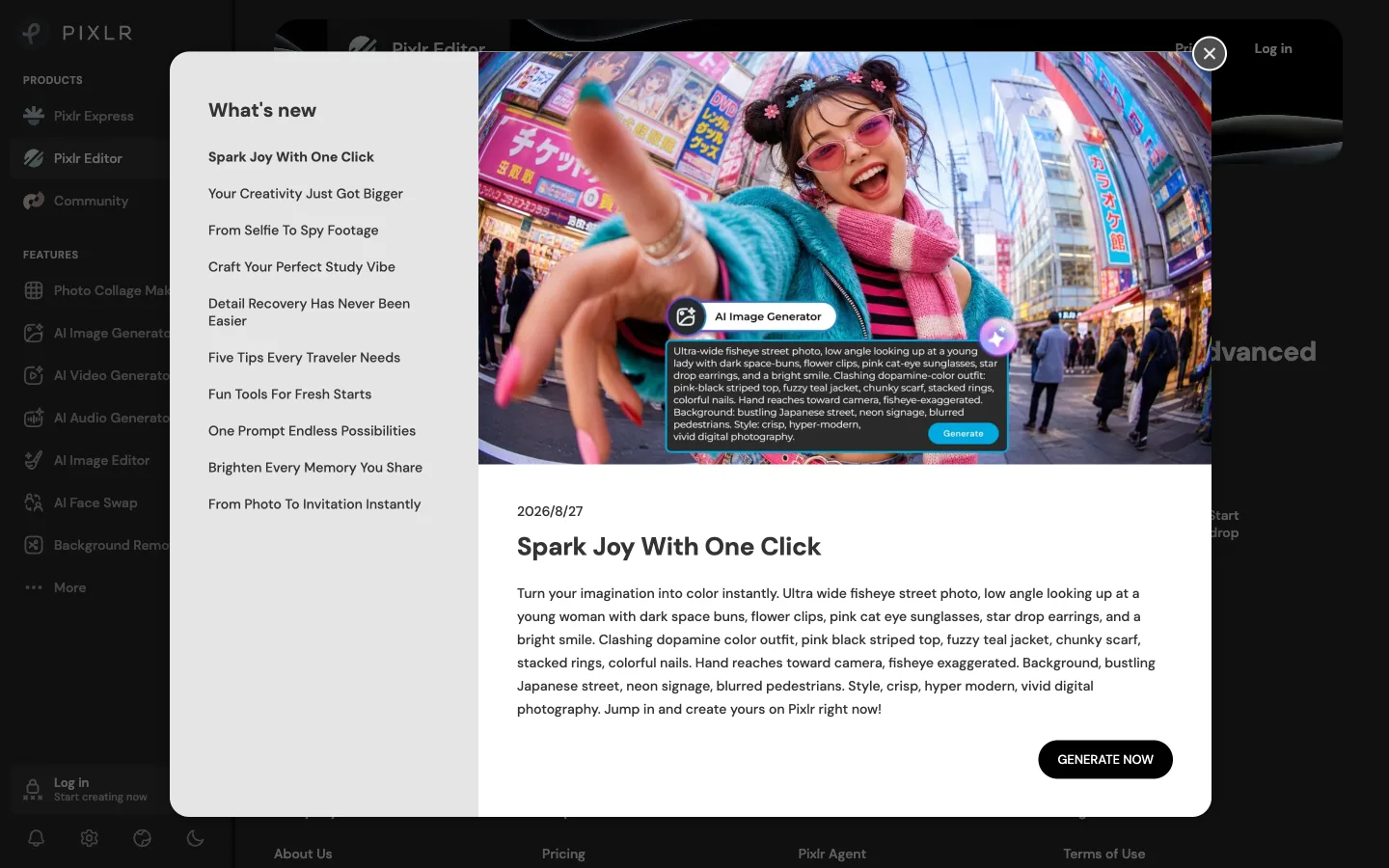
offers dual interfaces: Pixlr X for basic template work and Pixlr E for advanced layer manipulation.
Key Capabilities
- Accessible Dual Interfaces: Choose between a simplified layout or an expanded layer workspace directly in a web browser.
- Design Elements & Stock Templates: Broad selection of social media presets, sticker overlays, and decorative text fonts.
Verified Pricing & Limits
- Price: Free with ads and 3 daily saves; Plus at $1.99/month (annual); Premium at $7.99/month (annual).
- Limits: Daily save limits and metered monthly AI credits on free accounts.
Strengths & Limitations
- Strengths: Multi-platform browser access; approachable template library; rapid collaging.
- Limitations: Strict daily export ceiling; intrusive banner ads; traditional cloning tools blur fine photo details.
Practical 4-Step Photo Restoration Pipeline
When repairing damaged vintage prints or removing lighting artifacts without hitting save limits, following an ordered restoration pipeline on a pixlr alternative free of export caps yields clean results:
Step 1: Extract Reflections & Specular Glare
Upload your image to the remove glare from photo tool. The neural model separates surface reflections from background details, restoring natural contrast without muddy gray spots.
Step 2: Mend Surface Scratches & Emulsion Cracks
Process the glare-free scan through the old photo restoration pipeline. The generative inpainting network fills cracked emulsion and dust spots while preserving authentic paper fibers and skin pores.
Step 3: Rebalance Tones or Colorize
For monochrome archives, run the image through monochrome conversion tools to recalculate tonal curves with deep blacks and bright highlights. To add natural color to black-and-white portraits, pass the file through realistic colorization tools.
Step 4: Neural Super-Resolution Upscaling
Finish by scaling the cleaned photograph up to 4K or 8K resolution using neural upscaling tools for sharp digital display or archival print reproduction.
Selecting the Right Alternative for Your Tasks
Choosing the right pixlr alternative free of save caps comes down to the primary task at hand:
- For Automated Defect Repair & Glare Removal: Use CrispFix. It repairs physical cracks, separates optical glare, and converts archival monochrome prints as a dedicated pixlr alternative free of export limits.
- For Multi-Layer PSD Design & Web Compositing: Choose Photopea as a browser-based pixlr alternative free of export thresholds.
- For Full Offline Desktop Control: Install GIMP as a desktop pixlr alternative free of licensing fees or Paint.NET on Windows.
- For Atmospheric Color Grading: Use Polarr for custom LUT color grading.
Frequently Asked Questions
Is there a free version of Pixlr?
Yes, Pixlr offers a free tier through its Pixlr X and Pixlr E web applications. However, the free version is constrained by a daily limit of roughly three image exports per day, displays banner advertisements, and restricts automated AI tools behind paid credit tiers. For unlimited defect repair and glare removal without export limits, CrispFix provides a pixlr alternative free of cost.
What is the best 100% free photo editor?
For targeted photo defect restoration, scratch removal, and optical glare elimination, CrispFix is the best pixlr alternative free of charge because it offers unlimited AI processing with zero daily save caps, accounts, or watermarks. For complex multi-layer graphic design and Photoshop-style PSD editing in a browser, Photopea is the top choice.
Is GIMP still free?
Yes, GIMP (GNU Image Manipulation Program) remains completely free and open source under the GNU General Public License. It provides full desktop editing across Windows, macOS, and Linux as a robust pixlr alternative free of subscription fees, export limits, or watermarked features. While it requires installation and has a steeper learning curve, it remains a powerful offline editing suite.
Is Photopea really free?
Yes, Photopea is completely free to use directly in any web browser as an accessible pixlr alternative free of daily export quotas, offering full access to its layer editing tools. The platform monetizes through non-intrusive sidebar advertisements, offering an optional premium subscription for users who prefer an ad-free interface and additional cloud storage.
Conclusion & Action Steps
Pixlr's shift toward daily export caps and recurring subscription tiers has introduced friction into routine photo workflows. Finding a dependable pixlr alternative free of artificial export caps allows you to repair physical defects, eliminate glare, and upscale vintage archives smoothly.
Ready to restore your photos without hitting daily save walls? Explore a dependable pixlr alternative free of subscription barriers today.