
AI Picture Enhancer Free Online
CrispFix is an AI picture enhancer free to use online. It reads every upload, works out what it needs — sharpness, noise cleanup, or repair — and returns a visibly better picture without an account.


Drop a blurry photo here — or browse your files
JPG, PNG, WebP · Max 20MB
Please complete the human verification above, then start.
3 free credits every day · No sign-up · Nothing to install · Watch it process live
See What This Photo Enhancer Fixes
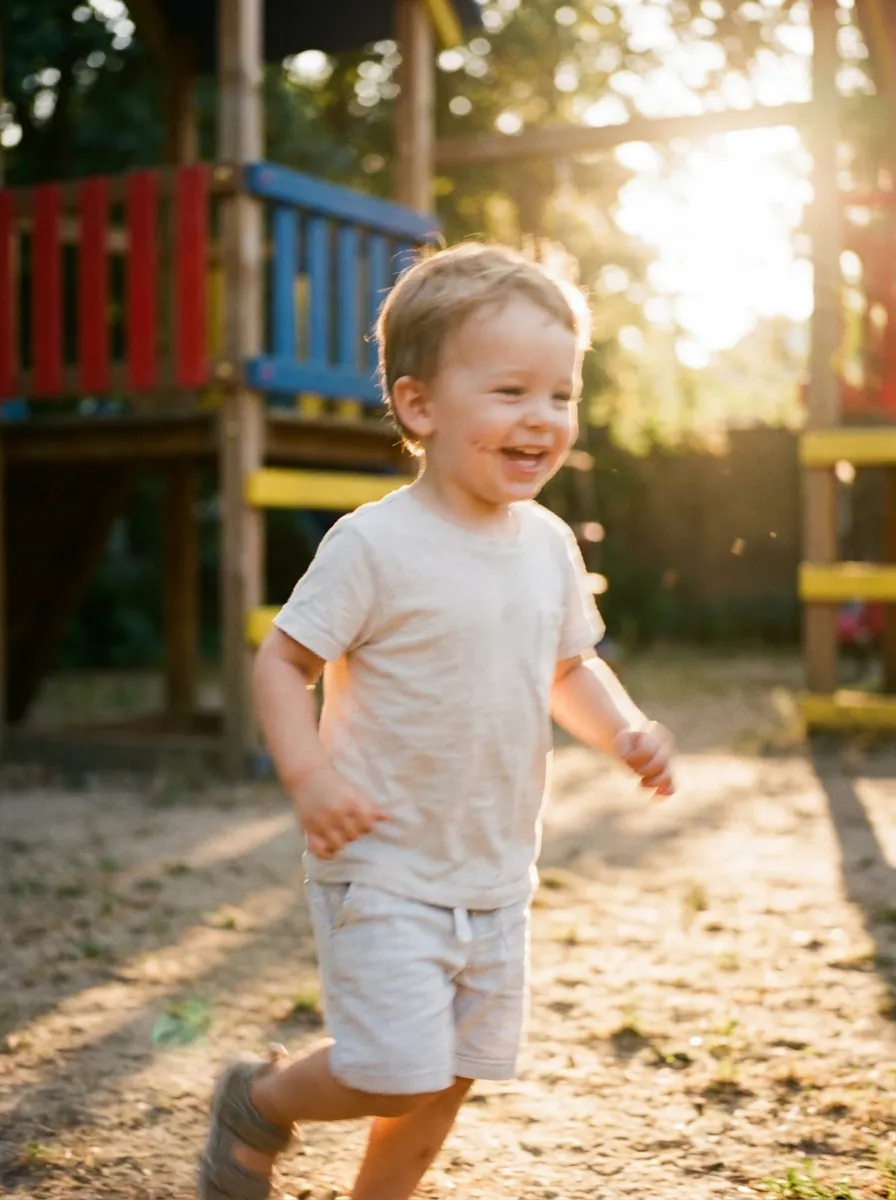
Unblur Photos
Missed focus and camera shake get their edges rebuilt — even a soft snapshot comes back reading sharp again.
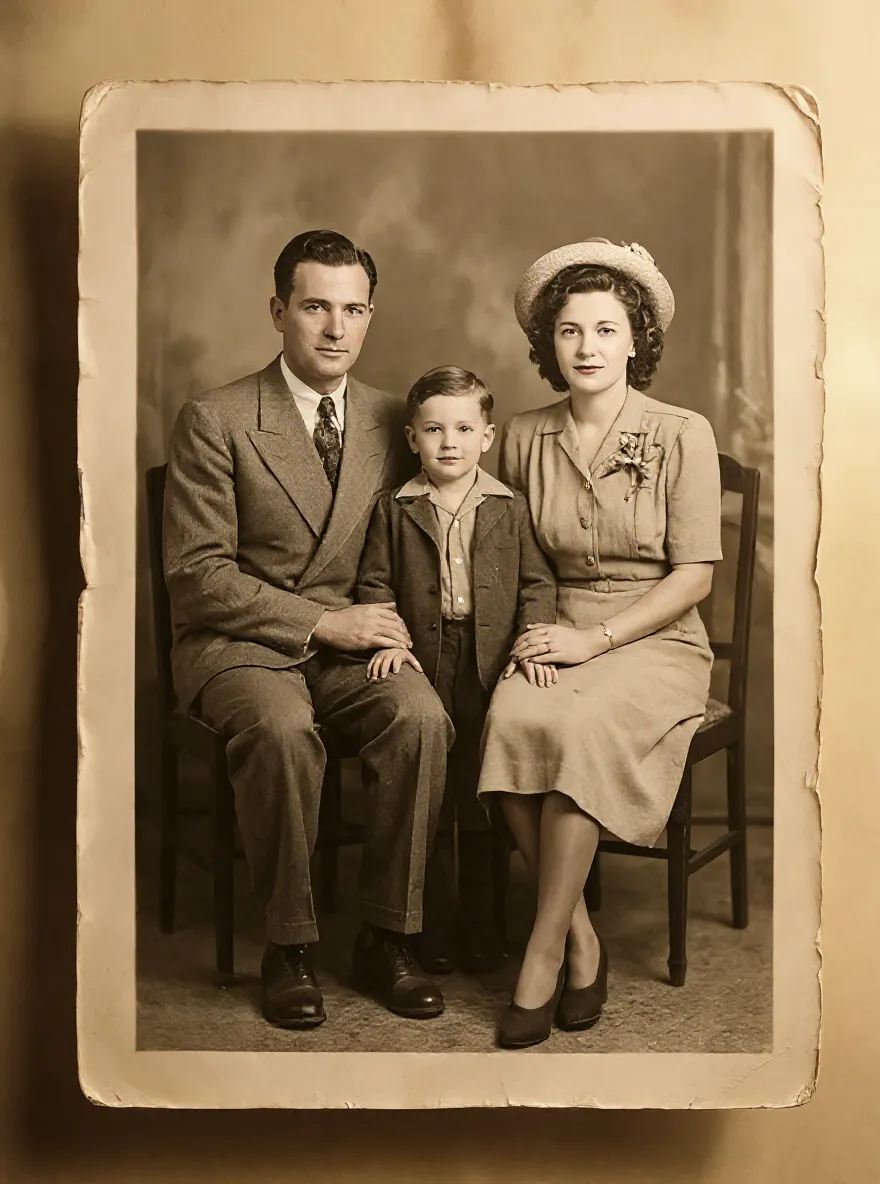
Restore Old Photos
A scan from a shoebox album comes back presentable — scratches, stains, and fading treated in turn.
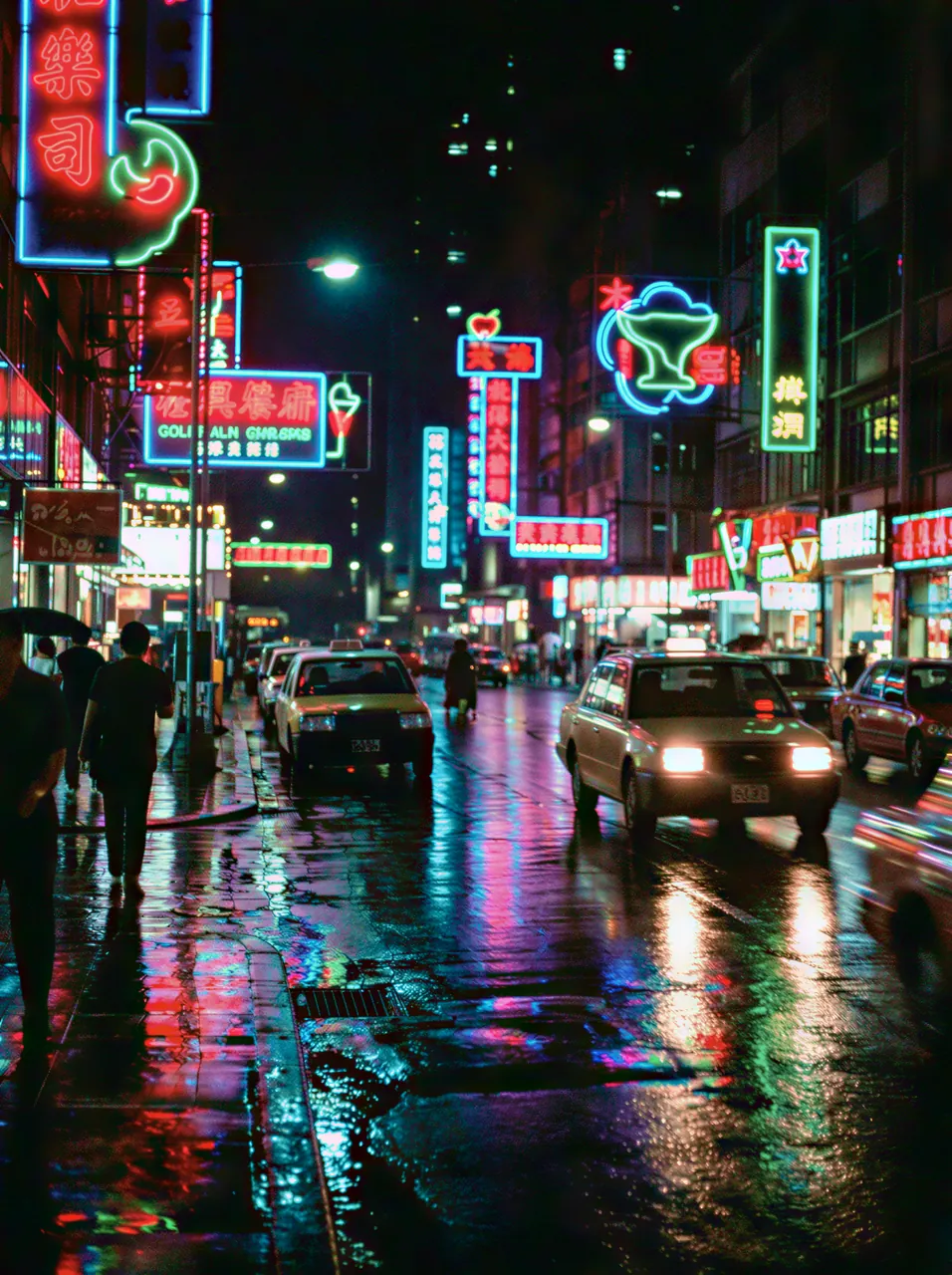
Reduce Noise & Grain
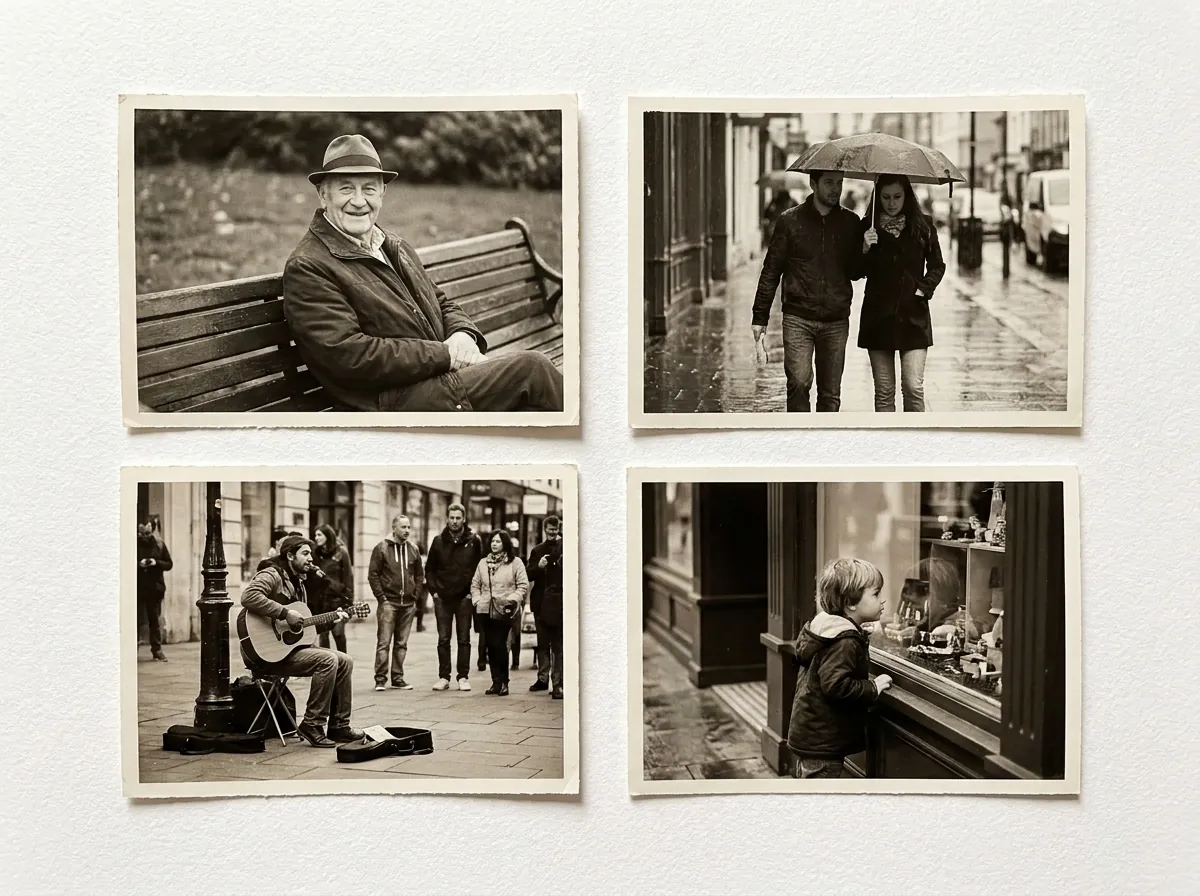
Speckled low-light texture lifts while streetlights keep glowing and faces stay cleanly separated from the background.

Fix Faces & Portraits
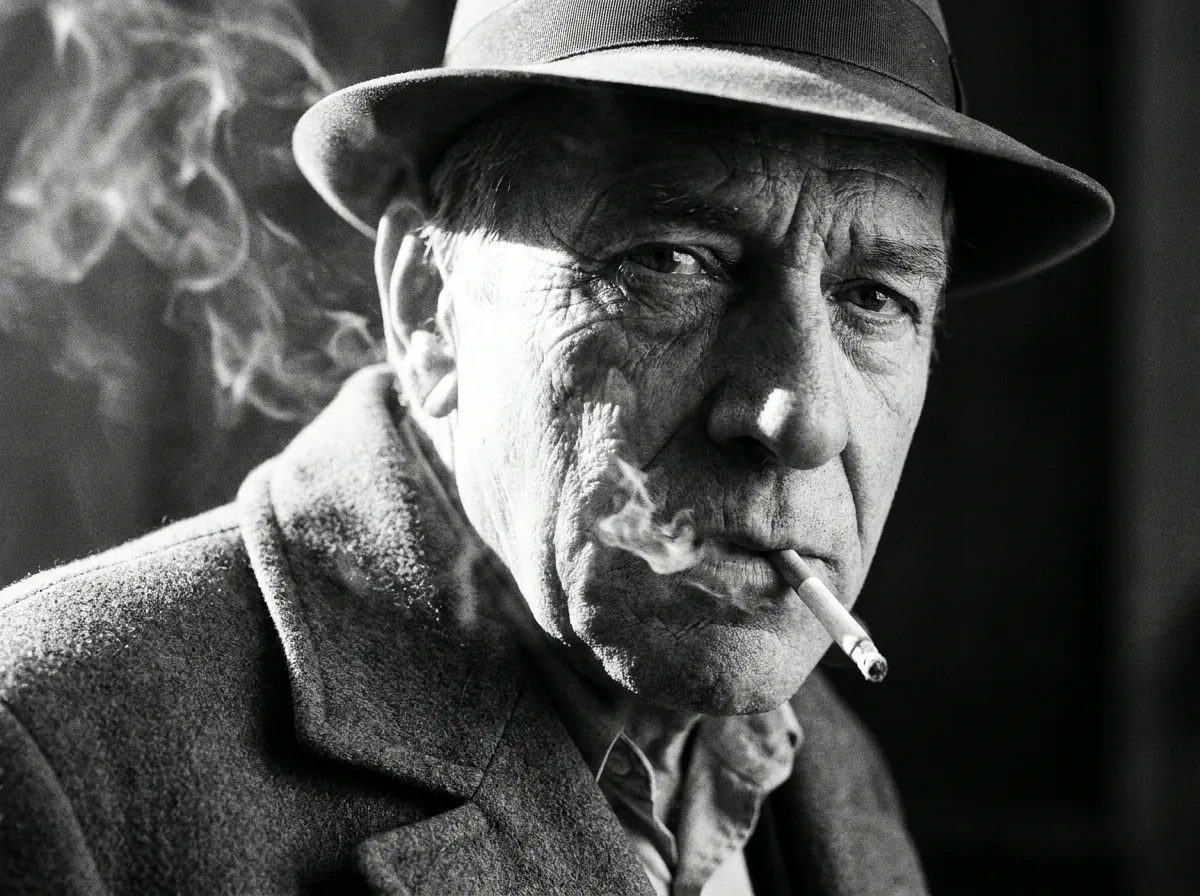
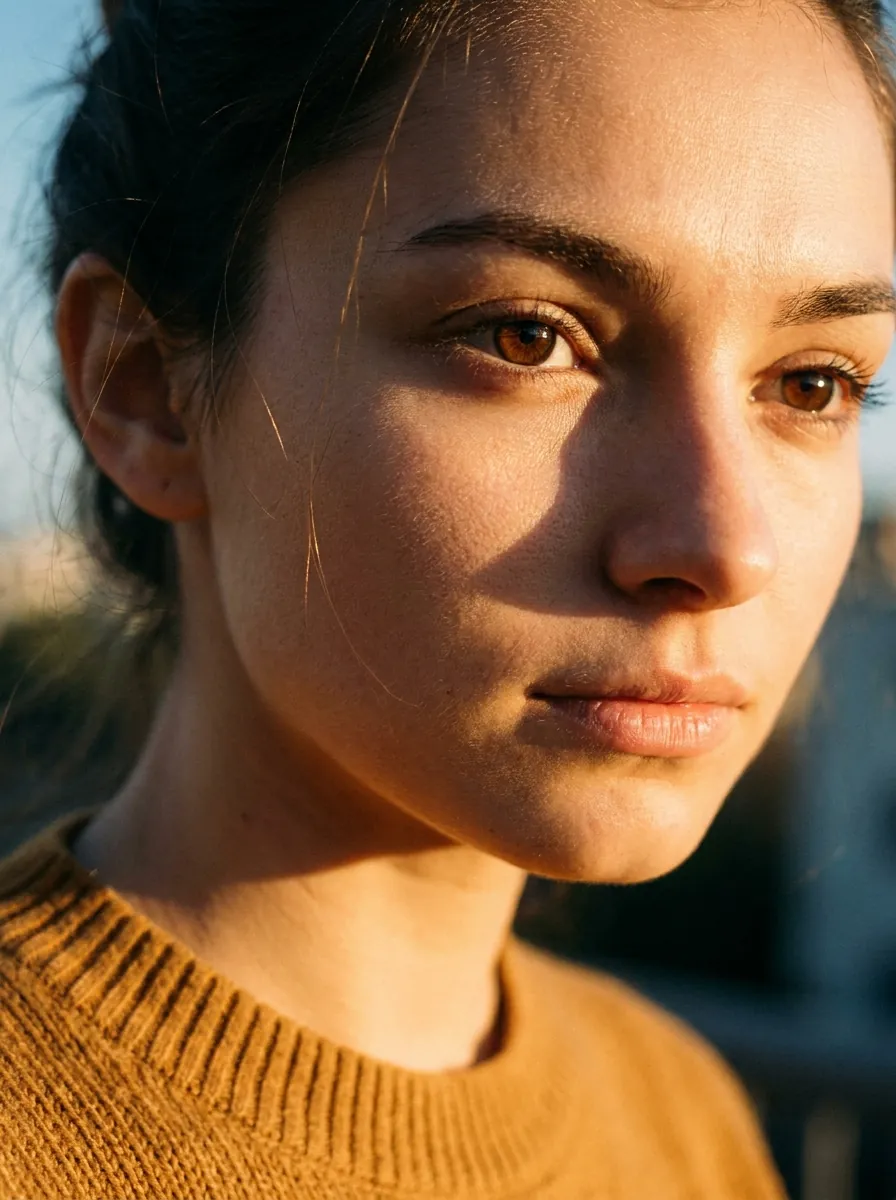
Faces get a lighter touch than the rest of the frame — eyes and skin recover, the expression stays yours.
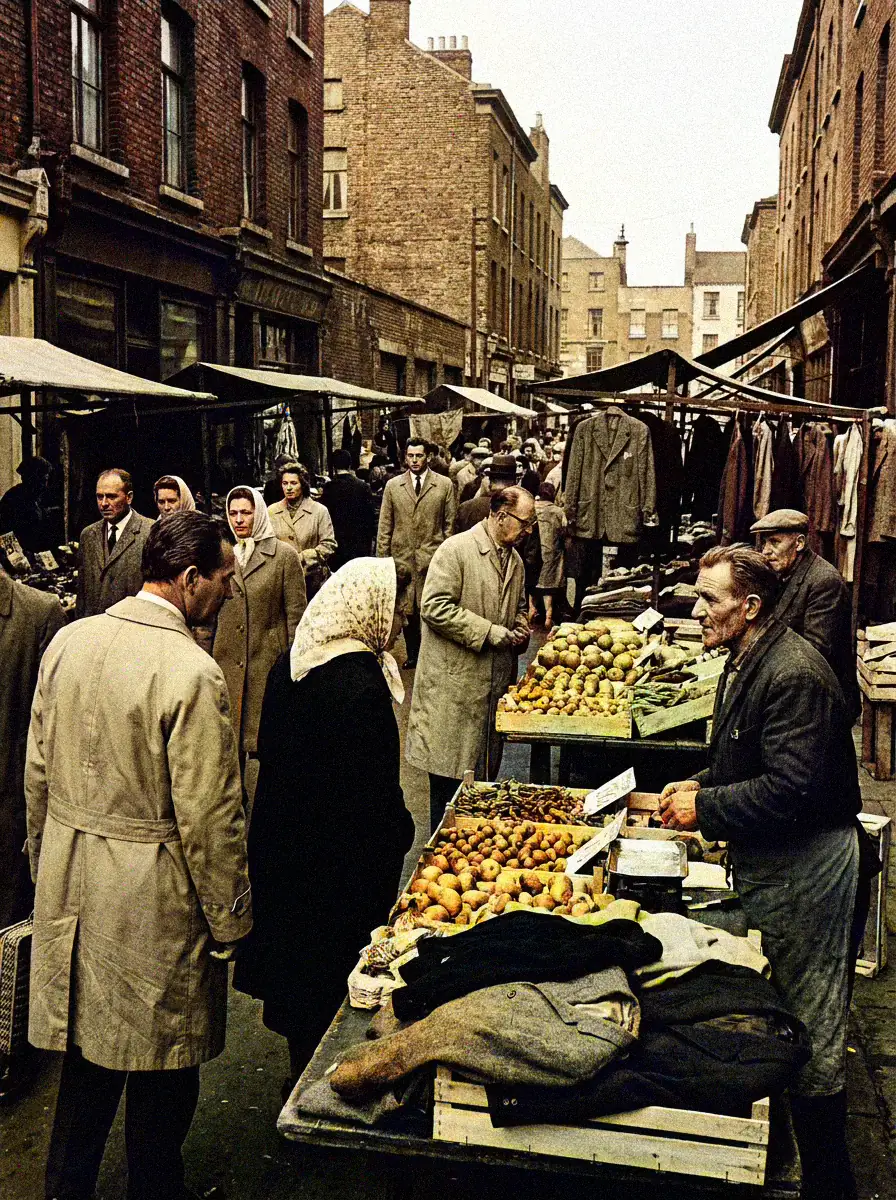
AI Colorizer
Intelligently add natural colors to monochrome and faded photographs.
More Free Photo Enhancer Tools
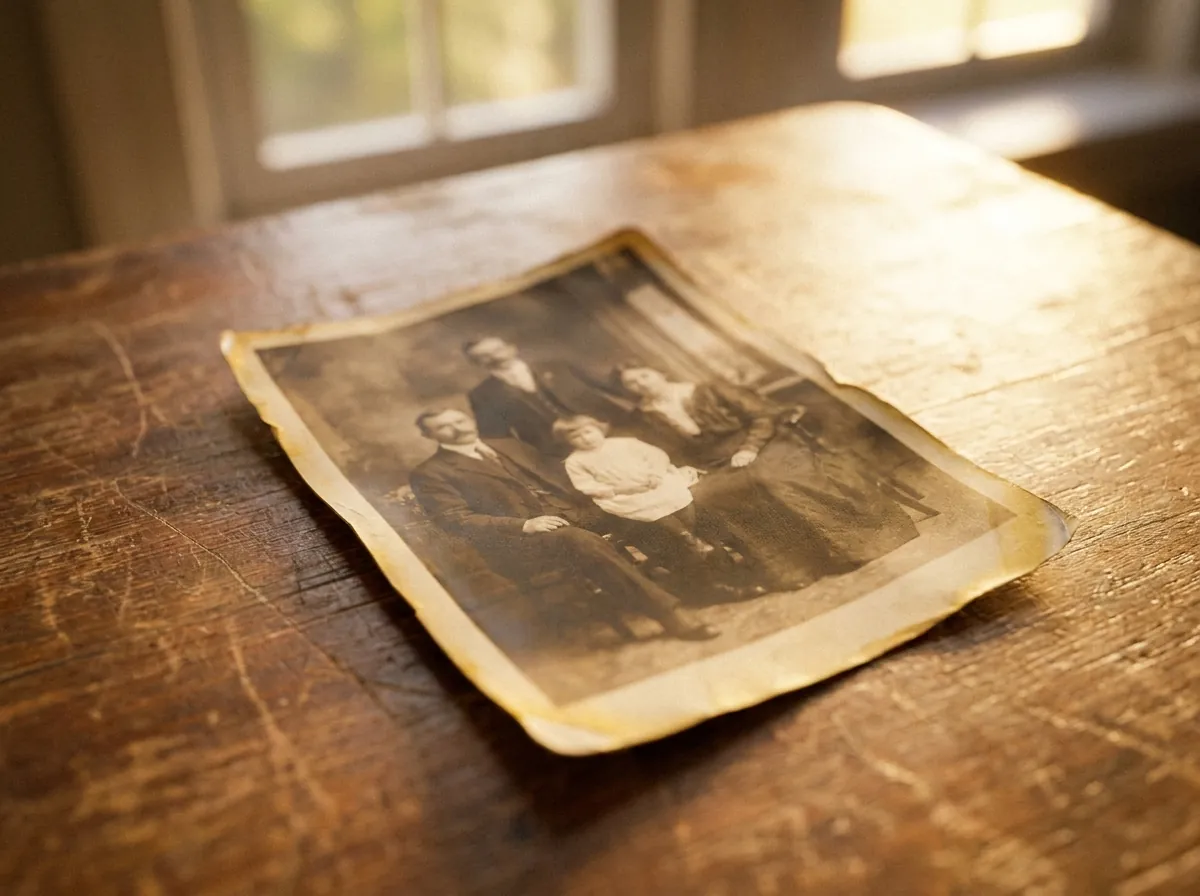
repair scratches, stains, fading, and creases
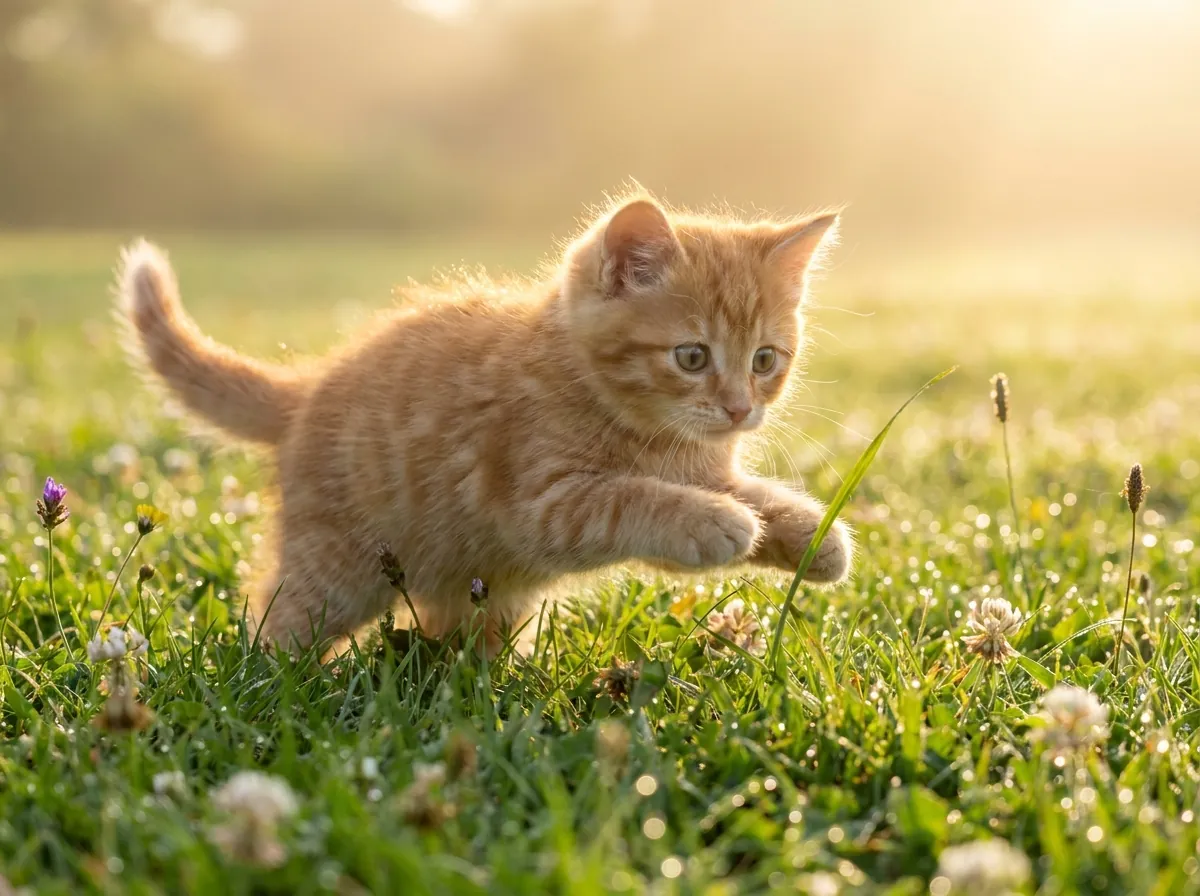
plausible color for black-and-white and faded pictures
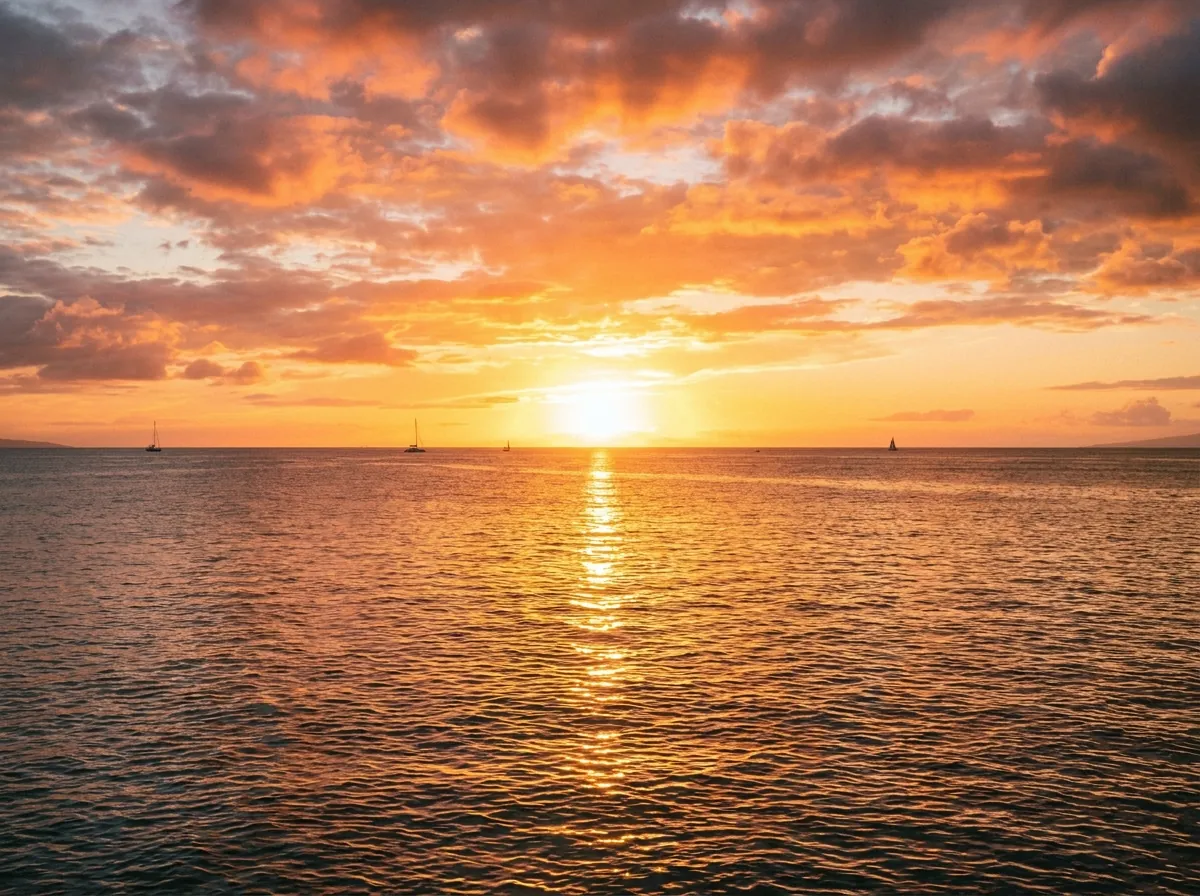
enlarge up to 4K, edges stay defined and clean

clear reflections off eyeglass lenses in portraits

erase window, water, glass, and flash glare
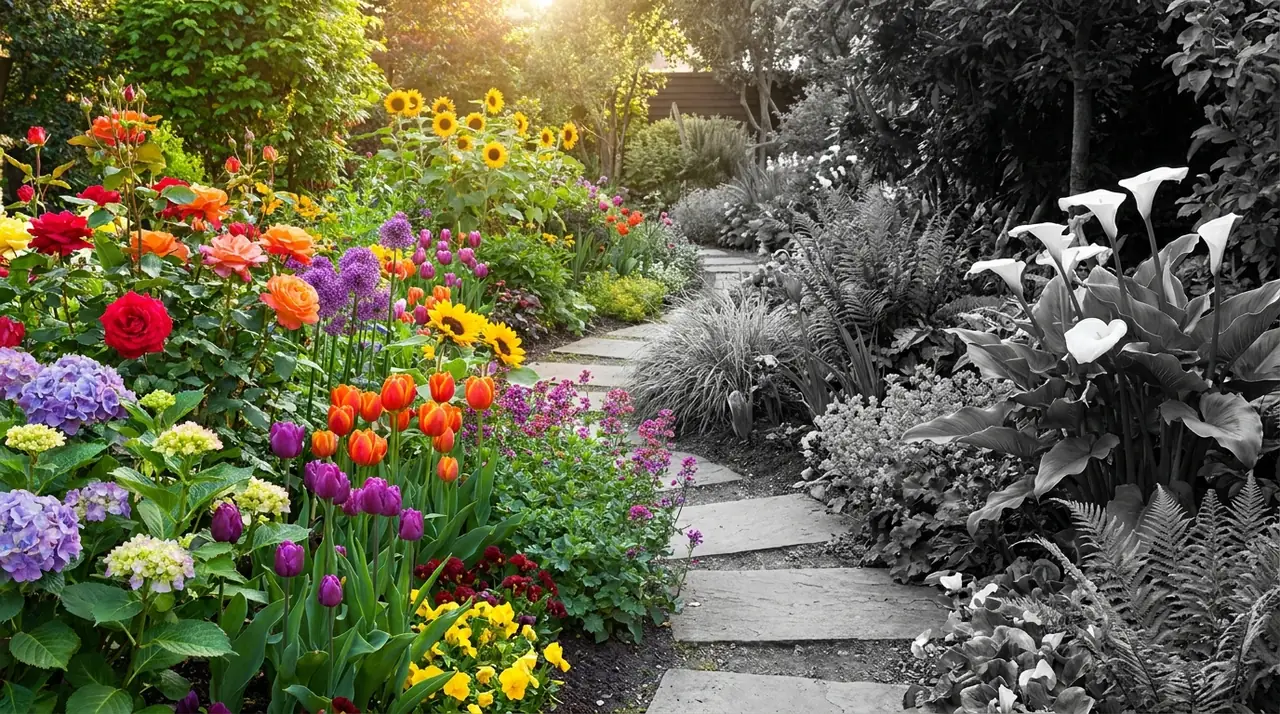
monochrome conversion, free and unlimited
sharp 1-bit output for printing and stencils
convert whole folders of photos to B&W at once
How to Use the Free AI Photo Enhancer in Three Steps
Upload & Enhance
Drag it onto the page or pick a file from your device — any common format works, no preparation needed.
No settings to adjust. Drop your photo and the AI reads it — figures out whether it needs sharpening, cleanup, or repair — then applies the fix while you watch.
Check the before-and-after against your original, then save at standard clarity — your daily free credits already cover it.
Nothing asks you to name what is wrong with the photo — no tutorials, no sliders, no jargon.
What Makes This Image Enhancer Different
When a picture is simply too small, AI upscaling does something stretching cannot: plain resizing spreads the pixels you already have, while the AI generates new ones that fit the scene — so edges stay defined and text stays legible while the canvas grows.
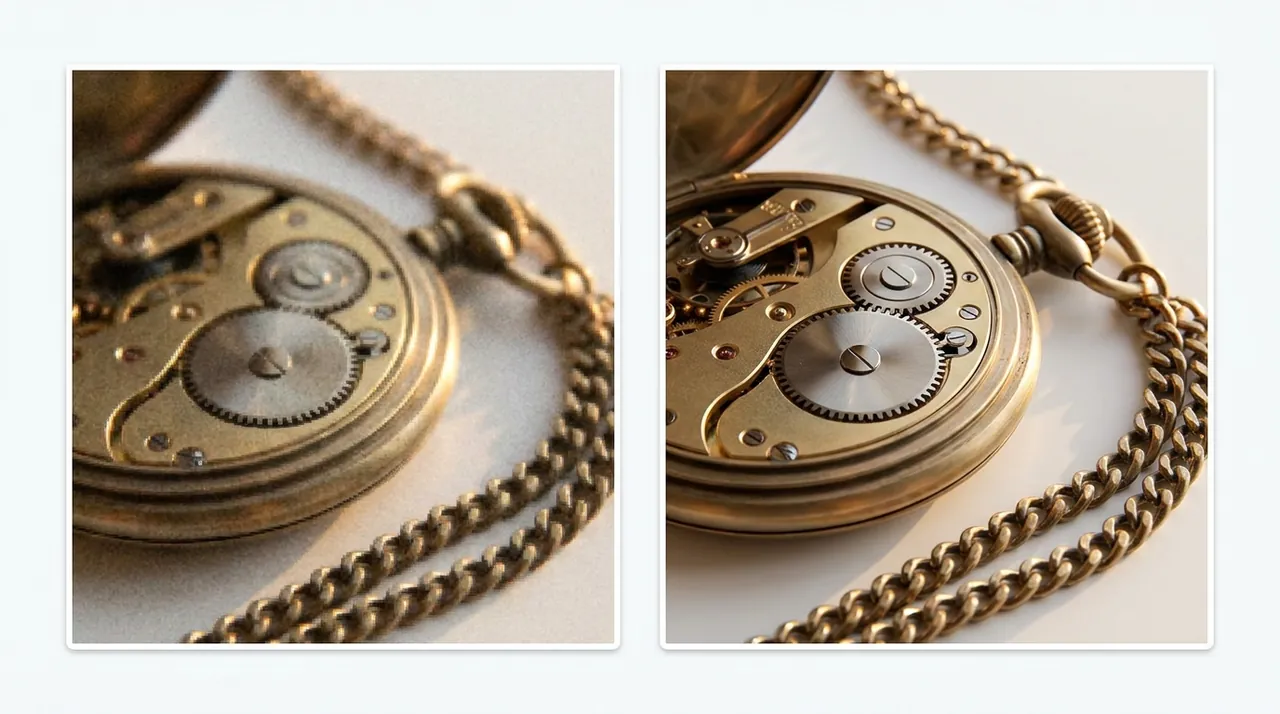
Most people cannot name what is wrong with their file. A snapshot might be soft, a product shot grainy, a scan faded. CrispFix inspects each upload and routes it through the correction it responds to best — an AI picture enhancer free of guesswork.
Will it look processed? The passes are tuned toward a natural look, avoiding harsh contrast and artificial halos, and the before/after view lets you judge the result on your photo before you download.
More Results from the AI Photo Editor, by Photo Type
Three kinds of photos people bring most — drag each slider and look closely:
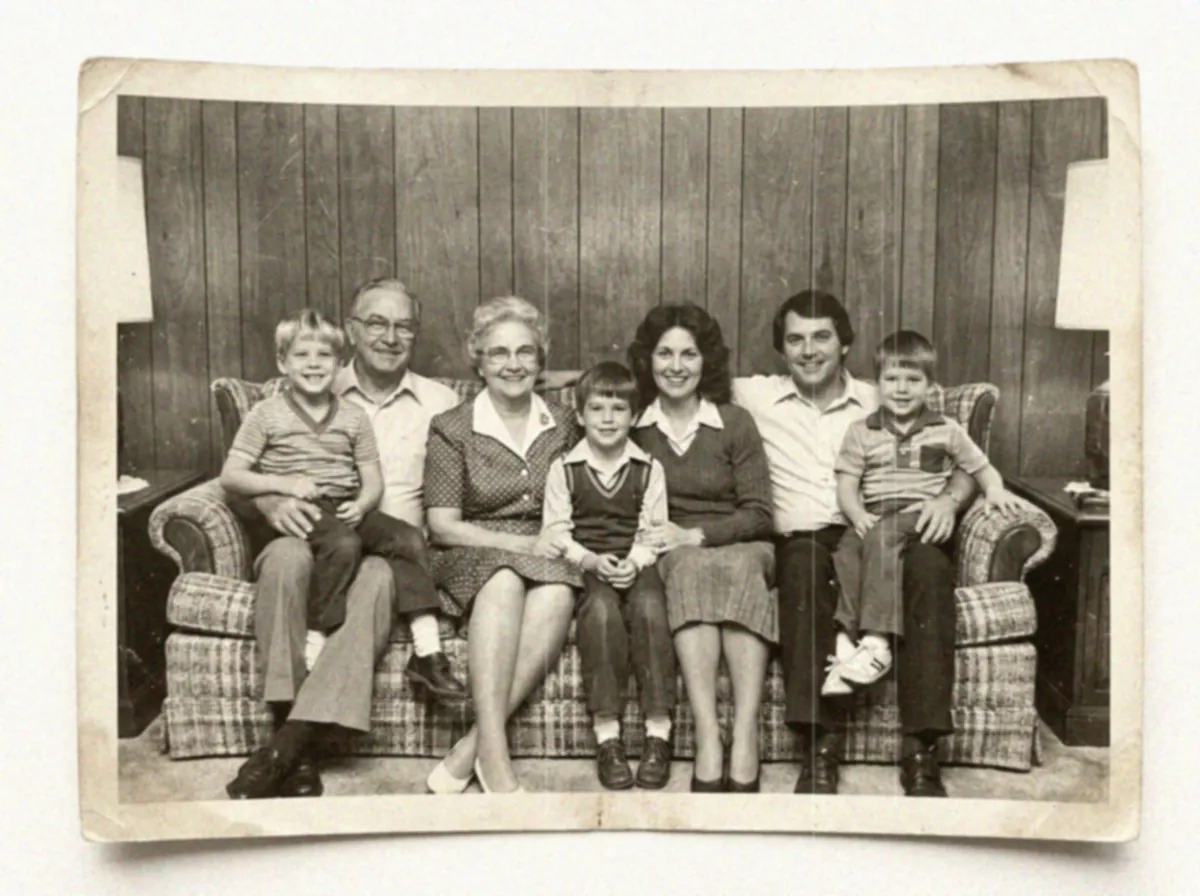
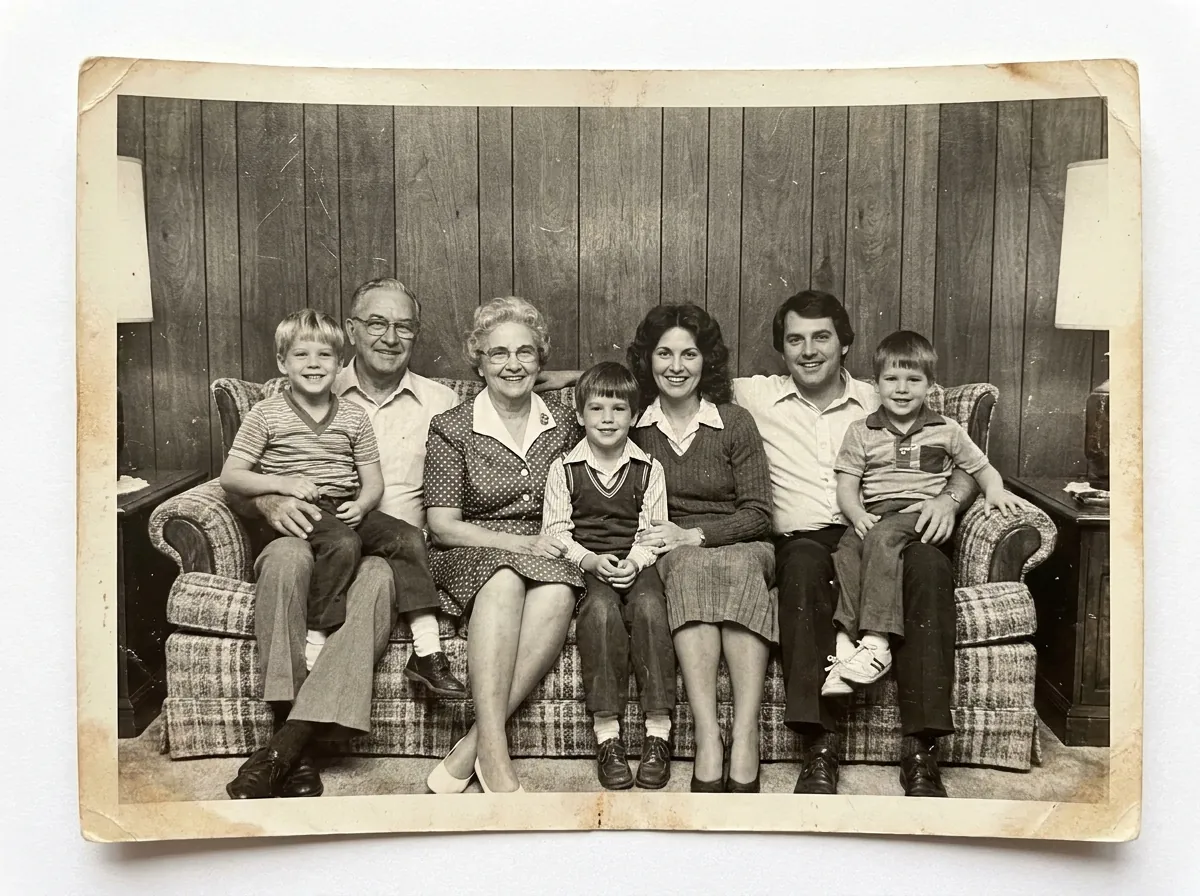
Old family photos
creases and yellowing repaired, faces the damage had eaten recovered, the album printable again
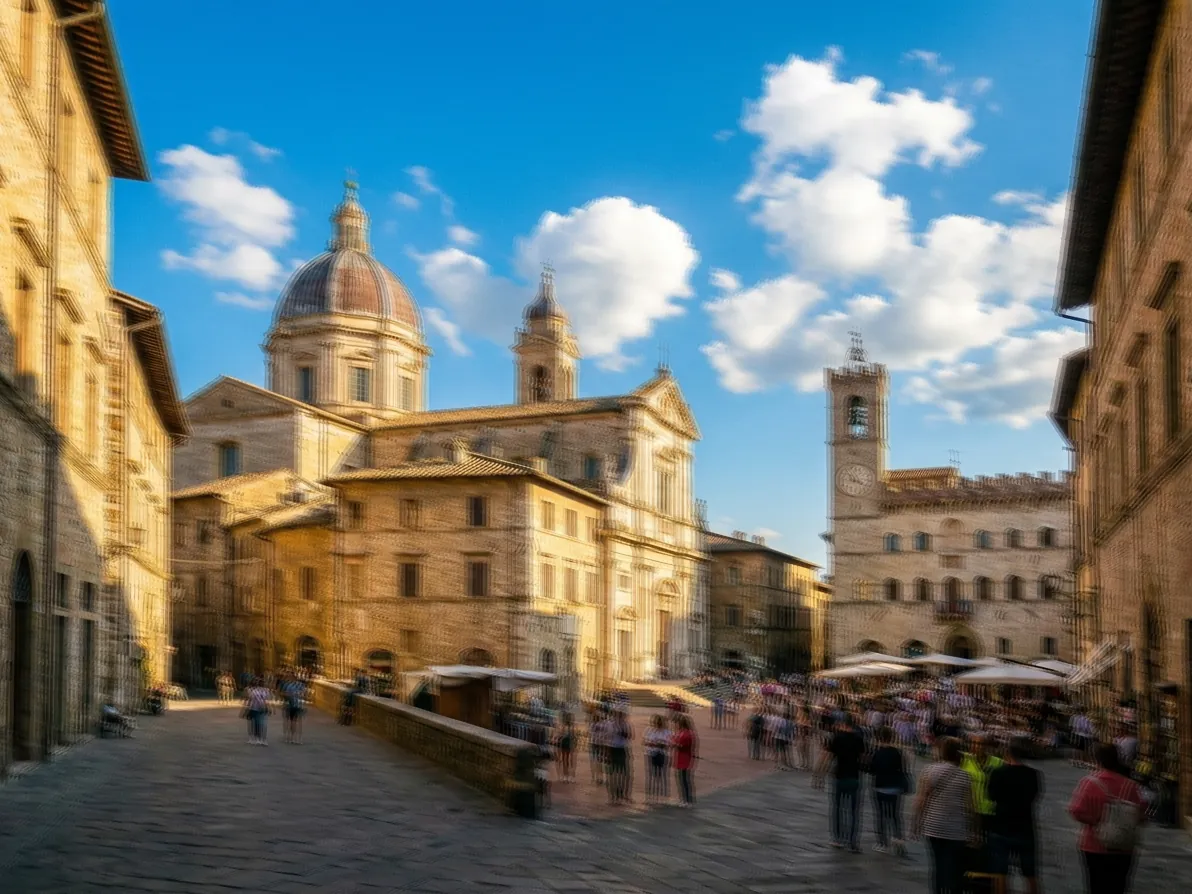
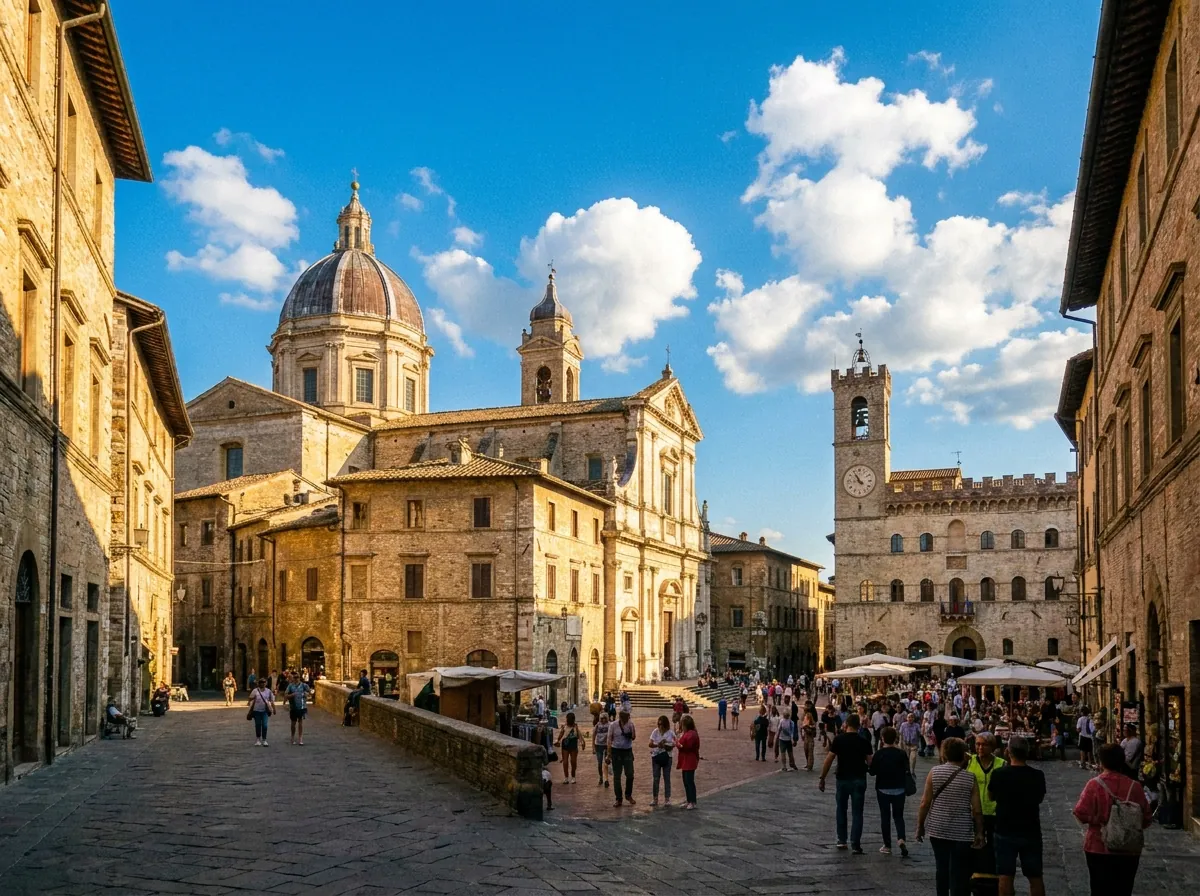
Blurry phone shots
soft focus and handshake blur pulled back — what you meant to capture, before the shake
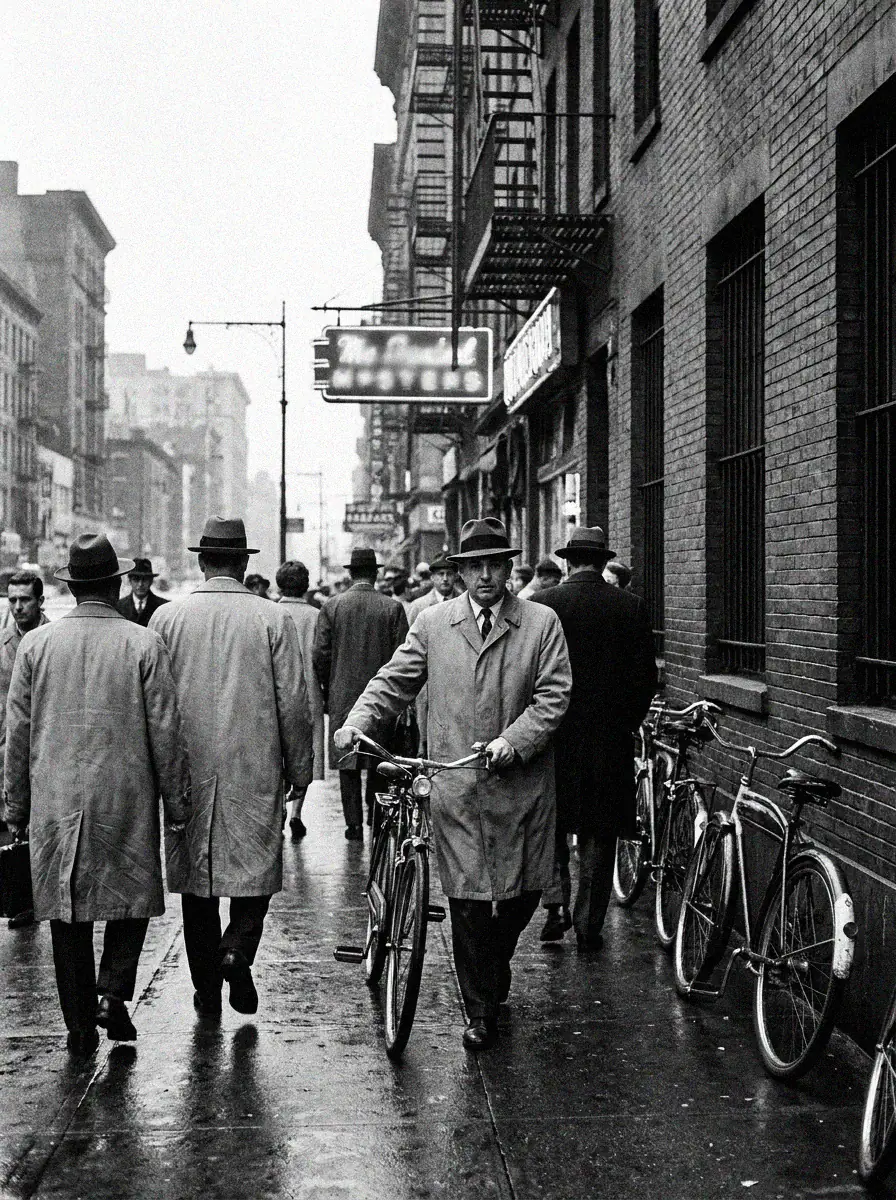
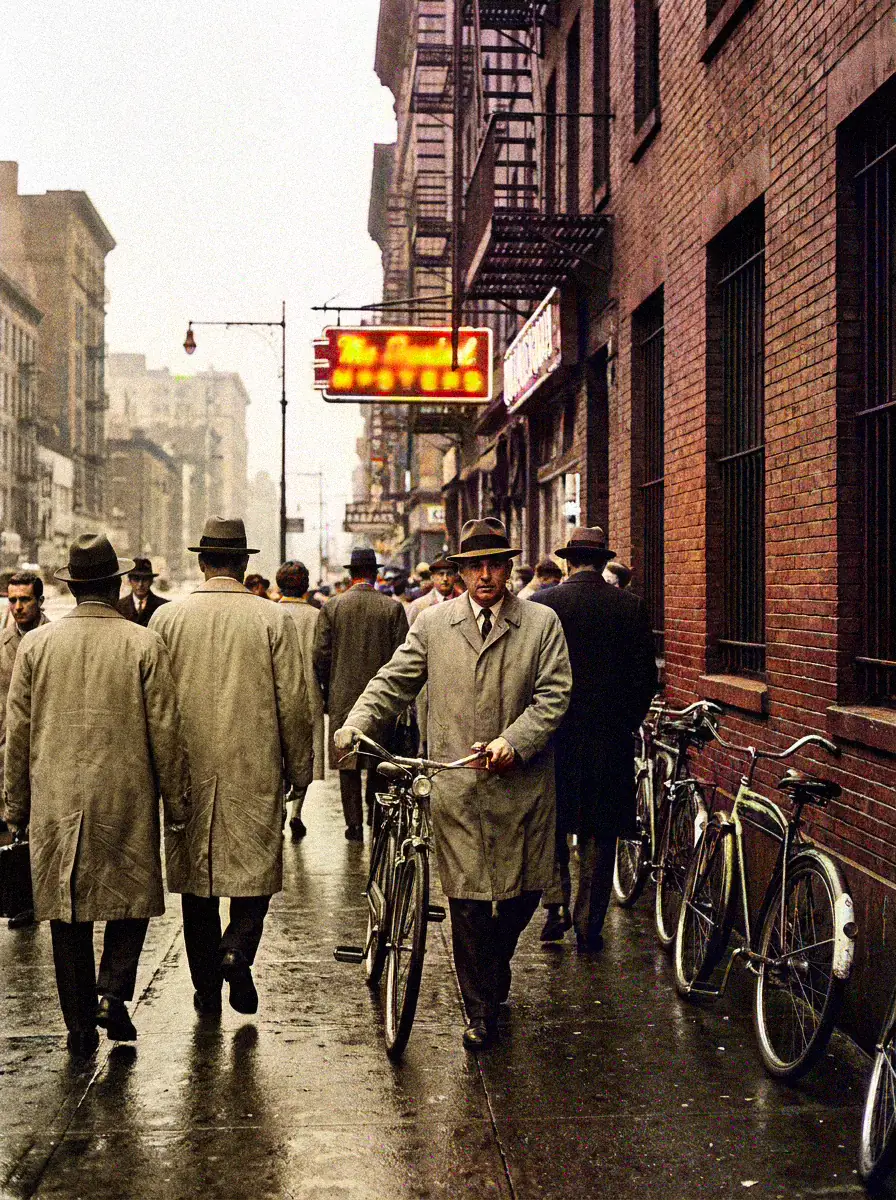
Black-and-white to color
plausible tones for clothes, skin, and scenery — color that could have been there
Common Questions About the Free AI Picture Enhancer
Everything people usually ask before their first enhance:
Yes. Our image enhancement online free service gives every visitor three free credits per day, refreshed overnight. As an AI image enhancer, general enhancement costs one credit, so up to three full enhancements per day are always free with no watermark.
No. The page runs the whole pipeline — upload, diagnosis, enhancement, comparison, download — for anyone who opens it in a browser. There is nothing to configure and nothing to join, and your photo goes from upload to download without a login wall anywhere in between.
CrispFix is a web page, not an app. Any modern browser on a phone, tablet, laptop, or desktop can upload, enhance, and download; closing the tab leaves nothing behind on your machine. If you are reading this page, you already have the whole installation.
Exact timing depends on the picture and the fixes it needs. Instead of a guess you get a live view — you watch the pass complete and the result build, so even the wait tells you something is happening.
Free enhancement downloads at standard clarity; full original-resolution export and the 4K tier unlock with credits. The enhancement itself runs the same either way — only the export size differs. The paywall sits at export size, never at finding out what the AI can do with your photo.
Most enhancements and repairs cost one credit, while deep restoration and glare removal cost two. When the day's credits are spent, you can top up with flexible credit packs starting from $2.90 for 10 credits — and the free credits refresh again the next morning either way. You can see what each action costs before you press the button, so credits never disappear by surprise.