
Photo Enlarger Free: Enhance Image Resolution with AI
Use our photo enlarger free online tool to upscale low-resolution pictures up to 4K and 8K with AI. Sharpen fine details and textures without pixelation, blur, or quality loss.
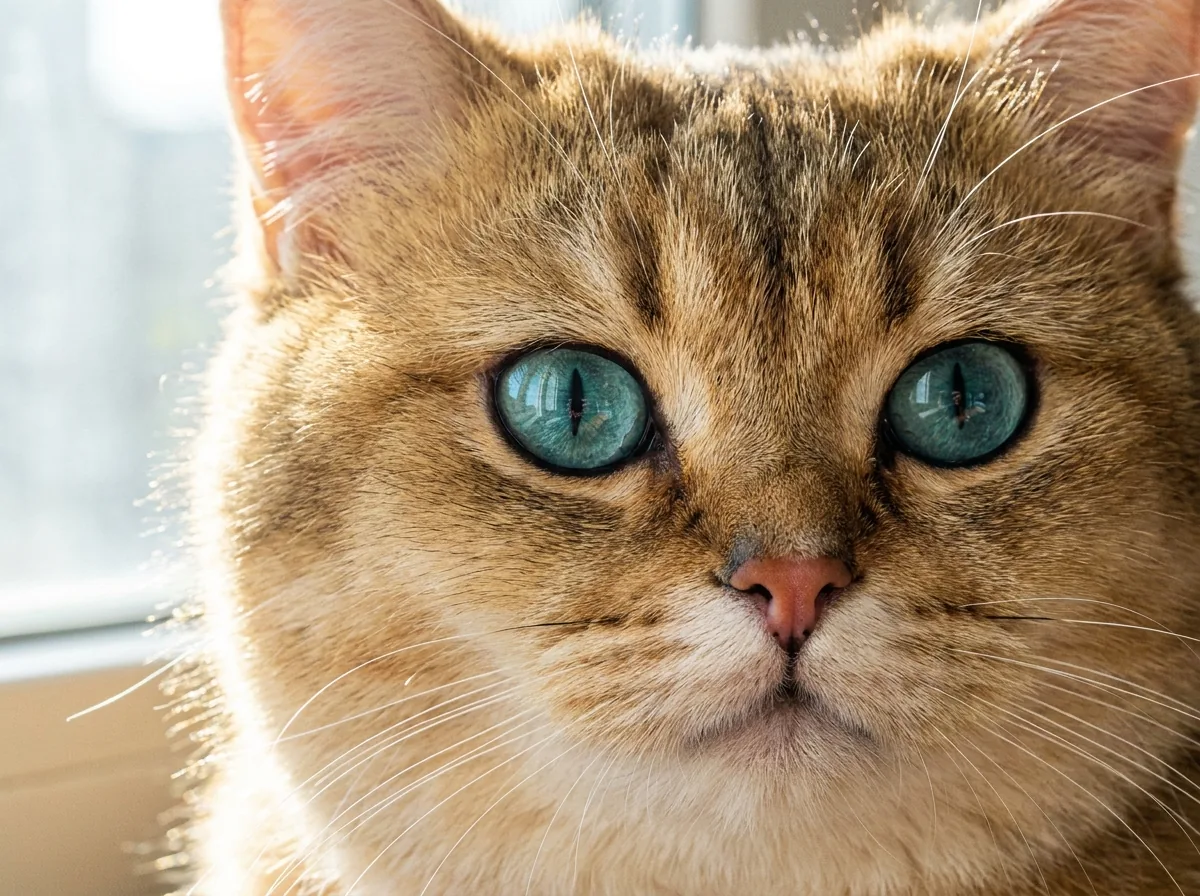
Drop a photo here or click to browse
JPG, PNG, WebP · Max 20MB
Please complete the human verification above, then start.
Neural Super-Resolution Engine · 4K/8K Texture Synthesis · Free Daily Trial · Print-Ready 300 DPI
Advanced AI Photo Enlarger and Image Upscaler Features for 4K/8K Output
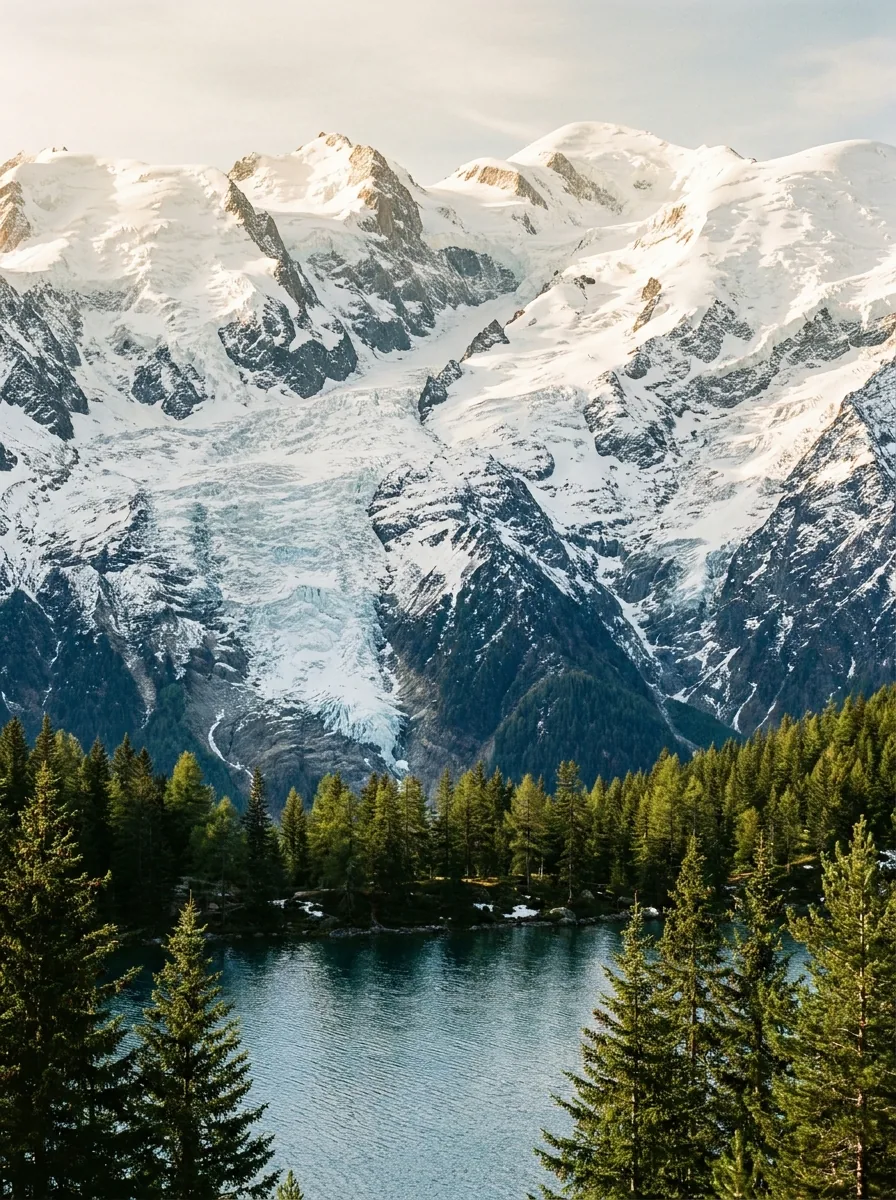
4K Ultra-HD Screen Upscaling
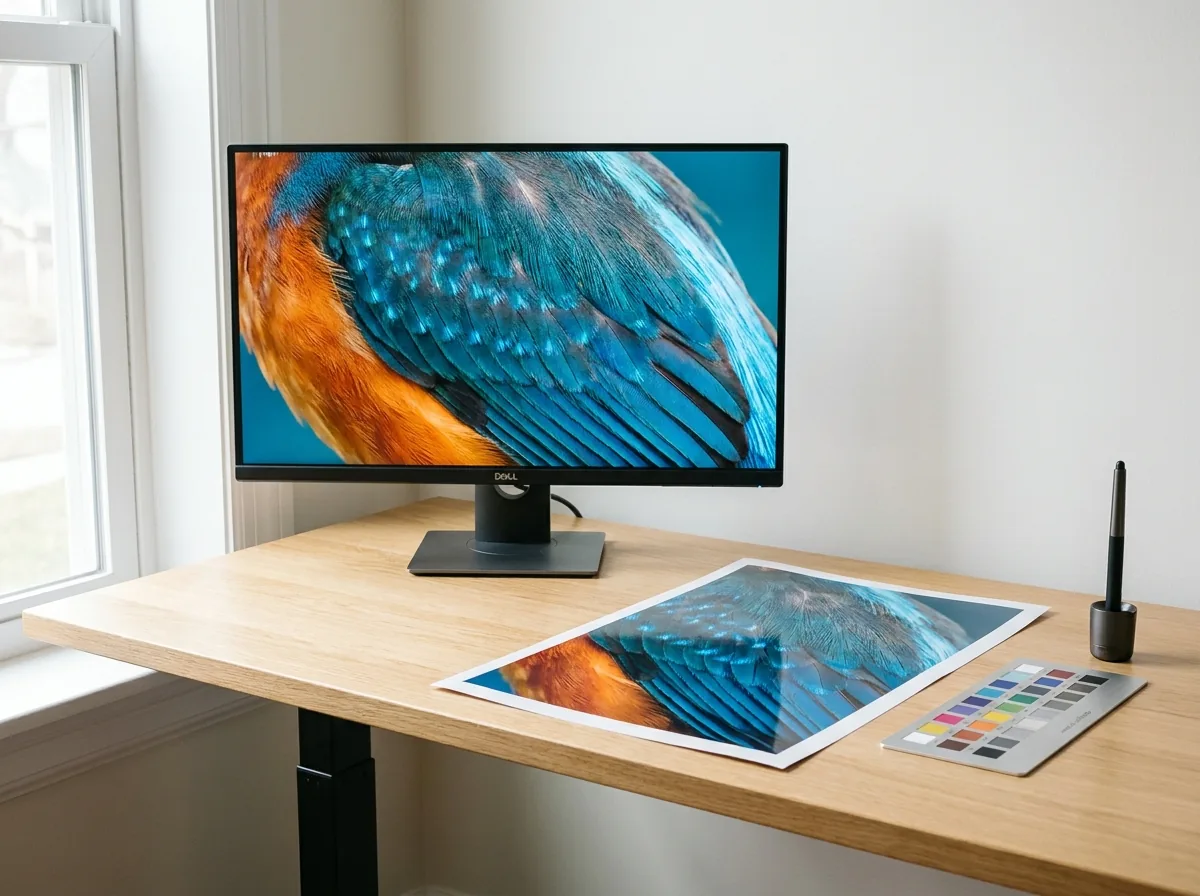
Upscale 720p and 1080p images to 4K resolution for desktop backgrounds, marketing graphics, and high-density displays, keeping lines sharp and eliminating pixelation.

8K Archival and 300 DPI Print Preparation
Upscale photos up to 8K resolution to reach the 300+ DPI detail needed for posters, art prints, exhibition banners, and print publications.
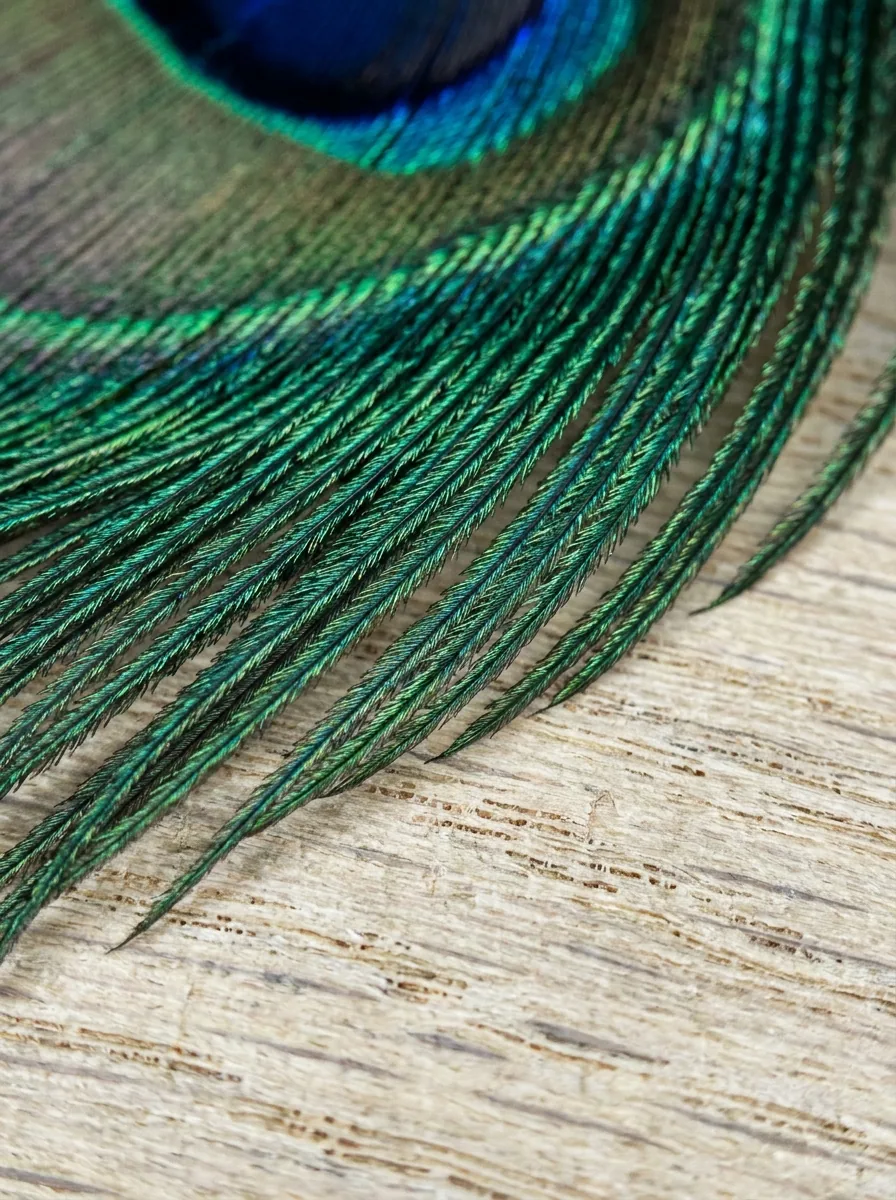
Generative Micro-Texture Synthesis
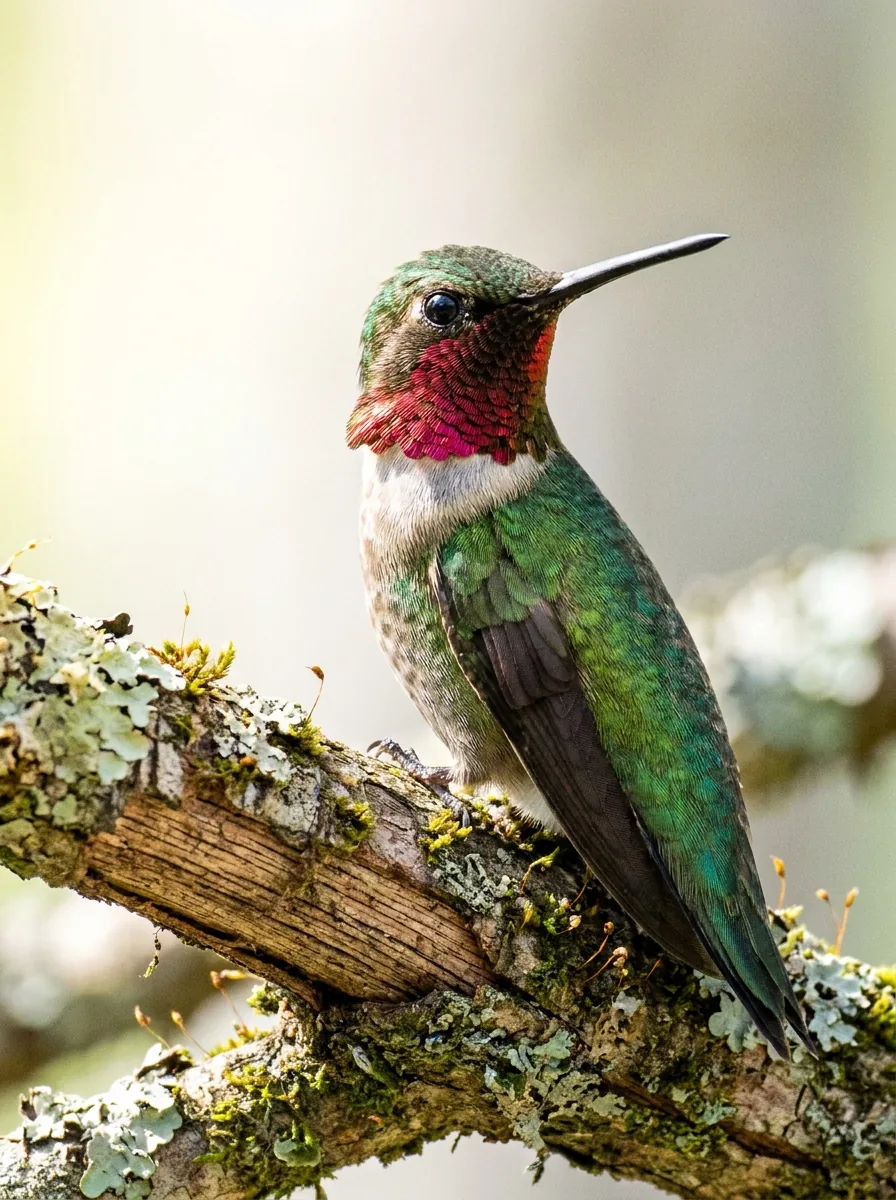
Reconstructs fine details like hair strands, fabric textures, eyelashes, and skin pores during upscaling, avoiding the blurry patches common in traditional resizing.
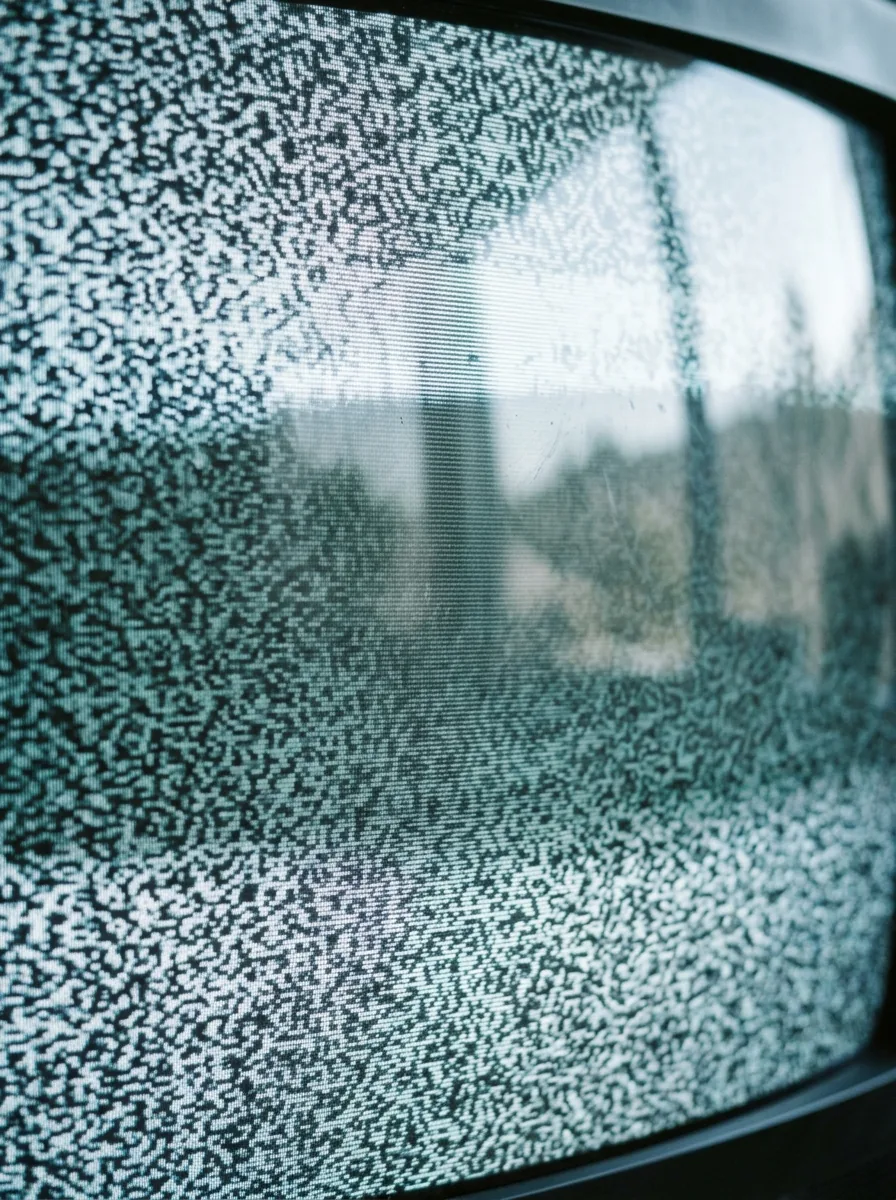
JPEG Artifact and Noise Elimination
Automatically removes blocky compression artifacts, banding, and noise during enlargement, keeping lines clean and preserving subtle shadow details.
More Free Photo Enhancer Tools

repair scratches, stains, fading, and creases
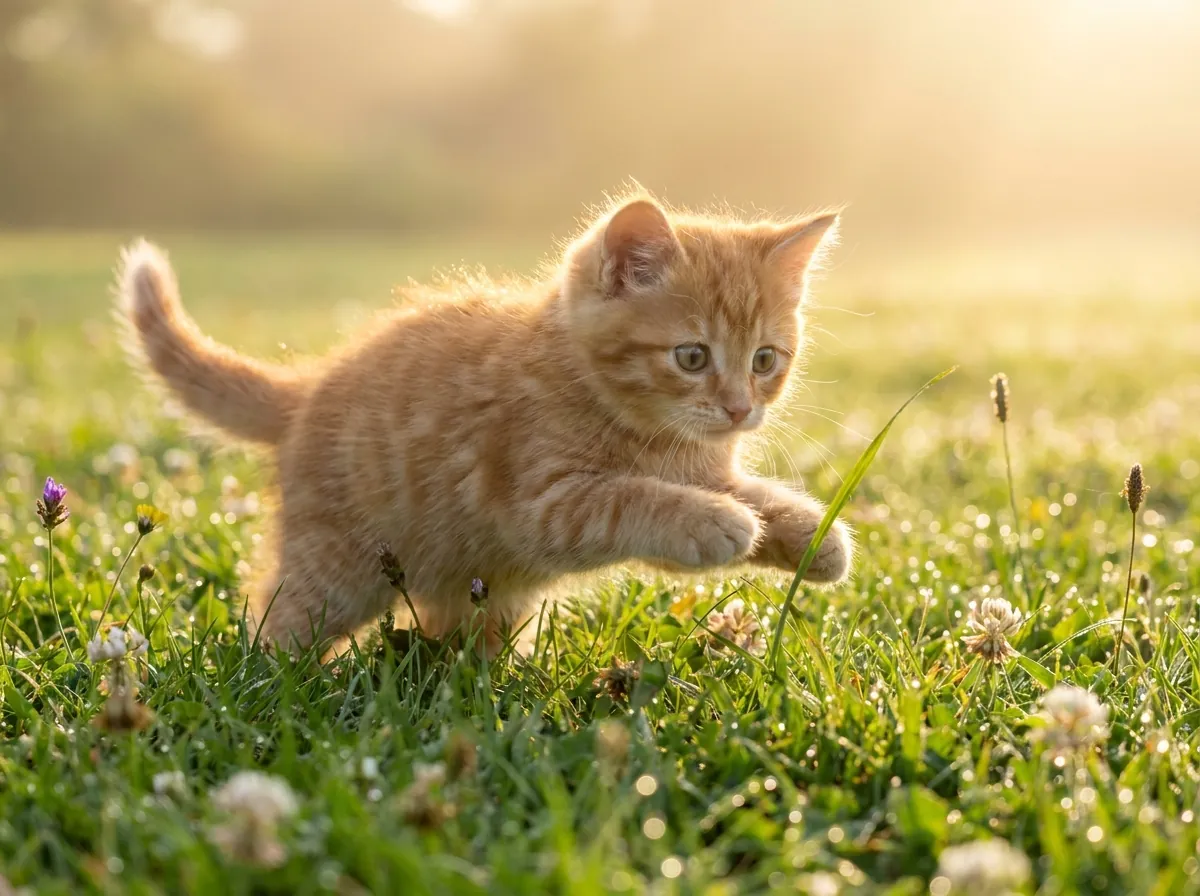
plausible color for black-and-white and faded pictures
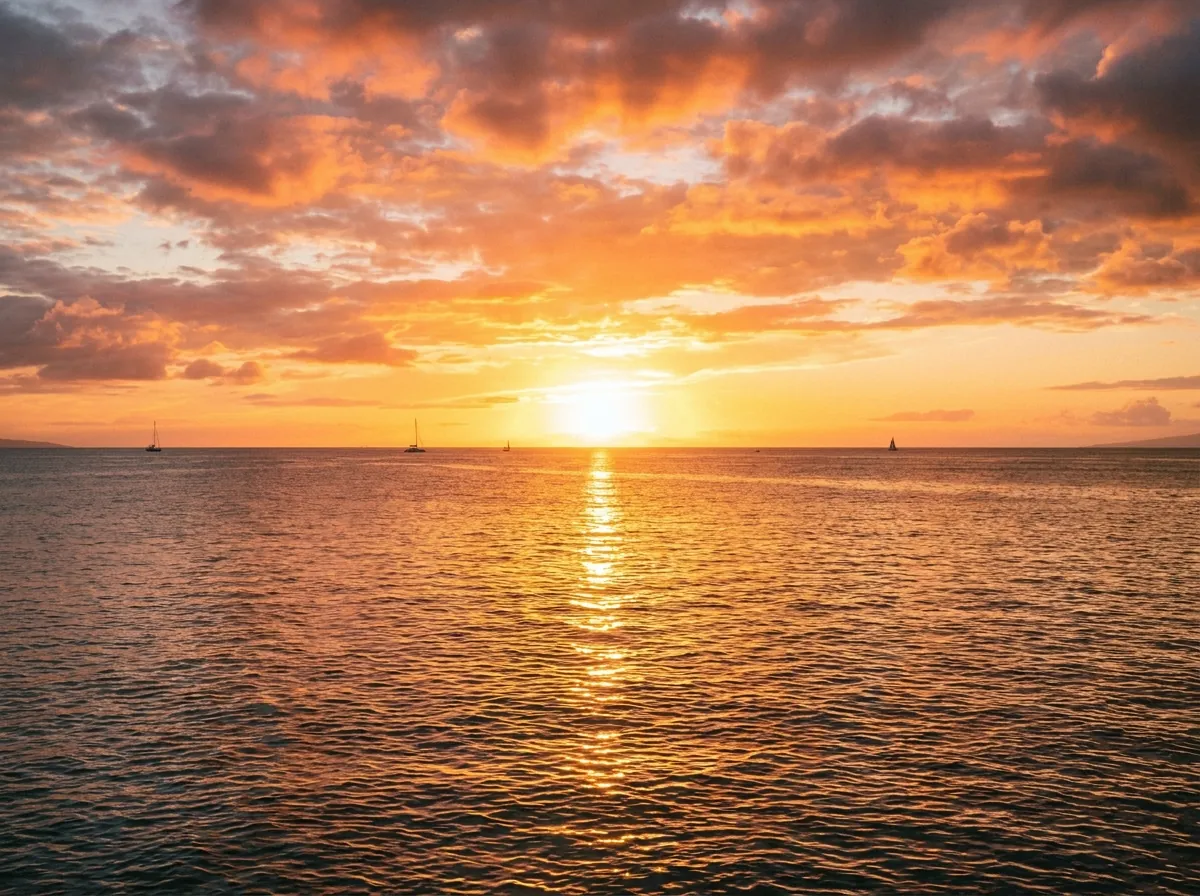
enlarge up to 4K, edges stay defined and clean

clear reflections off eyeglass lenses in portraits

erase window, water, glass, and flash glare

monochrome conversion, free and unlimited
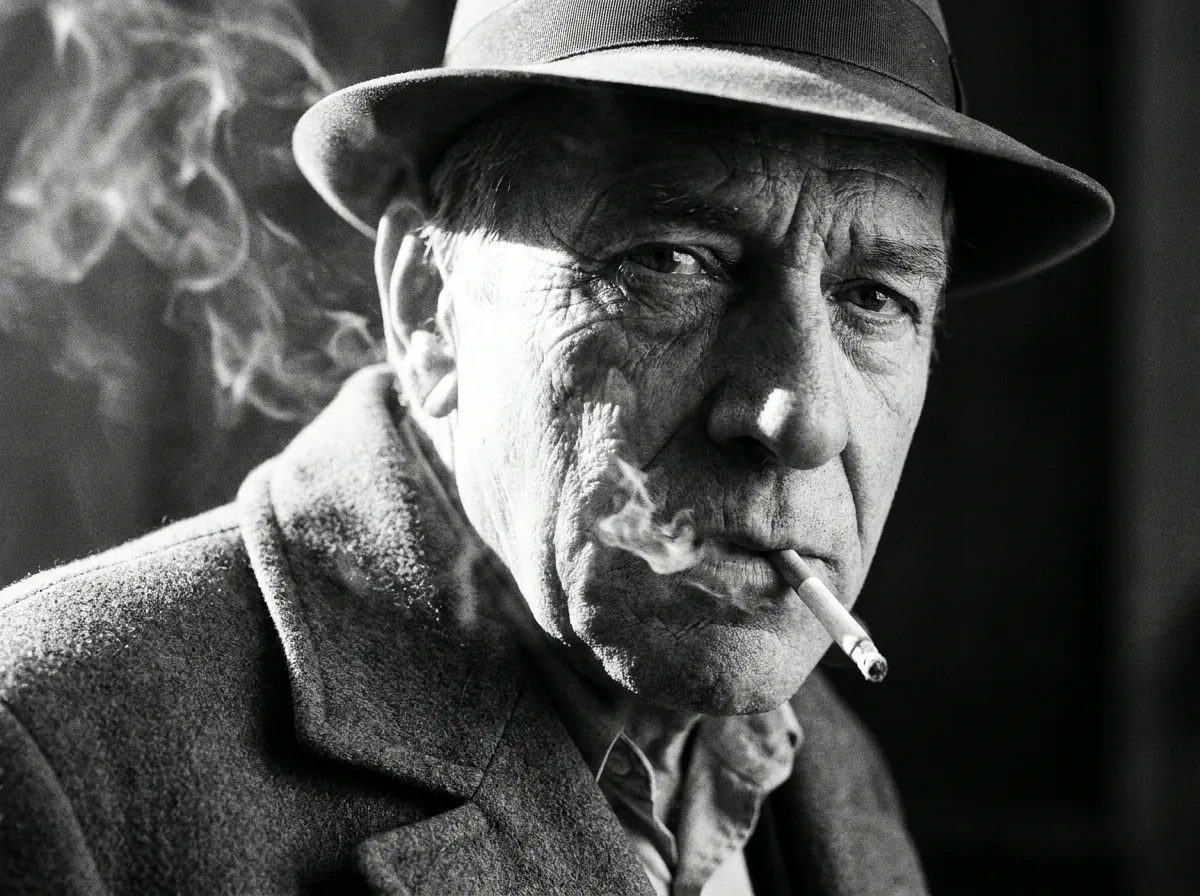
sharp 1-bit output for printing and stencils
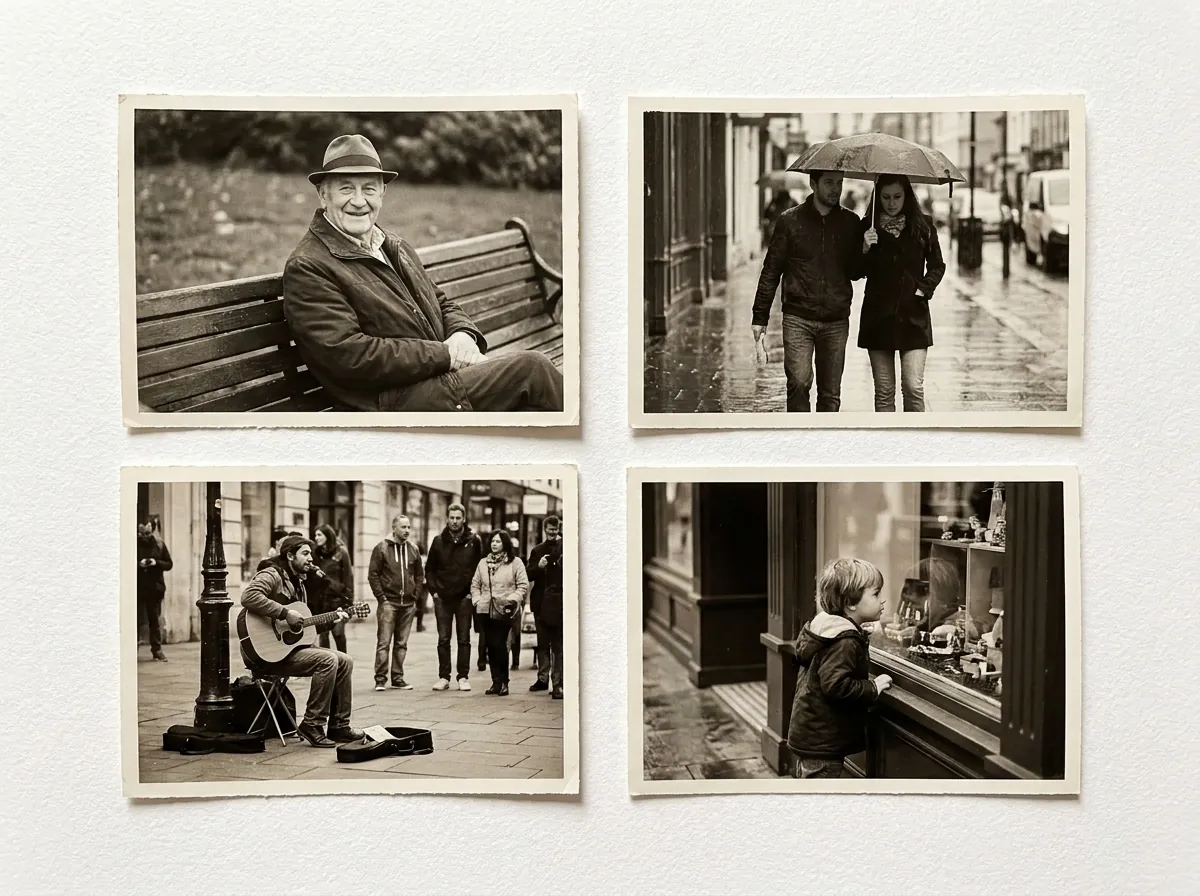
convert whole folders of photos to B&W at once
How to Upscale Images to 4K & 8K in 3 Simple Steps
Enlarge small graphics and low-resolution pictures in seconds using our automated photo enlarger free online tool.
Drag and drop your picture into the secure upload area. The system accepts high-quality JPG, PNG, and WebP image files directly from your desktop computer, tablet, or mobile phone without requiring registration or software downloads.
Select your target enlargement factor (2x, 4x, or 8x) and let our photo enlarger free engine synthesize fine high-frequency details without requiring manual parameter tuning, complex masking, or filtering adjustments.
Inspect the crystal-clear edge sharpness using the interactive before-and-after split slider and download your 4K or 8K file with zero compression loss, rich textures, and no watermarks.
No size distortion · Hardware-accelerated neural tensor processing for fast turnaround.
Generative Super-Resolution vs Traditional Interpolation: Why Bicubic Resizing Blurs While AI Synthesizes Textures
Standard photo resizing methods like Bilinear or Bicubic interpolation simply average pixel values to fill space. When enlarging low-resolution images, this leaves edges blurry, surfaces pixelated, and fine details lost.
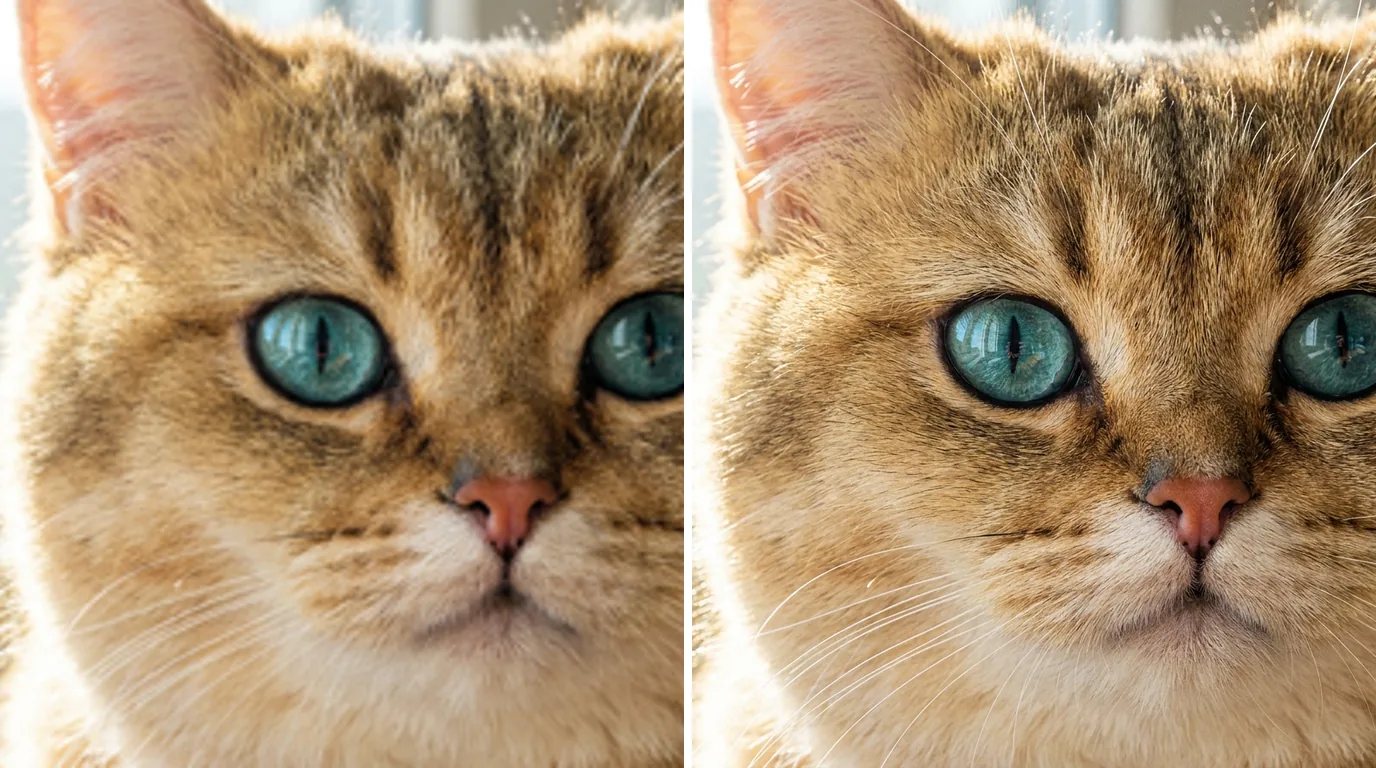
CrispFix uses an AI super-resolution model trained on high-resolution photography to reconstruct clear details during enlargement: ``` Super-Resolution Process: [Low-Resolution Input] -> Cleans up compression artifacts and noise [Pattern Recognition] -> Detects edges, shapes, and textures [Detail Reconstruction] -> Generates sharp 4K and 8K details ```
When you enlarge photos with CrispFix, the model reconstructs missing details instead of just stretching pixels: 1. **Sharp Edges and Text**: Identifies lines, text, and geometric shapes, sharpening boundaries and removing jagged edges. 2. **Natural Textures**: Reconstructs realistic details on surfaces like hair, fur, skin, fabric, and foliage. 3. **Perceptual Contrast**: Balances contrast and depth so the enlarged image looks crisp and natural rather than over-sharpened. 4. **Noise and Artifact Cleanup**: Cleans up sensor noise and JPEG compression blocks during upscaling for smooth gradients. 5. **Full-Image Consistency**: Balances overall composition while refining fine details across the frame. 6. **Clean Silhouettes**: Keeps building lines, typography, and product silhouettes sharp and well-defined. This produces sharp, clear enlargements suitable for high-resolution screens and physical prints.
Ultra-HD Upscaling Results Across 4 Professional Use Cases
Review how our photo enlarger free engine delivers outstanding clarity and realistic texture across demanding photographic and design applications:
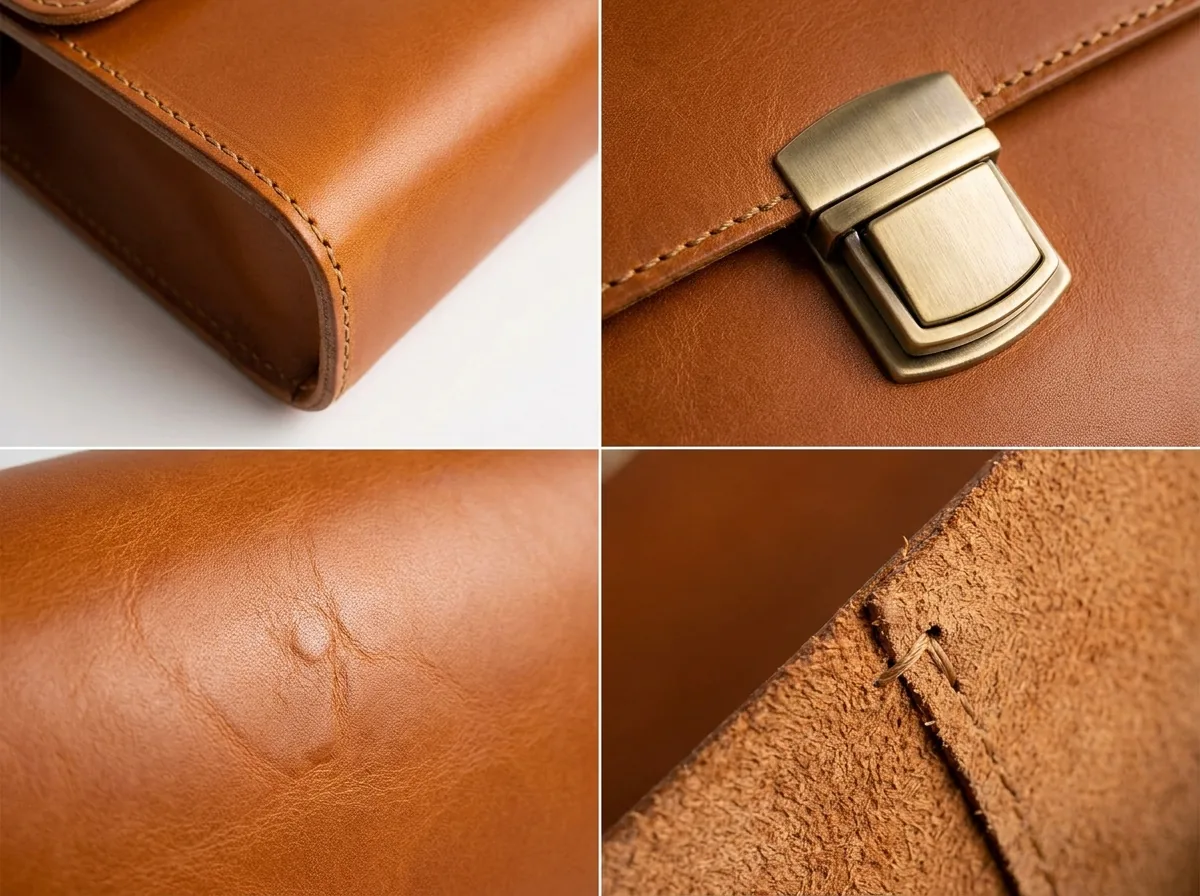
E-Commerce and Product Imagery
Use our photo enlarger free tool to upscale small catalog thumbnails into high-resolution zoomable product images, showcasing crisp fabric textures, fine stitching, embossed branding, and detailed product labels for online shoppers and retail platforms to boost customer confidence and checkout conversions significantly.


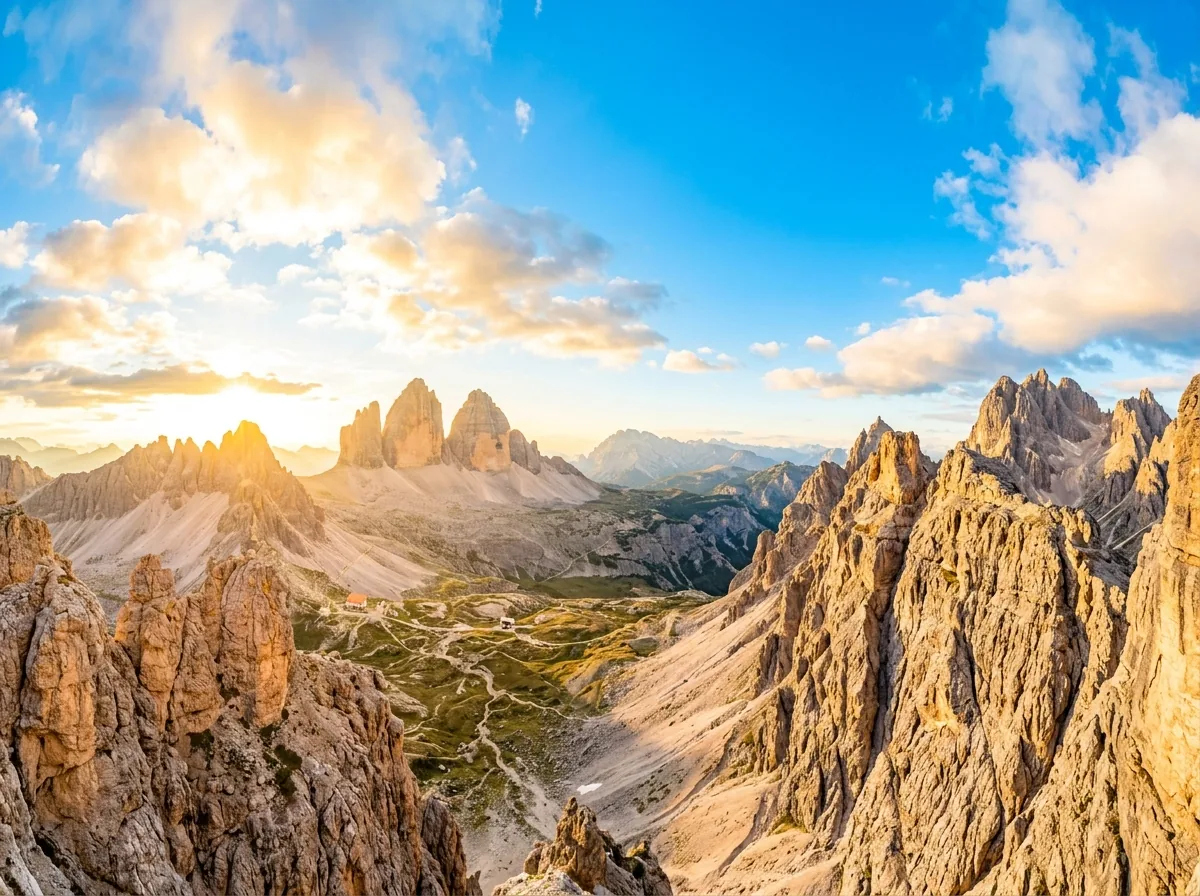
Large-Format Poster and Canvas Printing
Magnify low-resolution landscape and family photos up to 8K dimensions, achieving crisp 300 DPI physical prints for home wall art, gallery exhibitions, retail store displays, and commercial trade show banners without pixel blur, compression softness, or digital grain across wide viewing distances.
Digital Art and Anime Illustration
Use our photo enlarger free system to upscale anime sketches, digital paintings, and concept art without introducing color bleeding, jagged stair-stepping, or muddy artifacts along clean line work and detailed background scenery.


Vintage Photo Enhancement / Graphic Design and Typography Assets
Breathe new life into low-resolution digital scans of antique photographs, unblurring faces, clarifying background details, and restoring crisp hair and clothing textures for digital archives, genealogy portfolios, and family history projects with natural fidelity. Sharpen small raster logos, icons, badges, and typography graphics into crisp, high-resolution assets for modern retina screens, mobile apps, and vector trace preparation without edge blurring.
How to Enhance Image Quality: 4-Step Practical Guide
Discover how to enhance image quality by removing compression blur, reconstructing micro-textures, and upscaling to 4K or 8K with modern neural networks.
Key Takeaways: How to Enhance Image Quality Rapidly
To enhance image quality effectively, simple pixel interpolation (bicubic or bilinear stretching) is insufficient because it averages neighboring pixels and causes severe blur. Modern neural super-resolution analyzes underlying image semantics, synthesizes authentic high-frequency details (such as facial features, fine textures, and crisp typographic edges), eliminates blocky JPEG compression artifacts, and restores lost dynamic contrast.
Increases raw pixel dimensions while boosting edge micro-contrast and line definition.
Removes 8x8 JPEG matrix distortions, mosquito noise, and sensor grain cleanly.
Outputs 4K UHD for sharp web display or 8K 300 DPI for high-end commercial prints.
Step-by-Step Workflow to Enhance Photos
4 Actionable StepsIdentify Degradation Type
Inspect your source image to pinpoint the primary defect: low spatial pixel count, heavy JPEG compression artifacts, motion softness, or optical sensor noise. Identifying the root issue helps you pick the right magnification level and preservation mode.
Select Target Output Scale
Choose the target resolution required for your end application: select 2x / 4x (4K UHD) for website media, digital avatars, and eCommerce listings, or 8x (8K Super-Resolution) to achieve 300+ DPI required for physical poster printing.
Run Neural Super-Resolution
Upload your picture to the neural processing model to enhance image quality automatically. The deep learning network separates noise from structure, synthesizes missing micro-textures (hair, pores, textile weaves), and sharpens contours without unnatural pixel haloing.
Compare & Download HD Asset
Examine critical focal points—such as eyes, typography, and high-frequency textures—using side-by-side comparison. Once verified for sharpness and color fidelity, download your enhanced high-resolution image with zero compression degradation.
Start Enhancing Your Photos Online
Upload any low-resolution or blurry picture above and upgrade it to 4K / 8K instantly.
Frequently Asked Questions About AI Image Upscaling & Resolution
Get clear answers about AI super-resolution, magnification scales, 300 DPI print preparation, free daily credits, and data security.
Upload your picture to our photo upscale free tool, choose 2x, 4x, or 8x magnification, and download your high-resolution file. Users get 3 free credits daily to experience our AI image upscaler with zero watermarks.
Traditional resizing uses mathematical interpolation that simply stretches existing pixels, causing blurry images and jagged edges. Our AI super-resolution network actively analyzes the image and synthesizes realistic micro-textures, sharp contours, and lifelike clarity based on deep neural priors, edge guidance, and learned visual textures.
No, our deep-learning model is specifically designed to eliminate pixelation and blur. It reconstructs sharp high-frequency edges and natural textures, ensuring your enlarged image looks remarkably crisp, sharp, vibrant, and detailed even on large 4K and 8K displays or physical prints across diverse real-world viewing distances.
We support standard JPG, PNG, and WebP image formats. You can upload photos up to 20MB in file size and upscale pictures up to 8K resolution (approximately 8192x8192 pixels) for high-end digital marketing and large physical print production without format conversion, compression loss, or data degradation.
Yes, all uploads are protected via end-to-end SSL encryption. Your image is processed only to generate your result and isn't stored afterward. It's never shared publicly, sold to third parties, or used for AI model training under any circumstances.
To achieve crisp print quality, use our photo enlarger free tool with the 4x or 8x scaling preset to increase the total pixel count. This provides the dense pixel density required for physical 300 DPI canvas, poster, fine art, and photo book printing without softness, blur, or visible pixelation.