
Colorize Photo Online Free with AI
Colorize photo online free with AI to turn black and white pictures into vibrant color. Add realistic skin tones and natural colors to old portraits and family photos.
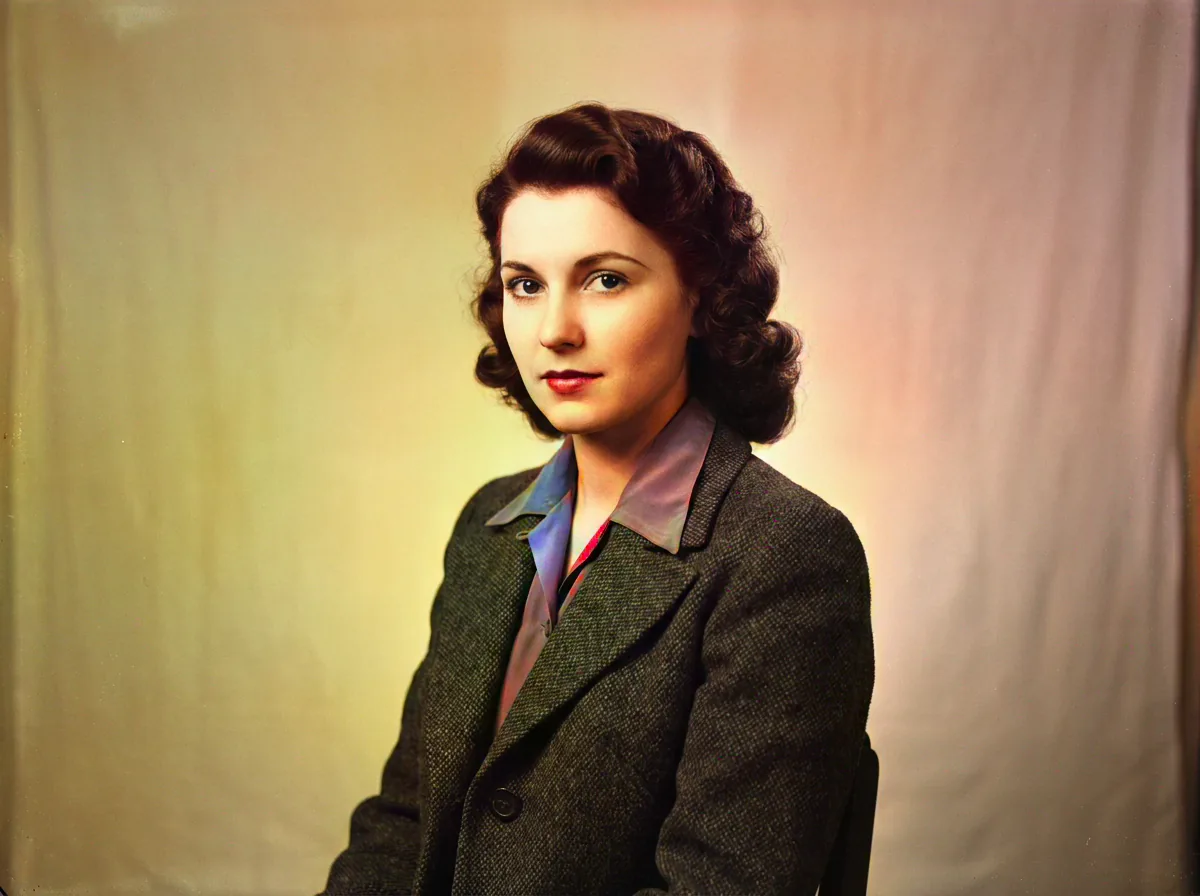
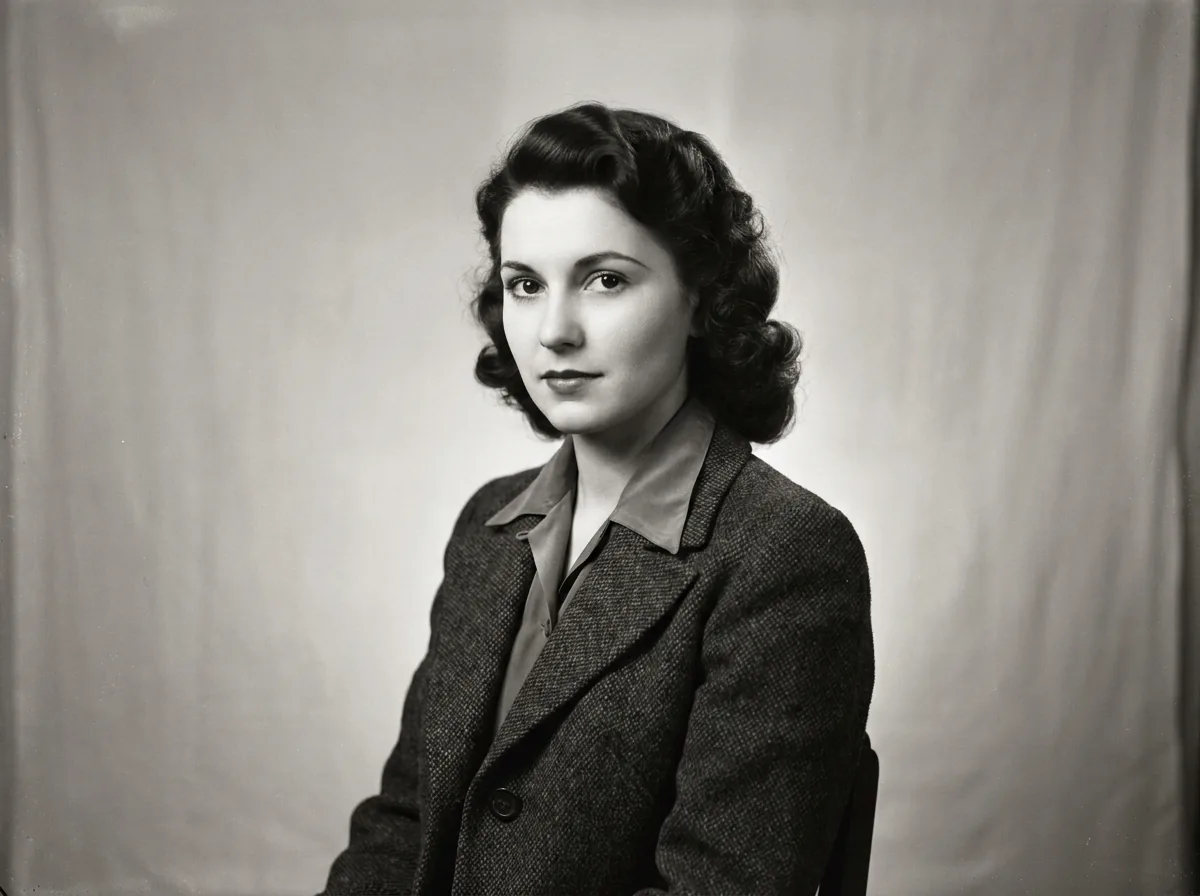
Drop a photo here or click to browse
JPG, PNG, WebP · Max 20MB
Please complete the human verification above, then start.
DDColor Attention Engine · Historical Palette Accuracy · Free Daily Trial · Instant HD Export
Context-Aware AI Photo Colorizing & Colorize Images Across 4 Subjects
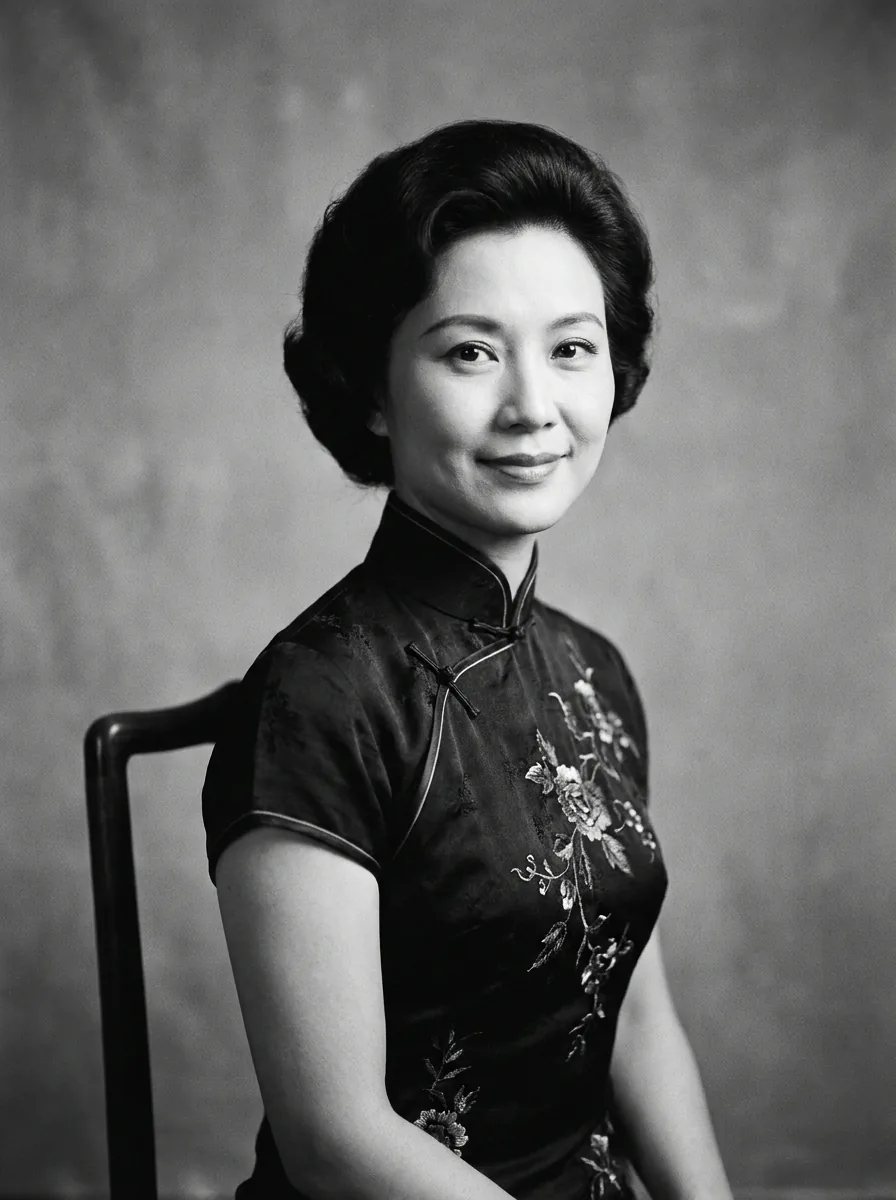
Colorize Photos with Lifelike Human Skin Tones
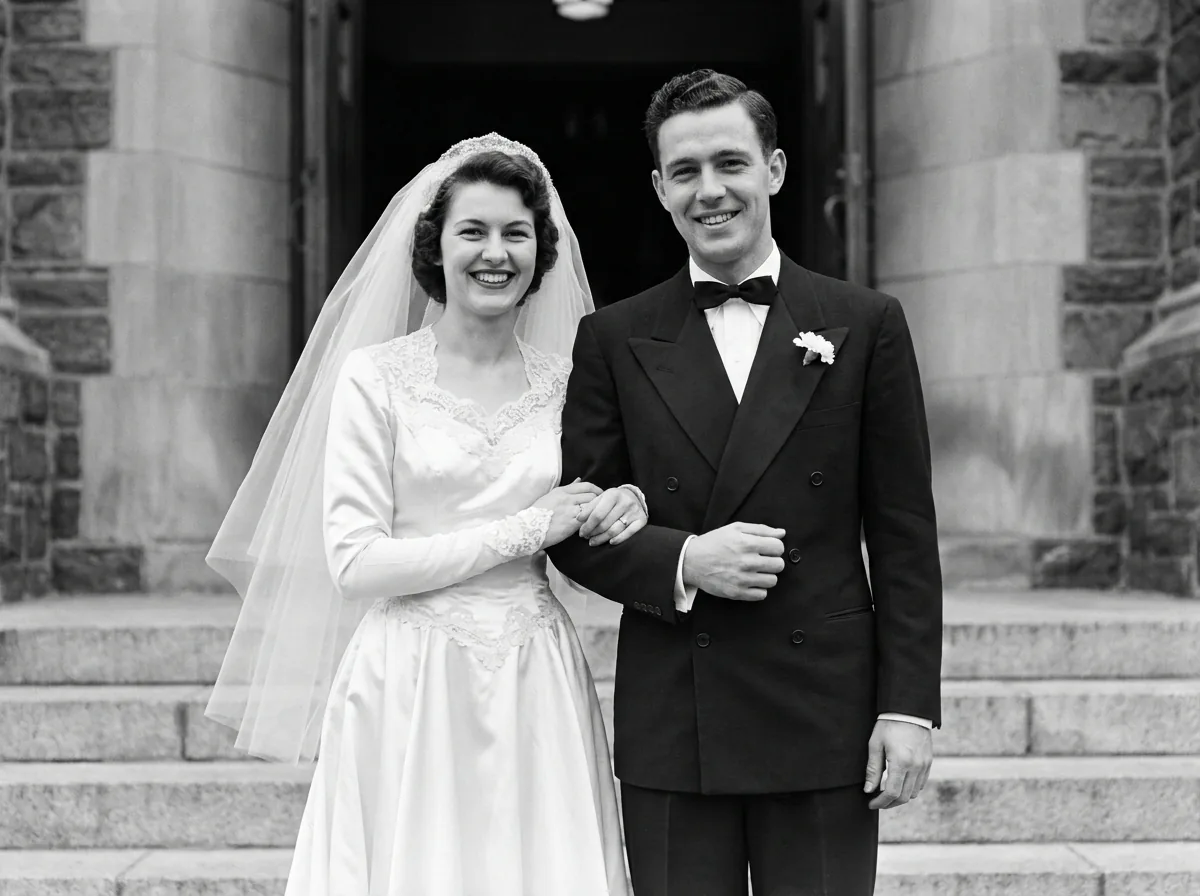
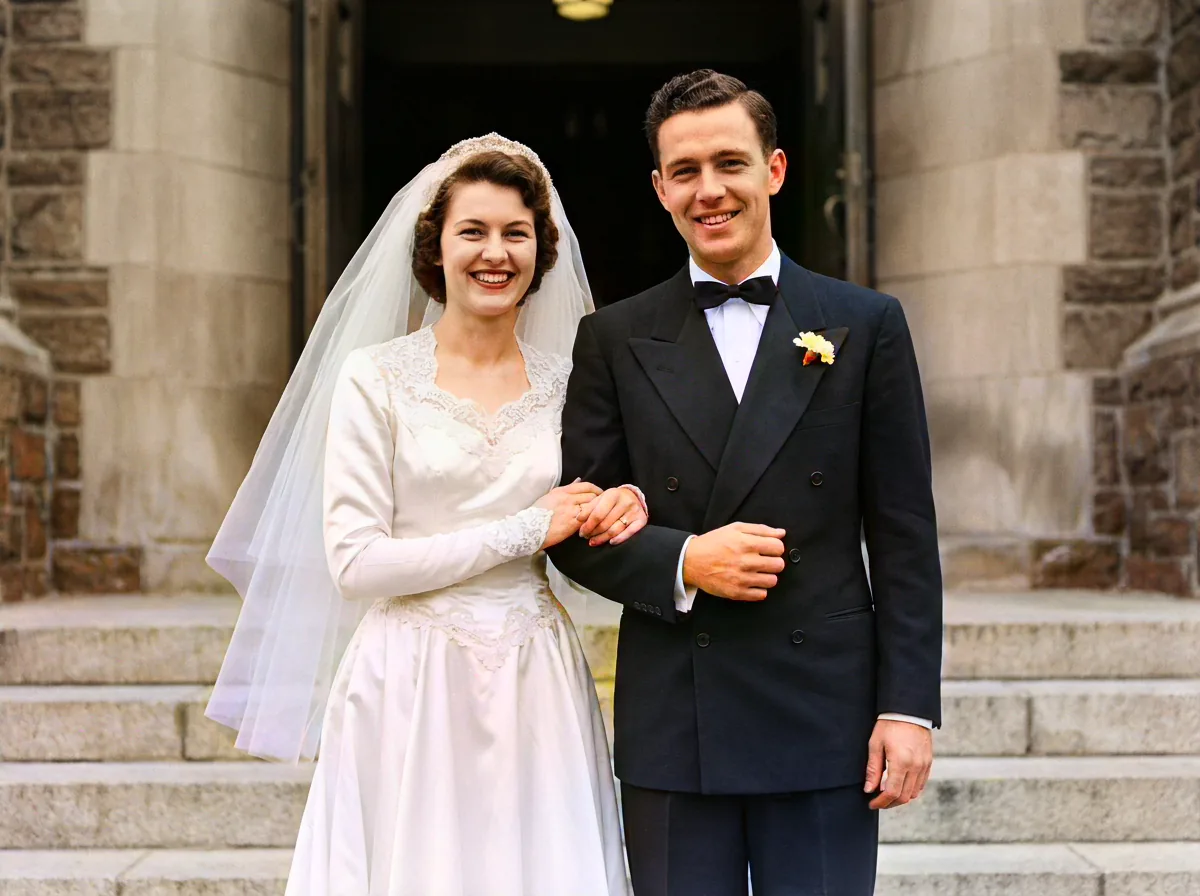
Restores natural skin undertones, lip color, and facial warmth across different ethnicities and lighting conditions, avoiding orange tinting or plastic-looking color washes.
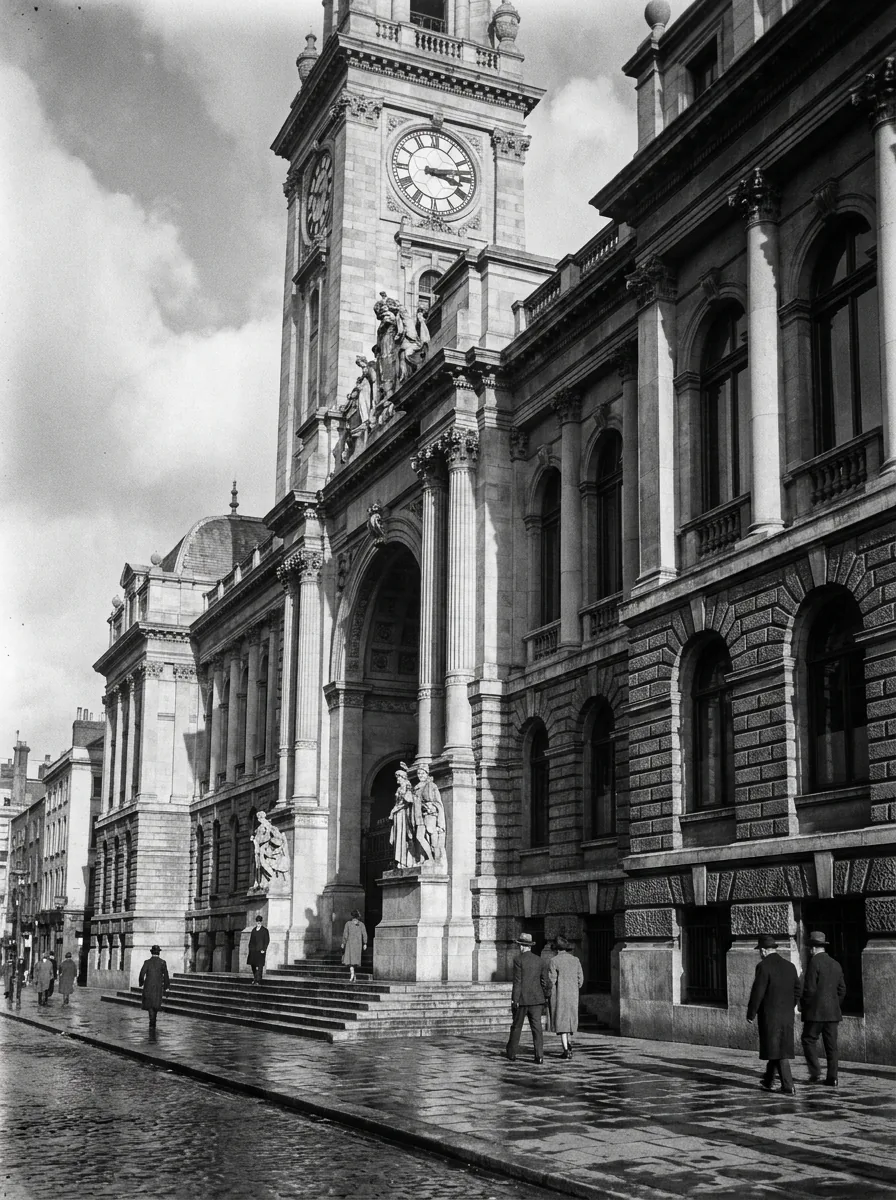
Architectural and Streetscape Tones
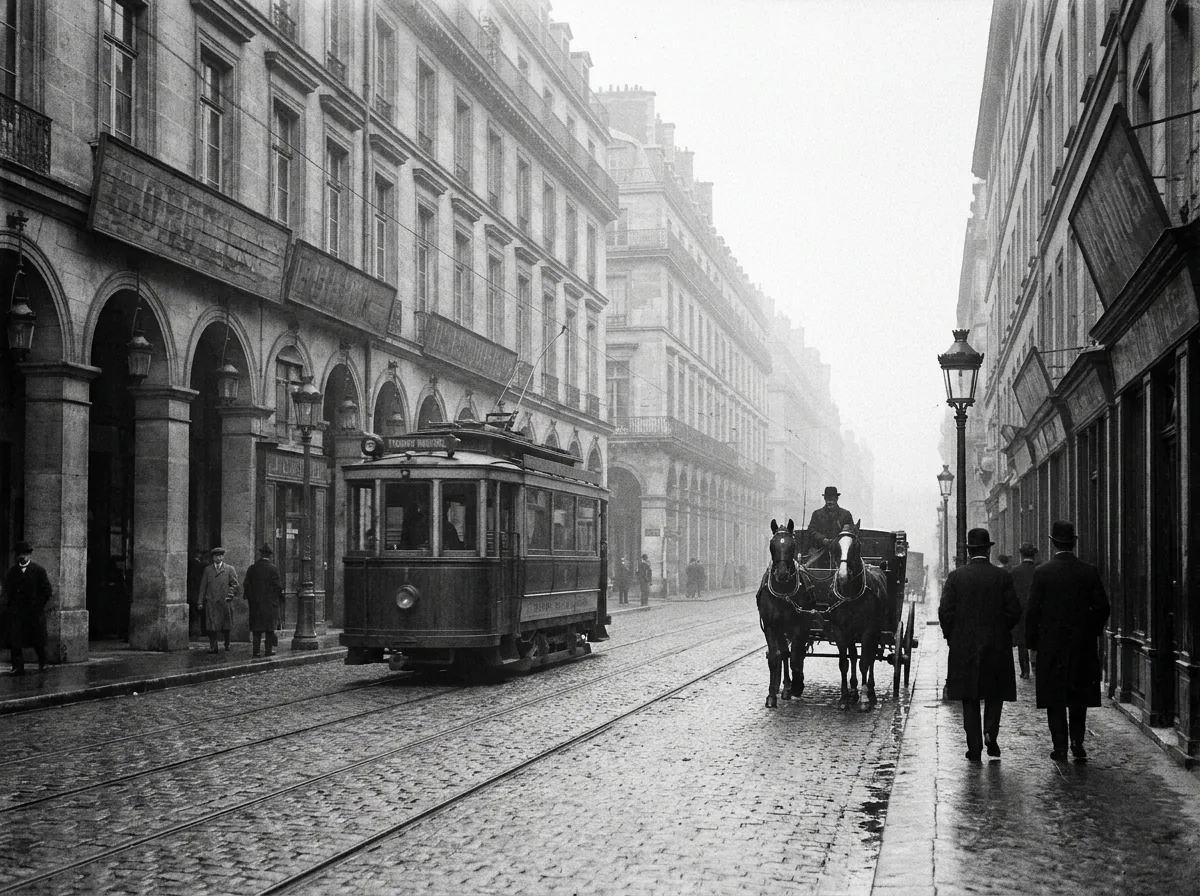
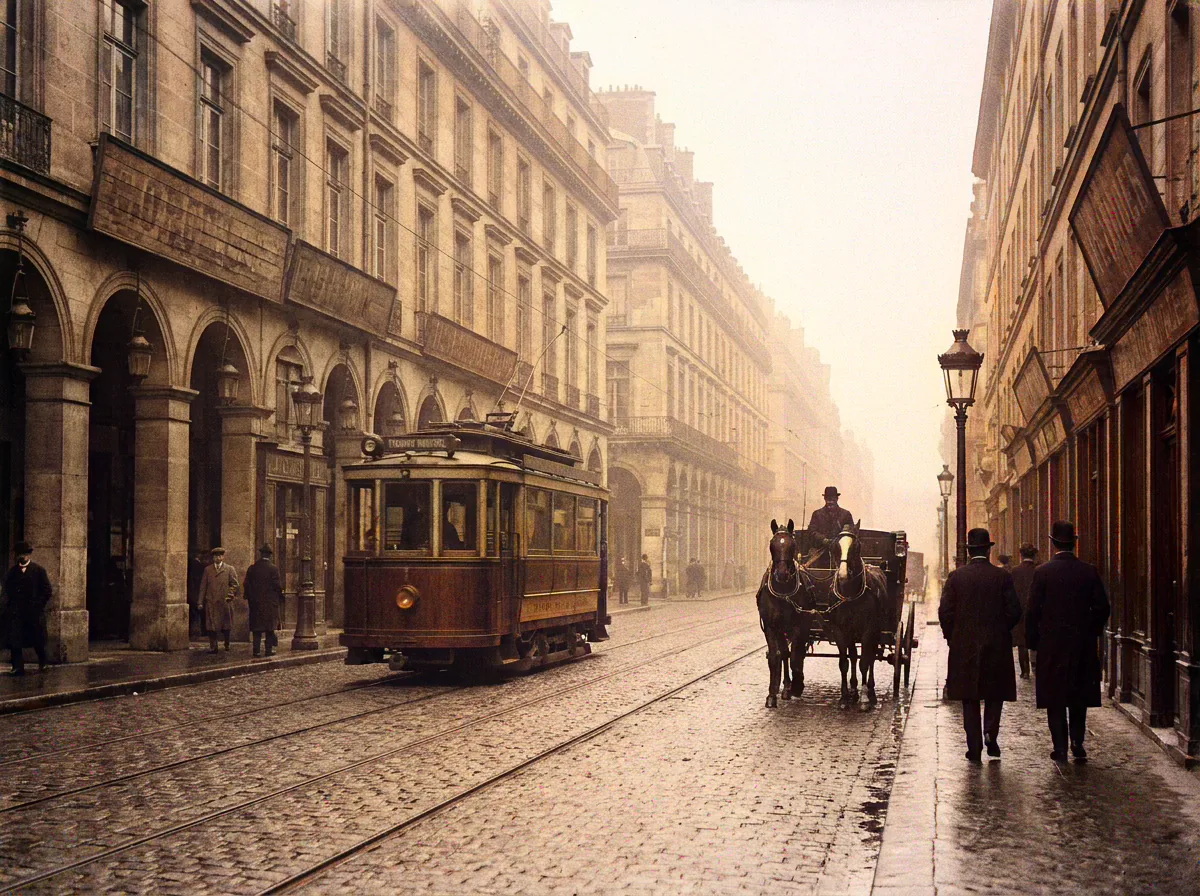
Accurately colorize photo scenes featuring historic brick facades, cobblestone streets, antique automobiles, and vintage storefront signage based on period-accurate architectural pigments, weathered stonework, and archival documentation.
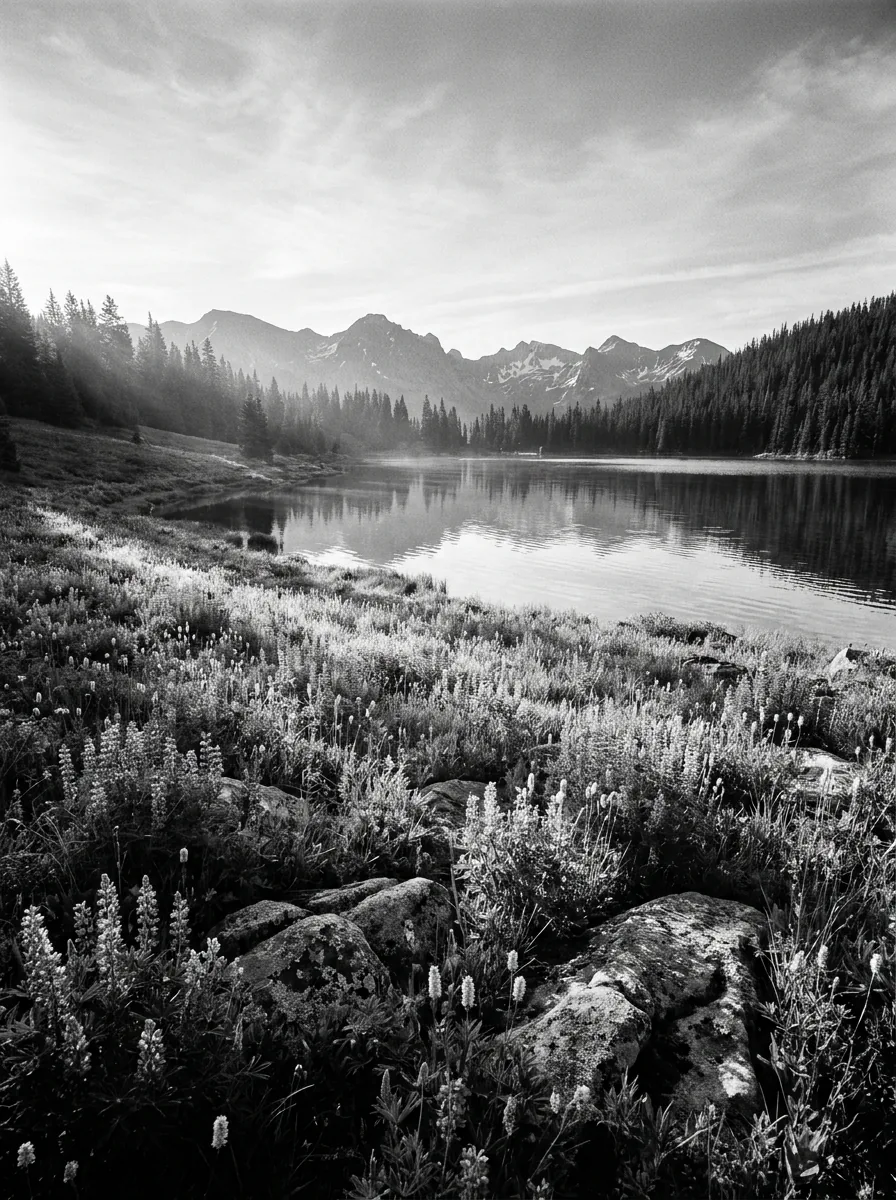
Natural Landscape and Foliage Harmony
Recreate lush green foliage, realistic sky gradients, earthy soil textures, and shimmering water reflections with organic environmental color balance and dynamic range across nature photography.
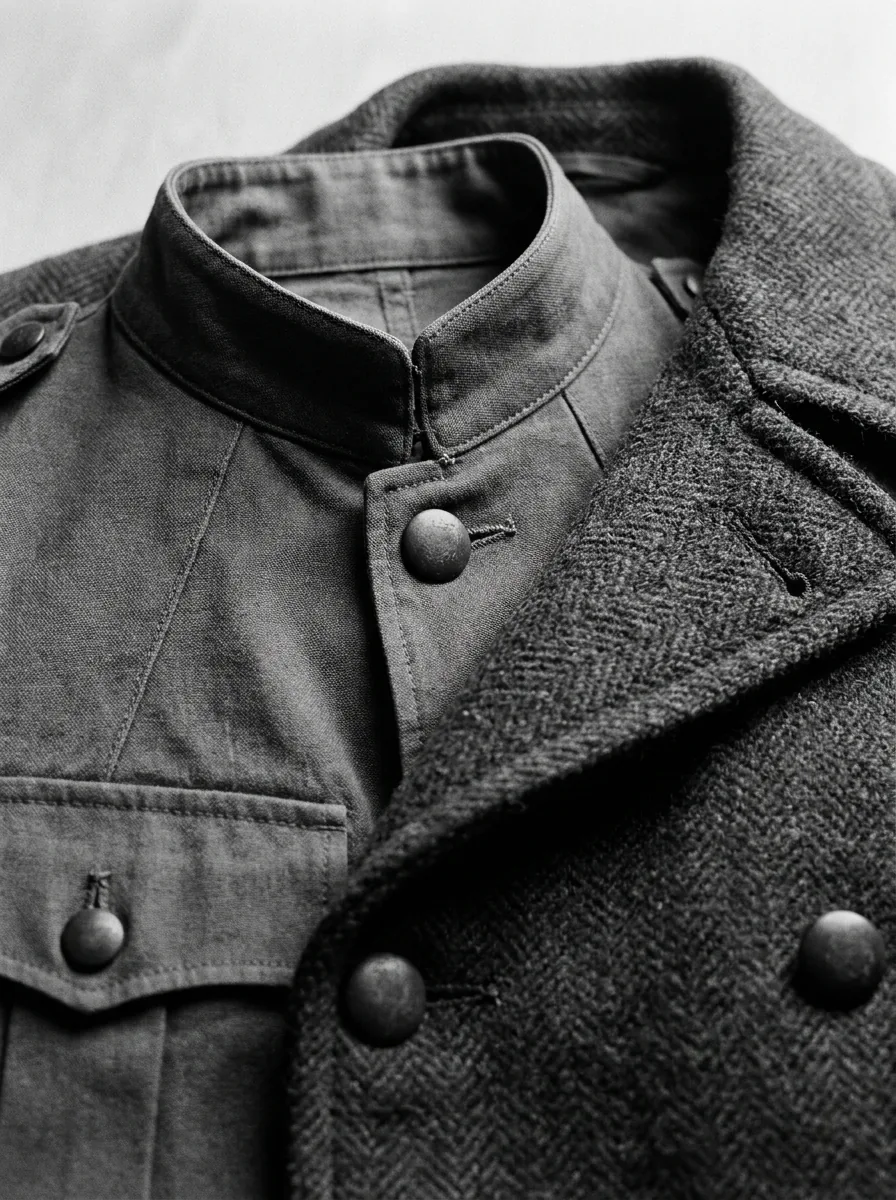
Historical Textile and Uniform Accuracy
Applies realistic colors to military uniforms, coats, dresses, and vintage hats matching historical fabric dyes and period color palettes.
More Free Photo Enhancer Tools
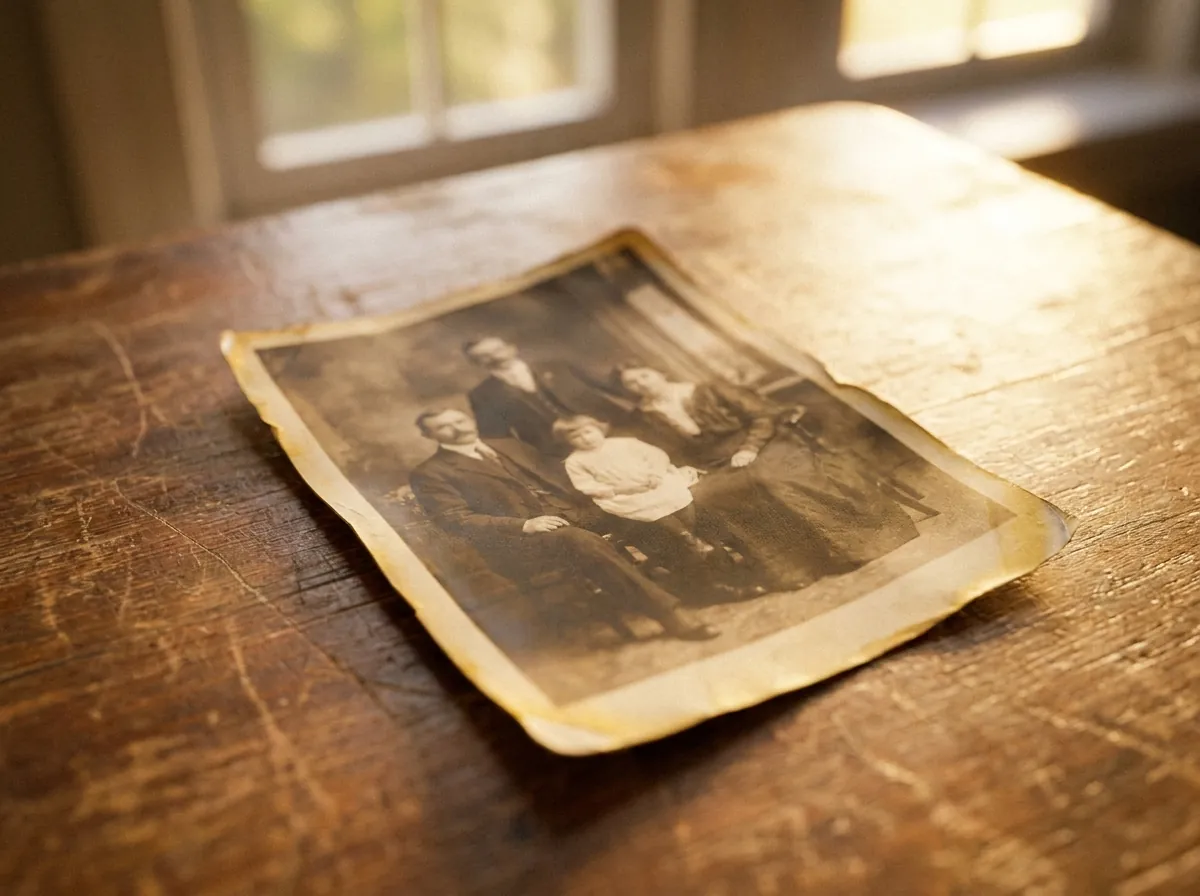
repair scratches, stains, fading, and creases
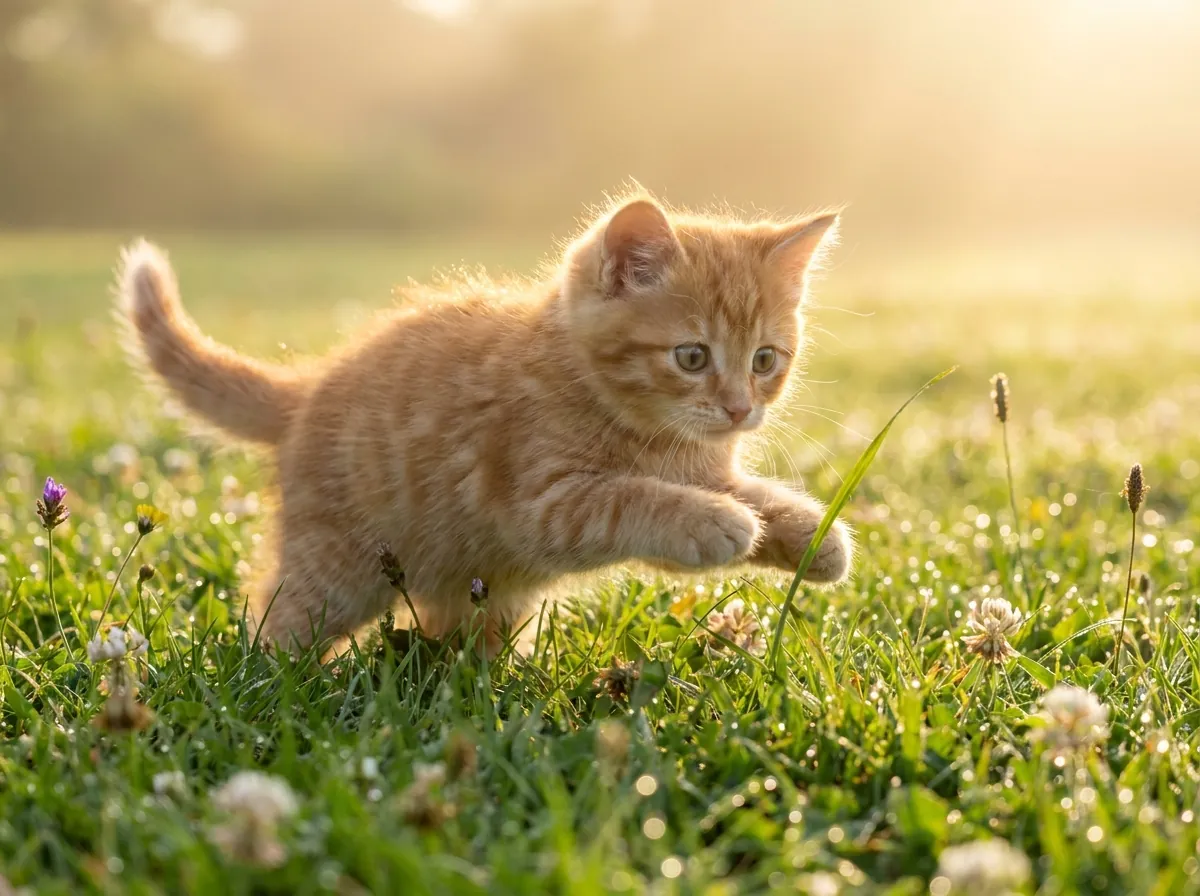
plausible color for black-and-white and faded pictures
enlarge up to 4K, edges stay defined and clean

clear reflections off eyeglass lenses in portraits
erase window, water, glass, and flash glare
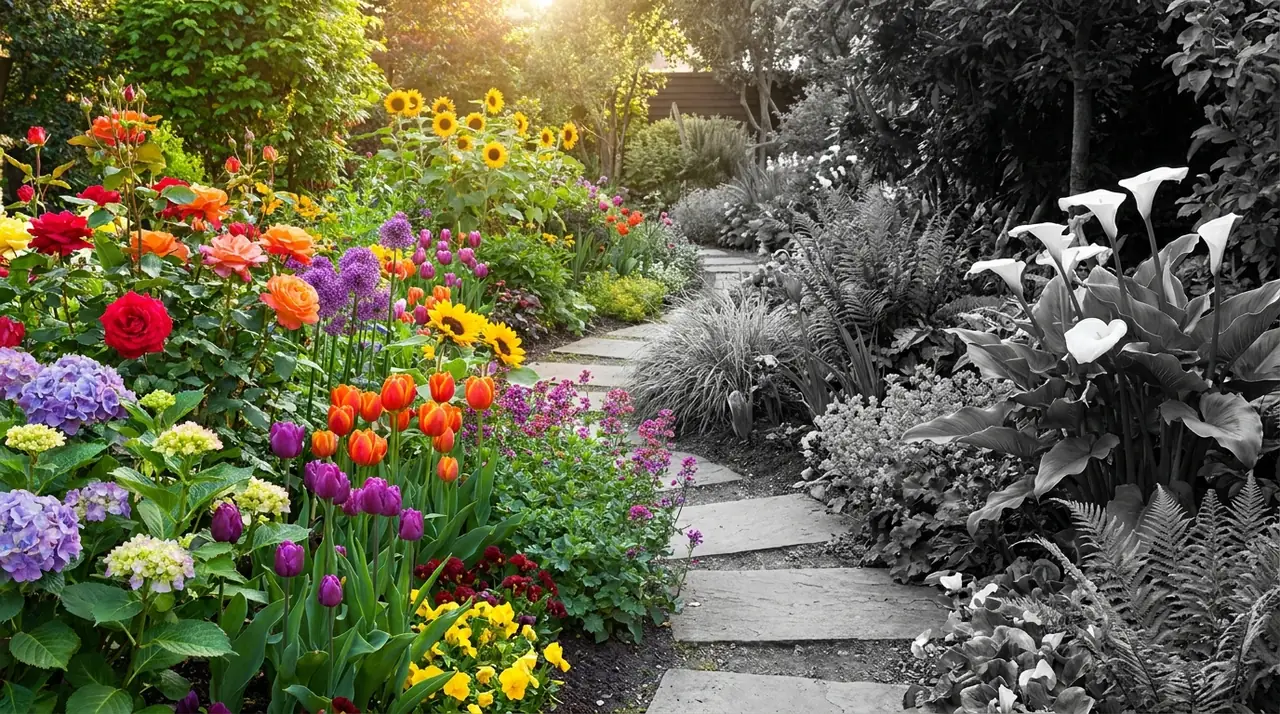
monochrome conversion, free and unlimited
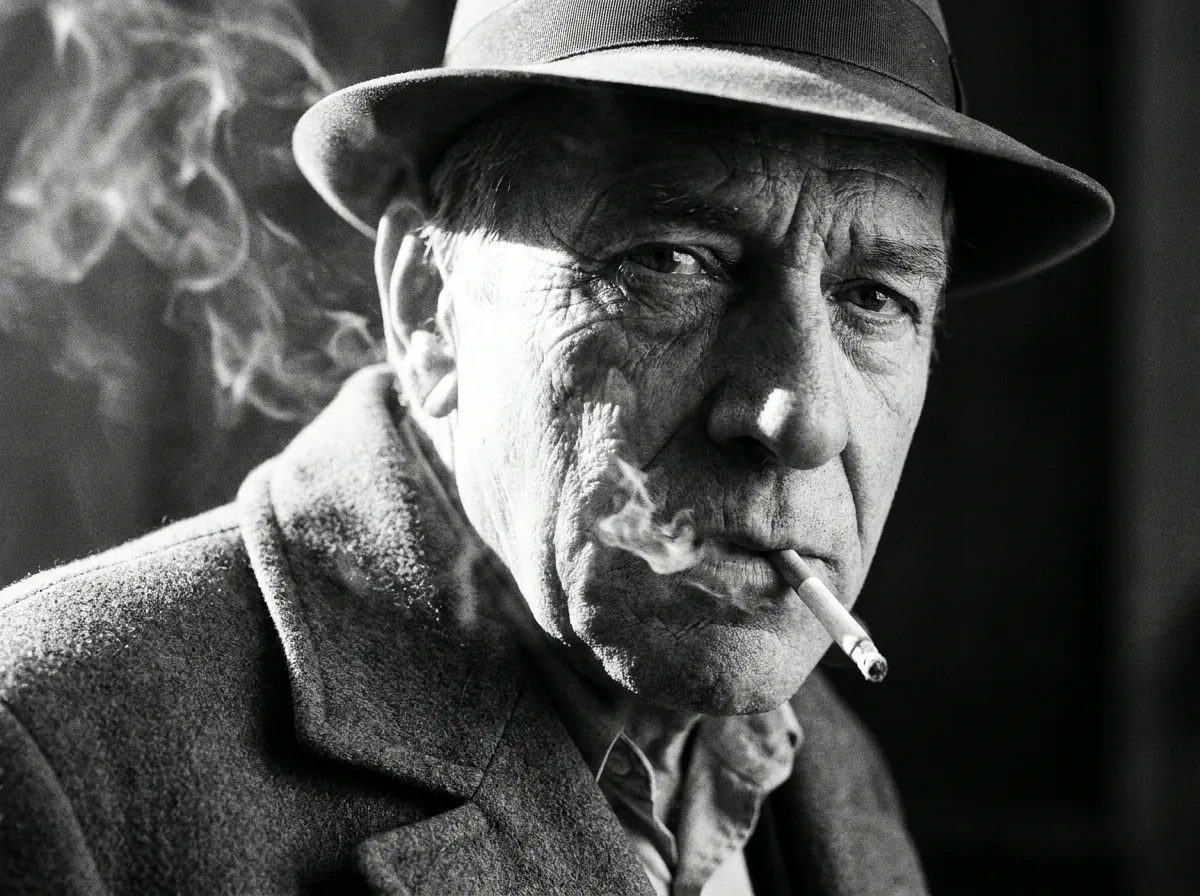
sharp 1-bit output for printing and stencils
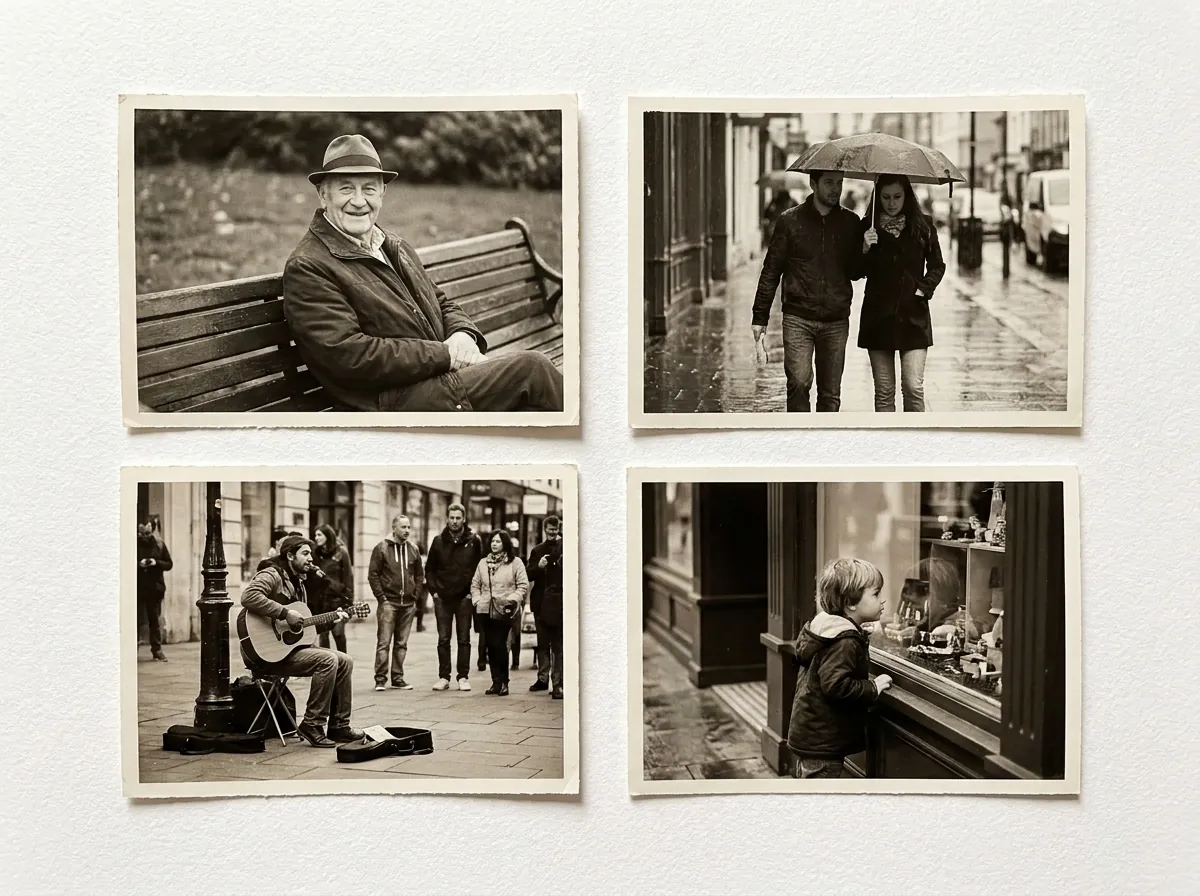
convert whole folders of photos to B&W at once
How to Colorize Black and White Photos in 3 Simple Steps
Transform historical black-and-white pictures into rich full color in seconds when you colorize photo archives with our intuitive online tool.
Drag and drop your digitized vintage photograph into the upload canvas. The tool accepts high-resolution JPG, PNG, and WebP raster formats seamlessly from any modern web browser.
Our dual-branch neural model analyzes scene semantics and predicts natural historical hues, allowing you to colorize photo files using warm vintage, documentary realism, or vibrant color presets.
Preview the before-and-after transformation using the interactive split slider and download your full-resolution colorized image with crisp textures and zero watermarks.
No manual color selection brushes required · Instant automated color prediction and natural saturation balancing.
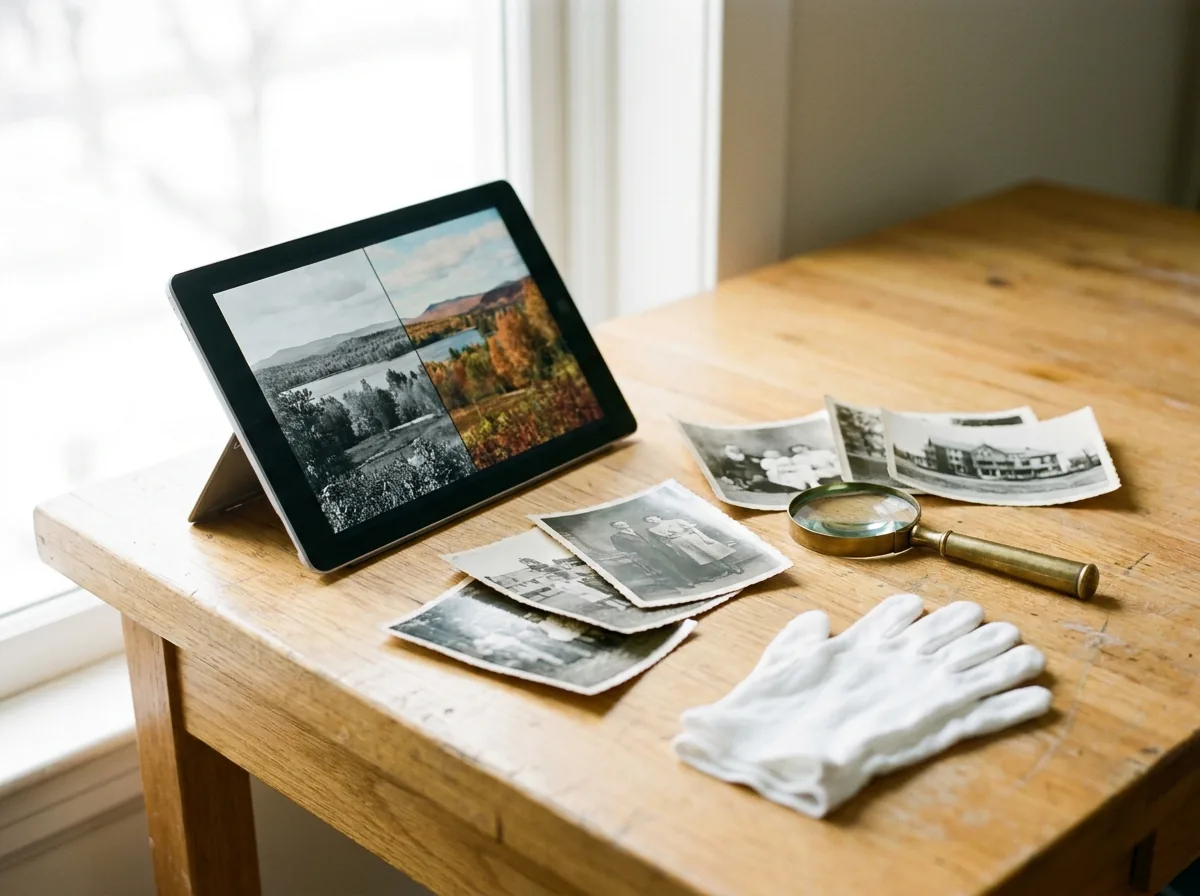
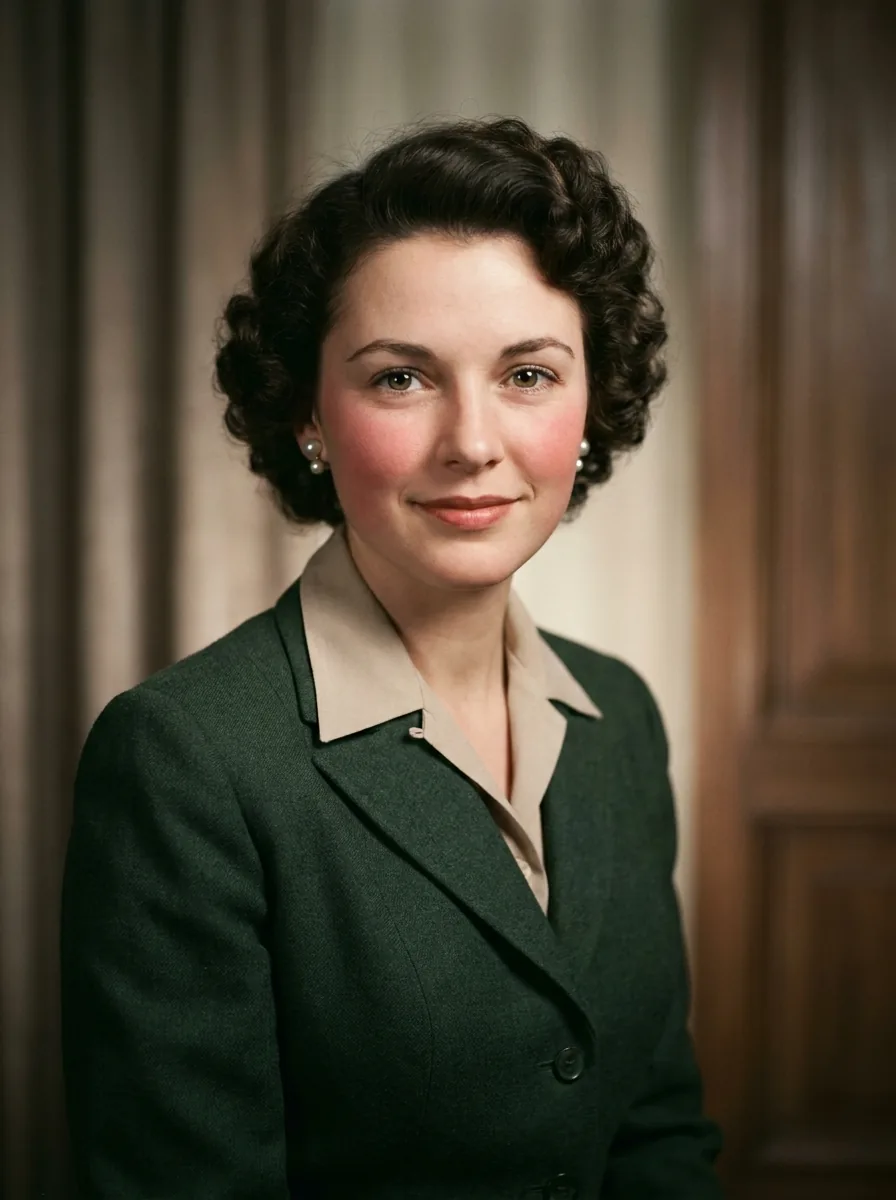
Deep Semantic Color Prediction: Contextual Understanding of History, Materials, and Lighting
Manual colorization and basic color overlays often lead to color bleeding, oversaturated skin tones, and visible halos around edges like hats, glasses, and clothing collars.
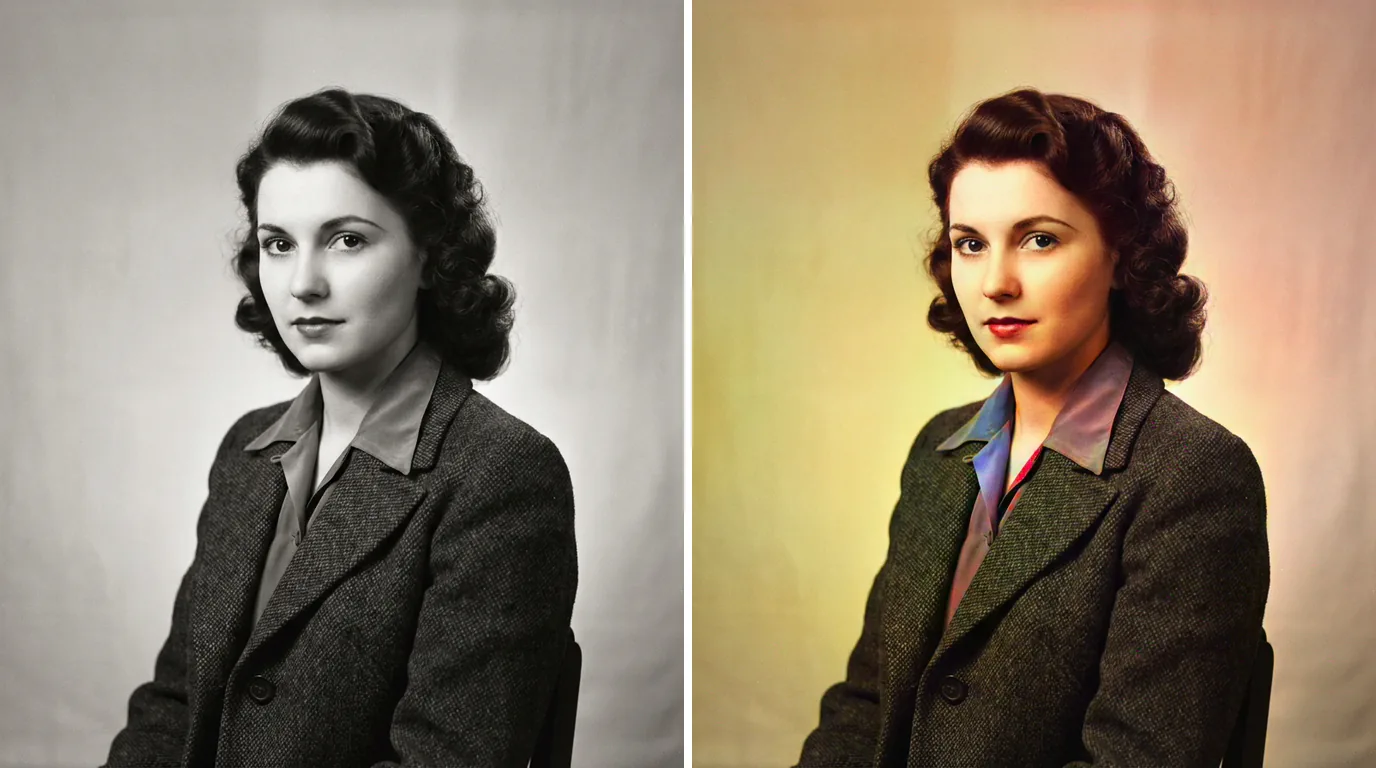
CrispFix uses an AI colorization model designed to analyze photo context and apply realistic colors based on historical photography: ``` Colorization Workflow: [Scene Analysis] -> Identifies clothing, hair, objects, and backgrounds [Color Prediction] -> Generates realistic colors in chrominance space (a* and b*) [Color Blending] -> Combines new color channels with original grayscale brightness (L*) ``` The model works in the CIE Lab color space, leaving the original black-and-white brightness channel (L*) 100% untouched so the original sharpness and contrast are fully preserved.
When you colorize photos with CrispFix, the model analyzes scene elements to apply natural, realistic colors: 1. **Keeps Original Sharpness**: Color is added purely to the color channels, leaving the original black-and-white brightness, contrast, and grain 100% untouched. 2. **Clean Edges**: Color boundaries align closely with hair strands, clothing edges, and backgrounds, preventing colors from bleeding across borders. 3. **Period-Accurate Colors**: The model references historical photography to apply realistic shades for vintage clothing, uniforms, architectural materials, and backgrounds. 4. **Natural Skin Tones**: Generates lifelike skin complexions and subtle warm tones rather than flat or oversaturated color washes. This approach keeps the original photo's sharpness, contrast, and texture while adding realistic color.
Breathtaking Historic Colorization Results Across 4 Eras
Explore how our contextual neural engine brings historical memories back to life when you colorize photo collections across famous eras:
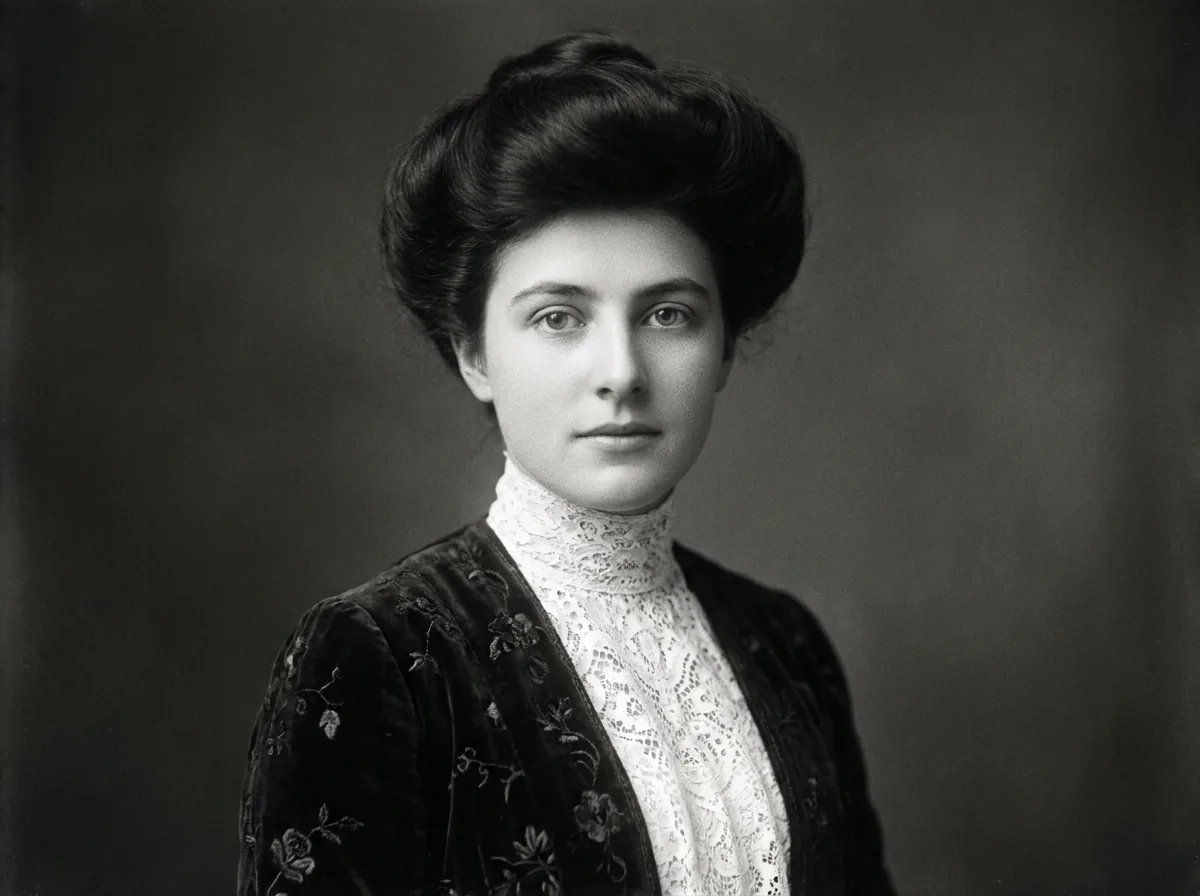
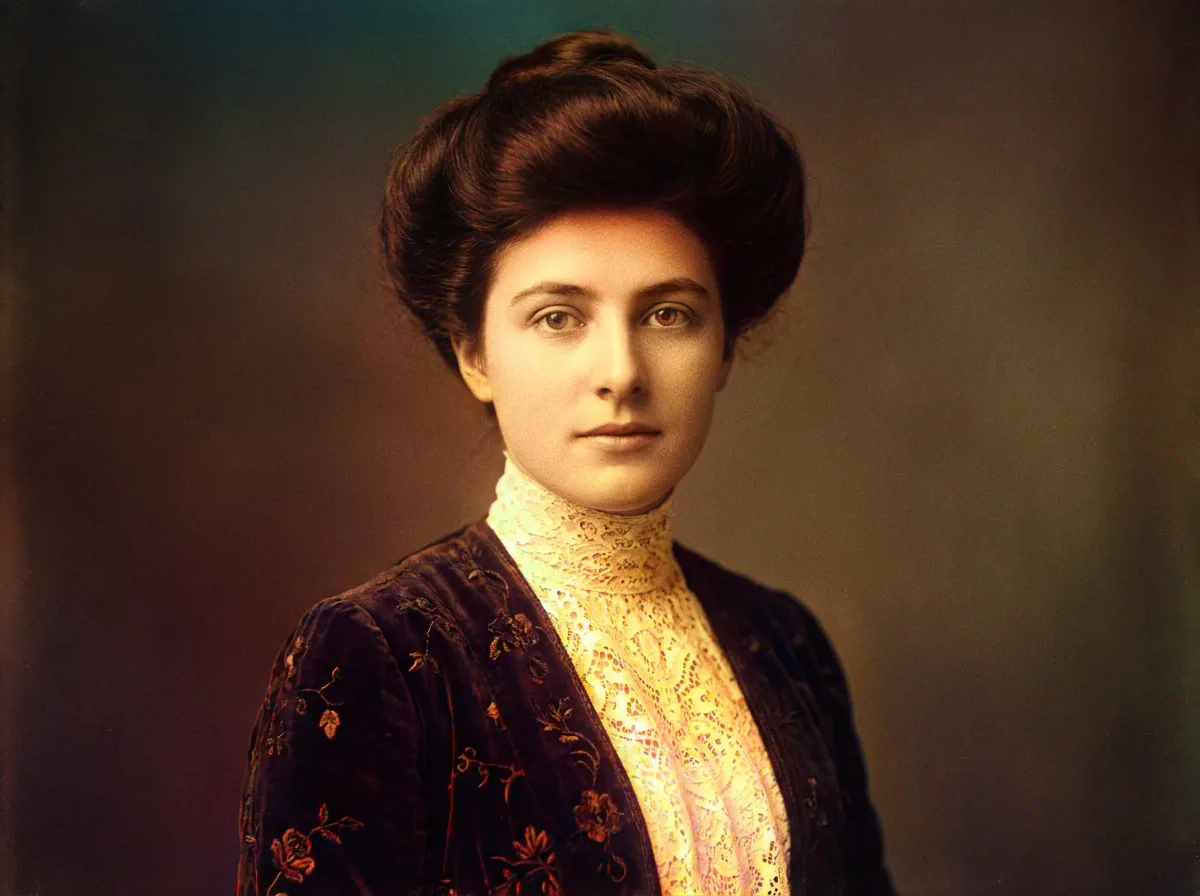
Victorian and Edwardian Portraits
Colorize photo portraits from the 1890s and 1900s, turning formal monochrome sittings into lifelike family records with natural skin tones, velvet garment textures, ornate jewelry details, lace accessories, and authentic period studio backdrops with stunning clarity.
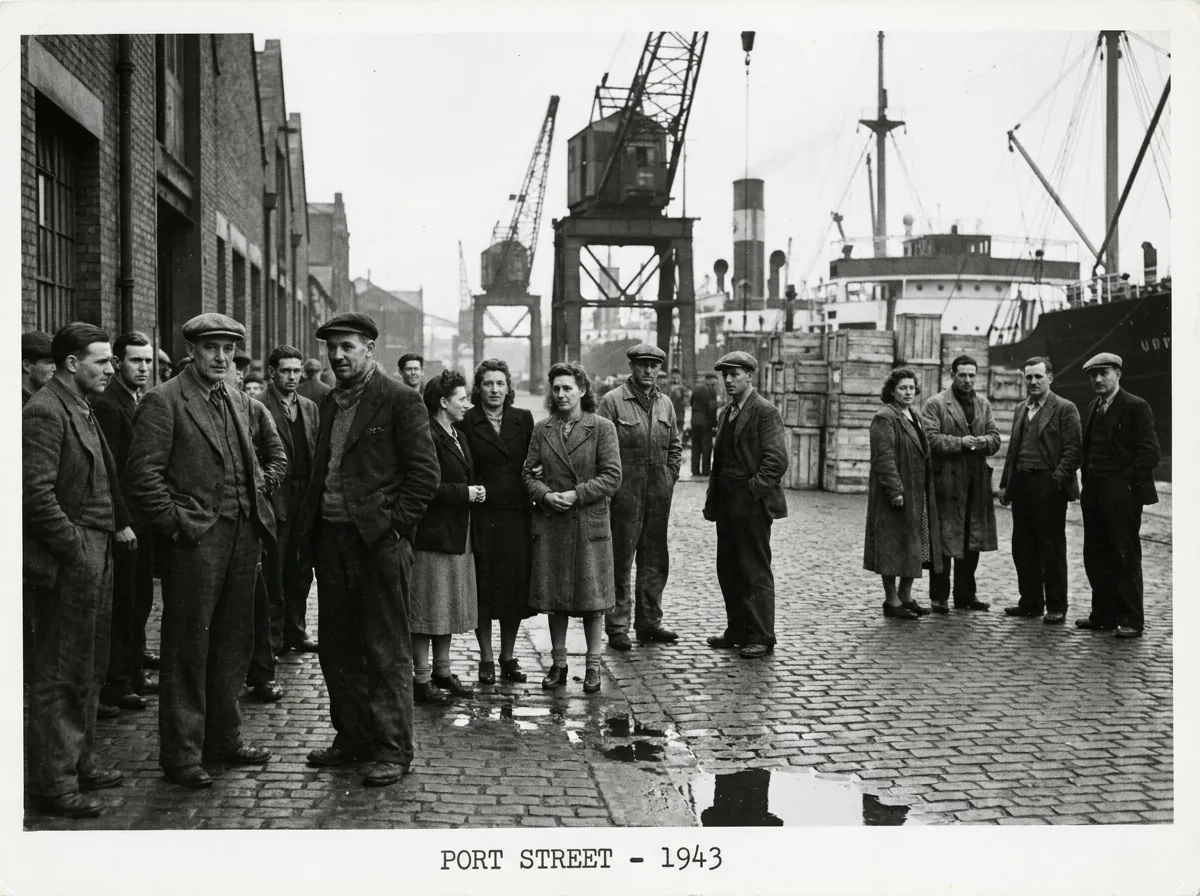
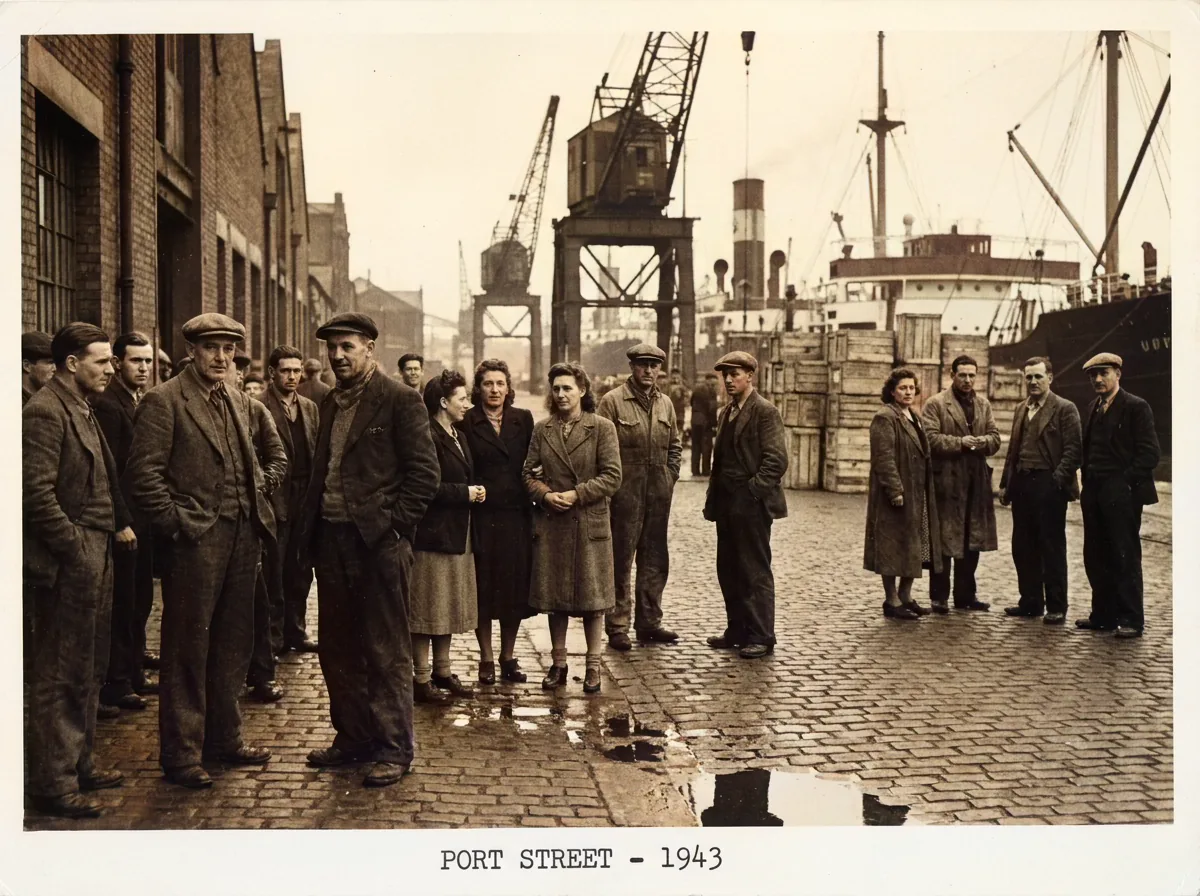
Early 20th Century City Life
Recreate vibrant streetscapes from the 1920s and 1930s, rendering authentic vintage yellow taxicabs, brick storefronts, vintage neon signs, and bustling pedestrian crowds in natural historical color with rich atmospheric depth, realistic lighting, and remarkable clarity.
World War II and Military Archives
Transform historical battlefield documentation and naval portraits into vivid full-color records with accurate khaki, navy blue, and olive drab uniform hues and natural outdoor lighting balance across historic scenes, vehicles, and memorabilia.
Mid-Century Family Moments
Colorize photo memories of 1950s birthday parties, classic road trips, and retro wedding photos, celebrating beloved family memories with authentic Kodachrome-style warmth, saturated colors, and realistic details across cherished scrapbooks and albums.
Frequently Asked Questions About AI Photo Colorization
Find answers regarding AI colorization algorithms, free daily credits, historic color accuracy, and restoring damaged photos before colorizing.
Upload your black and white image to color using our colorize photo AI engine. Select your preferred palette and download your restored picture. You get 3 free credits daily to colorize photographs with zero watermarks.
Our neural network analyzes contextual object semantics trained on millions of historical color photographs, allowing it to deduce natural historical pigments for skin tones, textiles, architecture, and natural scenery with remarkable historical accuracy and realistic lighting dynamics.
Yes, the platform offers multiple colorization presets, including natural documentary realism, warm vintage film, and vibrant modern tones, allowing you to select the ideal aesthetic to colorize photo files according to your artistic preferences and archival needs.
No, the AI operates strictly in the chrominance color channels while leaving original grayscale luminance untouched, preserving 100% of the original sharpness, facial contours, and fine texture details across every restored image without smoothing artifacts.
We support standard JPG, PNG, and WebP formats. You can upload high-resolution scans and export uncompressed, full-color images with original pixel dimensions and zero watermarks across desktop and mobile devices without installing software.
Yes, all uploads are protected with SSL encryption. Your photo is processed only to generate your result and isn't stored afterward. Your private images are never shared, displayed, published, or used to train AI models under any circumstances.