
Free Black and White Image Converter Online
Professional black and white image converter using perceptual ITU-R BT.709 luminance weighting. Convert color pictures to rich grayscale monochrome locally in your browser with zero server uploads.


Drop a photo here or click to browse
JPG, PNG, WebP · Max 20MB
100% Free · In-browser processing · Instant high-resolution download
Professional Black and White Photo Maker Features for Studio Monochrome
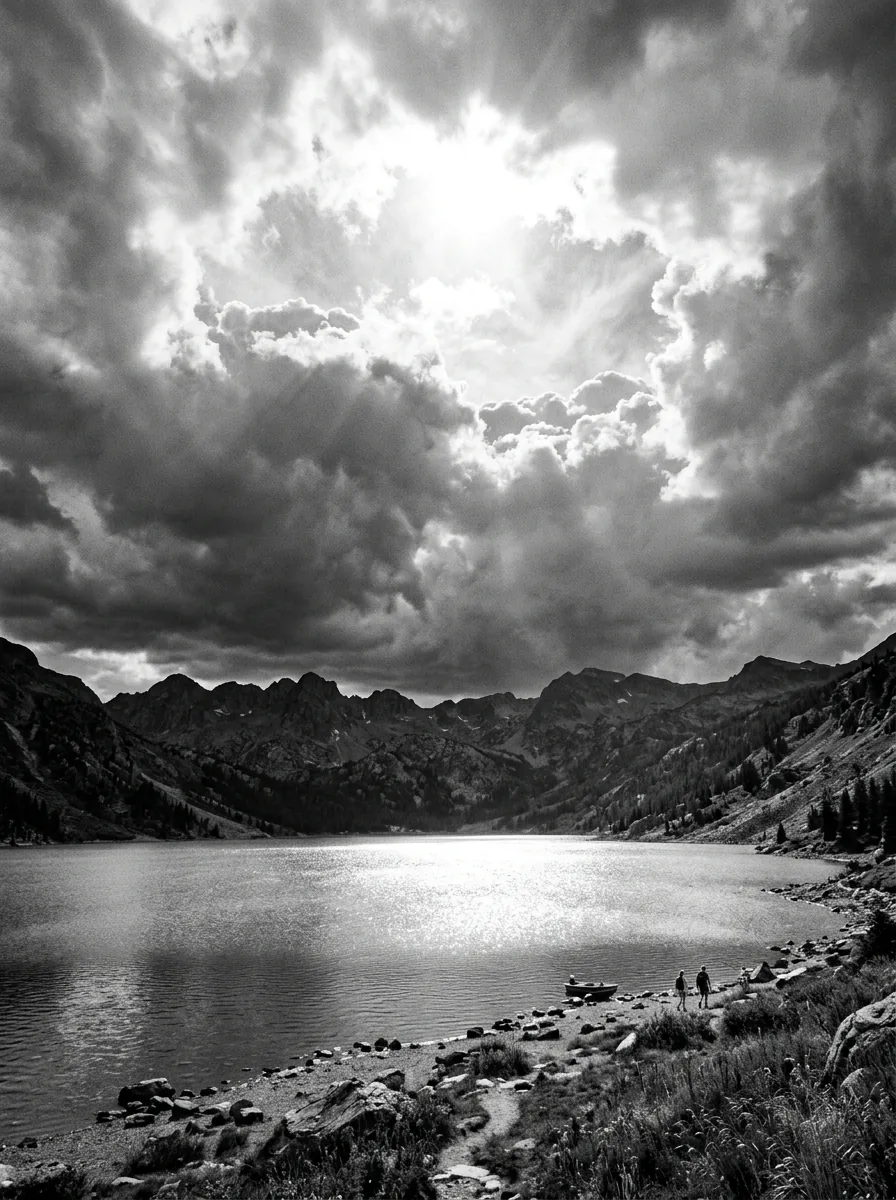
256-Level Continuous Grayscale
Maps color shades smoothly across 8-bit grayscale gradients, preventing banding, stepping artifacts, or flat transitions in skies, portrait skin tones, and soft shadows.
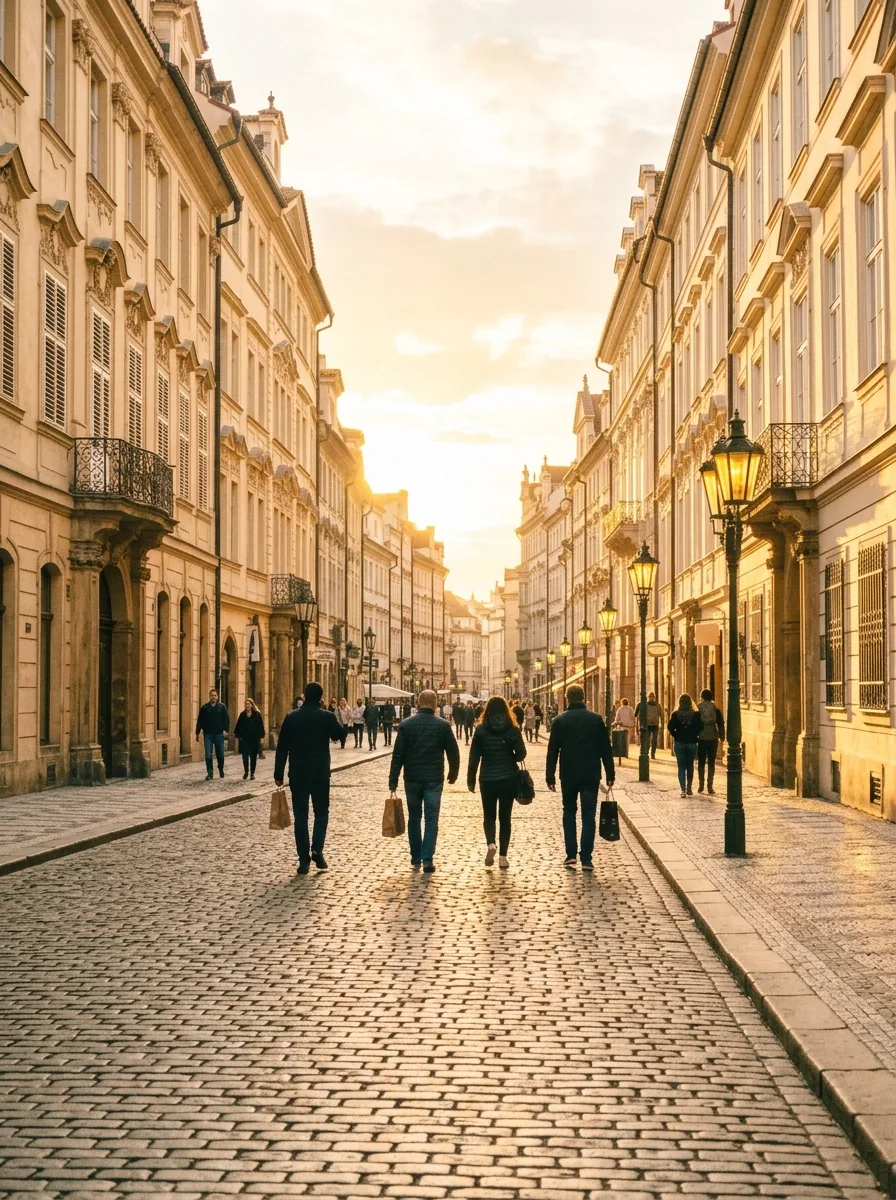
Classic Film Tonal Presets
Apply analog film curves ranging from high-contrast street documentary looks to softer portrait studio tones. Each preset emulates traditional black-and-white film characteristics, with clear midtone separation and natural highlight falloff.
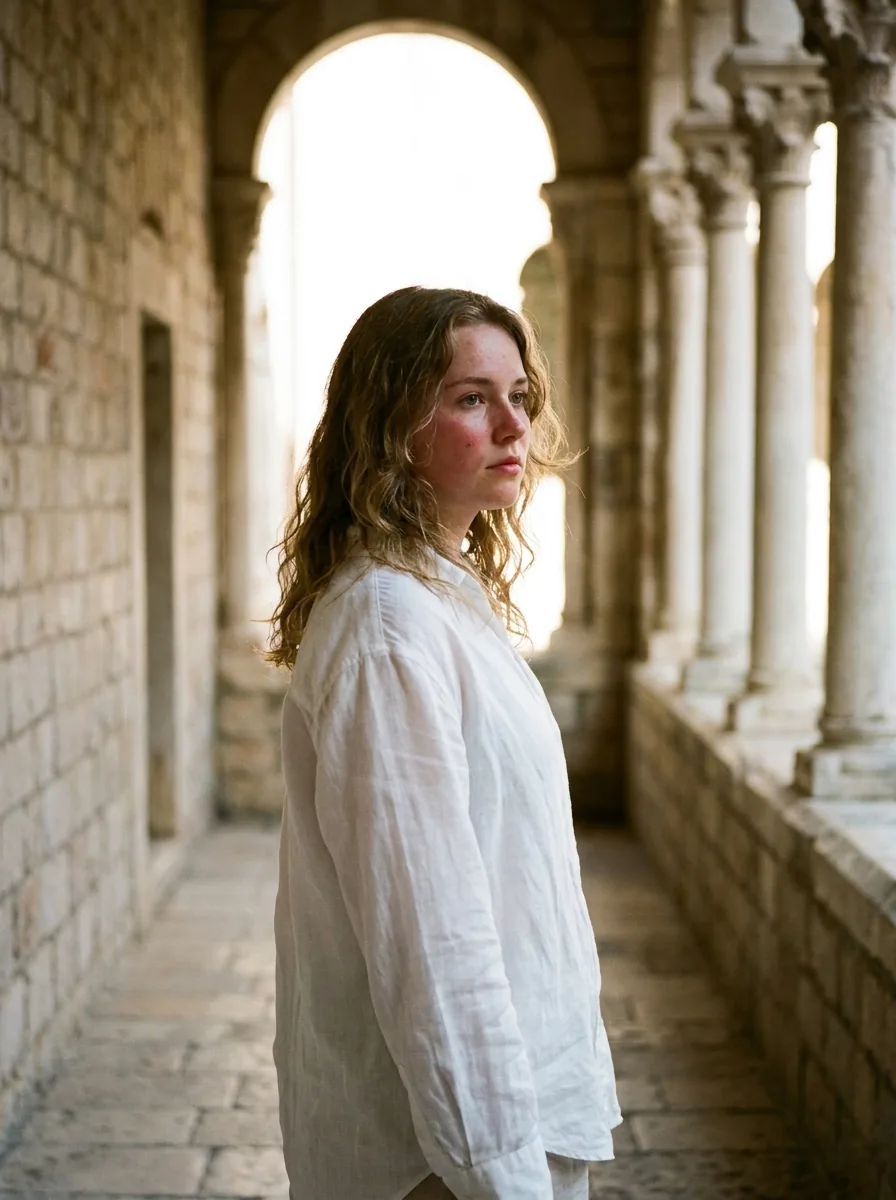
Dynamic Range Shadow Protection
Highlight recovery preserves details in bright skies and clouds, while shadow adjustments keep darker areas textured without muddy clipping or loss of detail.

Full-Resolution Export
Process every photo at its native pixel dimensions without downsampling or watermarks for professional design workflows.
More Free Photo Enhancer Tools
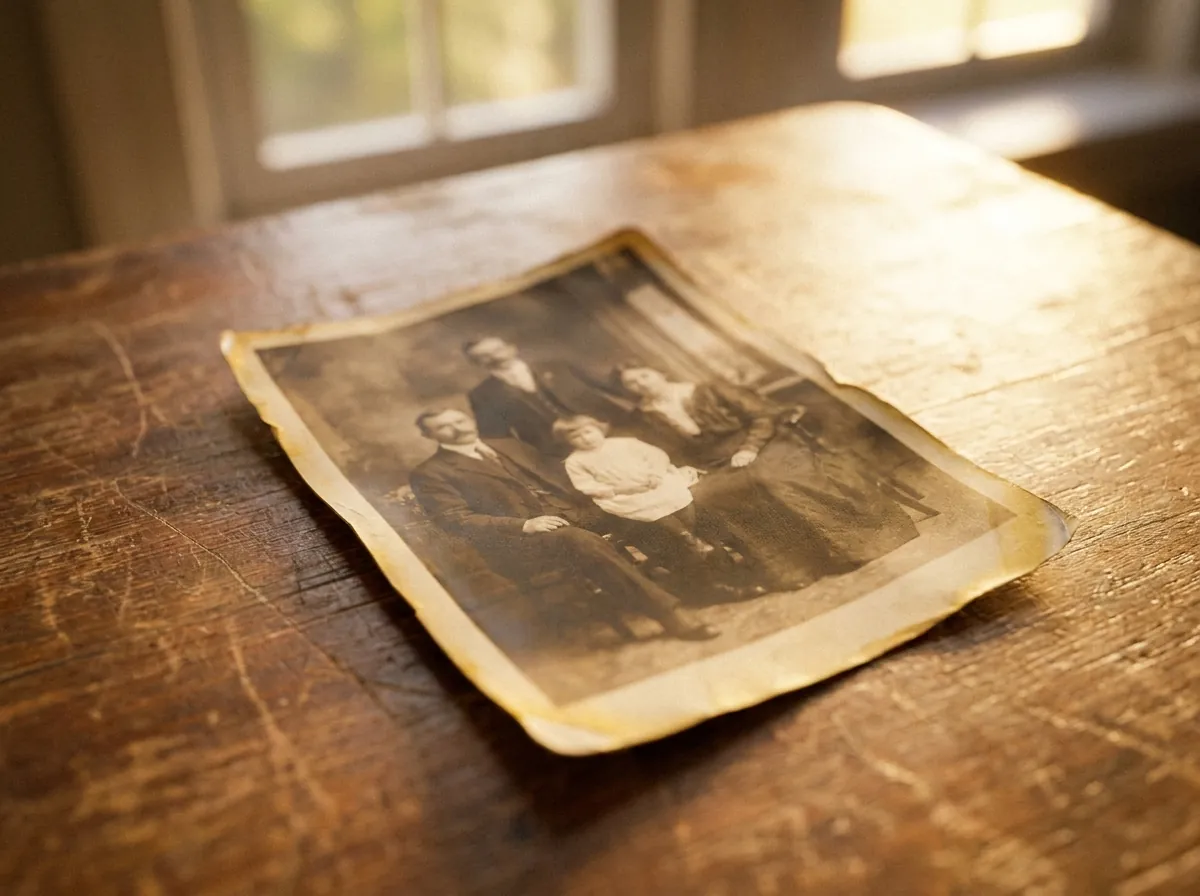
repair scratches, stains, fading, and creases
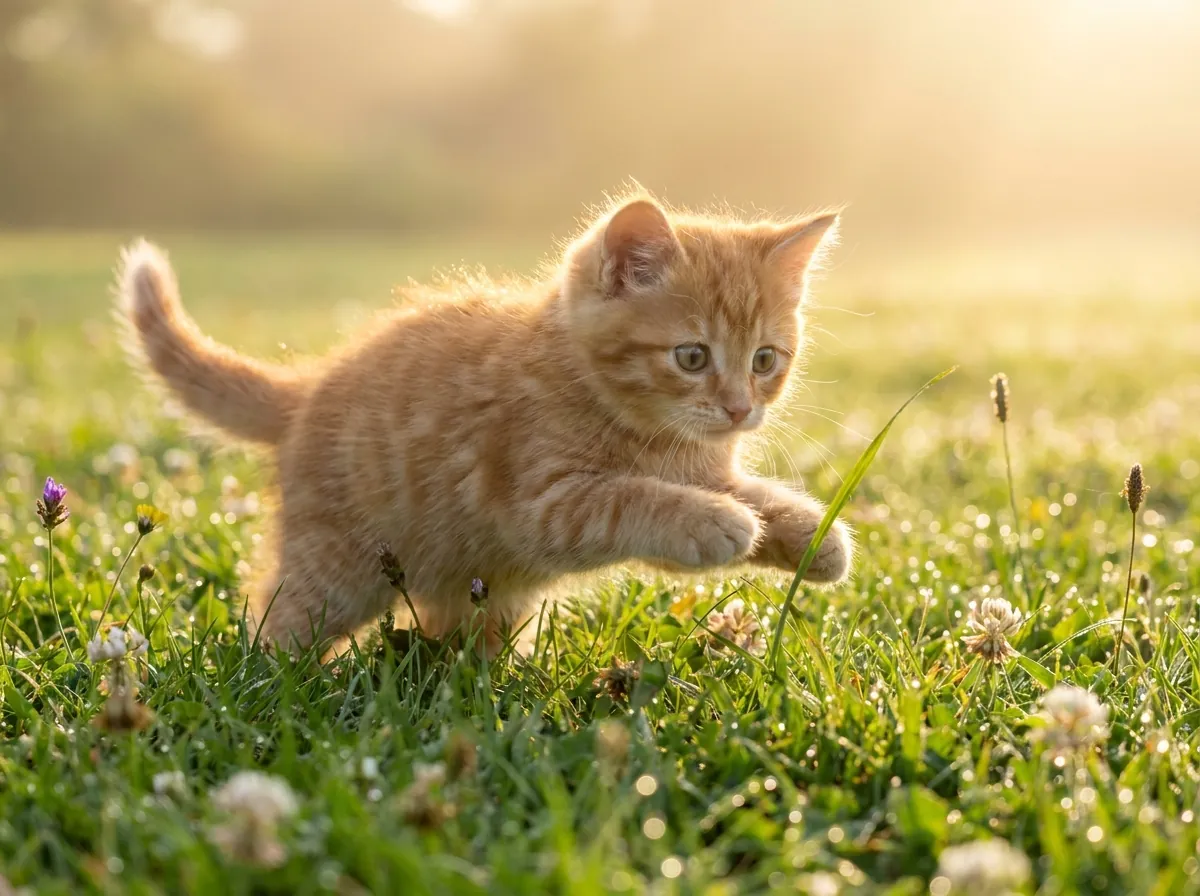
plausible color for black-and-white and faded pictures
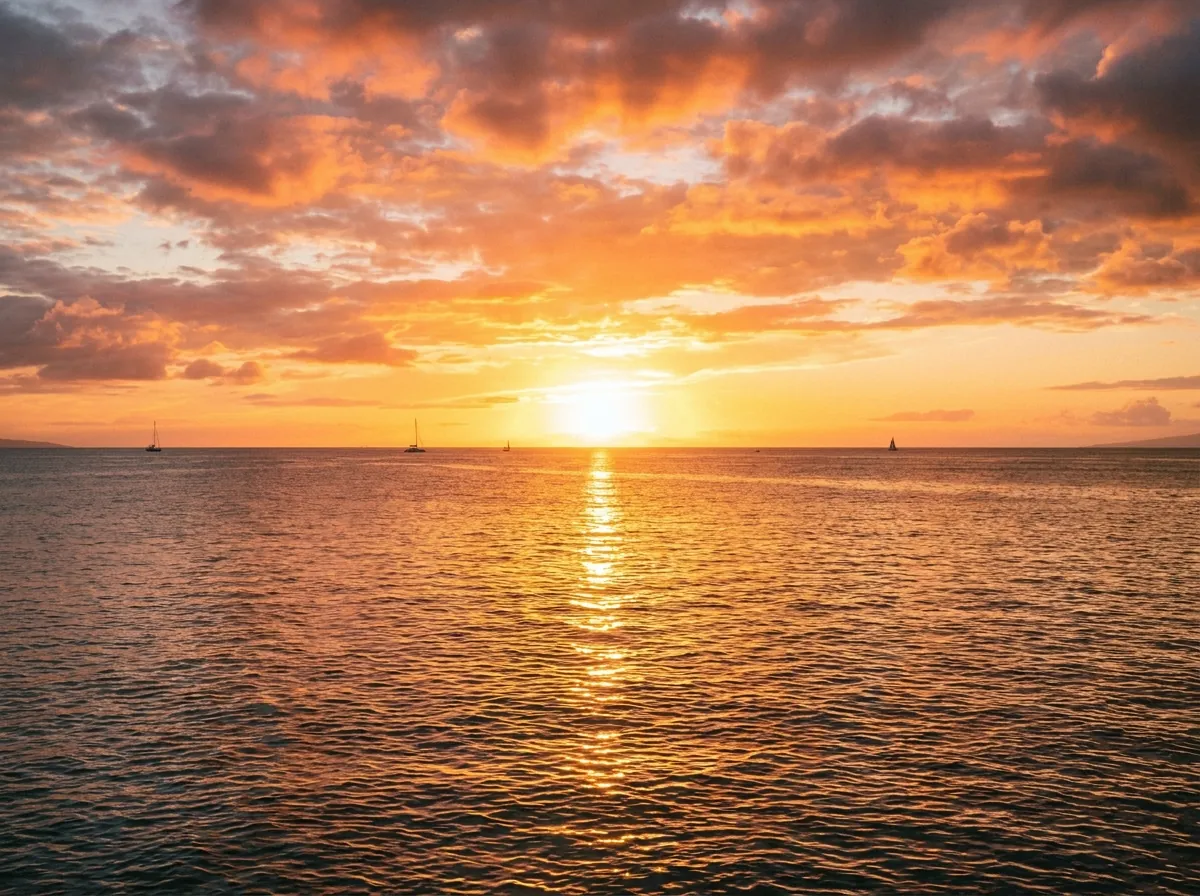
enlarge up to 4K, edges stay defined and clean

clear reflections off eyeglass lenses in portraits
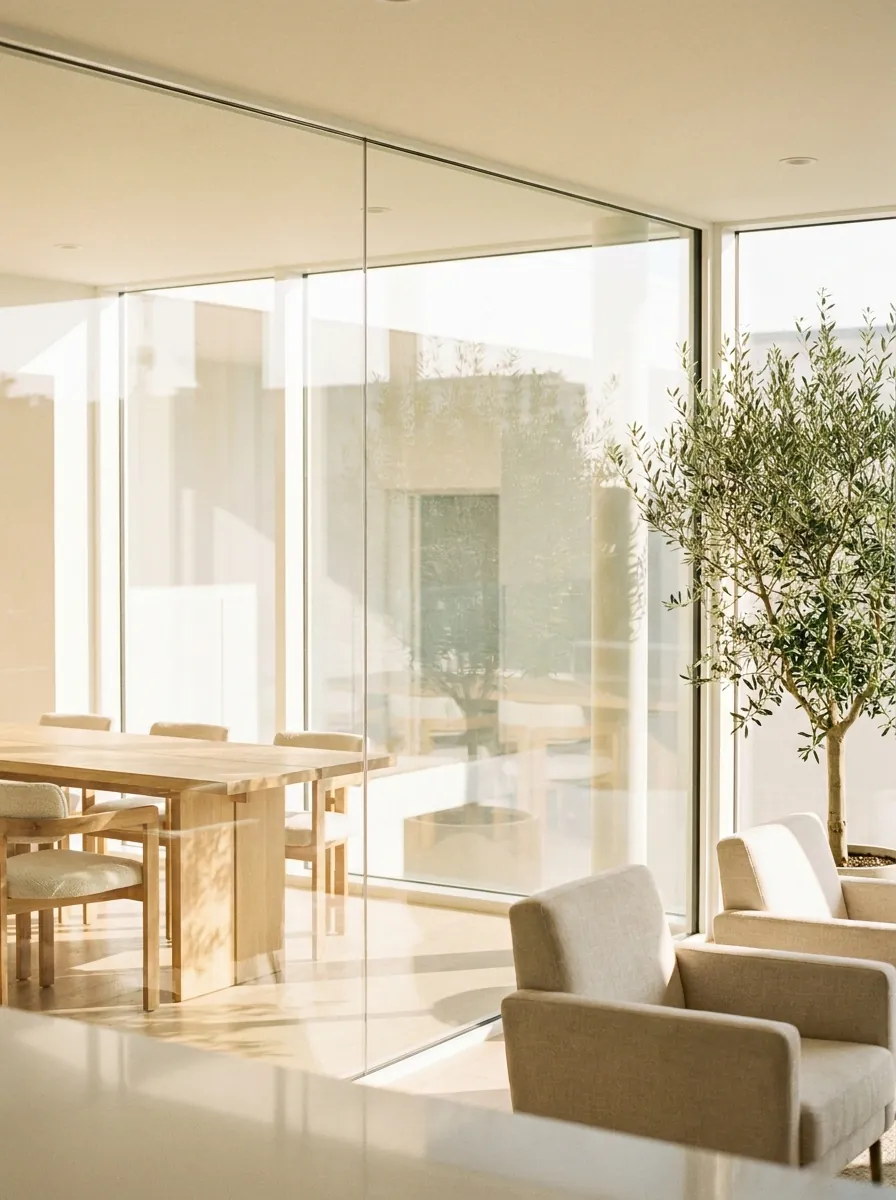
erase window, water, glass, and flash glare
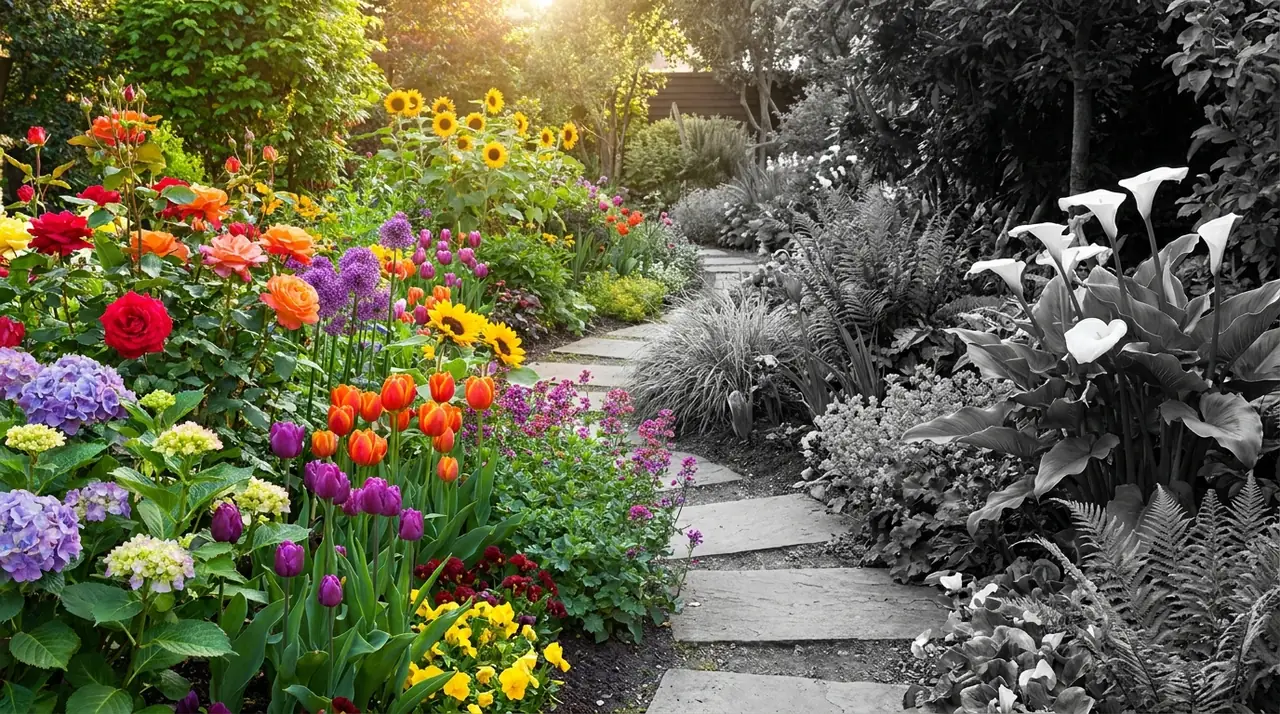
monochrome conversion, free and unlimited
sharp 1-bit output for printing and stencils
convert whole folders of photos to B&W at once
Three Simple Steps to Create Studio-Grade Monochrome Photos
Transform your color photography into rich monochrome in seconds using our intuitive online black and white image converter.
Drag and drop your original image directly onto the interactive canvas, or click the upload area to select files from your local storage. The tool accepts JPG, PNG, and WebP formats.
Choose a studio-calibrated grayscale curve or adjust custom contrast sliders to make image black and white with tailored depth, refined highlights, and balanced exposure.
Preview the final output using the split-screen comparison slider, evaluate the shadow transitions, and save your high-resolution monochrome photo instantly with no server wait times.
No signup required · Client-side rendering ensures zero upload latency, unlimited runs, and complete confidentiality.
Advanced ITU-R BT.709 Luminance Weighting vs Crude Desaturation
Many basic editors convert photos to black and white by simply averaging RGB channels or stripping saturation. This often turns distinct colors like bright reds, yellows, and greens into the same muddy gray tone, flattening contrast between lips, skin, and backgrounds. CrispFix avoids this by weighting colors based on human perception to keep natural separation.
Our black and white converter uses standard ITU-R BT.709 perceptual weighting (0.2126 Red + 0.7152 Green + 0.0722 Blue). This matches how human eyes perceive brightness, treating green tones as brighter than reds or blues to produce natural tonal balance: ``` Luminance (Y) = 0.2126 * R + 0.7152 * G + 0.0722 * B ``` This formula separates colors cleanly so highlights don't clip, midtones keep their texture, and shadows retain detail instead of collapsing into flat black. Compared to older NTSC BT.601 coefficients (0.299 R + 0.587 G + 0.114 B) built for CRT monitors, the BT.709 standard is designed for modern sRGB displays and prints, giving accurate depth across modern screens and prints.
The conversion also preserves local micro-contrast, keeping fine textures like fabric, wood grain, and skin details clear and distinct. It produces smooth transitions across 256 grayscale tones without edge halos or ringing artifacts, balancing highlights and shadow depth for both screens and large prints.
Classic Monochrome Photography Results Across 4 Scenarios
Evaluate how our black and white image converter handles diverse lighting conditions, exposure challenges, and photographic genres through four practical demonstration cases:


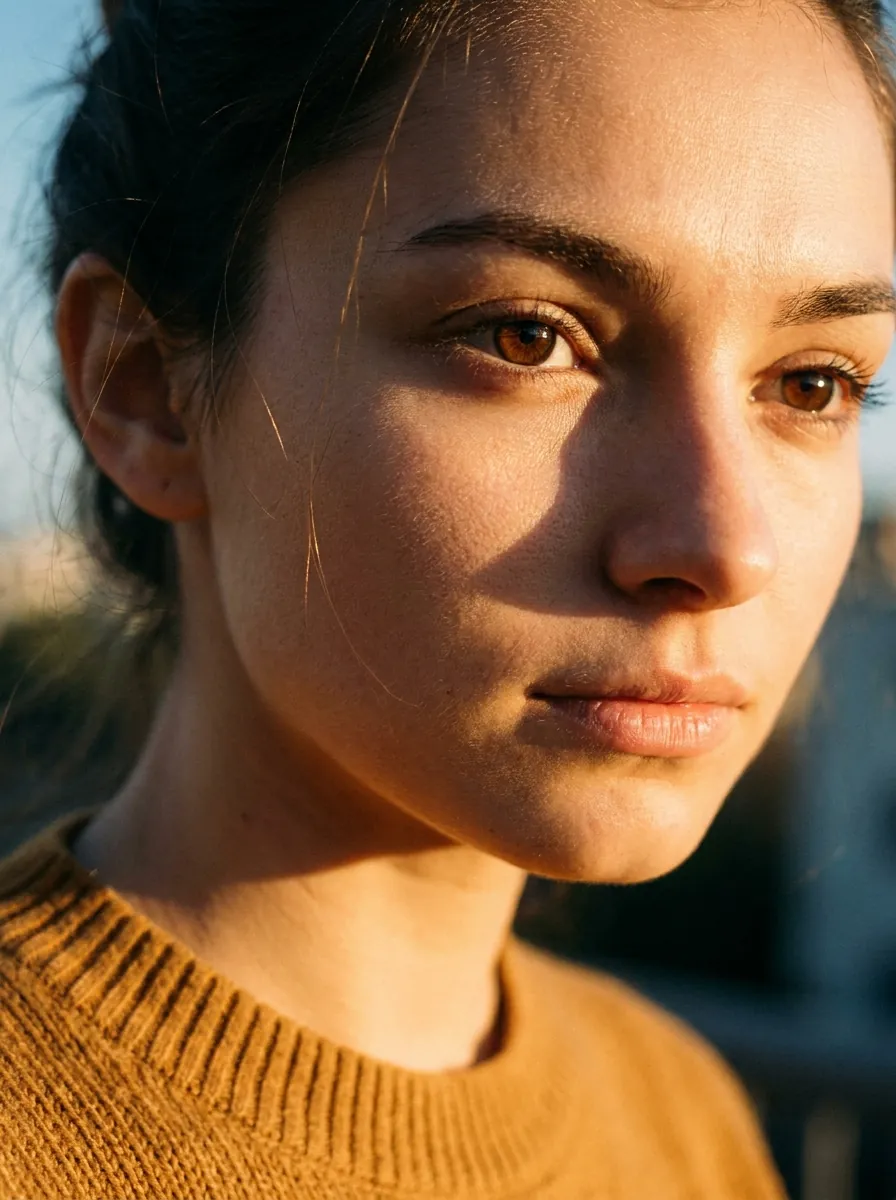
Studio Portraiture
Smooth 256-level grayscale transitions preserve delicate skin textures, soft facial contouring, natural catchlights in the eyes, and individual hair strands without artificial posterization or harsh contrast spikes.
Architectural Photography
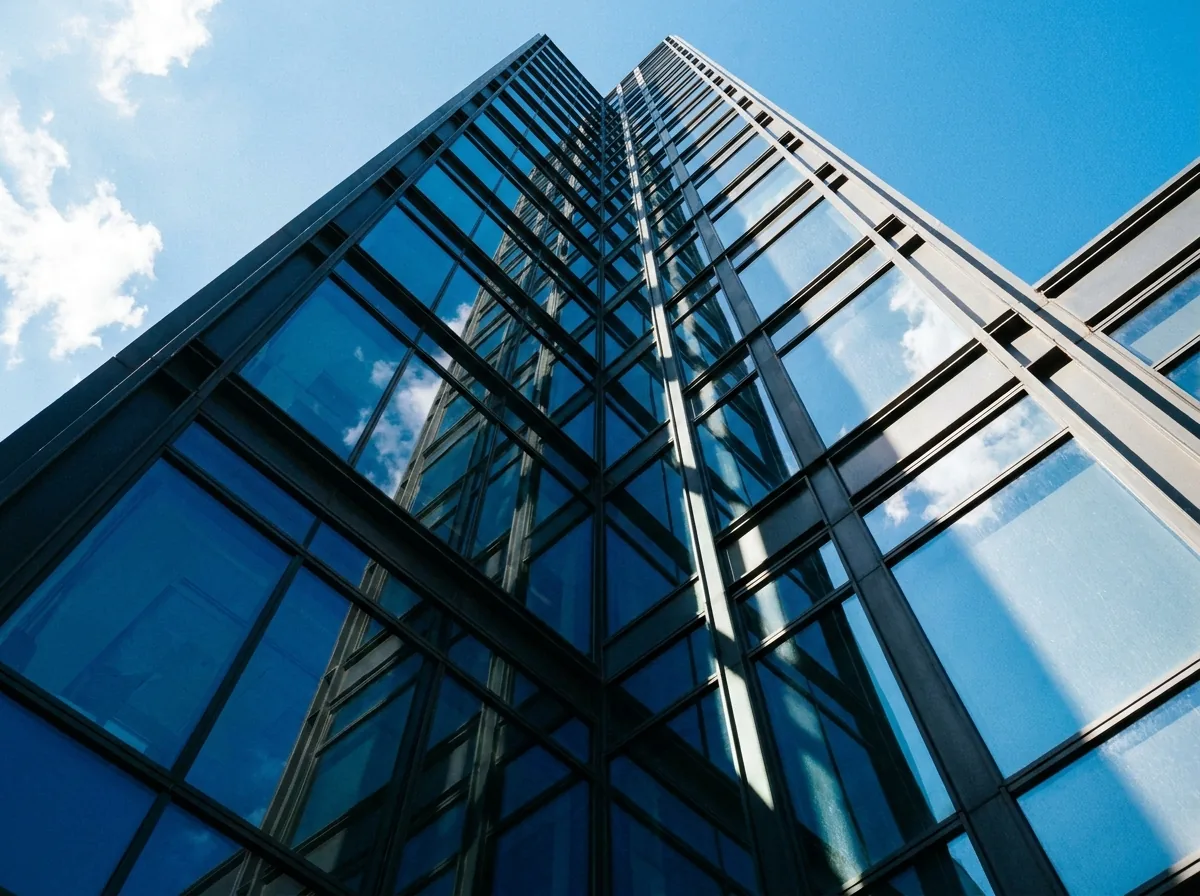
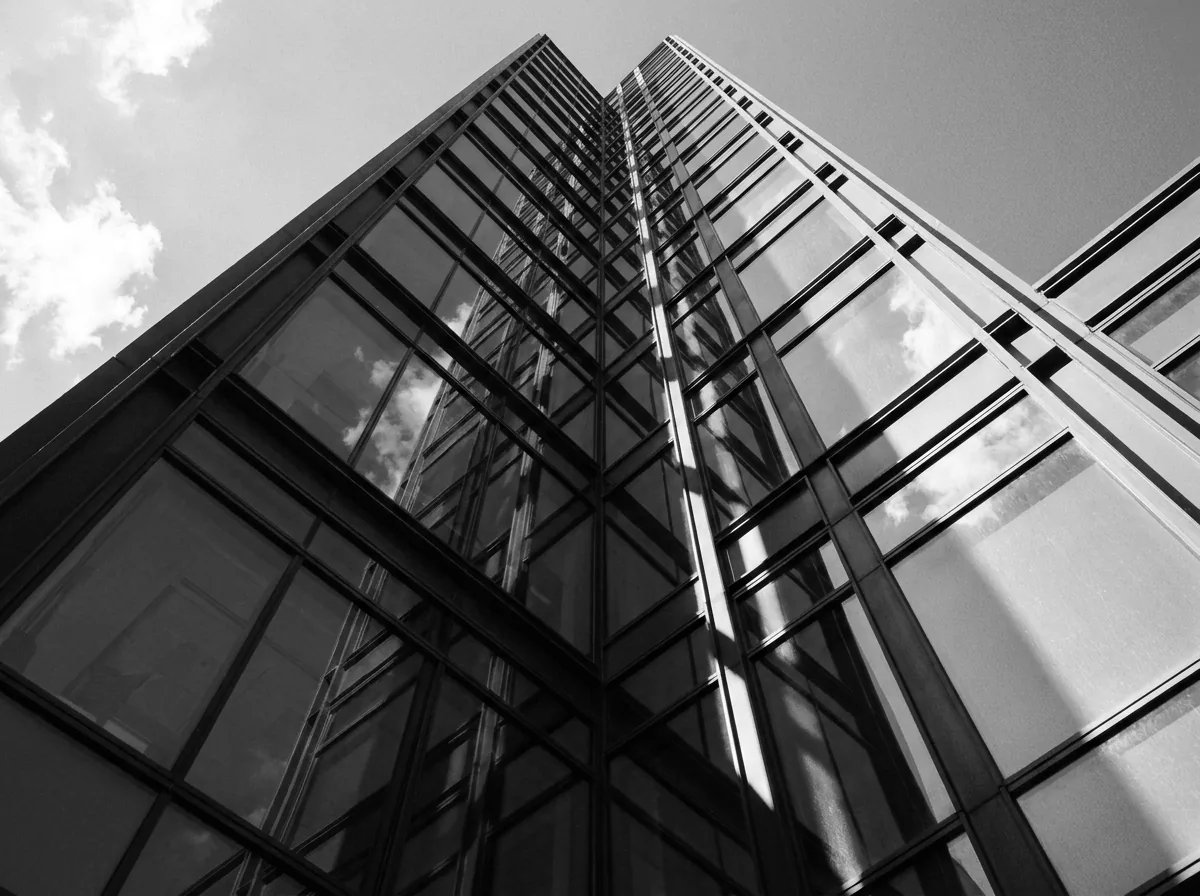
Sharp micro-contrast accentuates geometric building lines, concrete masonry textures, structural steel elements, and dynamic sky reflections across high-contrast daylight scenes with exceptional edge clarity.
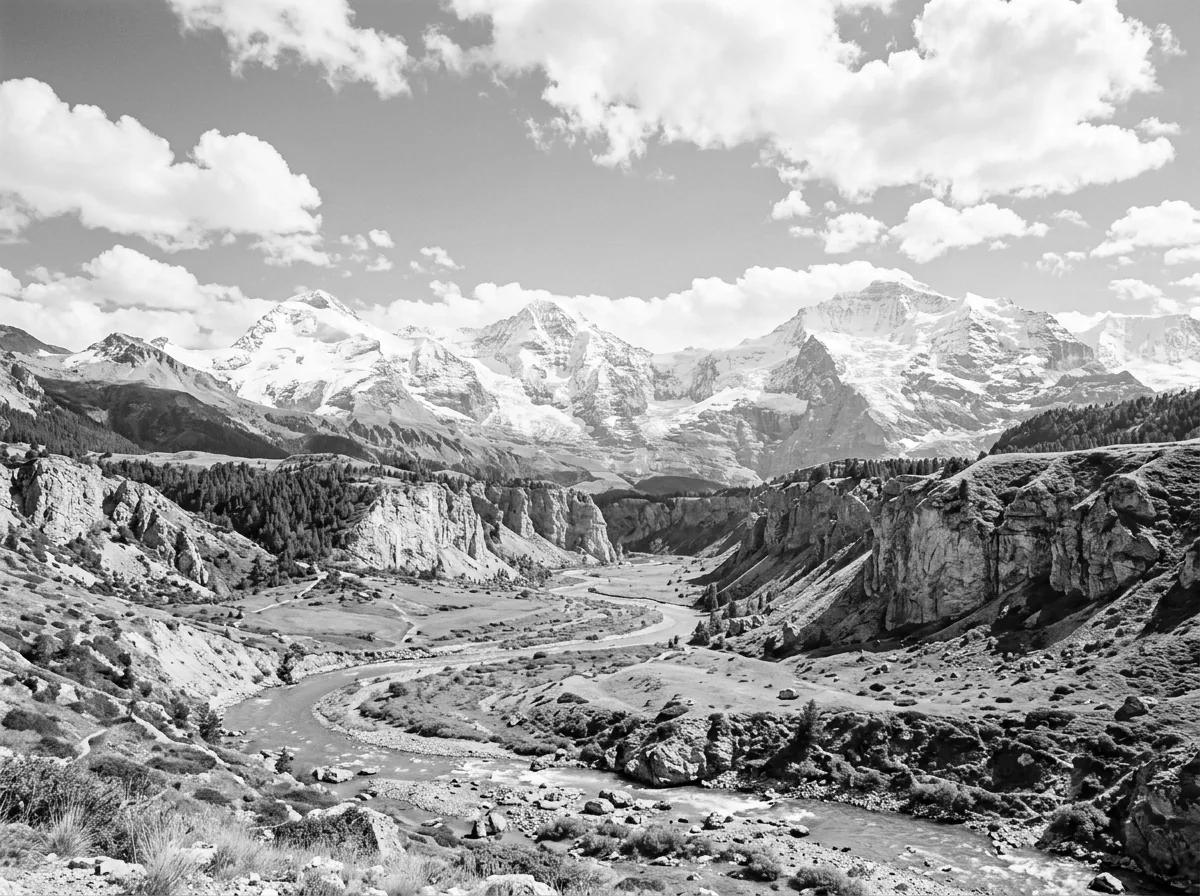
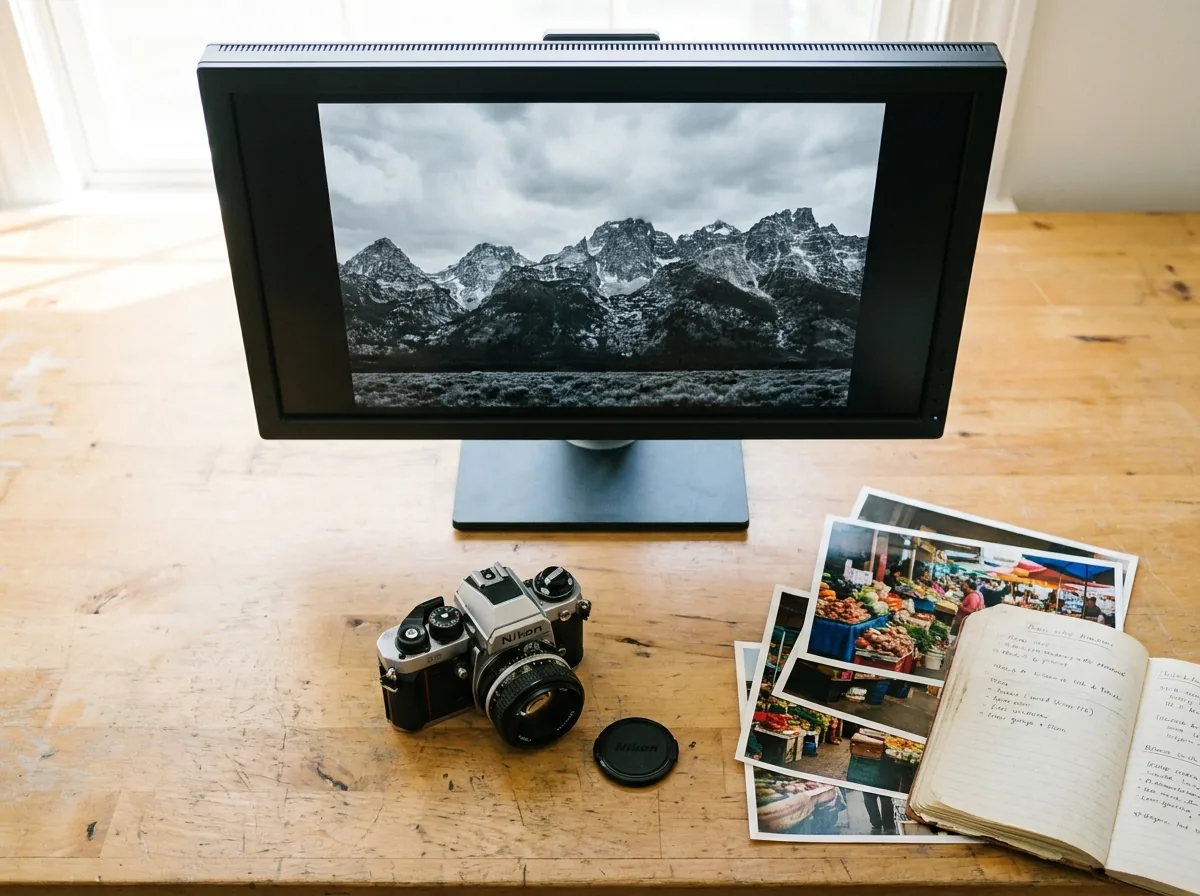
Landscape & Nature
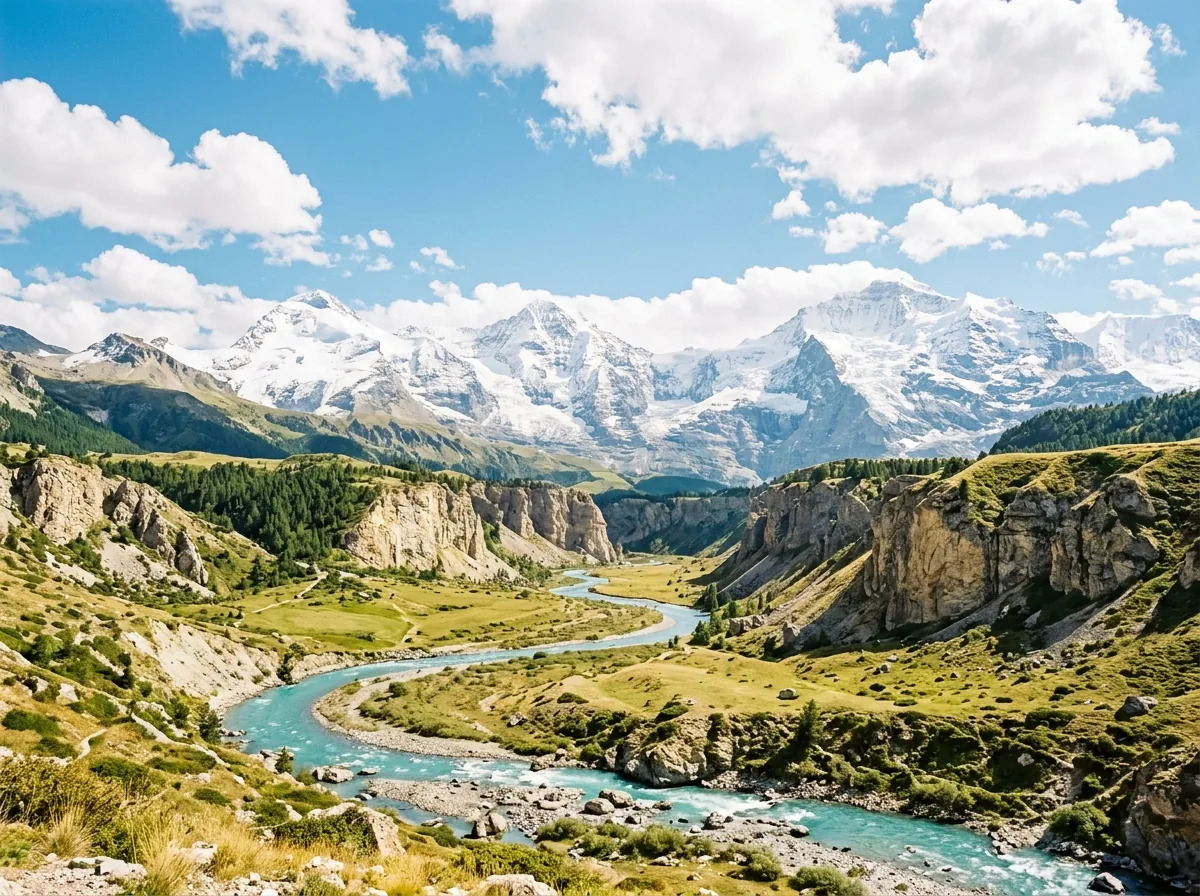
Rich tonal separation prevents lush foliage, rugged mountain ranges, and expansive blue skies from merging into uniform gray, maintaining distinct atmospheric depth, water surface ripples, and crisp cloud definition.
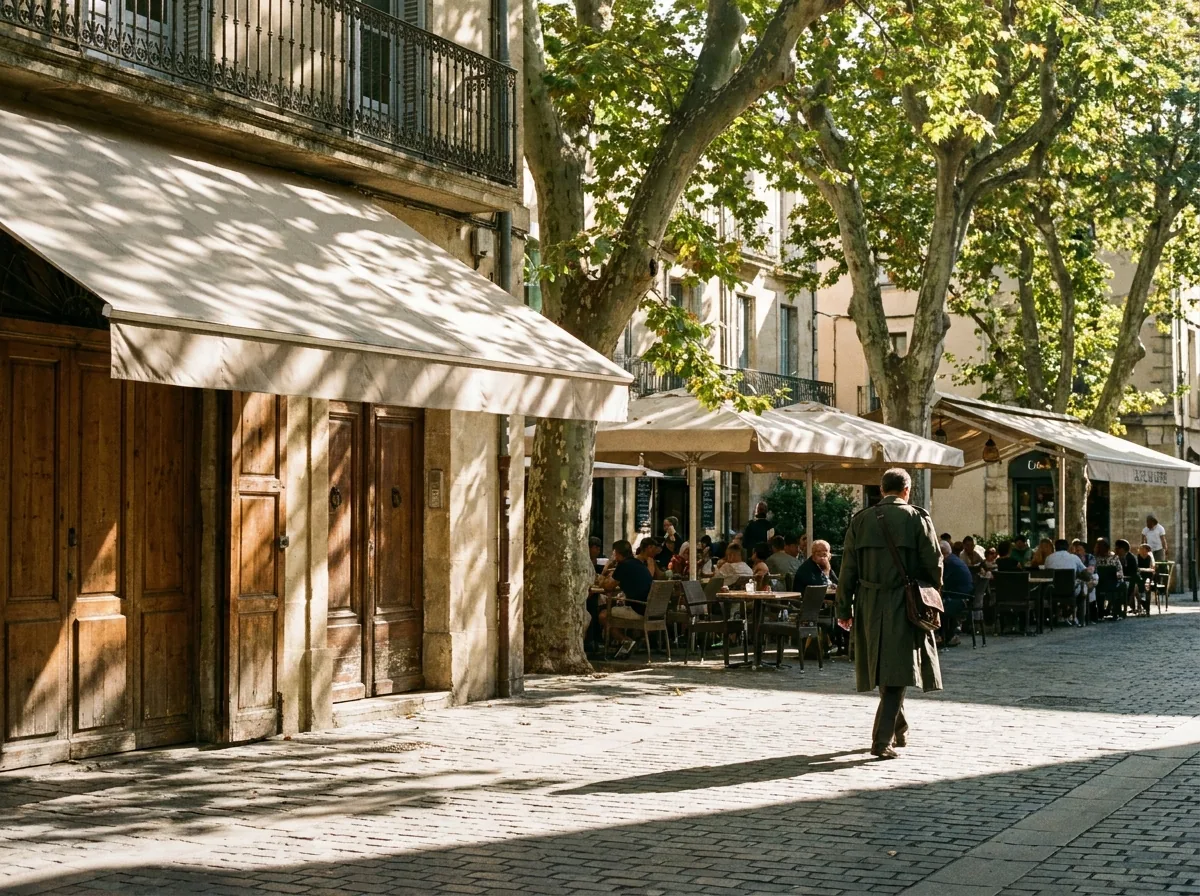
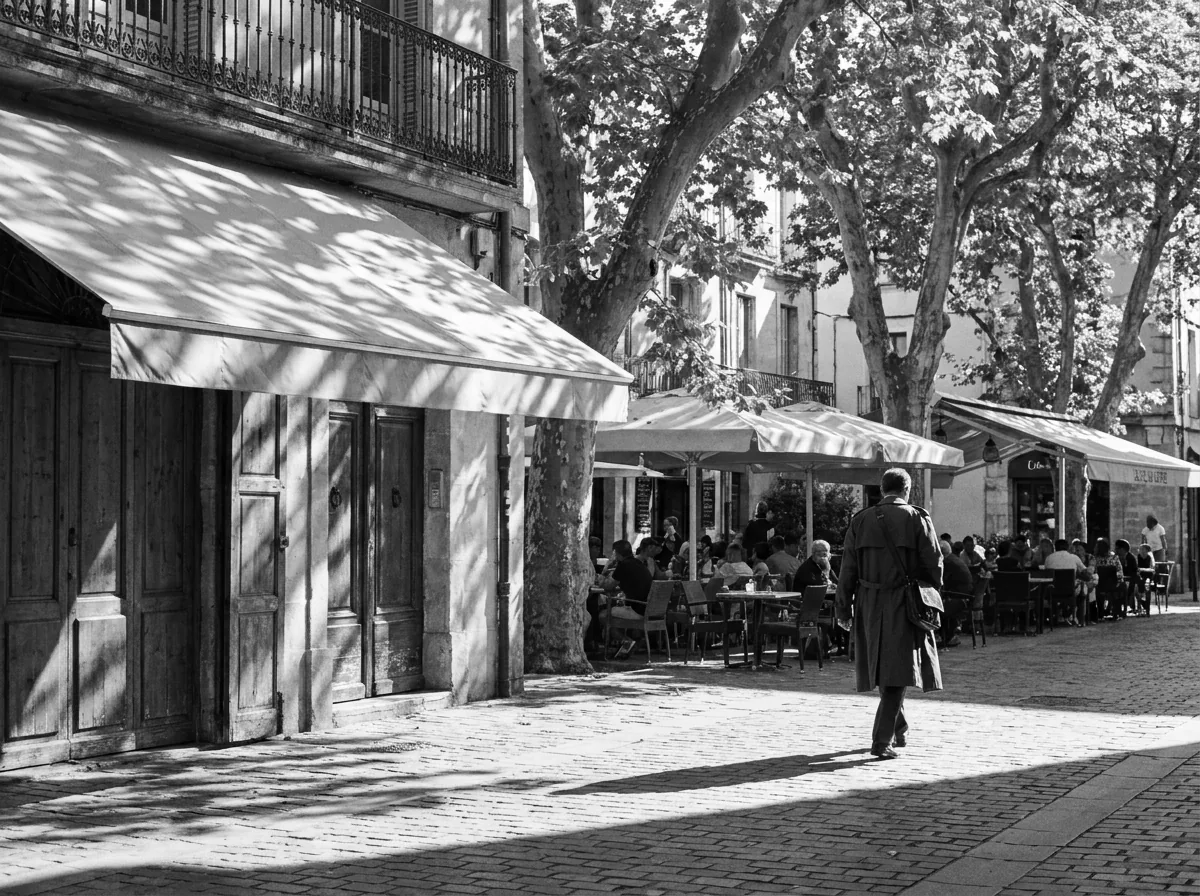
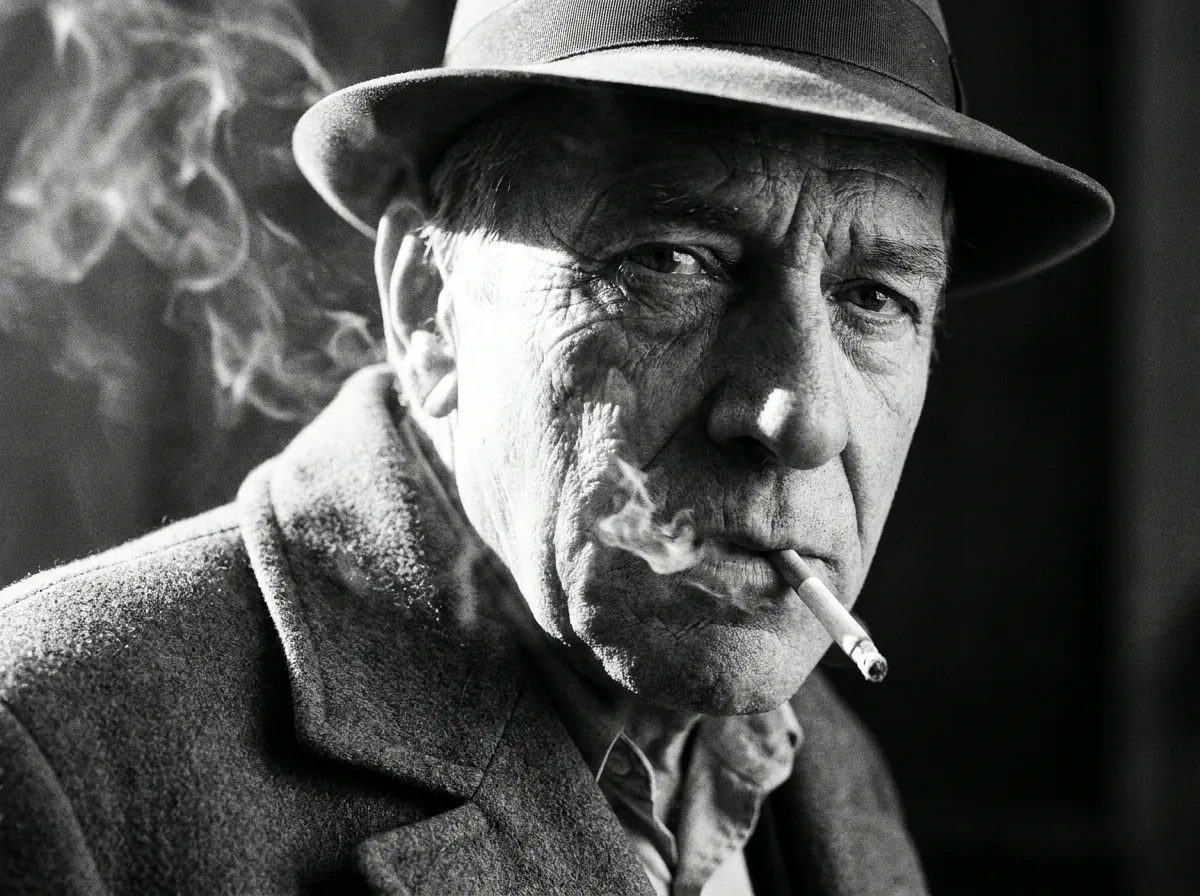
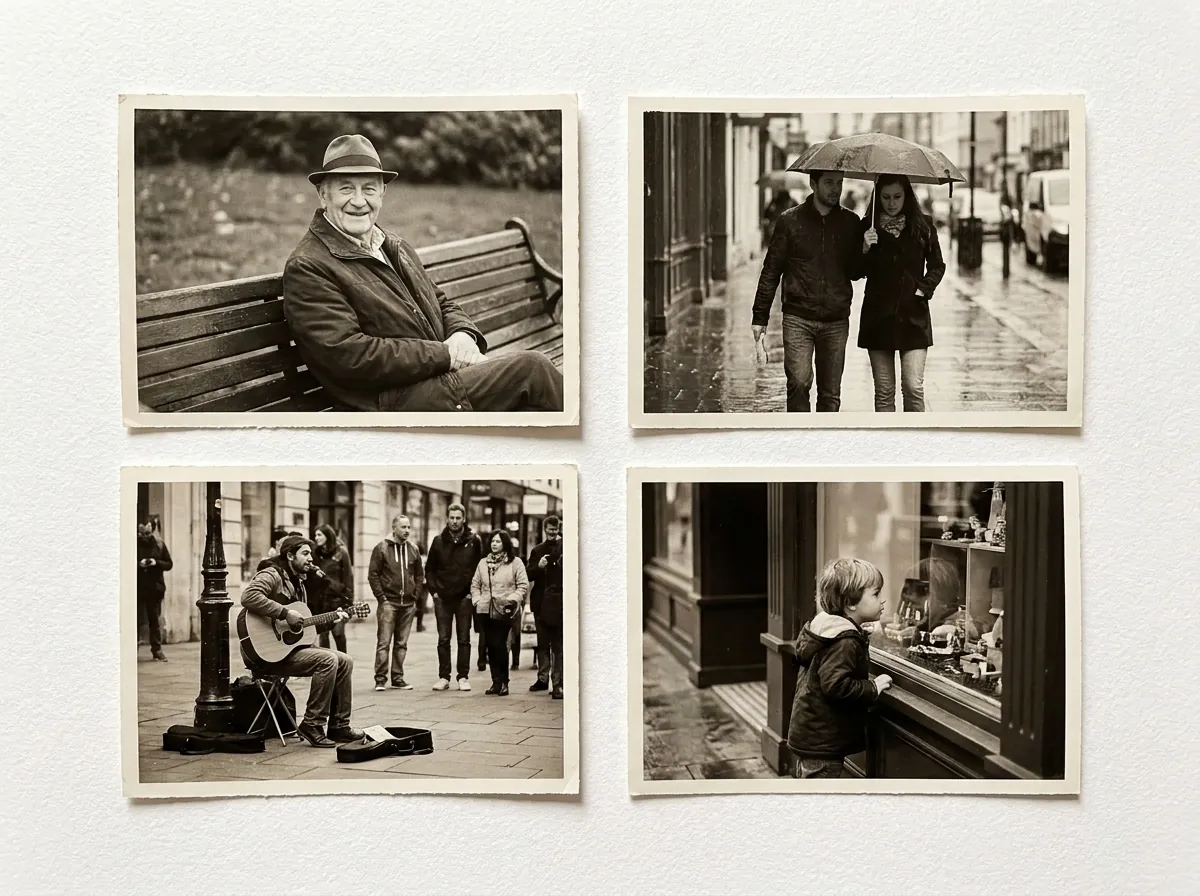
Street & Documentary / Still Life & Product
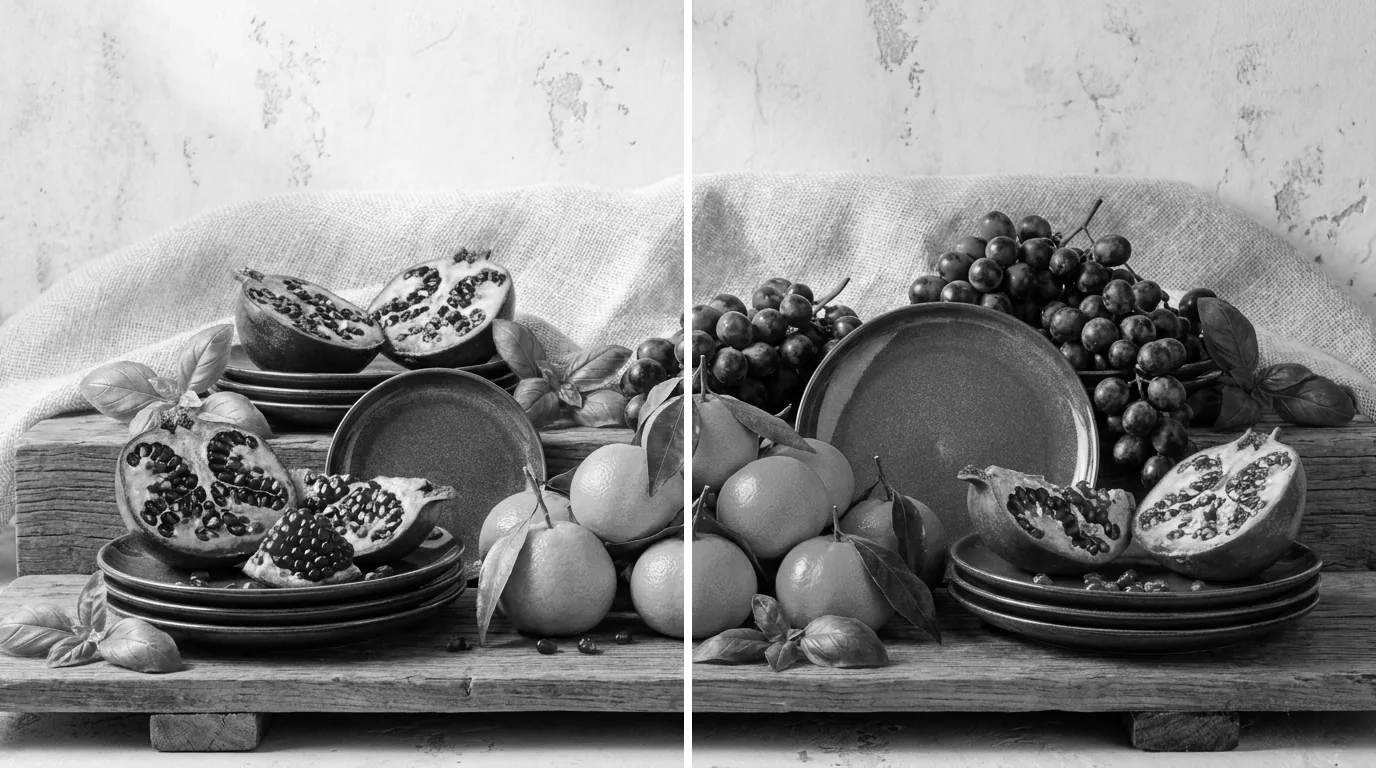
High-contrast tonal curves capture the raw emotional impact, candid human expressions, and gritty character of urban street photography with deep, authentic shadow density and crisp midtone separation. Balanced middle-gray tonal values reveal delicate material surfaces, metallic sheens, and ceramic glazes cleanly without blowing out specular highlights.
Frequently Asked Questions About Black & White Conversion
Find comprehensive answers about our free online monochrome converter, tonal presets, image privacy, format support, and printing quality.
Drop your file into our black and white photo maker, pick a tonal preset, and convert image to black and white immediately. The entire workflow runs in your browser without accounts or software.
Yes, your photos remain 100% private because all image processing occurs locally on your device via client-side JavaScript. Your personal pictures are never uploaded to, transmitted across, or stored on external cloud servers.
No, the conversion process preserves 100% of your original pixel dimensions and fine details. The algorithm recalculates color values into grayscale luminance without applying blur or downsampling to your files.
Standard grayscale tools use uniform RGB averaging that creates flat, muddy tones. Our black and white image converter applies perceptual BT.709 luminance weighting to deliver rich, 256-level tonal depth with superior contrast and shadow detail.
The tool supports all standard image formats including JPG, PNG, and WebP. You can export your finished monochrome results in the exact same format and original dimensions as your input file.
Yes, transparent PNG files retain their full alpha channel transparency intact during conversion. Only the visible colored pixels are transformed into grayscale, leaving background cutouts and graphic logos perfectly preserved.