
Remove Glare from Photo with AI Online
Remove reflection from photo online free with AI. Erase glare from glass windows, water surfaces, and glossy scans while keeping natural textures and true colors intact.


Drop a photo here or click to browse
JPG, PNG, WebP · Max 20MB
Please complete the human verification above, then start.
Optical Decomposition Engine · Multi-Surface Support · Free Daily Trial · High-Resolution Export
Remove Glare AI Engine Across Windows, Glass, and Glossy Photos
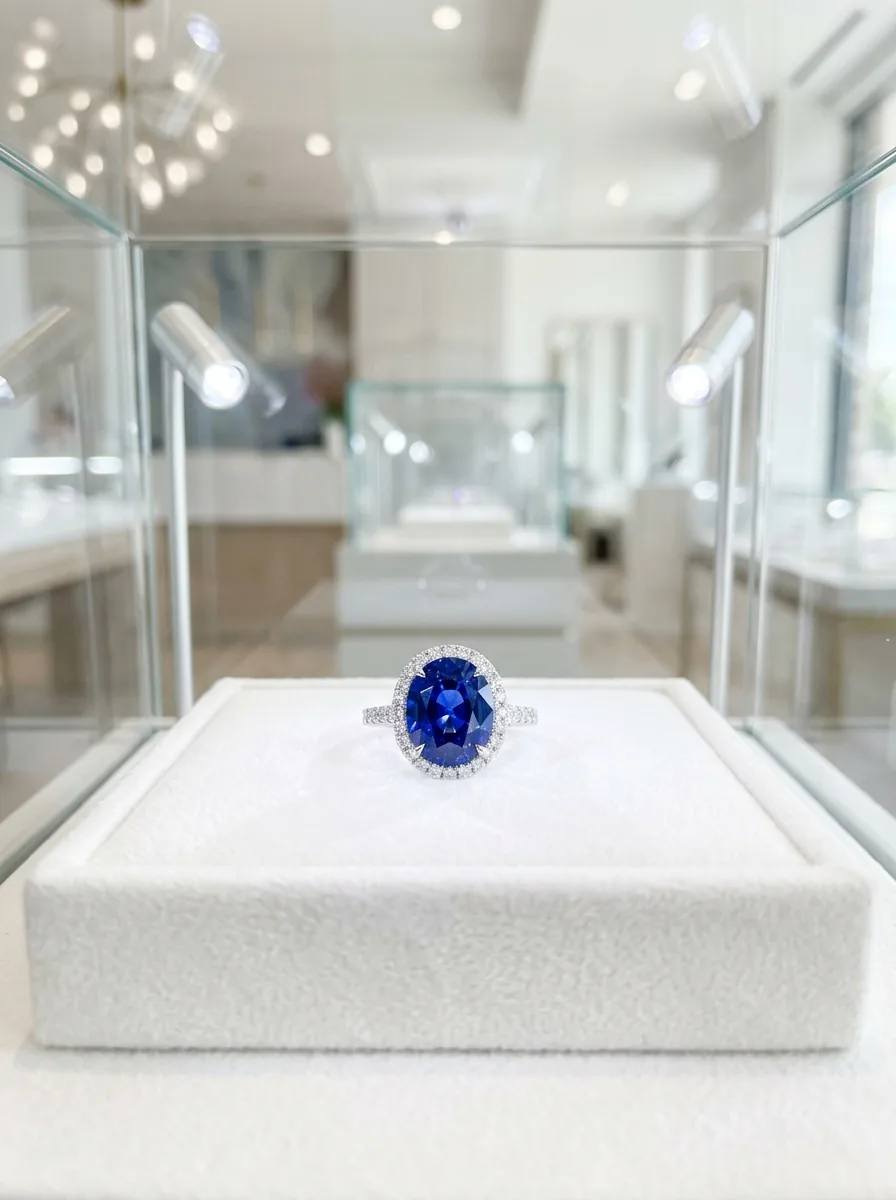
Window and Showcase Transparency
Removes window reflections, museum showcase glass glare, and display reflections, making subjects behind glass clearly visible without hazy residue or color shifts.

Water Surface Flare Neutralization
Reduces harsh sun glints and surface reflections on water, wet streets, and mirrors, keeping natural water clarity and outdoor colors balanced.
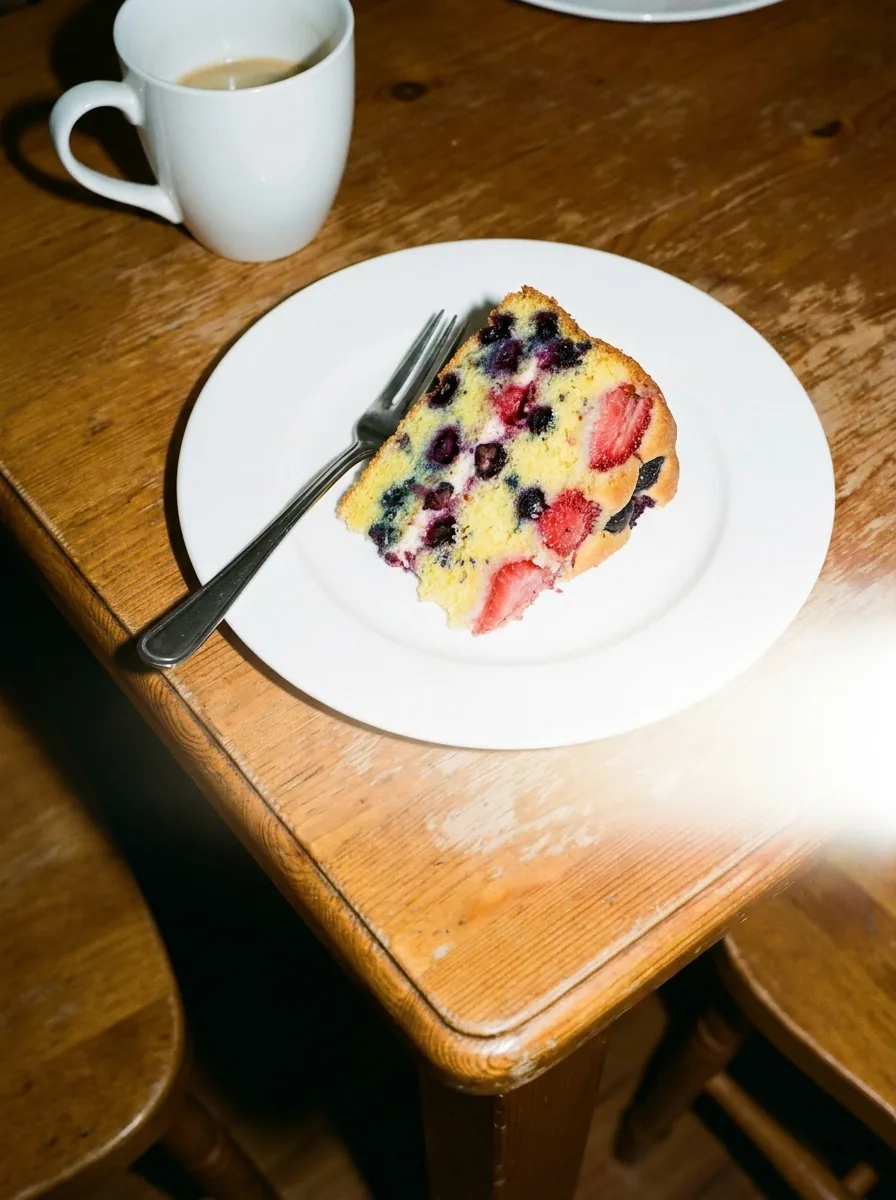
Scanned Glossy Print Healing
Eliminates scanner lamp glare, flash reflections, and hotspots from scanned documents, laminated certificates, and glossy photos, keeping text and fine lines sharp.
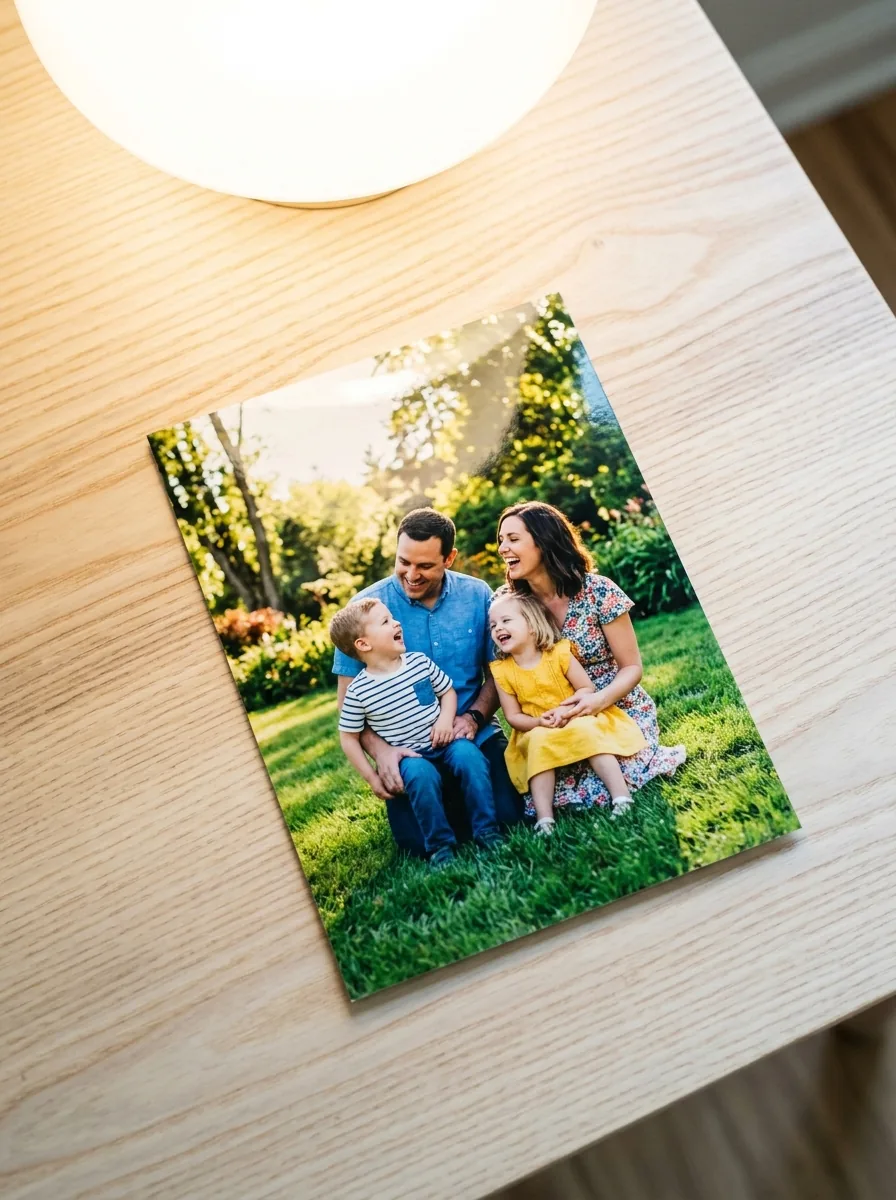
Harsh Flash Hotspot Suppression
Reduces harsh flash reflections and strobe highlights on glossy packaging, bottles, metallic items, and polished surfaces without dulling natural lighting or contrast.
More Free Photo Enhancer Tools
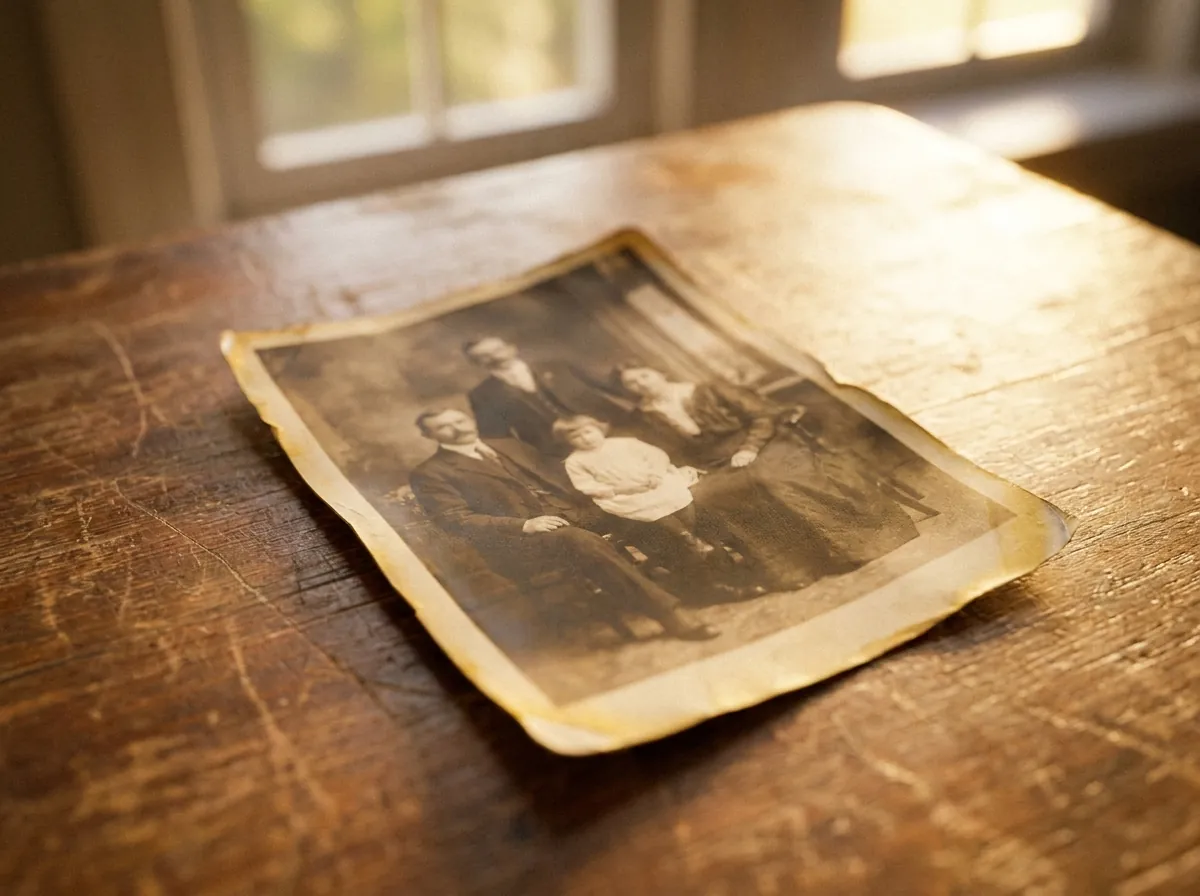
repair scratches, stains, fading, and creases

plausible color for black-and-white and faded pictures

enlarge up to 4K, edges stay defined and clean

clear reflections off eyeglass lenses in portraits

erase window, water, glass, and flash glare

monochrome conversion, free and unlimited
sharp 1-bit output for printing and stencils
convert whole folders of photos to B&W at once
How to Remove Reflection from Photo in 3 Simple Steps
Eliminate distracting light flares and surface gloss in seconds when you remove reflection from photo archives with our automated AI tool.
Drag and drop your picture into the secure canvas zone. The system accepts high-resolution JPG, PNG, and WebP files directly from your desktop computer, tablet, or smartphone browser without requiring installation or complicated registration.
Our deep learning model automatically analyzes lighting distribution, decomposes diffuse highlights from underlying textures, and isolates specular reflections without requiring tedious manual brush masking or clone stamping.
Preview the clean, glare-free composition using the interactive split-screen comparison slider and export your original-resolution image with crisp contrast, vibrant colors, and zero watermarks.
Zero manual brush tracing · Intelligent multi-layer optical reflection subtraction with hardware acceleration.
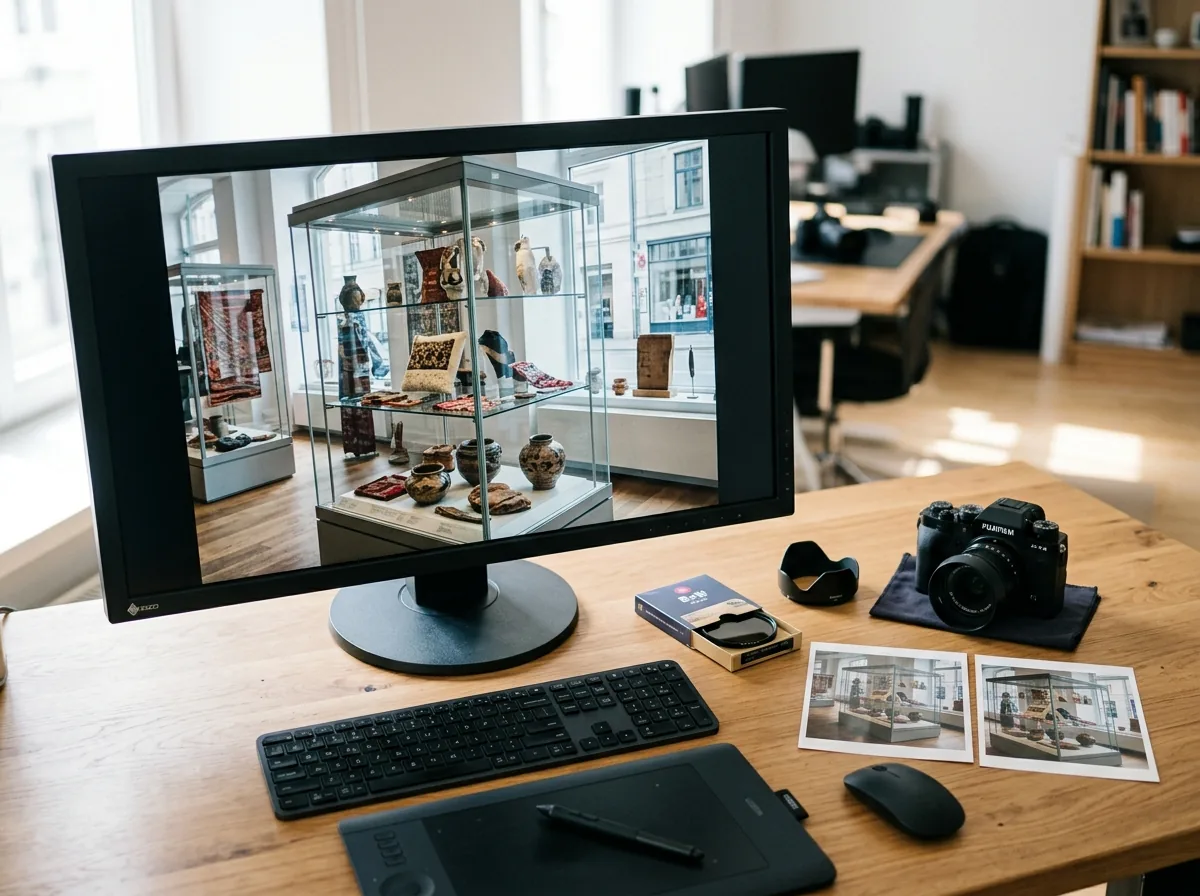
Deep Optical Decomposition: Separating Glare Layers While Preserving True Surface Texture & Contrast
Standard photo editors often try to remove reflections using clone stamps or content-aware fill. These methods tend to smudge surface textures, create flat patches, and struggle to separate reflections from the scene underneath.
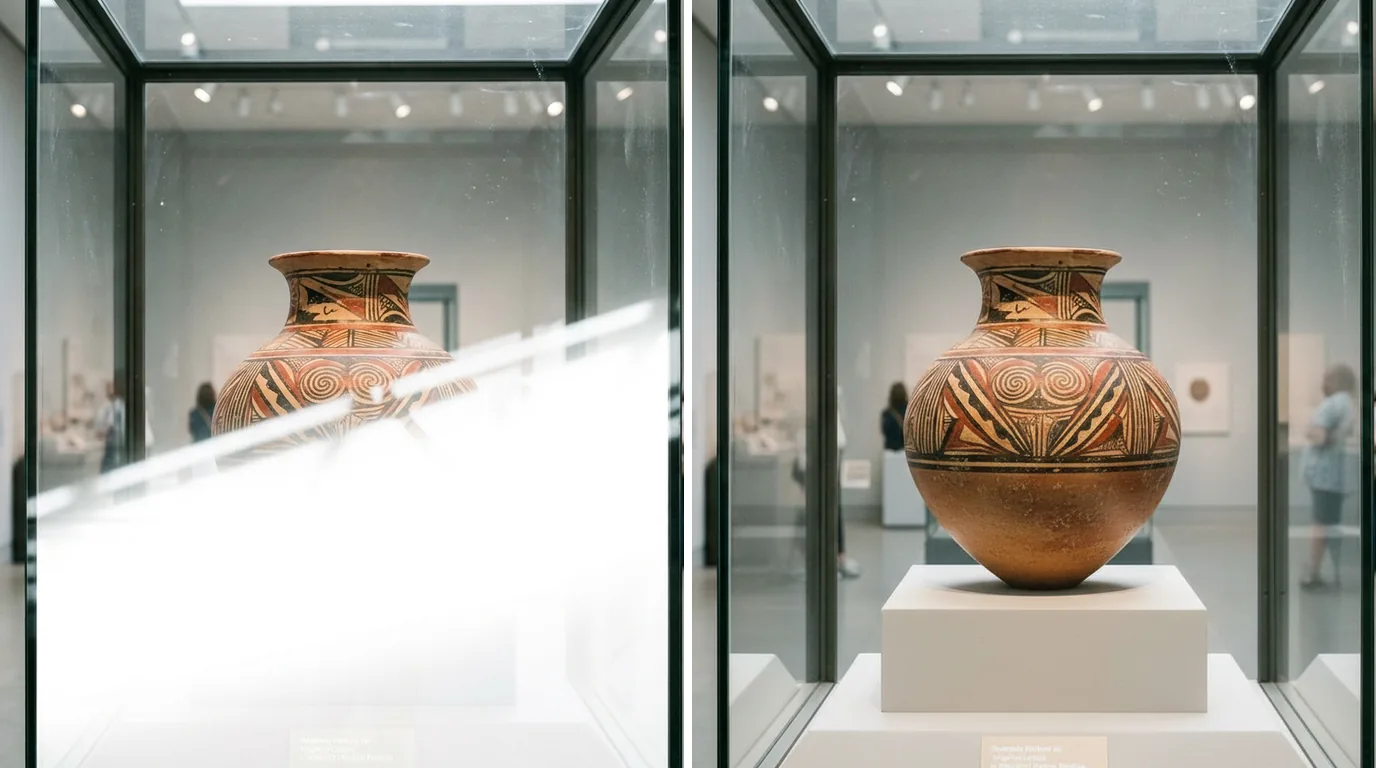
CrispFix uses an AI reflection removal model designed to separate glare and reflections from the underlying photo: ``` Reflection Removal Process: [Light Analysis] -> Detects glare hotspots and reflection angles [Layer Separation] -> Separates the reflection from the actual surface [Texture Restoration] -> Reconstructs surface textures and contrast ```
When you remove reflections with CrispFix, the model separates the surface reflection from the underlying image: 1. **Removes Glare Hotspots**: Isolates bright reflections and glare spots on glossy surfaces without washing out surrounding colors. 2. **Rebuilds Covered Textures**: Reconstructs surface details like wood grain, stone, print, and architectural textures where strong reflections blocked the view. 3. **Restores Contrast Behind Glass**: Clears hazy reflection veils to bring back shadow depth and readability to objects behind windows and display cases. 4. **Sharp Contours**: Keeps lines and object edges well-defined without blurry halos or color bleeding. This restores photos taken through glass, museum cases, or glossy surfaces naturally without artificial blur.
Reflection Erasure Results Across 4 Diverse Real-World Scenarios
Examine how our optical AI engine restores clarity when you remove reflection from photo captures across diverse professional and personal photography scenarios:
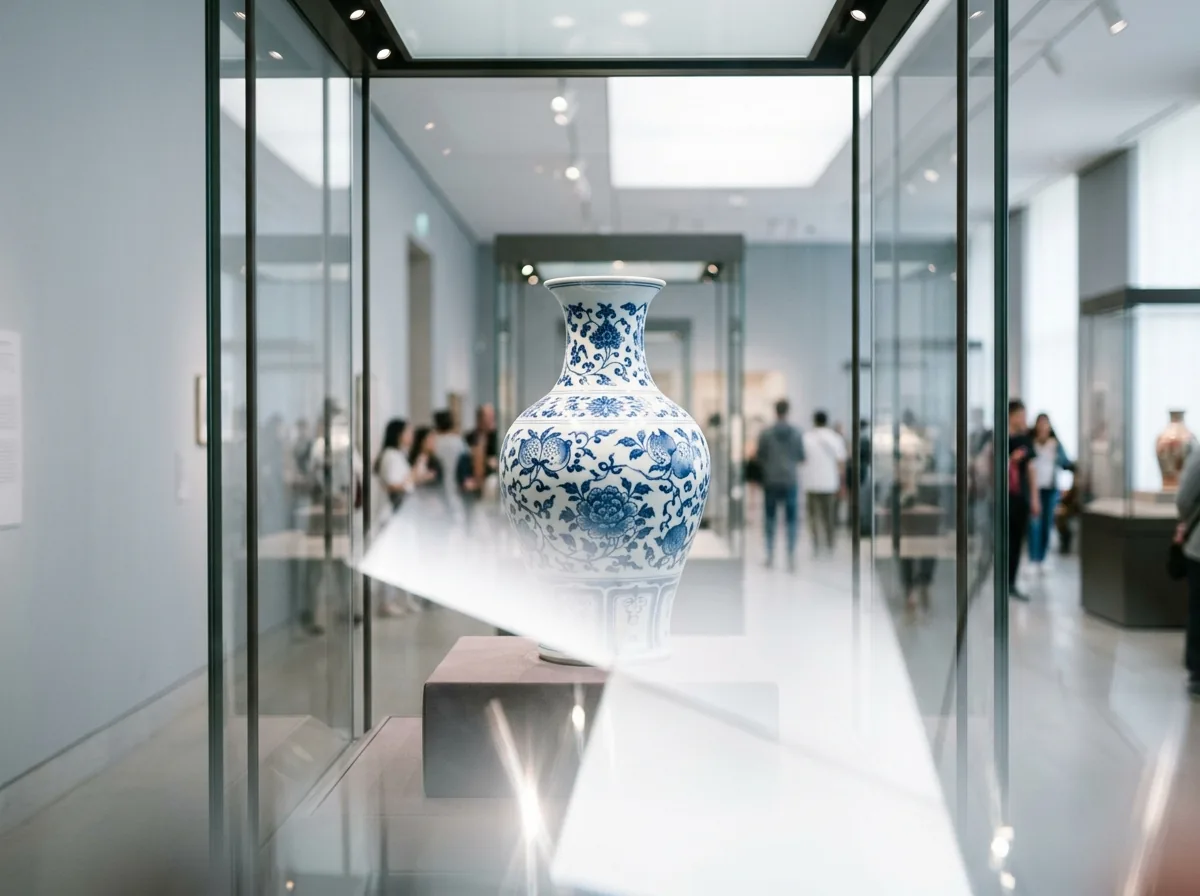

Museum Displays and Shop Windows
Remove reflection from photo exhibits, historical artifacts, framed oil paintings, storefront fashion mannequins, and jewelry vitrines taken through thick glass partitions, capturing clean exhibition details without distracting tourist reflections or ambient indoor lighting bounce across the glass pane.


E-Commerce Glossy Product Photography
Eliminate blinding flash hotspots from glossy plastic packaging, consumer electronics, metallic kitchenware, cosmetic bottles, and wine labels for clean, professional marketplace product listings that build shopper confidence and boost sales conversions.


Travel Landscapes and Water Scenery
Smooth out intense sunlight shimmer, surface reflections, and distracting glare across calm mountain lakes, riverbanks, ocean coastlines, and architectural glass facades to highlight natural landscape topography, lush foliage, and vibrant sky colors.
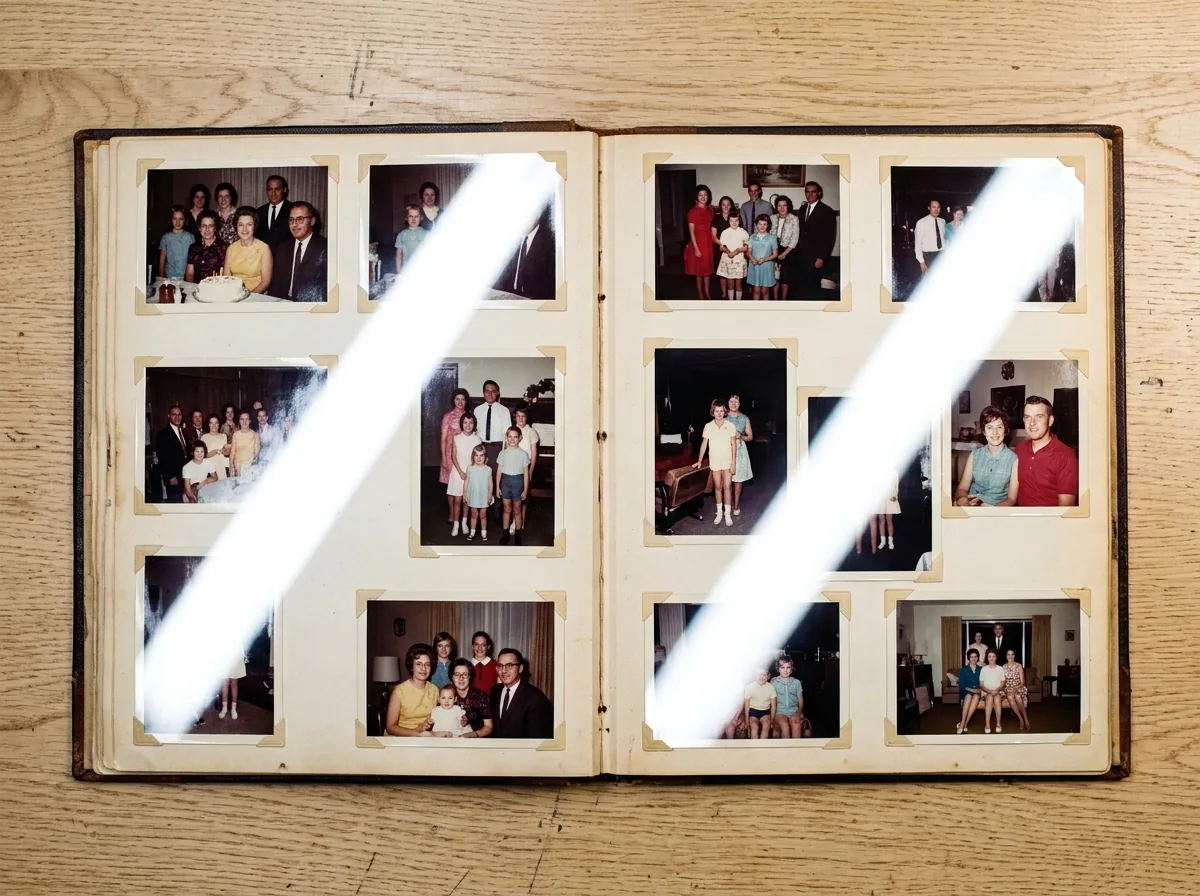
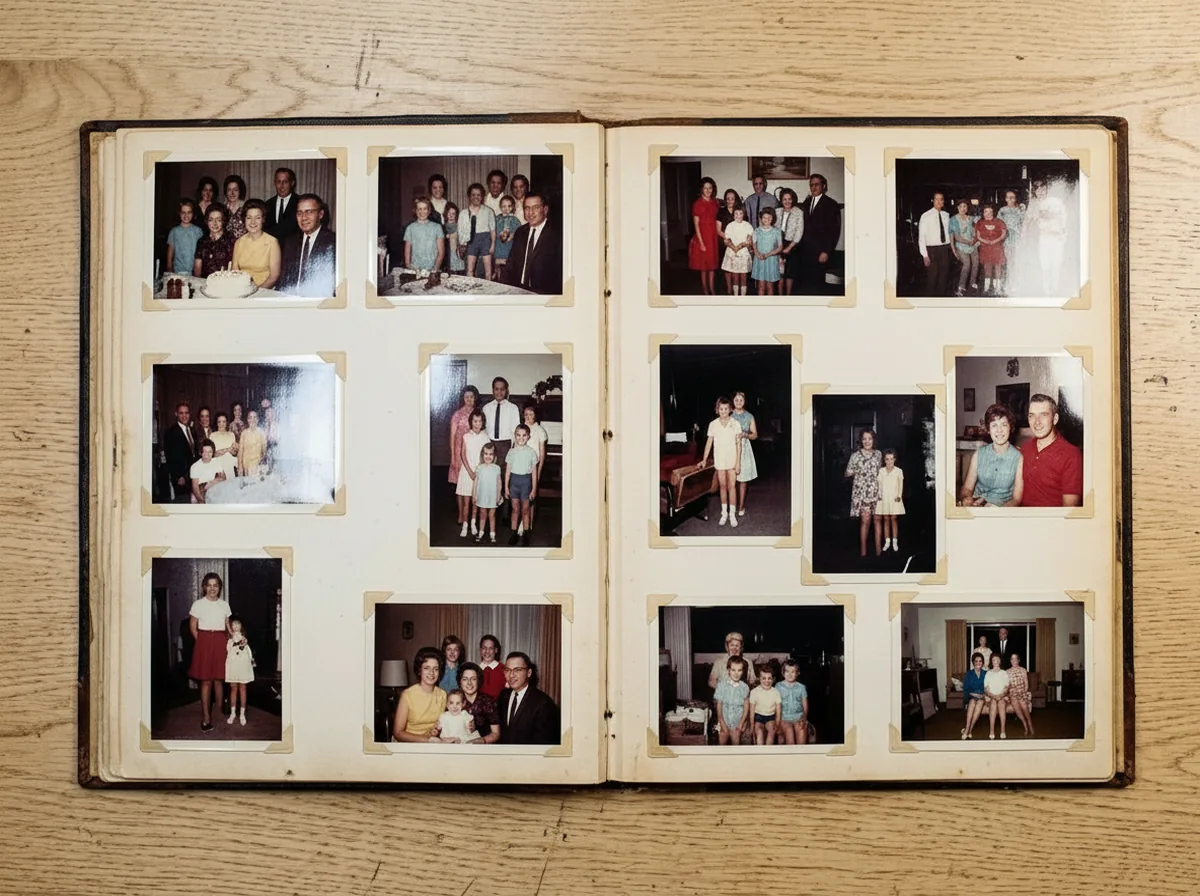
Archival Document and Photo Print Scans / Real Estate and Architectural Interiors
Clean up scanning lamp streaks, glossy photographic paper bounce, and clear plastic sleeve reflections on digitized family archives, historical newspapers, vintage certificates, and framed heritage portraits with flawless tonal continuity. Erase outdoor window bounce and ceiling light glare across polished hardwood floors, granite kitchen countertops, and modern glass doors for bright, inviting architectural portfolios and real estate marketing presentations.
Frequently Asked Questions About Removing Photo Reflections & Glare
Find comprehensive answers about multi-surface glare removal, free trial credits, glossy photo digitizing, and file privacy.
Upload your picture, and our glare remove algorithm will isolate reflection in image free. Whether you need to remove window reflection from photo, remove glass reflection from photo, or remove glare over photo of physical photo prints, our image remove glare tool handles it all.
No, our optical decomposition network mathematically separates the reflected light layer from the underlying surface texture. It restores true material contrast, natural wood grains, stone masonry, and printed typography without introducing blurry patches, smudges, or artificial halos across your restored photograph.
The AI effectively eliminates shop window reflections, museum glass showcase bounce, water surface glare, harsh camera flash hotspots, overhead fluorescent tube flares, and scanner lamp streaks from laminated paper, acrylic panels, and glossy photographic prints across all shooting conditions.
Place your scanned print into the upload area and let the AI detect paper sheen. The algorithm suppresses scanner glare stripes while keeping historical paper tones, photographic emulsion textures, and printed ink lines sharp and clean without digital distortion, noise, or color loss.
CrispFix supports standard JPG, PNG, and WebP raster images. You can upload high-resolution photographs up to 4K dimensions and export full-resolution files with zero watermarks across both desktop and mobile web browsers without installing extra software or extensions.
Use the interactive intensity control slider to fine-tune the degree of reflection separation. Higher settings eliminate heavy opaque glare, while moderate settings preserve subtle natural specular highlights on metallic, glass, and ceramic objects for balanced photographic realism, contrast, and depth.