
Convert Multiple Images to Black and White in Batch
Multithreaded browser batch conversion engine. Turn whole galleries into crisp high-contrast monochrome concurrently and download all converted files packaged together in a single ZIP archive with zero cloud latency.
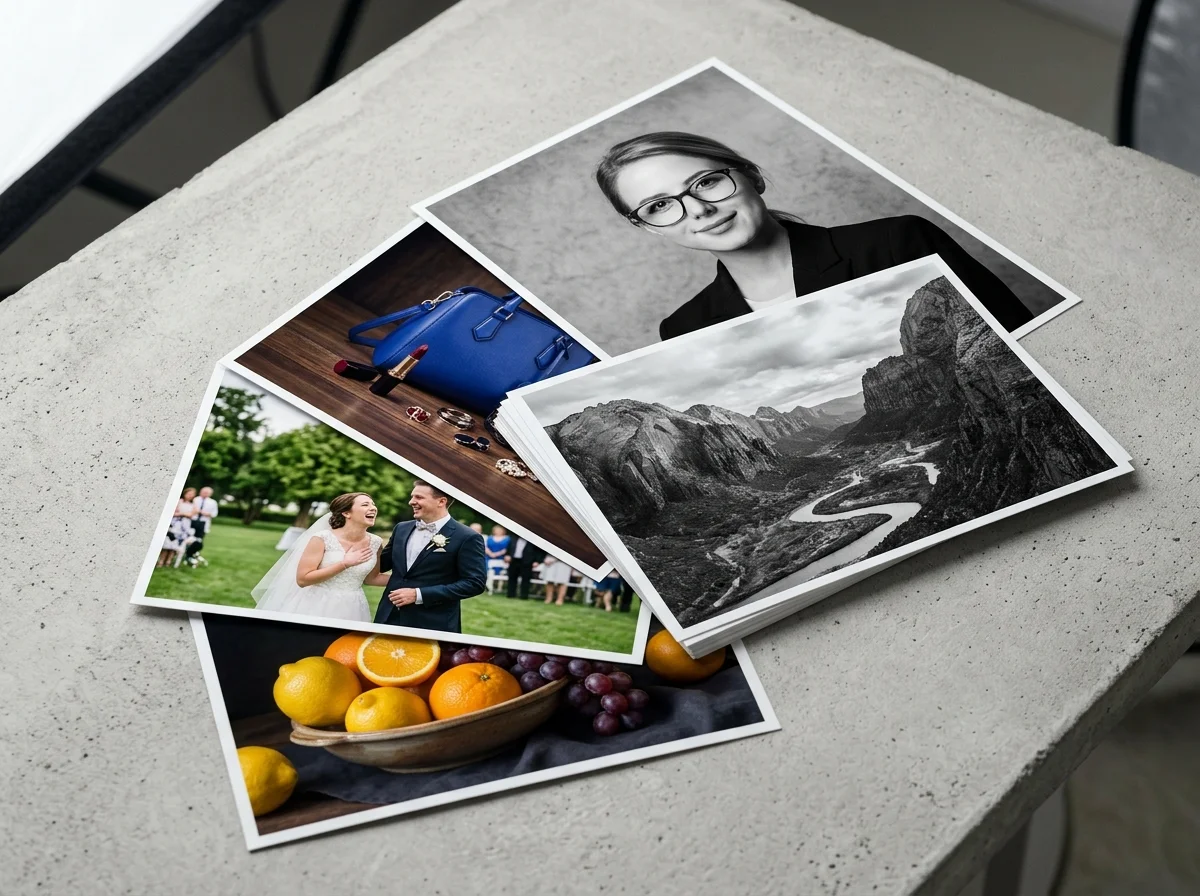
Drop folder or multiple images
Up to 100 images per batch · 100% Client-side privacy
100% Free · Client-Side Worker · No Upload Limits · Instant ZIP
High-Speed Bulk Monochrome and Multithreaded Features

Web Worker Multithreading
Convert batches of JPG, PNG, and WebP photos simultaneously using your device's CPU threads. Processing happens locally in parallel, cutting down wait times without upload queues.

Client-Side Instant ZIP Archiving
Package and compress all converted monochrome photos directly in browser memory into a single ZIP file. You can download the full batch immediately without waiting for server packaging.
Mixed Multi-Format Conversion
Process mixed batches of JPEG, PNG, and WebP files at the same time. Filenames are preserved across the entire batch.
Independent Per-Image Quality Preservation
Each image is converted at full original resolution without downsampling or watermarks. Textures and fine details stay sharp across the entire image, ready for digital use or print.
More Free Photo Enhancer Tools
repair scratches, stains, fading, and creases
plausible color for black-and-white and faded pictures

enlarge up to 4K, edges stay defined and clean

clear reflections off eyeglass lenses in portraits

erase window, water, glass, and flash glare
monochrome conversion, free and unlimited
sharp 1-bit output for printing and stencils
convert whole folders of photos to B&W at once
Streamlined 3-Step Procedure for Batch Monochrome Conversion
Process high-volume photo galleries effortlessly in seconds when you convert multiple images to black and white with this high-efficiency batch workflow.
Drag and drop a complete directory or folder to black and white images, or select multiple files into the batch dropzone canvas. The system ingests all items instantly without external uploading delays.
Watch the real-time progress monitor as multi-core browser workers convert images to black and white in parallel with live status tracking for each individual file in queue.
Export your complete converted monochrome library as a single compressed ZIP archive or download individual processed files selectively on demand with zero server wait times.
No file quantity limits · Client-side processing protects privacy, saves bandwidth, and eliminates server queues.
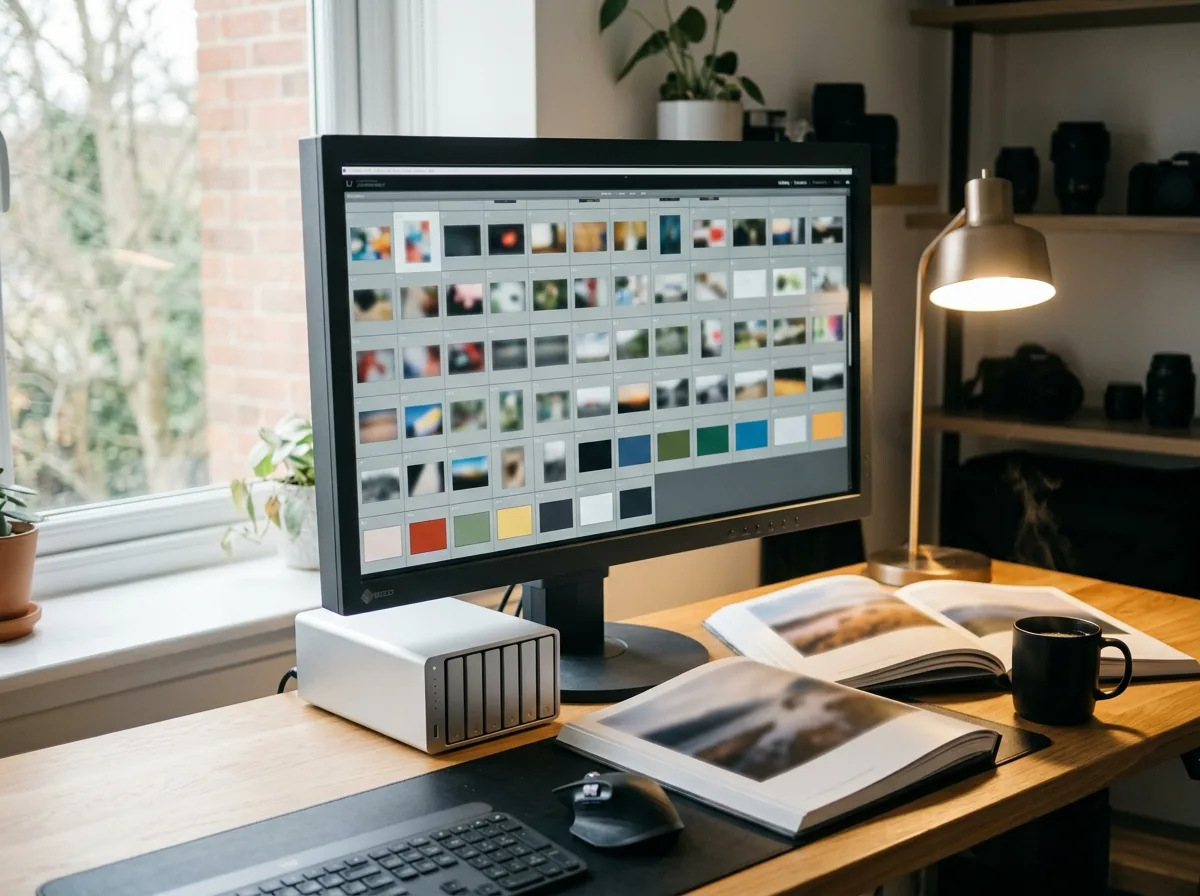
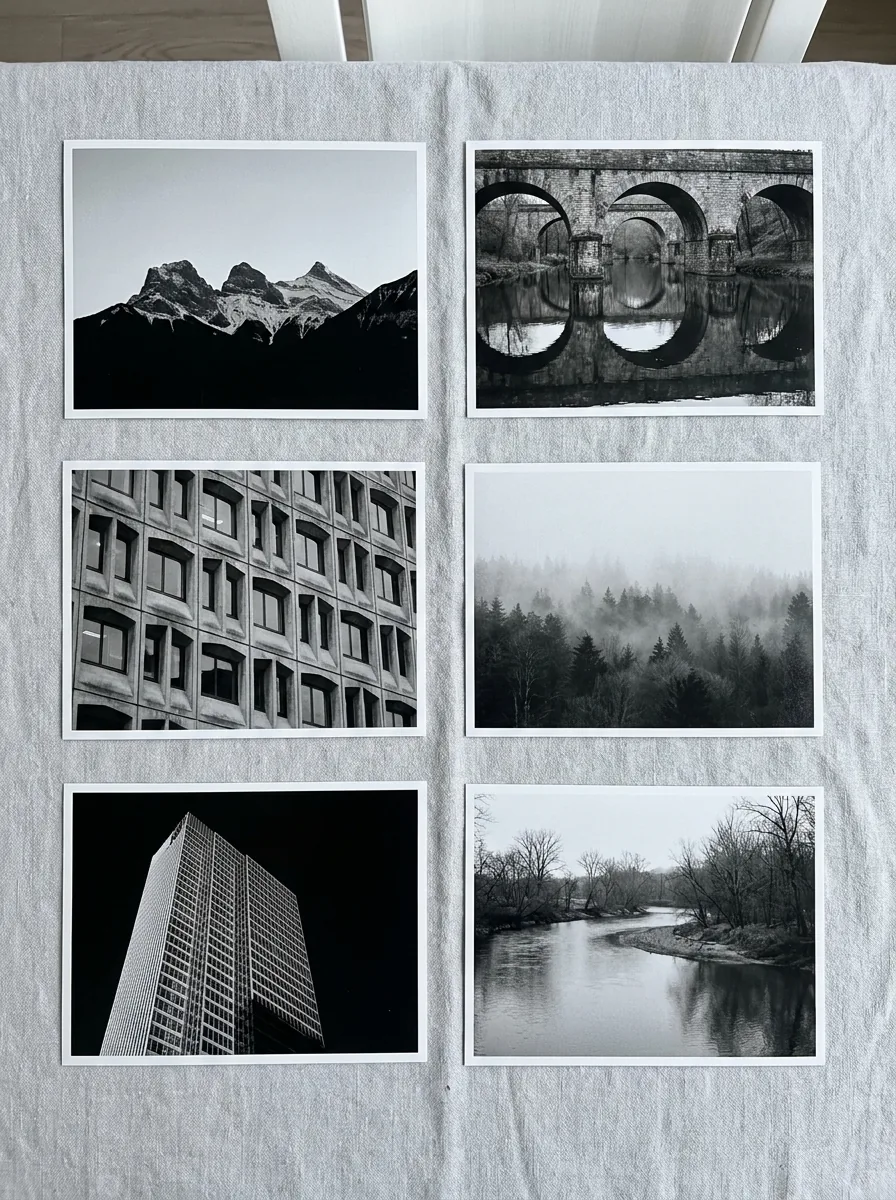
Client-Side Multithreading: How We Process 100+ Photos Instantly with Zero Server Latency
Traditional batch converters usually upload your photos to remote servers. This often means slow upload times, waiting in queues, high bandwidth use, and privacy concerns when working with sensitive images. Large batches can also run into server timeouts, failed uploads, and downsampling limits.

CrispFix processes batch conversions directly in your browser using Web Workers, OffscreenCanvas, and client-side ZIP streaming. It detects your device's available CPU threads and converts photos in parallel without sending files to a server: ``` Multi-Thread Processing: [Main Thread] -> Distributes image queue across workers [Worker Threads] -> Parallel black-and-white conversion [In-Memory Stream] -> Assembles ZIP archive locally ``` Because all processing happens in your device's memory, your photos never leave your computer. A batch of 50 high-resolution photos that used to take minutes to upload can convert in seconds.
The conversion manages browser memory to keep large batches stable without crashing your tab. When finished, all converted files are packed into a ZIP archive right in your browser for instant download, so your images never touch an external server. You can process mixed folders of PNG, JPEG, and WebP files with no daily limits.
Bulk Monochrome Efficiency Across 4 High-Volume Workflows
Observe how our multithreaded batch conversion engine accelerates productivity when teams convert multiple images to black and white across demanding commercial and creative applications:
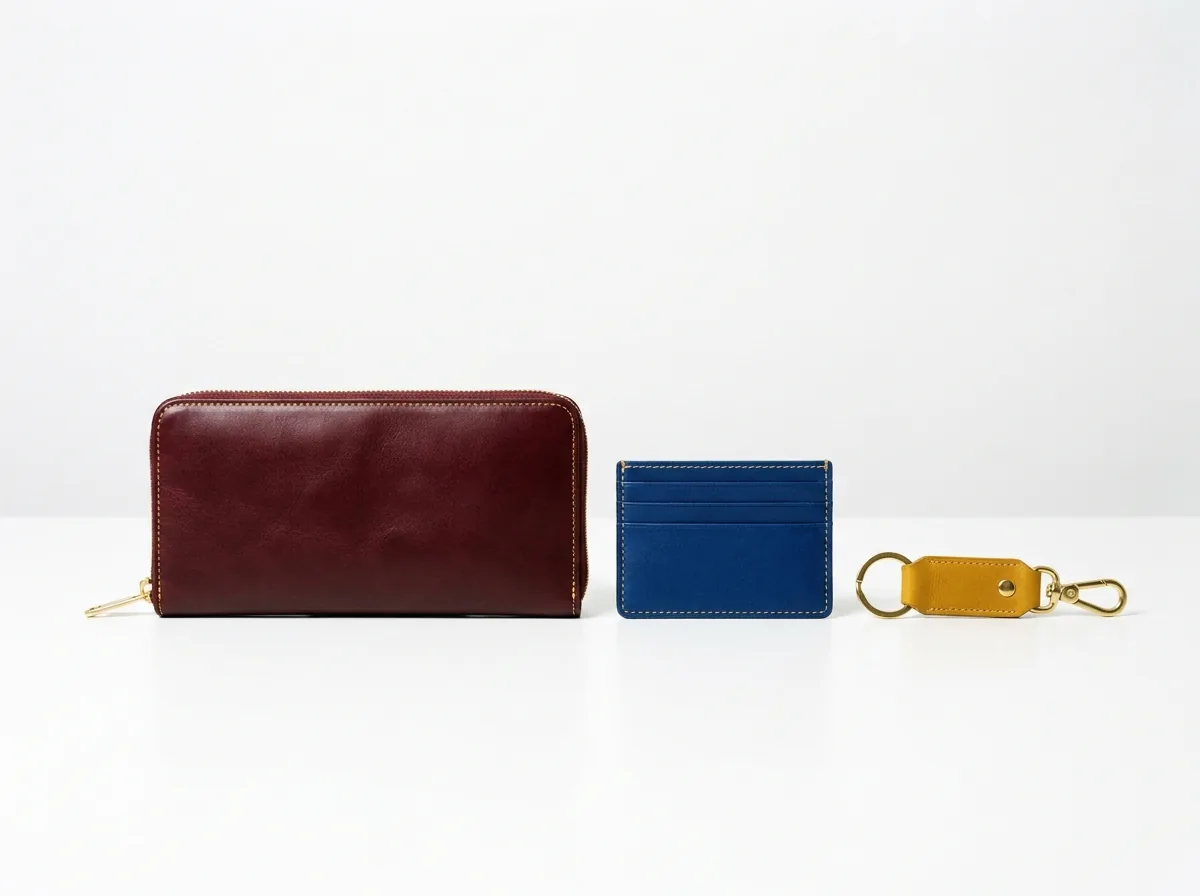
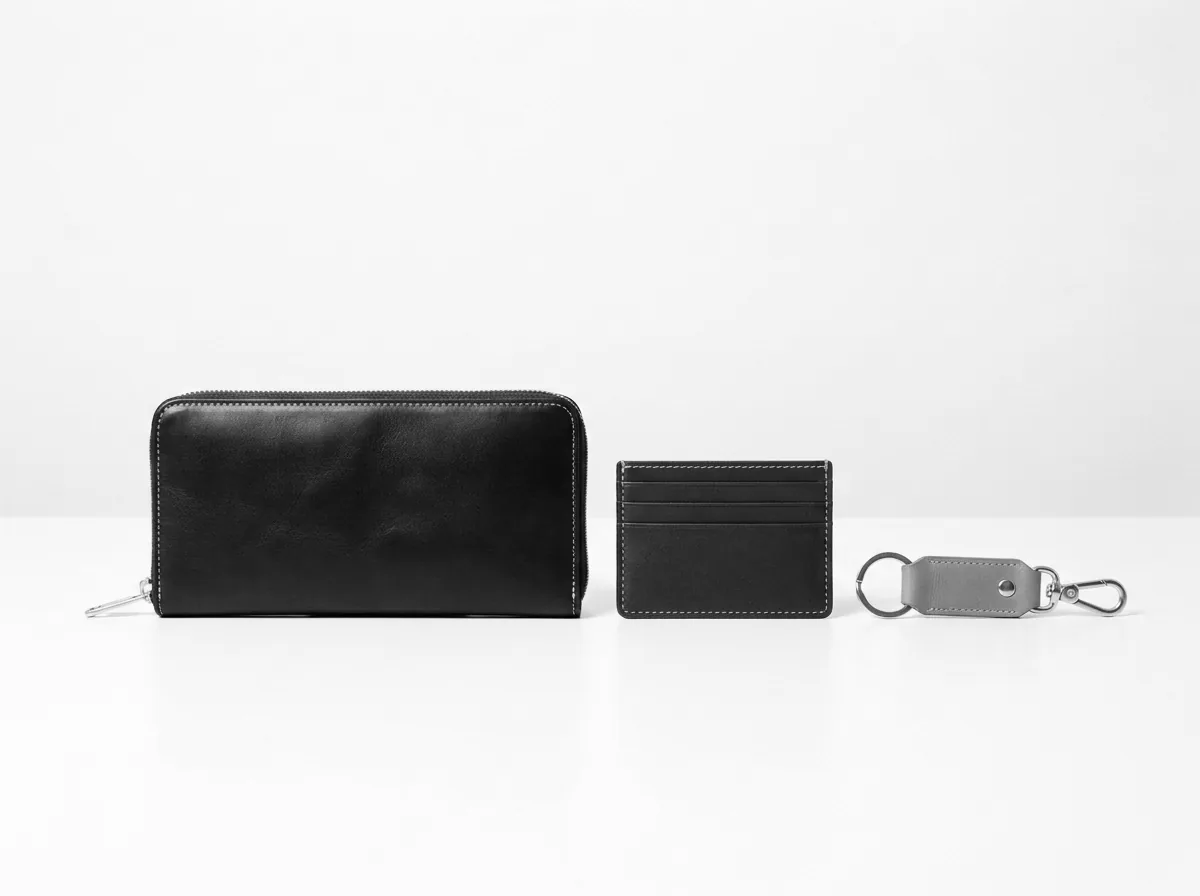
E-Commerce Product Catalogs
Convert complete merchandise photos to black and white in uniform monochrome tones, establishing clean visual consistency across online storefronts, digital lookbooks, product grids, and promotional print flyers.
Photography Studio Proofing
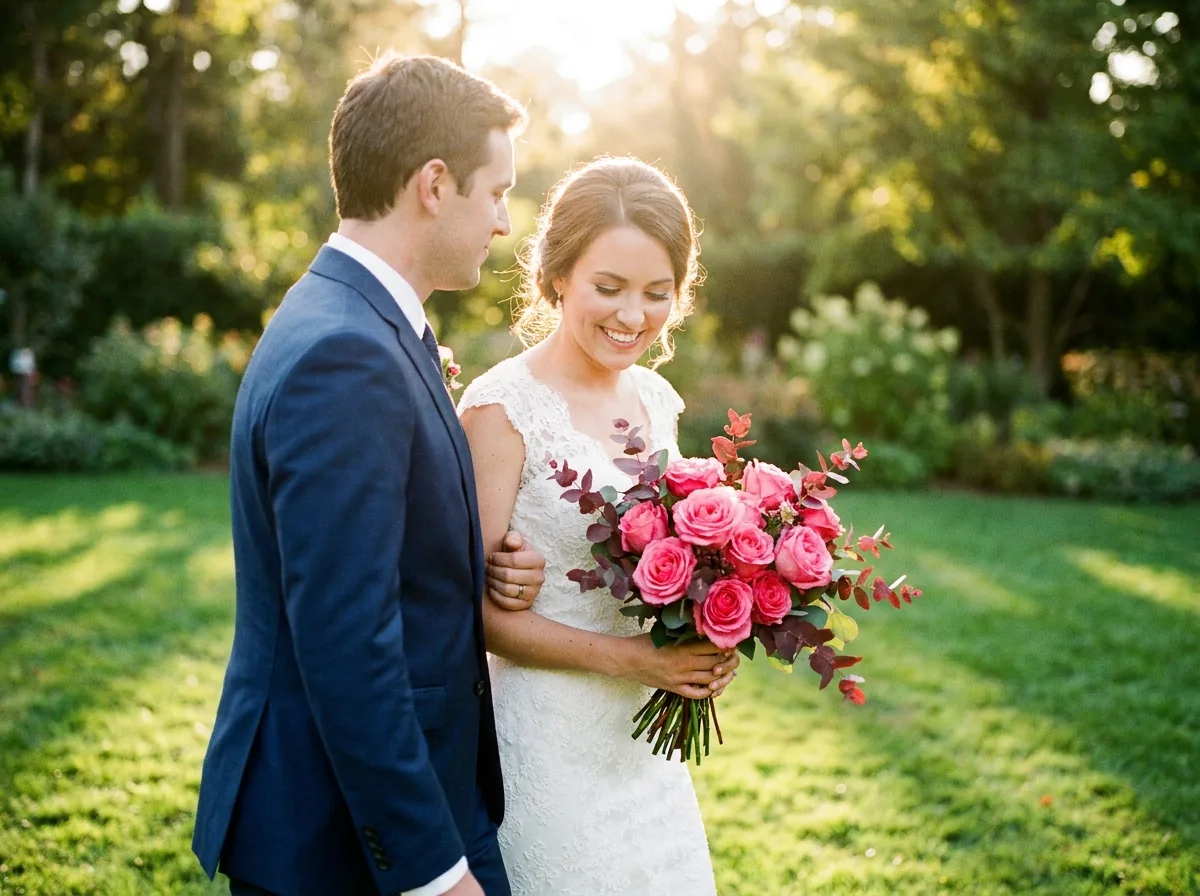
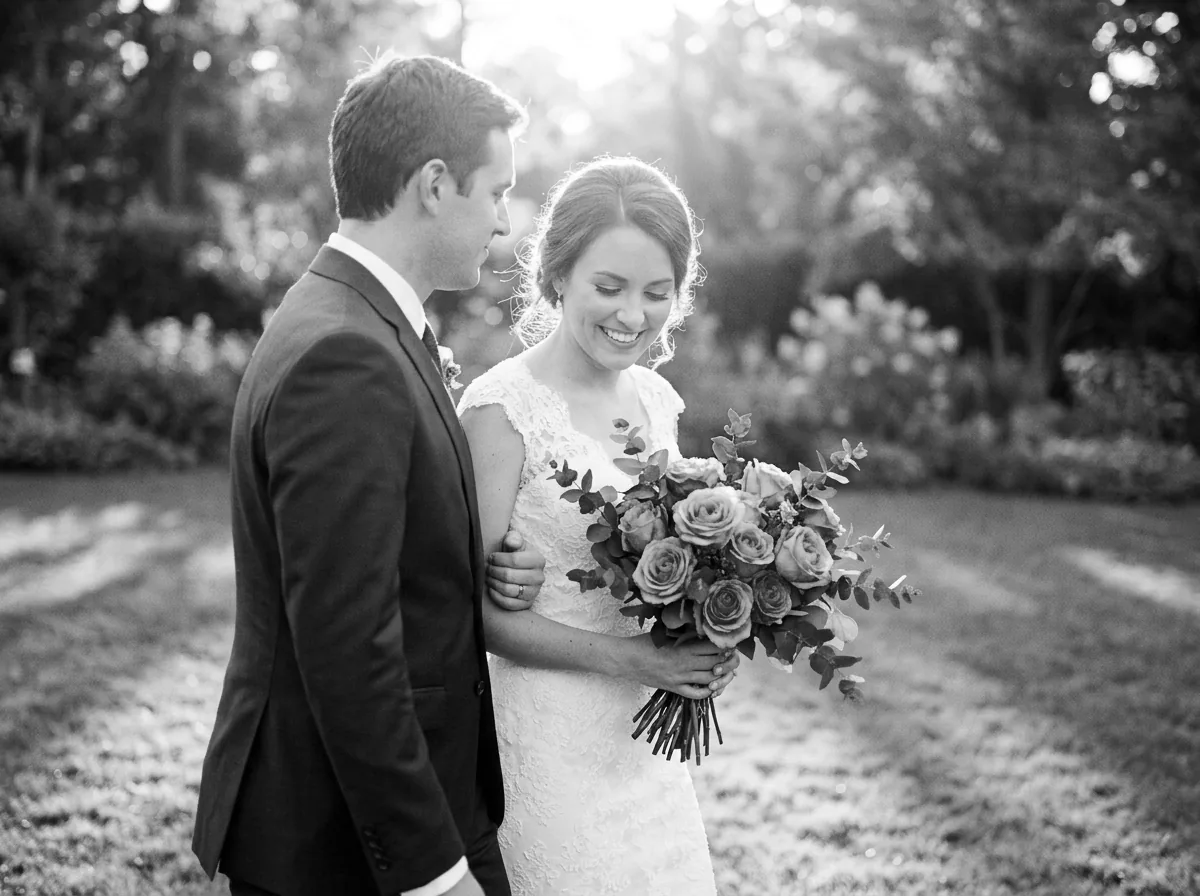
Rapidly generate hundreds of black-and-white proofing previews for wedding clients, event attendees, and portrait sessions directly on location without waiting for slow desktop batch exports.
Architecture & Engineering Archives
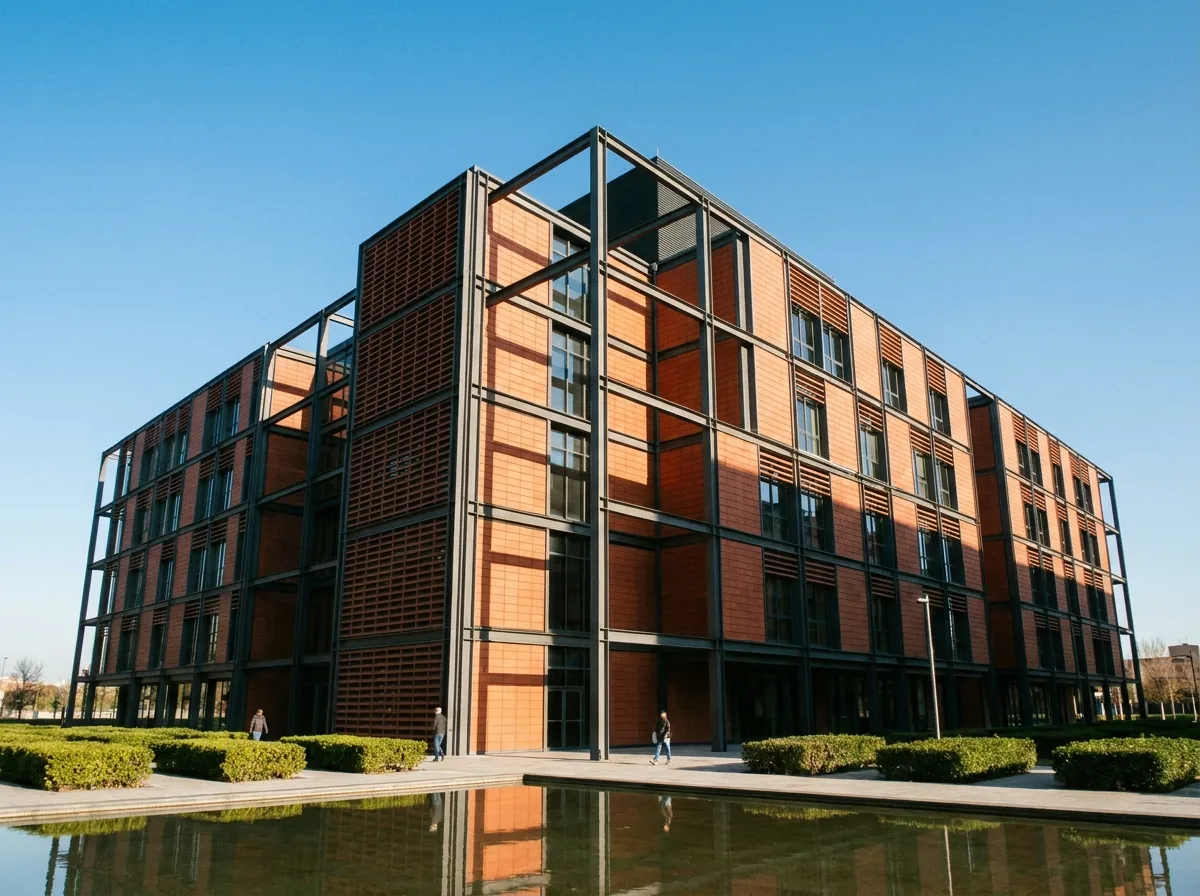
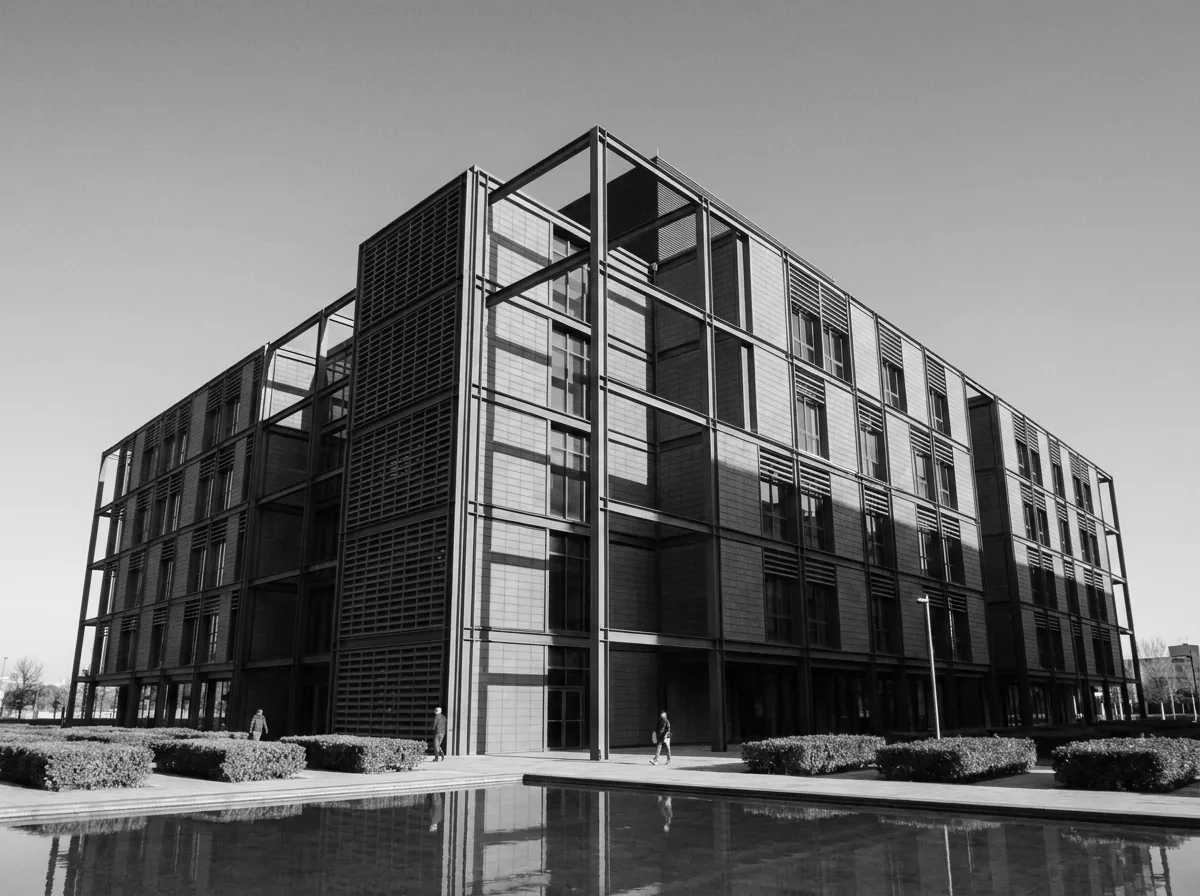
Process massive sets of construction site photos, structural documentation, blueprint records, and field inspections into compact, high-contrast monochrome formats for long-term archival storage and client reporting.
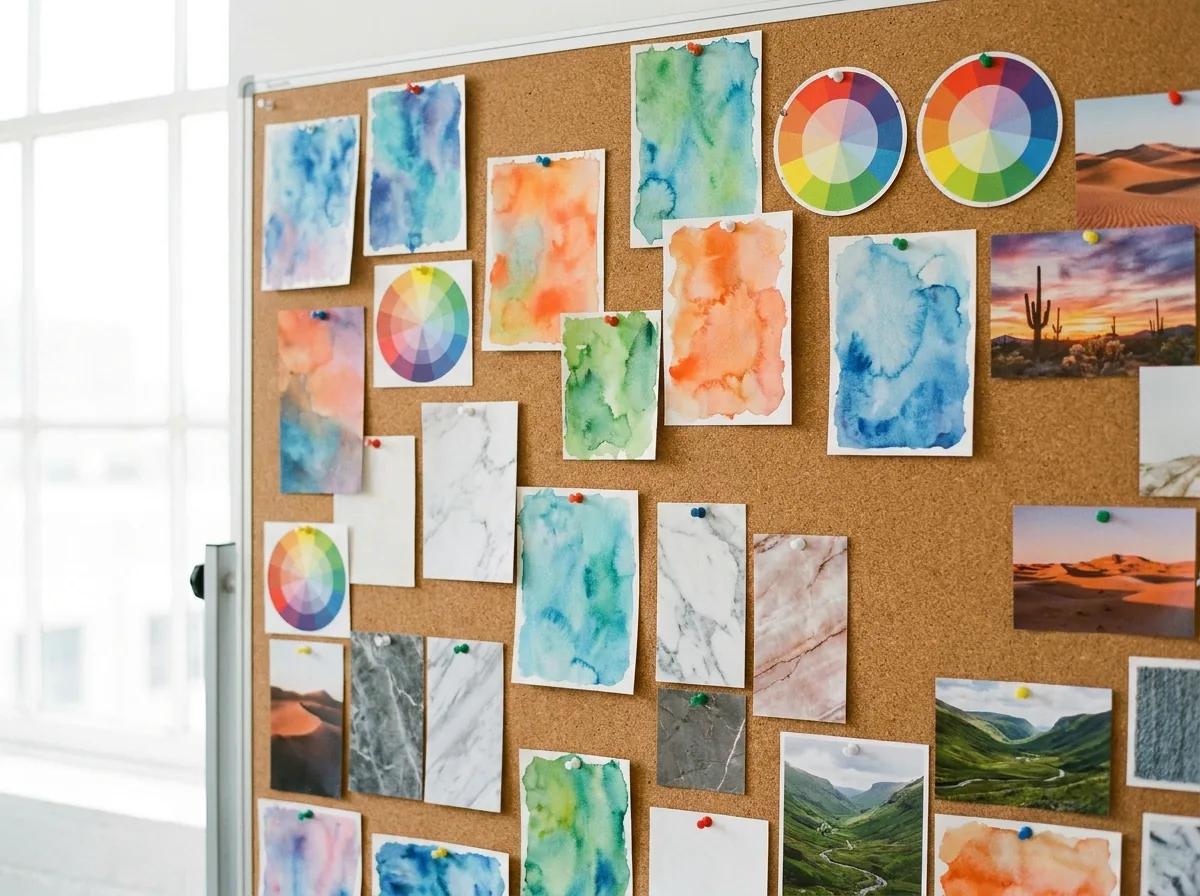
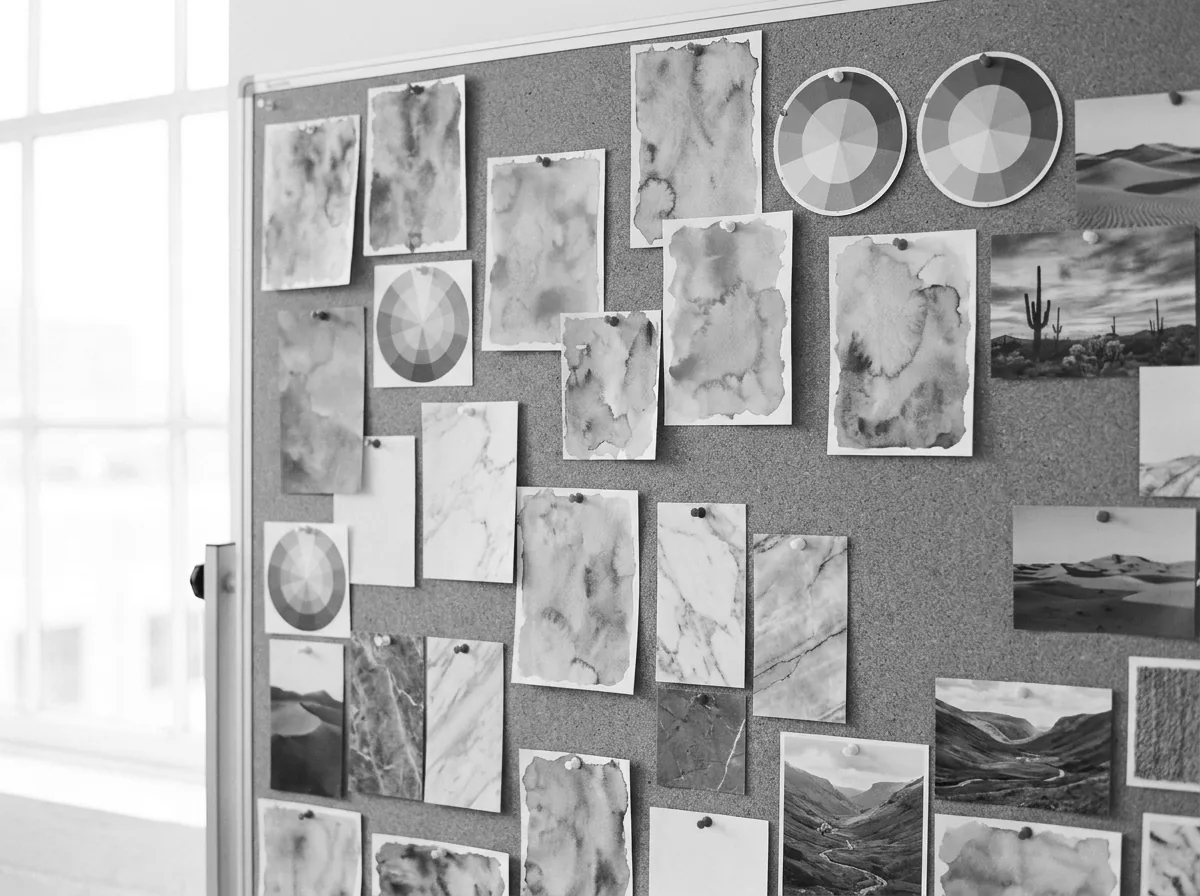
Graphic Design Asset Libraries / Museum & Historical Digitization
Transform raw asset folders, UI icon collections, stock photography sets, and background textures into standardized monochrome elements for immediate integration into digital layouts, mockups, and client presentations. Rapidly standardize thousands of digitized artifact records, historic documents, and museum catalog photographs into pristine monochrome records with zero compression degradation.
Frequently Asked Questions About Bulk Black and White Conversion
Find answers regarding batch image limits, ZIP packaging speed, multi-format mixing, and browser memory optimization.
Our black and white converter multiple at once operates completely free with no restrictions. You can convert image to black and white bulk in unlimited batches without paying subscription fees or registering user accounts.
Once batch processing finishes, click the download ZIP archive button to save all converted files in one compressed bundle. You can also click any individual thumbnail to download specific images separately.
No, every photo in your batch is processed at full native resolution with zero loss of quality. The batch pipeline applies the exact same high-precision conversion algorithms used for single-image processing.
Yes, your files remain completely private and secure because all batch processing occurs locally inside your web browser. Your images are never uploaded to, stored on, or viewed by external servers.
Yes, the batch tool allows you to upload JPG, PNG, and WebP images together in the same queue. Each image will be converted and exported in its corresponding original format without requiring prior conversion.
Drag and drop your entire project folder directly onto the batch upload zone in modern web browsers. The tool will automatically parse all compatible image files contained within the folder.