
Apps Like Picsart: 6 Best Free Photo Restoration Alternatives
Looking for apps like picsart? Discover top free alternatives for photo defect restoration, glare removal, and upscaling without credit caps or subscriptions.
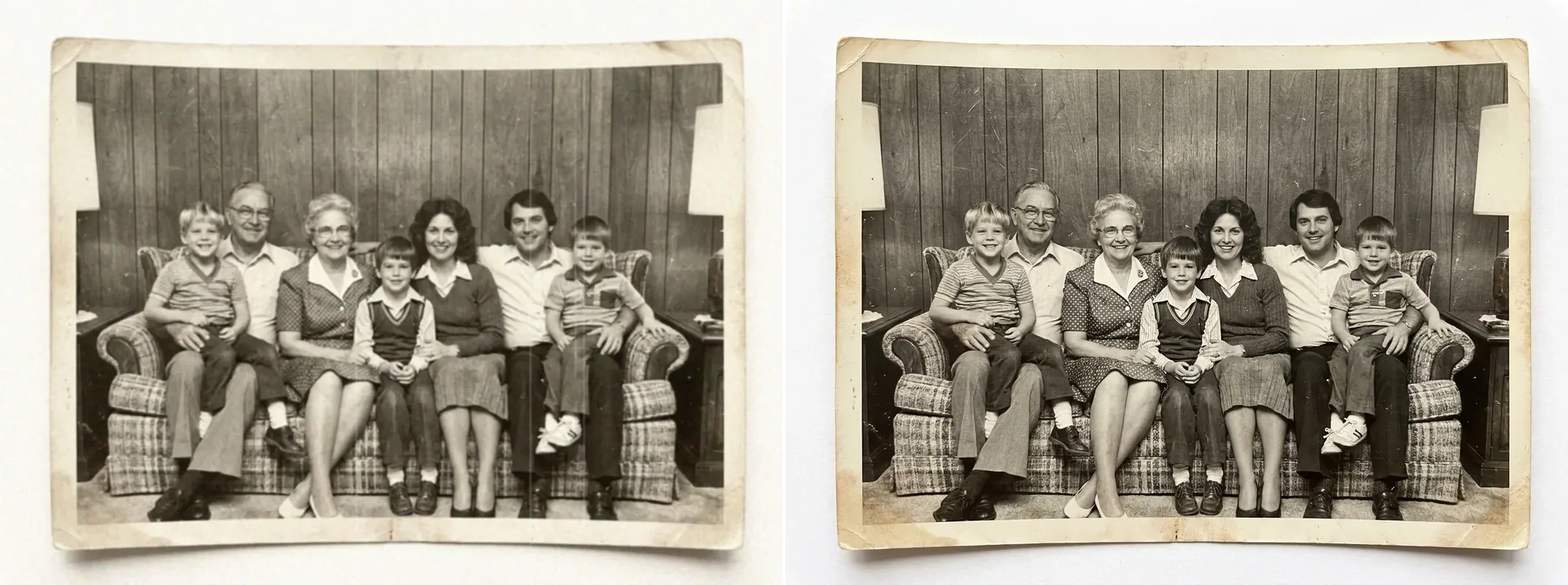
Finding capable apps like picsart has become an essential priority for photographers, creators, and family archivists seeking high-fidelity image editing without recurring monthly fees. While Picsart remains a versatile all-in-one mobile suite with social templates and creative stickers, recent pricing shifts—such as strict 500 to 1,500 monthly AI credit quotas, paywalled defect restoration features, and subscriptions from $10.50 to $45.00 per month—have pushed users to look for practical apps like picsart. Moreover, generic mobile filters cannot fix physical defects like lens glare, emulsion scratches, or heavy compression artifacts.
If you are looking for the best apps like picsart, your choice comes down to your primary workflow: pick CrispFix if you need 100% free AI photo defect repair and 4K upscaling with zero budget; choose template-driven apps like picsart such as Fotor or Pixlr if you need social graphics and marketing layouts; and install GIMP or open Photopea if you require professional multi-layer desktop editing without Adobe fees. Below, we compare the six best apps like picsart to help you choose the right tool.
Note: This site operates CrispFix and we've aimed to evaluate all tools objectively.
TL;DR: Quick Comparison Summary
Looking for the best apps like picsart? Here is how the top options stack up at a glance across free tiers, strengths, platforms, and primary use cases when comparing leading apps like picsart:
| Tool | Free Tier | Best Strength | Platforms | Best For |
|---|---|---|---|---|
| CrispFix | 100% Free (no watermark/cap) | Neural glare removal, scratch inpainting, 4K upscaling | Web (all browsers) | Restoring damaged, glared, or vintage photos |
| Snapseed | 100% Free (no ads/IAP) | Selective control points, RAW development, mobile precision | iOS, Android | Granular manual photo editing on mobile |
| Photopea | Free with banner ads | Full PSD workflow, multi-layer masks, smart objects | Web (browser-based) | In-browser Photoshop alternative for complex layers |
| Pixlr | 2–3 saves/day free | Dual simplified/advanced UI (X & E), cloud templates | Web, iOS, Android | Quick social graphics and lightweight layer edits |
| Fotor | Free with watermarked AI | Vast marketing templates, one-tap AI enhancements | Web, Windows, Mac, iOS, Android | Social media collateral and batch template design |
| GIMP | 100% Free & Open Source | 32-bit GEGL engine, deep plugin support, custom scripts | Windows, macOS, Linux | Pro desktop raster manipulation and offline editing |
Why Search for Apps Like Picsart?
Picsart remains a versatile all-in-one creative platform, but creators seeking dependable apps like picsart for photo enhancement and defect repair frequently face three practical challenges:
1. Credit Caps and Subscription Paywalls
Advanced AI features in Picsart—such as generative fill, neural image enhancement, and background synthesis—operate on a metered credit economy. On the Pro plan, subscribers receive 500 credits per month, while Ultra subscribers receive 1,500 credits. Free-tier users encounter export watermarks, ad interruptions, and locked features on high-resolution downloads, prompting them to look for alternative apps like picsart.
2. Interface Clutter vs. Single-Task Speed
Because Picsart combines video editing, social community feeds, collage makers, drawing canvases, and sticker generators into a single application, the interface can feel crowded. Users exploring streamlined apps like picsart often prefer dedicated single-purpose tools when repairing a single damaged image quickly.
3. Specialized Defect Gaps
While standard mobile filters adjust global saturation and brightness, dedicated restoration challenges—such as extracting flash glare from eyeglasses, fixing emulsion scratches on scanned prints, or converting historical photos to museum-grade monochrome—require specialized neural models that generic apps like picsart do not provide.
Technical Architecture: Global Pixel Adjustments vs. Neural Defect Inpainting
Understanding why dedicated restoration tools produce cleaner results than common apps like picsart requires examining how different image engines process visual data:
Traditional Mobile Filters (Standard Picsart Editing)
Conventional mobile photo editors and standard apps like picsart rely on global pixel transformations:
- Spatial Sharpening (Unsharp Masking): Increases high-contrast halos along detected edges. While this creates a perception of sharpness in basic apps like picsart, it magnifies sensor noise and JPEG compression artifacts.
- Color Desaturation: Applies uniform linear matrix multipliers across RGB channels, which often flattens tonal contrast in black-and-white images.
- Standard Healing Brushes: Clones and blends adjacent pixels into target blemishes, creating smudged textures over fine details like skin pores or fabric weaves.
Dedicated Neural Restoration Engines (CrispFix)
Modern neural restoration engines surpass conventional apps like picsart by employing multi-stage convolutional networks and generative diffusion priors:
- Specular Reflection Separation: Decomposes an image into diffuse reflection and specular reflection layers, reconstructing underlying eye geometry and iris color beneath lens glare.
- Contextual Inpainting Models: Identifies cracks, creases, and emulsion tears as artifact masks, synthesizing realistic micro-textures matching surrounding paper grain.
- Tonal Dynamic Balancing: Maps tonal curves across high-precision color spaces to preserve shadow fidelity and highlight detail when using our black and white picture converter or photo colorizing tools.
The 6 Best Apps Like Picsart Evaluated
Below is a detailed analysis of the top alternatives among popular apps like picsart, covering their primary focus, standout features, limitations, and verified pricing.
1. CrispFix (Best Free Dedicated AI Photo Restoration)
If you need instant photo enhancement and defect repair without recurring subscriptions or watermarks, CrispFix provides a dedicated, browser-based solution among free apps like picsart.
Unlike broad graphic design apps like picsart that emphasize promotional flyers and sticker packs, CrispFix specializes entirely in neural photo restoration, optical reflection removal, and resolution enhancement.
Key Capabilities and Specialized Tools
- Eyeglass and Lens Glare Removal: Flash bouncing off glasses often obscures portrait subjects. The specialized remove glasses glare from photo tool isolates optical reflections on lenses and reconstructs natural eye geometry and iris tones beneath the glare.
- Surface Reflection Extraction: The remove glare from photo engine separates specular highlights from background objects, rescuing photos taken through glass display cases or glossy picture frames.
- Vintage Paper and Tear Repair: Scratches, cracks, and physical creases on scanned heirlooms can be repaired using the old photo restoration module, which synthesizes authentic photographic textures.
- Neural Resolution Upscaling: The resolution image enhancer scales compressed or low-resolution images up to 4K and 8K dimensions, sharpening soft edges without introducing blocky artifacts.
- Monochrome Archival Processing: The black and white image converter reconstructs tonal curves for crisp monochrome photography, while colorize photo adds natural color to vintage archives.
Pricing and Verdict
CrispFix is 100% free with no registration required, no watermarks, and no monthly credit quotas. When evaluating modern apps like picsart, it is the premier choice when you need clean, high-fidelity photo repair without design bloat.
2. Snapseed (Best Free Mobile Photo Editor with Precision Control)
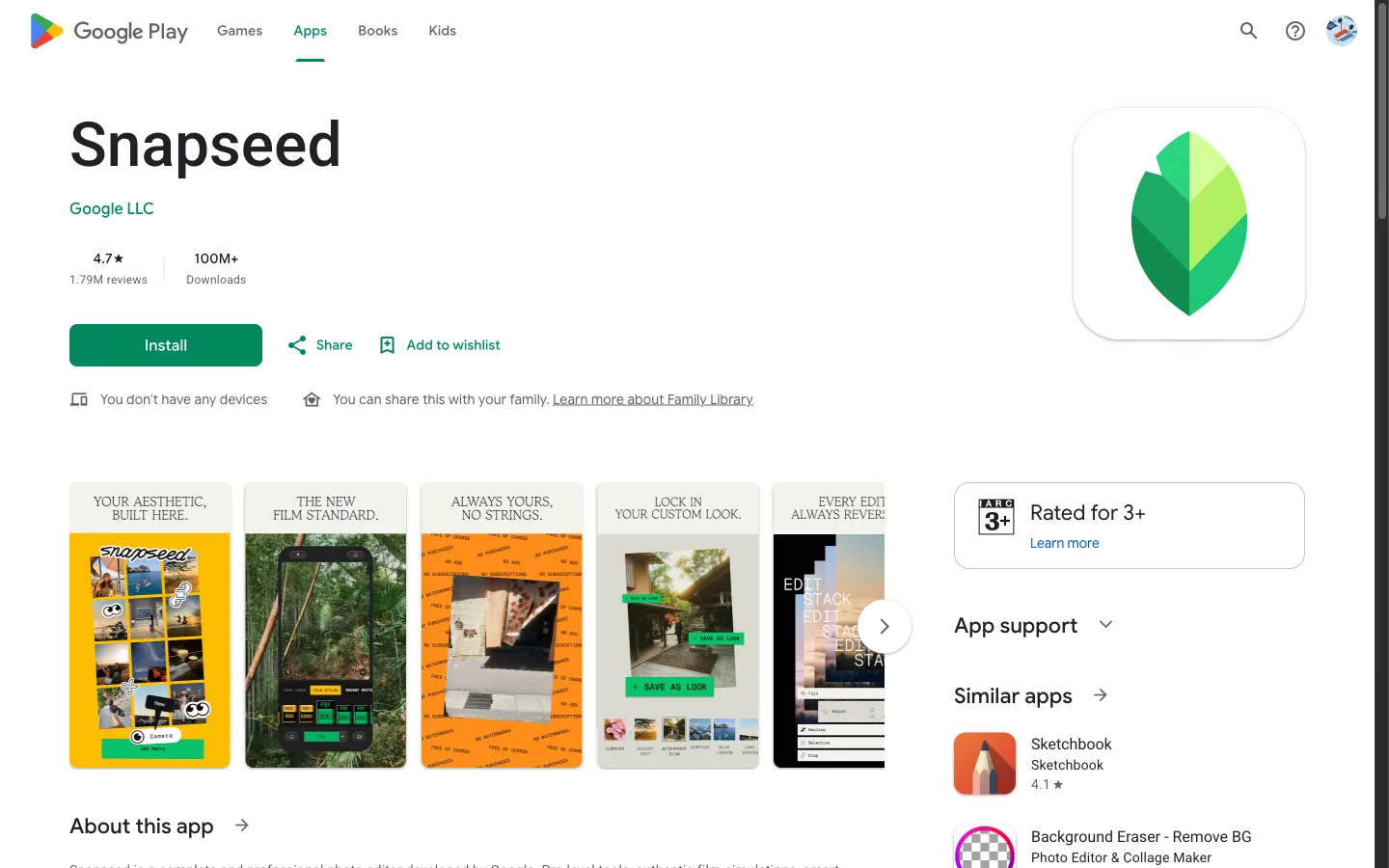
Developed by Google, Snapseed is a respected mobile photo editing application for iOS and Android, standing out among free apps like picsart by offering detailed manual controls without subscription barriers.
Key Features and Strengths
- Selective Control Points: Nik Software's Control Point technology allows you to place targeted adjustment pins on specific image regions, adjusting exposure, contrast, and saturation locally.
- Curves and RAW Development: Provides full RGB tone curve adjustments, white balance tuning, perspective transformation, and native DNG RAW file decoding on mobile devices.
- Completely Free: Contains zero advertisements, zero in-app purchases, and no locked premium tiers, making it a standout among mobile apps like picsart.
Limitations
Unlike AI-powered apps like picsart, Snapseed lacks generative AI inpainting models. It cannot reconstruct missing eye details behind glass reflections, upscale low-resolution images with neural textures, or automatically mend deep vintage photo cracks.
3. Photopea (Best In-Browser Photoshop Alternative)
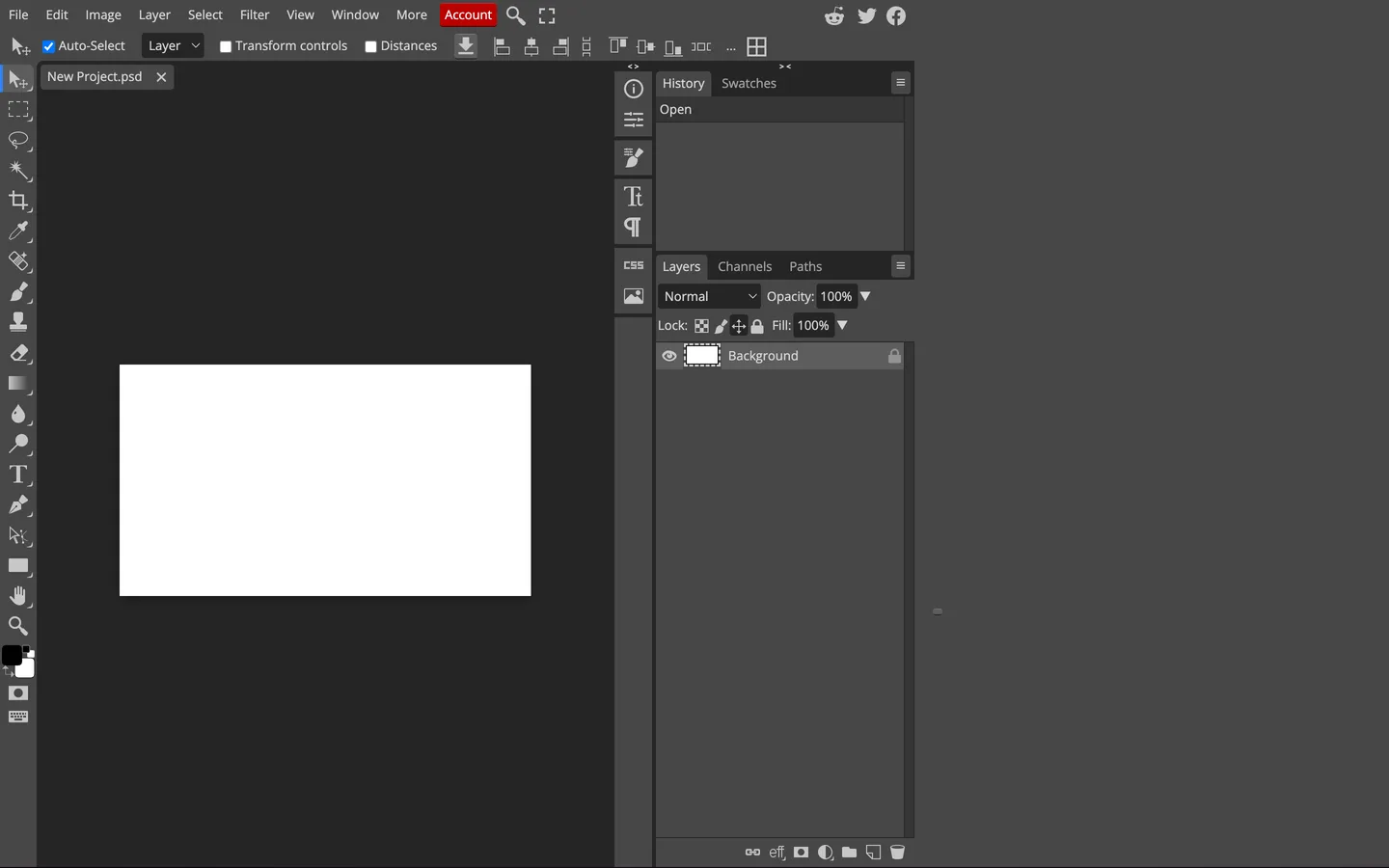
For desktop editors who need multi-layer workflows, layer masks, and raster manipulation without Adobe Creative Cloud or Picsart subscriptions, Photopea is an exceptional web-based choice among advanced apps like picsart.
Key Features and Strengths
- Comprehensive Format Compatibility: Opens and exports PSD, AI, XCF, Sketch, and RAW files with full layer hierarchy and blend mode retention.
- Advanced Selection Tools: Includes magnetic lasso, object selection, color range isolation, and refine-edge masking brushes.
- Direct Browser Access: Runs entirely in modern web browsers with local processing, requiring no software installation.
Limitations
Photopea displays sidebar advertisements on its free tier, with an optional Premium plan available at $5 per month to remove ads. It features a steep learning curve similar to Adobe Photoshop and lacks automated one-click neural restoration modules found in specialized apps like picsart.
4. Pixlr (Best Lightweight Web Suite for Fast Edits)
Pixlr
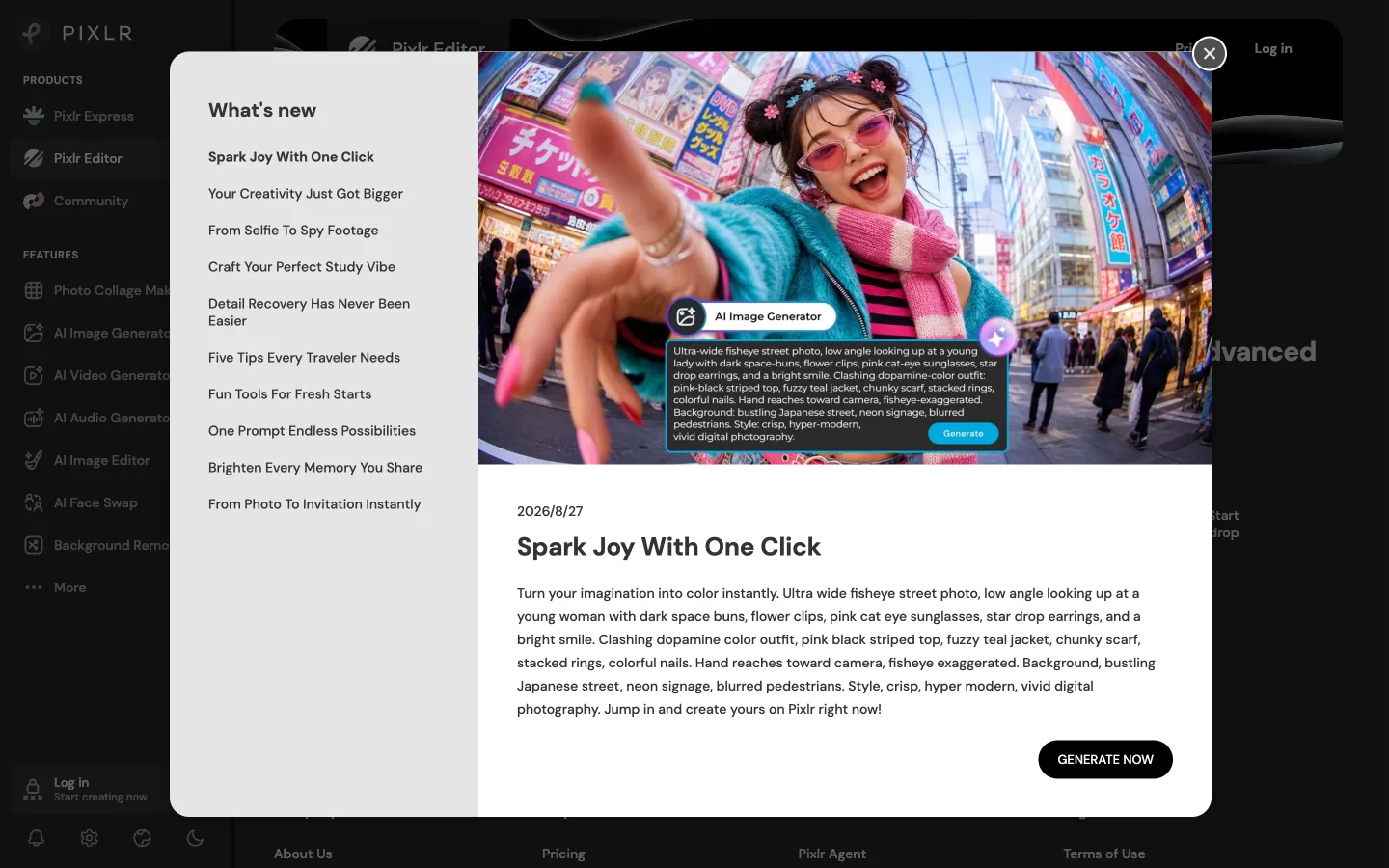
offers two browser-based interfaces: Pixlr X for quick template-based adjustments and Pixlr E for intermediate layer editing, making it one of the most accessible apps like picsart.
Key Features and Strengths
- Dual-Mode Interfaces: Users can switch between simplified slider adjustments (Pixlr X) and detailed layer controls (Pixlr E).
- Generative AI Additions: Includes AI cutout tools, background generators, and generative fill options.
- Cross-Platform Access: Available in web browsers and through mobile apps.
Limitations
Pixlr restricts free users to limited daily export saves (typically 2 to 3 saves per day) and displays banner advertisements. Removing save caps and unlocking full AI toolsets requires a Plus plan ($1.99/mo annual) or Premium plan ($7.99/mo).
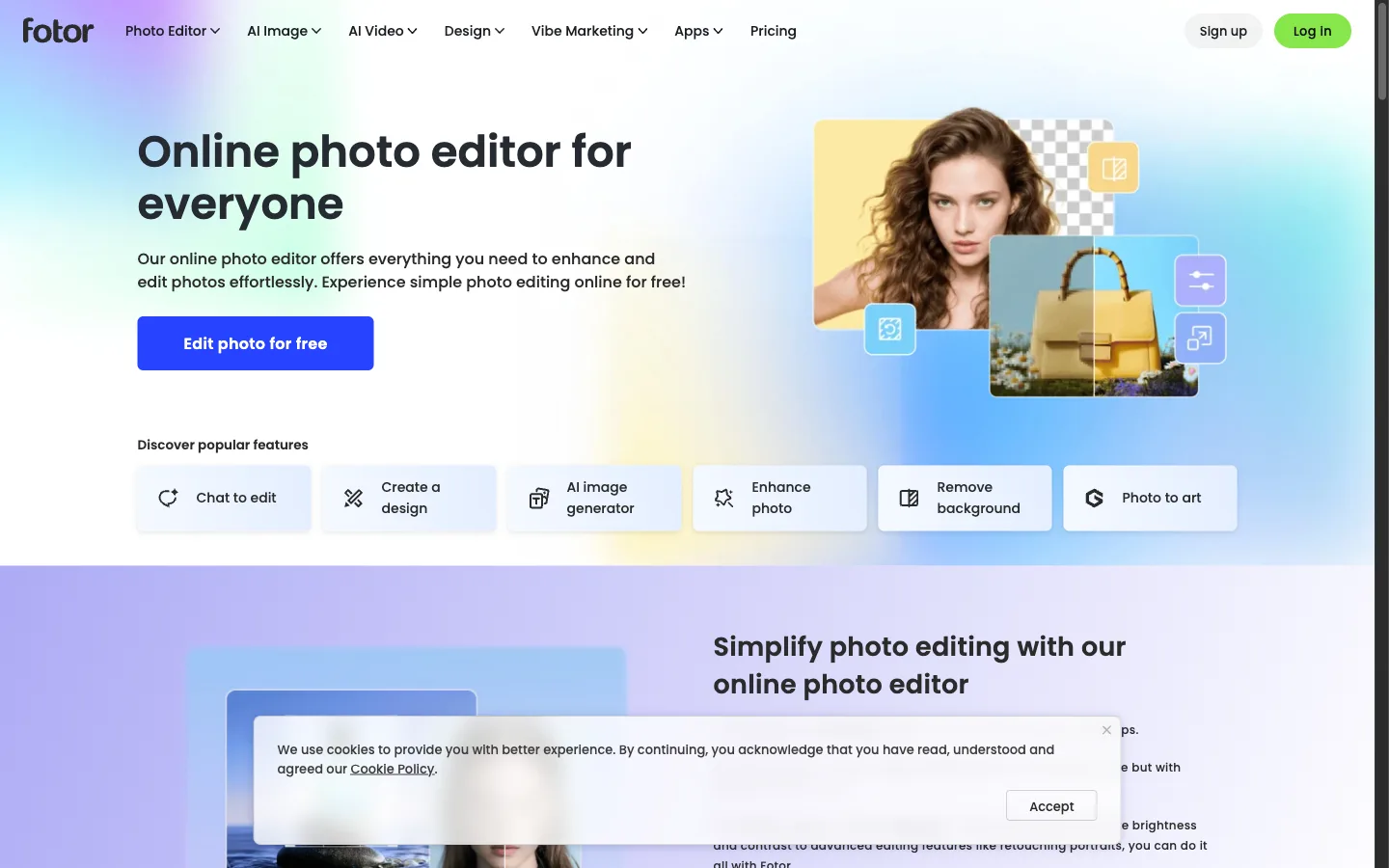
5. Fotor (Best for Graphic Templates and Global Retouching)
Fotor
bridges the gap between basic photo editing and marketing template creation, providing browser tools, desktop clients, and mobile apps for creators seeking graphic-focused apps like picsart.
Key Features and Strengths
- Marketing and Social Templates: Extensive library of pre-sized graphic layouts for banners, social media posts, and flyers.
- One-Tap AI Enhancements: Fast global balance tools for contrast, exposure, and color temperature adjustment.
- Batch Processing: Allows batch resizing and watermarking across multiple files simultaneously.
Limitations
The free tier applies watermarks to exports that use premium AI tools. Subscriptions start at $3.33 to $8.99 per month for Pro (100 credits/mo) and $7.49 to $19.99 per month for Pro+ (300 credits/mo), which can exhaust quickly during high-volume batch processing.
6. GIMP (Best Open-Source Desktop Powerhouse)
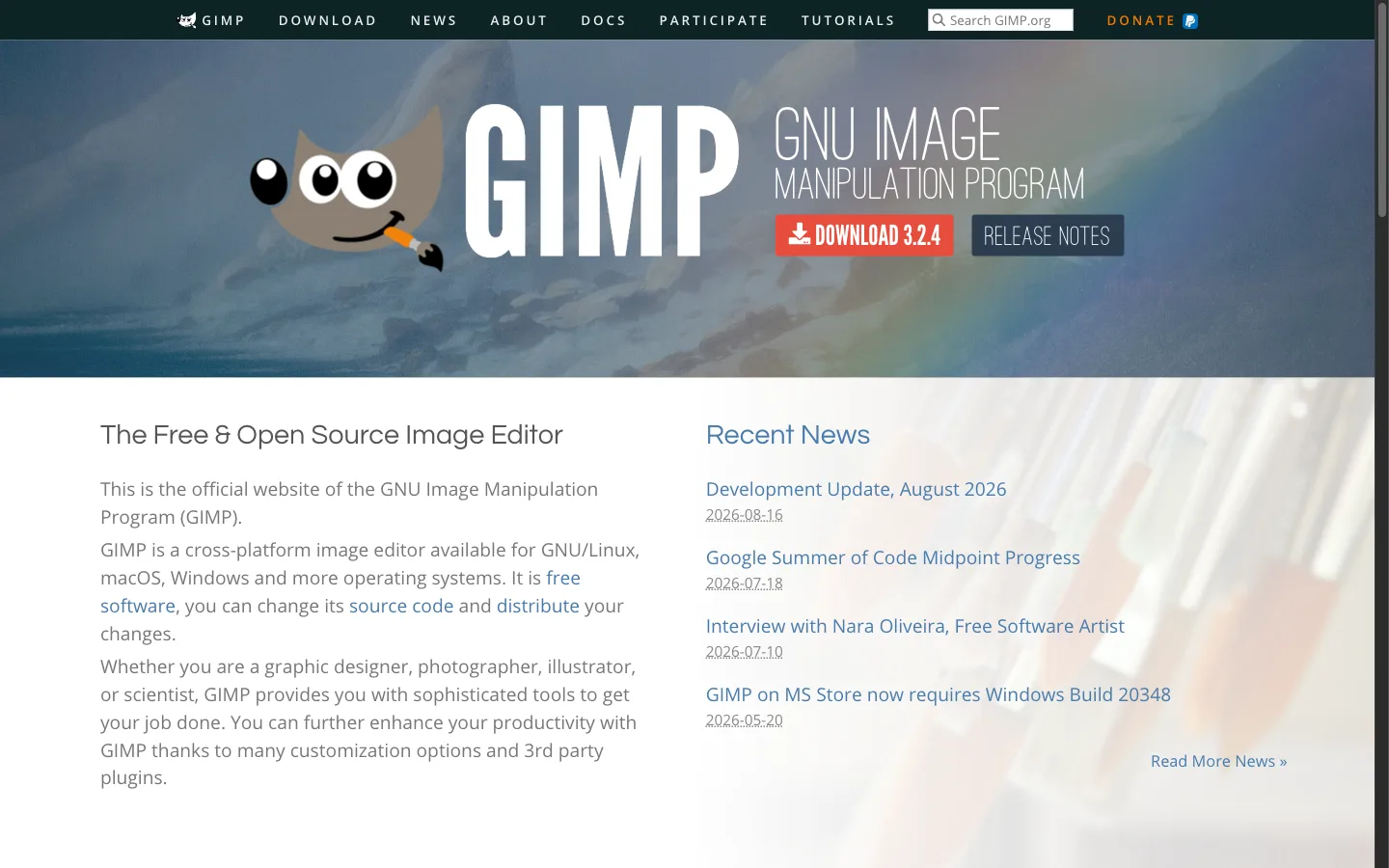
The GNU Image Manipulation Program (GIMP) is the gold standard of free, open-source desktop image editing software, providing a powerful offline solution for creators comparing apps like picsart across Windows, macOS, and Linux.
Key Features and Strengths
- Extensive Plugin Architecture: Supports thousands of community-developed plugins, Python scripting modules, and custom brush presets.
- High-Bit-Depth Processing: GEGL color management engine handles up to 32-bit floating-point processing per channel for maximum dynamic range preservation.
- Free and Open-Source: 100% free for personal and commercial use forever with zero licensing costs.
Limitations
GIMP requires local desktop installation and features a complex, idiosyncratic user interface. Casual users looking for rapid mobile or browser enhancements may find its workflow challenging compared to lighter apps like picsart.
Practical Step-by-Step Photo Restoration Workflow
When working with damaged, aged, or low-resolution photographs, following an ordered restoration sequence in dedicated apps like picsart produces significantly higher visual fidelity than applying global filters:
- Step 1: Eliminate Physical Defects First: Before scaling or color-correcting an image, remove surface blemishes. Use dedicated tools to clean eye reflections, remove glare for surface shine, or mend paper tears and emulsion cracks.
- Step 2: Balance Tonal Curves and Color: Rebalance luminance values across the composition. If working with historical monochrome images, use black and white conversion to restore clean highlight roll-off and shadow depth.
- Step 3: Neural Super-Resolution Upscaling: Once the visual data is clean and balanced, use neural resolution upscaling to enhance the photo up to 4K or 8K dimensions for sharp screen display or physical printing.
How to Choose the Right Alternative for Your Needs
Selecting the ideal tool among these apps like picsart depends on your specific editing goal:
- When Restoring Damaged, Scratched, or Glared Photos: Use CrispFix. Rather than navigating complex layer menus or paying monthly subscriptions, you can upload directly to remove glare or restore heirloom family portraits in seconds.
- When You Want Granular Manual Control on Mobile: Install Snapseed for its selective control points and curves tools without advertisements or in-app charges.
- When You Need Complete Multi-Layer Desktop Editing: Use Photopea in your browser for PSD-compatible layer management.
- When You Need Social Media Marketing Collateral: Use Fotor for pre-designed marketing layouts and quick promotional graphics.
Summary and Next Steps
While Picsart remains a capable creative suite for social media creators and sticker enthusiasts, its subscription paywalls, credit quotas, and lack of dedicated defect restoration tools make it less suitable for high-fidelity photo repair. Exploring specialized apps like picsart allows you to achieve clean, high-resolution results with zero cost and zero workflow friction. Whether you need desktop raster editing or dedicated restoration, these apps like picsart ensure you can complete your projects without paywall limitations.
Ready to enhance and restore your photos without subscriptions or credit limits? Try dedicated tools or explore capable apps like picsart to upgrade your image editing workflow today.
Frequently Asked Questions
Which is the top 1 photo editing app?
The top photo editing app depends on your exact editing needs. For comprehensive mobile graphic design and social stickers, Picsart remains widely used. However, for specialized photo defect repair such as removing lens glare, restoring old scratched prints, or AI upscaling without credit limits, CrispFix is the top dedicated solution among apps like picsart. For precision mobile manual adjustments, Google Snapseed is the leading free choice among mobile apps like picsart.
Is Canva or Picsart better?
Canva is better for multi-page document design, brand kits, presentations, and marketing collateral with extensive graphic templates. Picsart is better suited for mobile photo retouching, custom sticker creation, and artistic visual effects. If your primary goal is fixing photo defects like glare or scratches rather than layout design, dedicated restoration tools among apps like picsart provide cleaner results without monthly subscription fees.
Which is better, InShot or Picsart?
InShot is optimized primarily for short-form mobile video editing, reel sequencing, music syncing, and basic photo collages. Picsart provides a much broader toolkit for still photo manipulation, AI generative effects, and graphic design. For users who specifically need high-fidelity image restoration, vintage photo repair, or reflection extraction rather than video trimming, CrispFix offers a faster, 100% free web alternative among apps like picsart.
What is the No. 1 free editing app?
For 100% free mobile photo editing with zero advertisements or paywalls, Snapseed by Google is the top choice for selective tuning and RAW processing. For free AI-powered defect restoration, glare removal, and 4K upscaling without credit quotas, CrispFix is the number one web-based tool among modern apps like picsart. For advanced multi-layer desktop editing without Adobe fees, GIMP remains the premier open-source application.