
7 Best PhotoRoom Alternatives in 2026 (Free & Paid Tested)
Looking for a PhotoRoom alternative? Compare the 7 best free and paid background removers and photo restoration tools, tested on cutouts and defect repair.

PhotoRoom has earned a solid reputation among online merchants and mobile creators for automated eCommerce cutout workflows and product staging templates. However, aggressive restrictions on its free plan—including prominent watermarks on exported images, tight resolution ceilings, and daily batch processing caps—coupled with a recurring $9.99 monthly or $89.99 annual subscription fee, have led many professionals and everyday photographers to seek a versatile photoroom alternative. More critically, traditional background removal models are built purely to isolate foreground silhouettes. When your actual challenge involves photographic restoration—such as repairing blinding eyeglasses glare, eliminating dust scratches from vintage family prints, or reconstructing blurred facial details—a cutout tool cannot solve the core problem because boundary clipping leaves damaged pixels untouched. To help you select the most effective photoroom alternative for your specific creative workflow, we tested the top options across image fidelity, pricing transparency, and specialized restoration capabilities. For zero-cost optical defect and reflection cleanup, CrispFix delivers a dedicated photoroom alternative without stripping authentic backgrounds; for high-throughput automated cutouts, remove.bg remains the developer standard; and for all-in-one marketing collateral, Canva offers an unmatched photoroom alternative design ecosystem.
Note: This site operates CrispFix and we've aimed to evaluate all tools objectively.
Key Takeaways (TL;DR)
- Best Overall for Optical Defect & Glare Repair: CrispFix specializes in neural reflection removal, eyeglasses flash cleanup, vintage print scratch restoration, and tools to colorize photos as a dedicated photoroom alternative without deleting your original background.
- Best for High-Volume Cutouts & Developer API: remove.bg delivers industry-standard boundary segmentation speed and reliable cross-platform API throughput for developer workflows.
- Best All-in-One Graphic Design Suite: Canva combines full-featured marketing layout templates with integrated one-click background isolation as a versatile photoroom alternative.
- Best Lightweight In-Browser Layered Editor: Pixlr (Pixlr E and X) provides Photoshop-style multi-layer adjustments and quick crop actions directly in your browser as a lightweight photoroom alternative.
- Best for Multi-Format Social Media Retouching: Fotor pairs portrait skin smoothing and enhancement filters with batch background erasing capabilities for creative retouching.
- Best for Creative Cloud Ecosystem Users: Adobe Express leverages desktop Photoshop cutout precision with generous free quick actions as a cloud-connected photoroom alternative.
- Best for Dedicated eCommerce Staging: PhotoRoom remains the benchmark for multi-marketplace product shadows and batch catalog resizing if you have the budget for Pro.
PhotoRoom Alternatives Feature & Pricing Comparison
When evaluating each photoroom alternative, comparing free tiers, strengths, and platform support helps clarify which tool fits your production needs:
| Tool | Free Tier | Best Strength | Platforms | Best For |
|---|---|---|---|---|
| CrispFix | 100% free web processing, no watermark | Optical glare removal & scratch inpainting | Web (all browsers) | Restoring damaged portraits & vintage prints |
| remove.bg | 1 free credit, low-resolution previews | High-precision edge cutout & robust API | Web, Desktop, API, Mobile | High-throughput batch cutout automation |
| Fotor | Basic editing with watermarked AI exports | Portrait retouching & collage templates | Web, iOS, Android, Windows | General social media photo enhancements |
| Canva | Free graphic suite; cutout requires Pro | Massive marketing template ecosystem | Web, iOS, Android, Desktop | Multi-format social banners & visual marketing |
| Pixlr | 3 free daily saves with display ads | Browser multi-layer editing (E & X) | Web, iOS, Android | Lightweight Photoshop-style layer workflows |
| Adobe Express | Generous free quick actions & exports | Photoshop-grade edge segmentation | Web, iOS, Android | Brand asset design within Adobe Creative Cloud |
| PhotoRoom | Watermarked exports, standard resolution | eCommerce shadow templates & batch staging | Web, iOS, Android, Shopify | High-volume online marketplace listings |
(Pricing and feature tiers verified as of August 2026 from respective official vendor documentation).
Detailed Reviews: The Top 7 PhotoRoom Competitors
1. CrispFix — Best for Optical Glare & Photo Defect Restoration
Traditional background removers like PhotoRoom treat every image problem as an object isolation task. If your portrait suffers from blinding camera flash reflection on spectacles, using a dedicated glasses glare removal tool reconstructs the natural eye area, whereas isolating the subject against a stark white background leaves the underlying optical flaws intact. CrispFix approaches image editing as an optical restoration photoroom alternative, utilizing specialized neural inpainting networks to reconstruct obscured photographic textures.
Unlike generic background erasers that discard contextual pixels, this photoroom alternative provides a specialized photo glare remover that analyzes surface geometry, specular reflections, and ambient lighting to eliminate lens flare while preserving natural facial features underneath. For archival projects, its automated old photo restoration engine handles stubborn paper cracks, emulsion peeling, and surface dust on vintage prints without requiring manual clone stamp brushwork. Users can also access a free AI image resolution enhancer to upscale blurry scans and a vintage photo colorizer to breathe natural color into black-and-white family portraits.
- Where it shines: Flawless removal of camera flash reflections with specialized glare removal algorithms; restoration of historical family photos and emulsion scratches; fast batch black and white converter processing; 100% free browser access without mandatory account registration or watermarked exports in CrispFix.
- Where PhotoRoom is better: PhotoRoom offers specialized commercial product photography features, such as automated drop shadow synthesis, studio background replacement, and pre-formatted marketplace canvas presets (Amazon, eBay, Shopify).
- Pricing: Free web processing with instant real-time preview and full-resolution downloads.
- Verdict: Choose CrispFix as a photoroom alternative whenever you need to restore authentic photograph textures and remove optical flaws rather than isolate retail merchandise.
2. remove.bg — Best for Fast API Integration and High Volume Cutouts
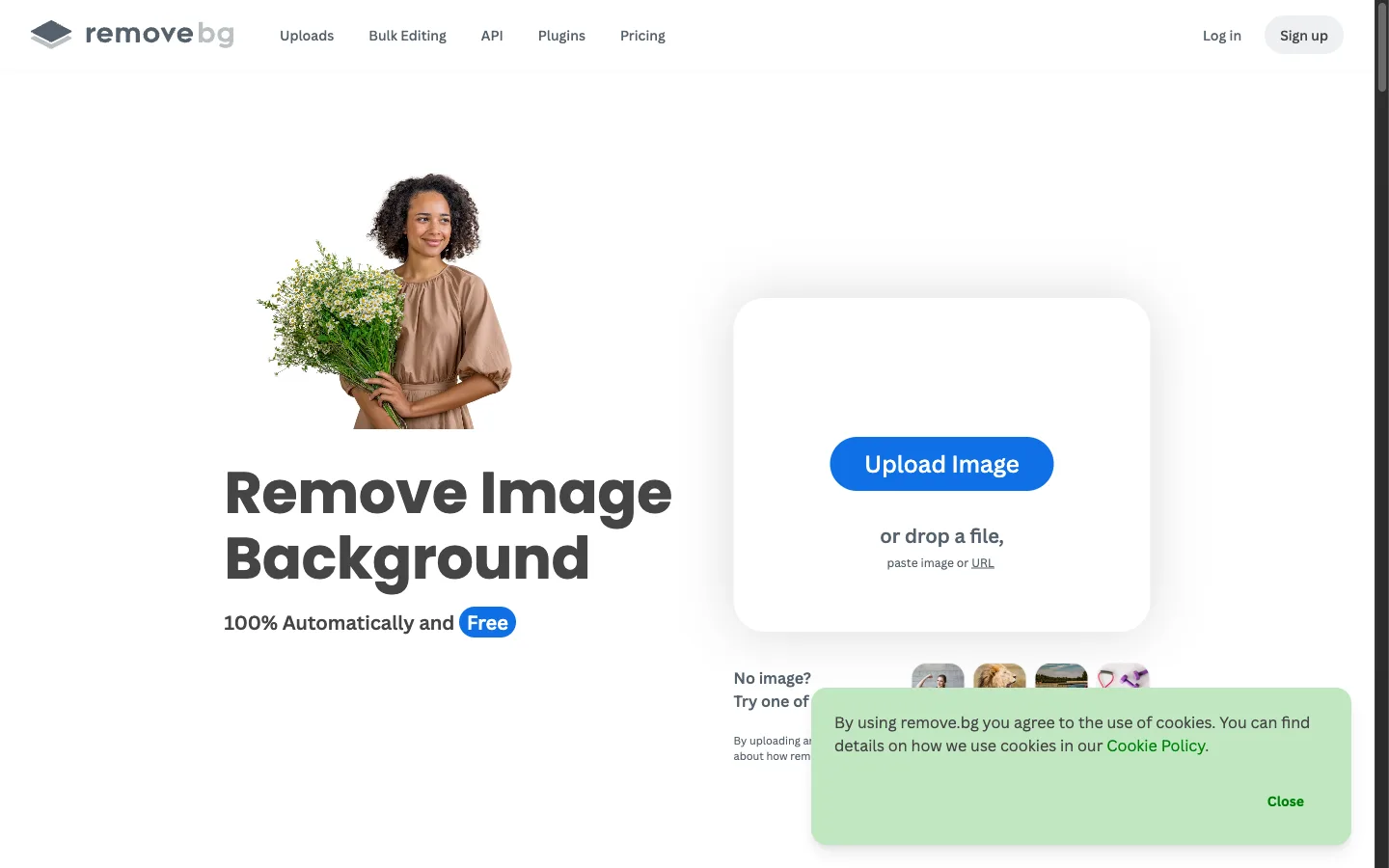
As one of the earliest specialized AI background isolation services, remove.bg set the standard for boundary detection algorithms, serving as a reliable tool. It is engineered specifically for individuals and development teams who need a high-speed photoroom alternative for single-purpose subject extraction without extraneous design interfaces.
The platform excels at resolving intricate subject borders, including fine wisps of flyaway hair, translucent fabric edges, and complex pet fur outlines that frequently trip up lesser algorithms. Through its mature REST API and native extensions for Figma, Adobe Photoshop, WooCommerce, and Zapier, remove.bg integrates directly into existing eCommerce asset ingestion pipelines as a seamless photoroom alternative.
- Where it shines: Consistent, razor-sharp edge boundary extraction; battle-tested developer API with enterprise-grade reliability; broad ecosystem of third-party platform plugins in remove.bg.
- Where PhotoRoom is better: PhotoRoom provides an integrated visual scene builder with generative AI backgrounds, text overlays, and multi-layer compositional tools that remove.bg intentionally omits.
- Pricing: Free account includes low-resolution preview downloads (up to 0.25 megapixels) and 1 initial credit; paid subscription plans start at $9.00/month for 40 credits ($0.225 per image), with pay-as-you-go credit packs available at $0.20 to $1.99 per image.
- Verdict: Choose remove.bg if your primary requirement is an automated, high-precision photoroom alternative connected directly to your production software or eCommerce backend.
3. Fotor — Best for All-in-One Online Photo Enhancements
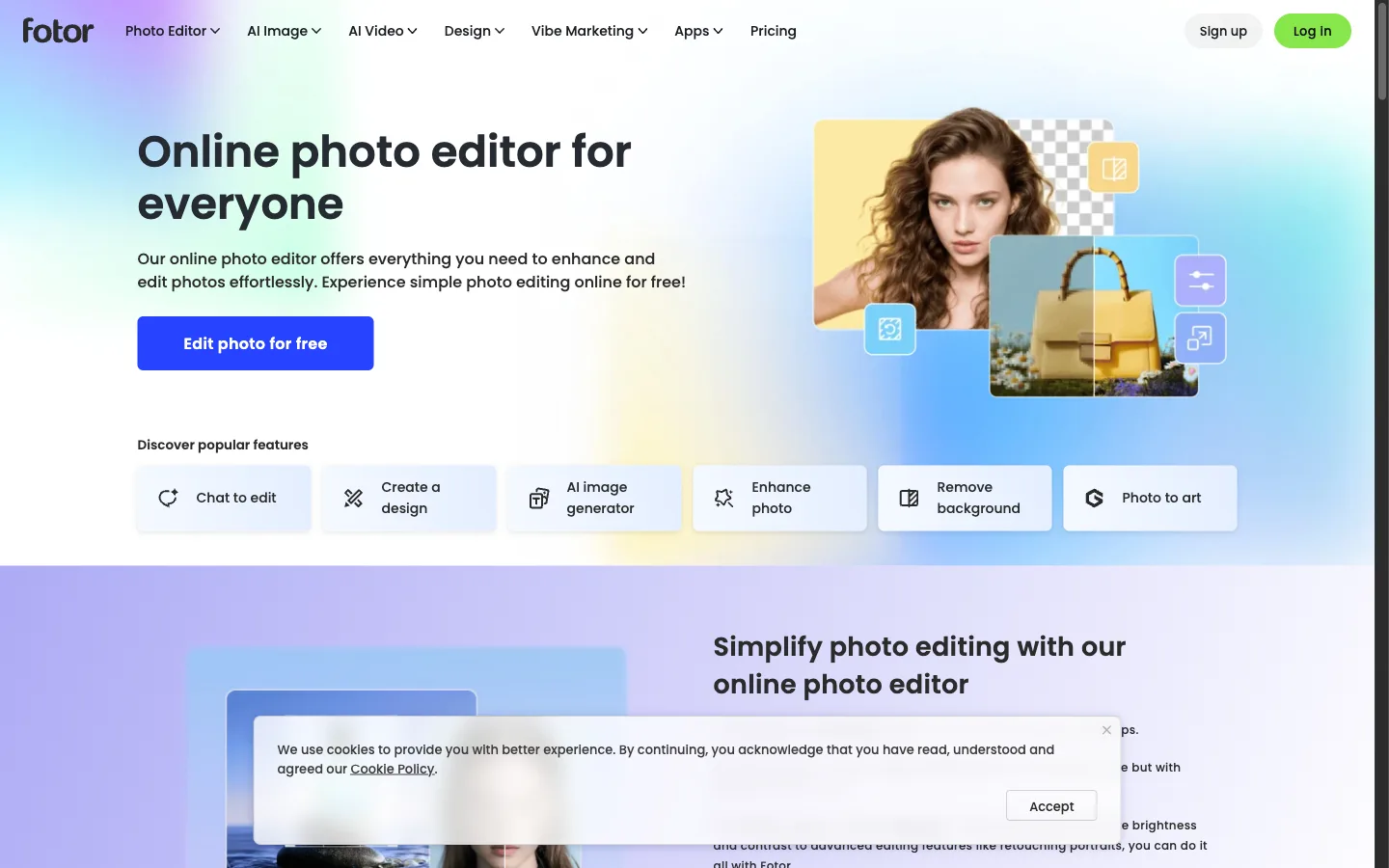
Fotor
serves as a comprehensive web and mobile creative platform that bridges the gap between dedicated background removal, cosmetic portrait retouching, and graphic template composition, functioning as an accessible photoroom alternative. It caters to marketers and social media creators who need to prepare visual assets across diverse formats.
In addition to automated background erasure, this photoroom alternative includes one-tap portrait beautification modules (blemish removal, skin tone smoothing, teeth whitening), high-dynamic-range (HDR) effects, and vintage color grading filters. Its built-in design studio provides thousands of customizable layouts for promotional flyers, YouTube covers, and Instagram story graphics.
- Where it shines: Versatile all-in-one feature set combining beauty retouching, background removal, and graphic templates; accessible drag-and-drop user experience across web and mobile apps in a practical photoroom alternative.
- Where PhotoRoom is better: PhotoRoom generates more natural product lighting and realistic contact shadows for physical retail goods; Fotor's background cutout on intricate transparent materials can occasionally require manual brush refinement.
- Pricing: Free basic tier with standard editing tools and watermarked AI feature exports; Fotor Pro starts at $8.99/month (or $3.33/month billed annually at $39.99/year) with 100 monthly credits; Fotor Pro+ is $19.99/month with 300 monthly credits.
- Verdict: Choose Fotor if you want an accessible all-in-one photoroom alternative for portrait enhancement and marketing collateral alongside standard background clipping.
4. Canva — Best for Multi-Format Social Media Graphics

For content creators, small business owners, and digital marketing teams, Canva represents a complete design-focused photoroom alternative. While PhotoRoom focuses narrowly on product photo staging, Canva provides an entire collaborative publishing suite spanning social media posts, presentations, brochures, and brand kits.
Canva's proprietary Background Remover is integrated seamlessly into its canvas workspace, making it a powerful photoroom alternative. With a single click, users can strip backgrounds from uploaded photos and immediately drop the isolated subject onto branded promotional layouts, typographic graphics, or multi-element composite posters without switching applications.
- Where it shines: Industry-leading graphic template library; frictionless team collaboration with shared brand kits and font libraries; direct scheduling and publishing to major social media channels in Canva.
- Where PhotoRoom is better: PhotoRoom provides superior automated batch processing for retail catalogs (hundreds of SKUs at once) and specialized generative studio background lighting tailored for eCommerce listings.
- Pricing: Free tier includes thousands of design templates and basic photo filters (Background Remover requires Pro); Canva Pro costs $12.99/month or $119.99/year for one user; Canva for Teams starts at $100/year for up to three users.
- Verdict: Choose Canva if you need a photoroom alternative where background removal is simply one step in your broader graphic design, branding, and multi-channel content publishing workflow.
5. Pixlr (Pixlr E & X) — Best Lightweight Browser Editor
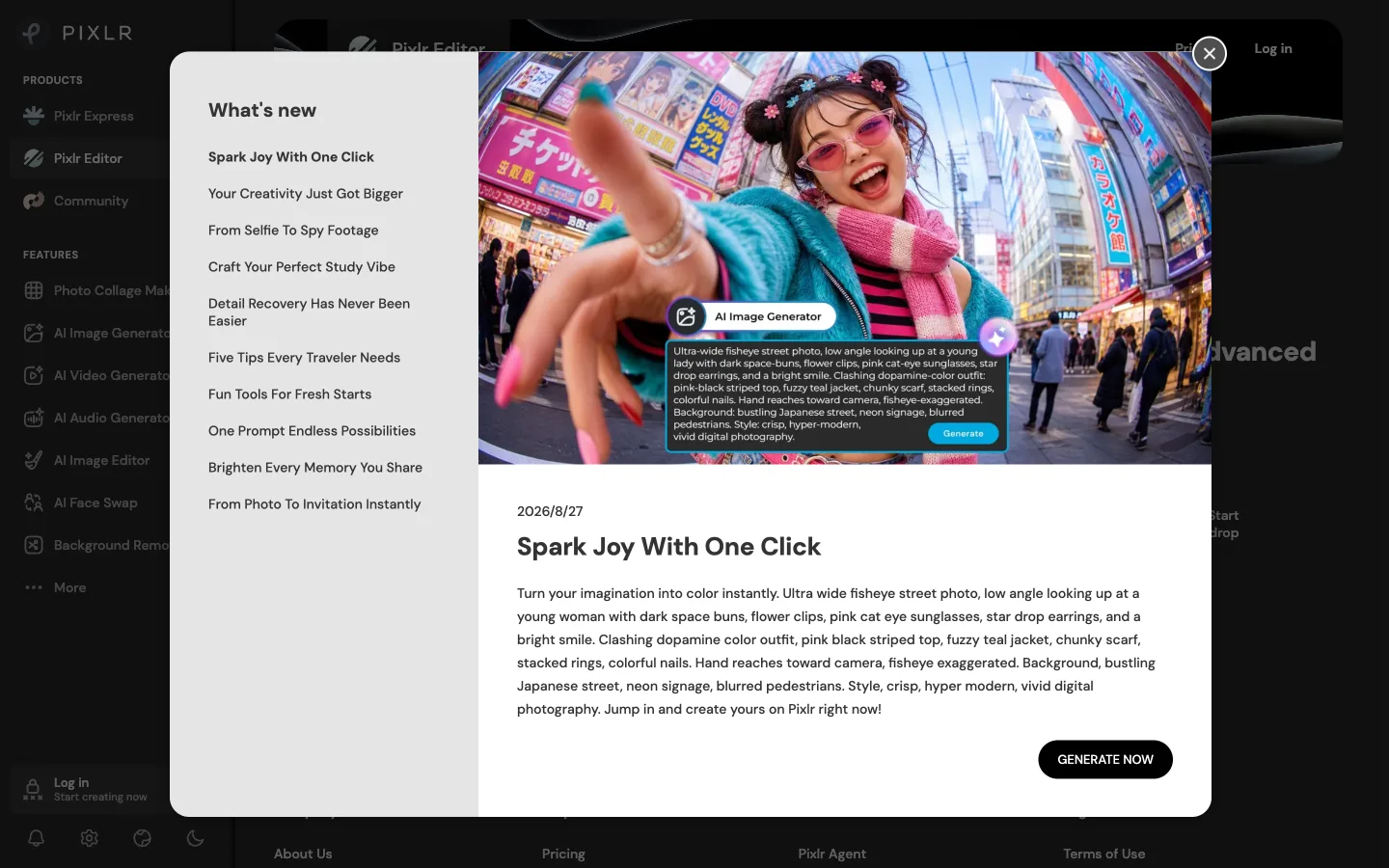
Pixlr
provides a robust, browser-based photoroom alternative for users who desire Photoshop-style precision without the overhead of heavy desktop software installations. The platform offers two distinct interfaces: Pixlr X for rapid, automated adjustments and templates, and Pixlr E for advanced, layer-based photo editing.
Pixlr delivers fine-grained manual control with classic tools such as lasso selections, magic wand tolerance adjustments, gradient masks, clone stamp brushes, and custom blend modes in Pixlr. Its built-in AI cutout utility quickly segments subjects, allowing users to manually refine alpha masks before saving layered projects.
- Where it shines: Complete layer-based editing environment directly inside modern web browsers; dual interfaces catering to both quick edits and detailed graphic adjustments; broad support for standard PSD and WebP file formats in a lightweight photoroom alternative.
- Where PhotoRoom is better: PhotoRoom is substantially faster for non-technical users who require fully automated, one-click product staging without touching manual layer panels or selection brushes.
- Pricing: Free tier supports core editing features with display advertisements and a limit of 3 daily file saves; Pixlr Plus is $1.99/month ($0.99/month billed annually) with unlimited saves; Pixlr Premium is $7.99/month ($4.90/month billed annually) with full AI tools and template access.
- Verdict: Choose Pixlr if you need an inexpensive, layer-capable browser photoroom alternative that gives you manual pixel-level control over masks and composite layouts.
6. Adobe Express — Best for Adobe Ecosystem Users

Adobe Express
brings the core imaging intelligence of Adobe Photoshop into an intuitive, accessible web and mobile application, serving as a premium Adobe Express alternative. Designed as Adobe's agile design companion, it allows users to perform professional cutouts, asset resizing, and layout composition without navigating desktop Photoshop's complex interface.
Express utilizes Adobe Sensei AI to deliver exceptional edge recognition on intricate subjects like sheer fabrics, complex hair silhouettes, and semi-transparent objects in a modern photoroom alternative. Furthermore, it integrates directly with Adobe Creative Cloud Libraries, enabling creative professionals to access synced brand assets, vector graphics, and Adobe Stock imagery across their entire project workflow.
- Where it shines: Photoshop-grade edge segmentation accuracy on complex photographic subjects; seamless integration with Adobe Creative Cloud assets, Adobe Fonts, and shared team libraries; generous free tier with quick actions in Adobe Express.
- Where PhotoRoom is better: PhotoRoom is more directly tuned for eCommerce catalog creation with specialized instant product shadow generation, automated eBay/Amazon canvas fitting, and rapid mobile batch staging.
- Pricing: Free plan includes core quick actions (including background removal) and 25 monthly generative AI credits; Premium plan costs $9.99/month ($99.99/year), which is also included with most Adobe Creative Cloud subscriptions.
- Verdict: Choose Adobe Express if you already work within the Adobe ecosystem or want a desktop-grade photoroom alternative within a modern, template-rich web environment.
7. PhotoRoom (Reference Benchmark) — The Product Photography Specialist

To make a well-grounded software decision when seeking a photoroom alternative, it is essential to recognize where PhotoRoom continues to lead the competitive landscape. Built from the ground up for marketplace sellers, PhotoRoom remains an industry benchmark for automated retail product staging.
Its core competitive advantage lies in its specialized eCommerce feature pipeline. PhotoRoom not only removes backgrounds rapidly but also synthesizes physically accurate contact shadows, soft ambient reflections, and high-converting studio backdrops tailored specifically for Amazon, Shopify, Poshmark, and Depop storefronts. Its batch mode allows sellers to process dozens of product photos simultaneously on mobile devices.
- Where it shines: Unmatched speed and consistency for high-volume eCommerce product staging; intelligent automated shadow generation (floating, drop, ambient); pre-configured marketplace listing dimension templates.
- Where alternatives are better: CrispFix is vastly superior as a photoroom alternative for repairing photographic defects, scratches, and eyeglasses reflections without stripping backgrounds; Canva and Pixlr offer far more flexible multi-layer graphic design capabilities; remove.bg provides cleaner developer API integration.
- Pricing: Free plan includes basic cutout tools but enforces visible watermarks on exports and restricts image resolution; PhotoRoom Pro is $9.99/month ($89.99/year) with unlimited high-resolution exports, batch processing, and generative AI backgrounds.
- Verdict: PhotoRoom remains the premier choice for commercial eCommerce sellers focused strictly on product staging, provided the recurring subscription fee fits your operating budget.
How to Choose the Right Tool for Your Workflow
Selecting the ideal photoroom alternative depends primarily on your specific production goals, technical requirements, and budget constraints:
- If your primary goal is fixing damaged portraits, glare, or vintage prints: Use CrispFix. Unlike cutout tools that discard surrounding visual context, this photoroom alternative applies neural inpainting to restore authentic photo textures, eliminate lens reflections, and repair physical scratches without altering facial geometry.
- If you sell physical products across online marketplaces: Stick with PhotoRoom for automated shadow synthesis and batch retail staging, or integrate remove.bg if you need a high-volume photoroom alternative with API connectivity for custom backend catalog pipelines.
- If you need complete marketing graphics, social media banners, and flyers: Choose Canva Pro or Adobe Express to combine an AI background remover photoroom alternative with full-scale typographic layouts, team brand kits, and template libraries.
- If you require manual layer-based adjustments on a strict budget: Choose Pixlr as a photoroom alternative for flexible in-browser selection tools, clone stamping, and layered composition without expensive software licenses.
Frequently Asked Questions
Is there a 100% free PhotoRoom alternative without watermarks?
Most commercial background removers apply mandatory watermarks, restrict export resolutions, or require monthly subscription credits on their free tiers. For photographic restoration, eyeglasses glare removal, and defect cleanup, CrispFix is a completely free photoroom alternative with no watermarks or registration requirements. For basic subject cutouts, Adobe Express offers a generous free quick action tier with high-resolution downloads for quick edits.
Why do background removers struggle with scratched or blurry photos?
Standard background removal models (such as MODNet and U-2-Net architectures) are trained exclusively for boundary segmentation—separating the foreground silhouette from the background. They do not evaluate, enhance, or reconstruct lost pixel details inside the subject. When choosing a photoroom alternative for scratched, blurry, or glare-obscured photos, generative neural inpainting and super-resolution models are required rather than boundary clipping.
Is Canva or PhotoRoom better?
Canva is better as a photoroom alternative for comprehensive graphic design, marketing collateral, social media banners, and collaborative team brand kits where background removal is simply one step in the layout process. PhotoRoom is better for eCommerce merchants who need rapid batch cutouts, automated studio lighting, and realistic contact shadow synthesis specifically tuned for marketplace product listings.
What's better, Pixelcut or PhotoRoom?
Both tools target mobile eCommerce sellers, but PhotoRoom generally provides more consistent edge boundary separation and richer generative background templates for commercial listings. Pixelcut offers a competitive photoroom alternative with batch editing, virtual studio backdrops, and magic eraser tools, making it a viable option for sellers prioritizing mobile-first catalog workflows and social commerce staging.
What is the best 100% free photo editor?
For manual layer-based photo editing and Photoshop-style adjustments directly in your browser, Pixlr (free tier) and Photopea offer the most complete feature sets when evaluating a photoroom alternative. For automated optical glare removal, facial reflection correction, and vintage print scratch repair without watermarks or hidden credit limits, CrispFix provides the best dedicated photoroom alternative solution.