
Adobe Express Alternative: 6 Best Free & Paid Tools in 2026
Looking for an Adobe Express alternative? Compare the 6 best free and paid design and photo editing tools in 2026, from Canva to CrispFix and Photopea.

Adobe Express is an accessible web platform for marketing graphics, social media posts, and quick photo edits. Powered by Photoshop algorithms and Firefly generative AI, it provides creators and marketing teams with a streamlined creative workspace. However, subscription paywalls, daily AI generation caps, and asset lock-in have prompted users to seek a reliable adobe express alternative. Key utilities like bulk canvas resizing and selective background extraction are locked behind a $9.99 monthly or $99.99 annual Premium subscription, while free accounts face strict daily generative limits.
A major hurdle involves photo restoration. Adobe Express is primarily a layout compositor, not an optical restoration tool. When portraits have eyeglasses glare or historical prints have tears, generalist tools merely blur pixels or delete authentic backgrounds. A dedicated adobe express alternative delivers pixel-level defect repair, precise vector controls, or interactive decks without subscription costs.
For optical flash glare removal without erasing backgrounds, CrispFix delivers an unmetered, zero-cost adobe express alternative. For visual marketing with massive template libraries, Canva is a natural adobe express alternative. For in-browser PSD layer editing, Photopea is an exceptional adobe express alternative. For interactive data charts, Visme serves as a powerful adobe express alternative, while Pixlr provides a lightweight adobe express alternative for fast crops and social framing.
Note: This site operates CrispFix and we've aimed to evaluate all tools objectively.
Key Takeaways (TL;DR)
- Best for Optical Glare & Vintage Photo Restoration: CrispFix repairs eyeglasses flash reflections, fixes scratched vintage prints, and colorizes scans as a specialized adobe express alternative without stripping original backgrounds.
- Best All-in-One Design & Template Ecosystem: Canva provides over 1.6 million templates, shared team brand kits, and integrated social scheduling as a versatile adobe express alternative.
- Best for In-Browser Layered PSD Editing: Photopea delivers desktop-grade selection tools, layer masks, and smart objects inside any web browser without subscriptions.
- Best for Corporate Presentations & Data Infographics: Visme excels at converting complex business data into interactive charts, infographics, and executive slide presentations.
- Best for Fast Browser Retouching: Pixlr (Pixlr E & X) combines rapid photo adjustments with versatile social framing.
- Benchmark for Creative Cloud Synchronization: Adobe Express maintains seamless integration with desktop Photoshop and Illustrator assets, offering access to 30,000+ Adobe Fonts.
Adobe Express Alternatives Feature & Pricing Comparison
The table below compares free allowances, key strengths, supported platforms, and use cases across each adobe express alternative:
| Tool | Free Tier Allowance | Best Strength | Supported Platforms | Ideal Use Case |
|---|---|---|---|---|
| CrispFix | 100% free; unmetered web processing; no watermarks | Optical glare removal & scratch inpainting | Web (All browsers) | Restoring damaged portraits & vintage family prints |
| Canva | 1.6M+ templates; 5 GB storage; AI requires Pro | Massive marketing template library & collaboration | Web, iOS, Android, Desktop | Multi-channel social media banners & marketing decks |
| Photopea | Full feature set supported by non-intrusive ads | Native PSD compatibility & layer mask control | Web (All browsers) | Advanced Photoshop-style manual photo editing |
| Visme | Basic templates; limited widgets; 500 MB cloud storage | Interactive data widgets & dynamic charts | Web, Mac, Windows | Business slide decks, technical reports & whitepapers |
| Pixlr | 3 daily file saves; ad-supported editing interface | Dual express and advanced layer workspaces | Web, iOS, Android | Fast daily image resizing, cropping, and framing |
| Adobe Express (Benchmark) | Basic quick actions; limited daily AI; 5 GB storage | Photoshop-grade cutouts & Adobe Cloud syncing | Web, iOS, Android, iPadOS | Unified brand asset design within Adobe Creative Cloud |
(Note: All pricing, storage quotas, and feature tiers verified against official documentation as of September 2026).
Detailed Reviews: The Top 6 Adobe Express Competitors
1. CrispFix — Best for Optical Glare Removal & Photo Defect Restoration
Generalist design apps treat photos as static tiles. When a portrait has blinding camera flash on spectacles or an archival print has physical tears, Adobe Express cannot rebuild obscured iris textures. In contrast, CrispFix operates as a specialized optical restoration adobe express alternative built specifically to reconstruct lost pixels using neural inpainting.
Instead of stripping backgrounds, CrispFix provides an automated remove glasses glare from photo tool to clear flash spots and reconstruct natural eye details. For outdoor photography, its companion photo glare remover clears lens reflections while preserving scene lighting. Historians benefit from its old photo restoration engine to heal paper cracks without manual cloning. It also features a neural resolution image enhancer to upscale blurry scans into sharp assets, alongside an AI photo colorizer for monochrome portraits.
- Where it shines: Dedicated neural models for eyeglasses glare removal, lens reflection cleanup, and physical scratch repair; 1-bit high-contrast outputs via convert image to pure black and white; 100% free web access without accounts or watermarks.
- Where Adobe Express is better: Adobe Express provides extensive multi-element layout templates, typographic poster presets, animation timelines, and direct integration with corporate Creative Cloud Libraries.
- Pricing: 100% free web utility with instant processing and direct full-resolution downloads.
- Verdict: Choose CrispFix as your adobe express alternative whenever you need to restore damaged photographs or remove flash glare before designing marketing layouts.
2. Canva — Best All-in-One Graphic Design & Collaborative Marketing Suite
Canva
is the world's leading template design platform, serving as an exceptional adobe express alternative for marketing teams. Built for drag-and-drop publishing, Canva pairs over 1.6 million pre-made layouts with team brand kits and direct social media scheduling.
As a versatile adobe express alternative, Canva excels at team collaboration, allowing members to lock brand elements and comment on drafts in real time. However, free accounts are restricted to 5 GB storage and basic AI credits, while background removal and vector exports require Canva Pro ($180/year for one user or $15 monthly) or Canva Business ($250/year per user).
- Where it shines: Industry-leading catalog with over 1.6 million templates; intuitive real-time team collaboration with shared brand kits; seamless social media scheduling in Canva.
- Where Adobe Express is better: Adobe Express provides superior native integration with desktop Photoshop and Illustrator assets, better vector clipping fidelity through Adobe Sensei, and access to the complete Adobe Fonts library.
- Pricing: Free plan includes core editing tools, 1.6M+ templates, and 5 GB storage; Canva Pro costs $15/month ($180/year) for one user; Canva Business starts at $250/year per person for teams.
- Verdict: Choose Canva as an adobe express alternative if you need an expansive, user-friendly template platform with collaborative publishing features for day-to-day visual marketing.
3. Photopea — Best Free In-Browser Photoshop Alternative for Layer Editing
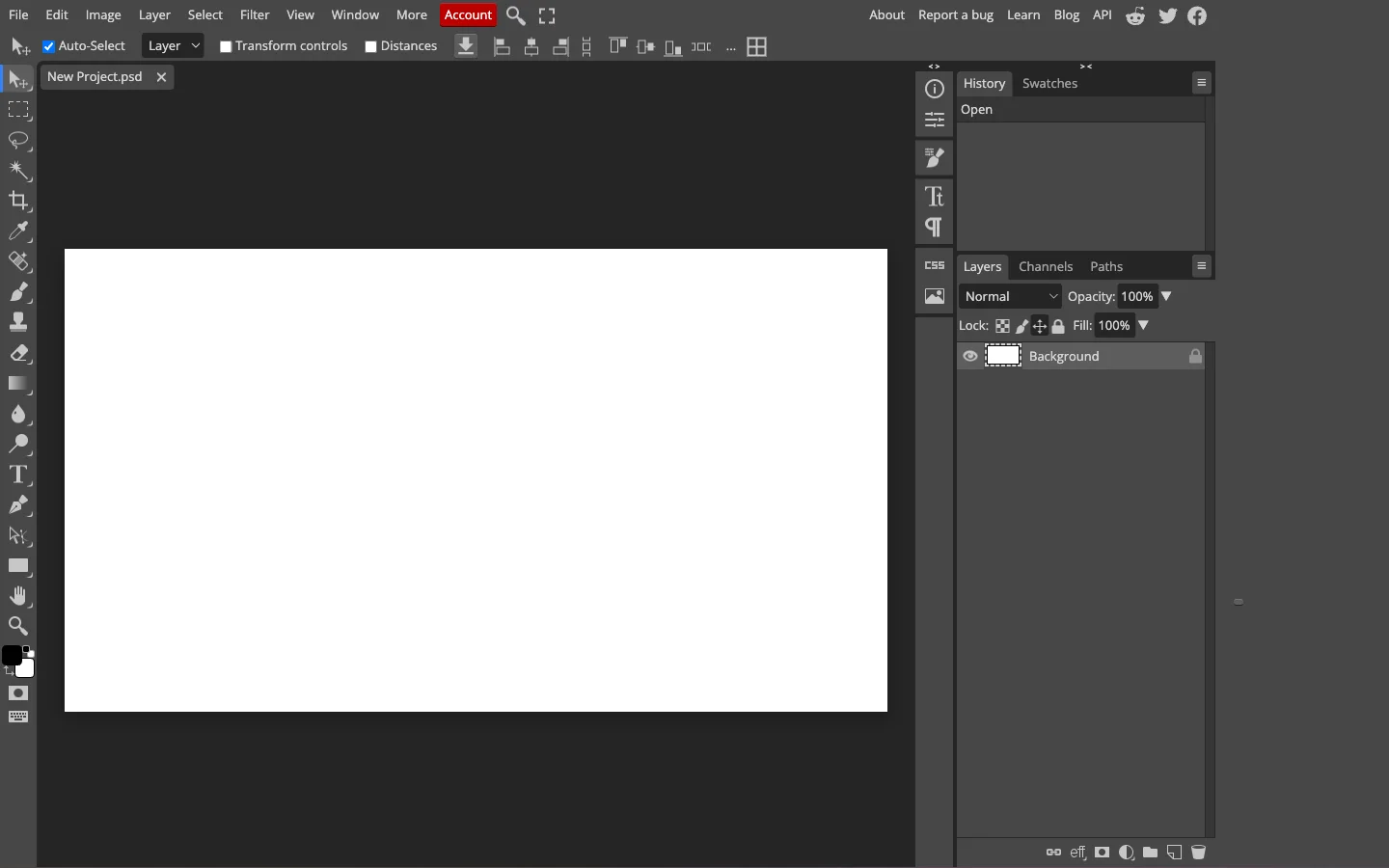
Designers who find template suites restrictive often seek an advanced adobe express alternative. If you need to edit layer masks, blend modes, or native PSD files, Photopea solves this by providing a full-featured photo editor directly inside web browsers.
Created by Ivan Kutskir, Photopea replicates the workspace and shortcuts of Photoshop directly in browser memory. Supporting native PSD, AI, XD, and Sketch files, this capable adobe express alternative provides complete control over typography, vector paths, and non-destructive layer masks without subscription fees or mandatory accounts.
- Where it shines: Layer-based editing environment with channels, vector paths, and smart objects; native compatibility with Photoshop PSD files; 100% free access in Photopea.
- Where Adobe Express is better: Adobe Express offers automated quick actions, pre-formatted promotional social templates, generative Firefly AI text effects, and drag-and-drop layout components for non-technical users.
- Pricing: 100% free with sidebar display ads and full tool access; Premium ad-free subscription is $5/month ($40/year), expanding undo history from 30 to 60 steps and adding 5 GB of Peadrive cloud storage.
- Verdict: Turn to Photopea as an advanced adobe express alternative when your projects require precise layer manipulation, custom masks, and complete PSD file compatibility.
4. Visme — Best for Business Presentations & Interactive Infographics
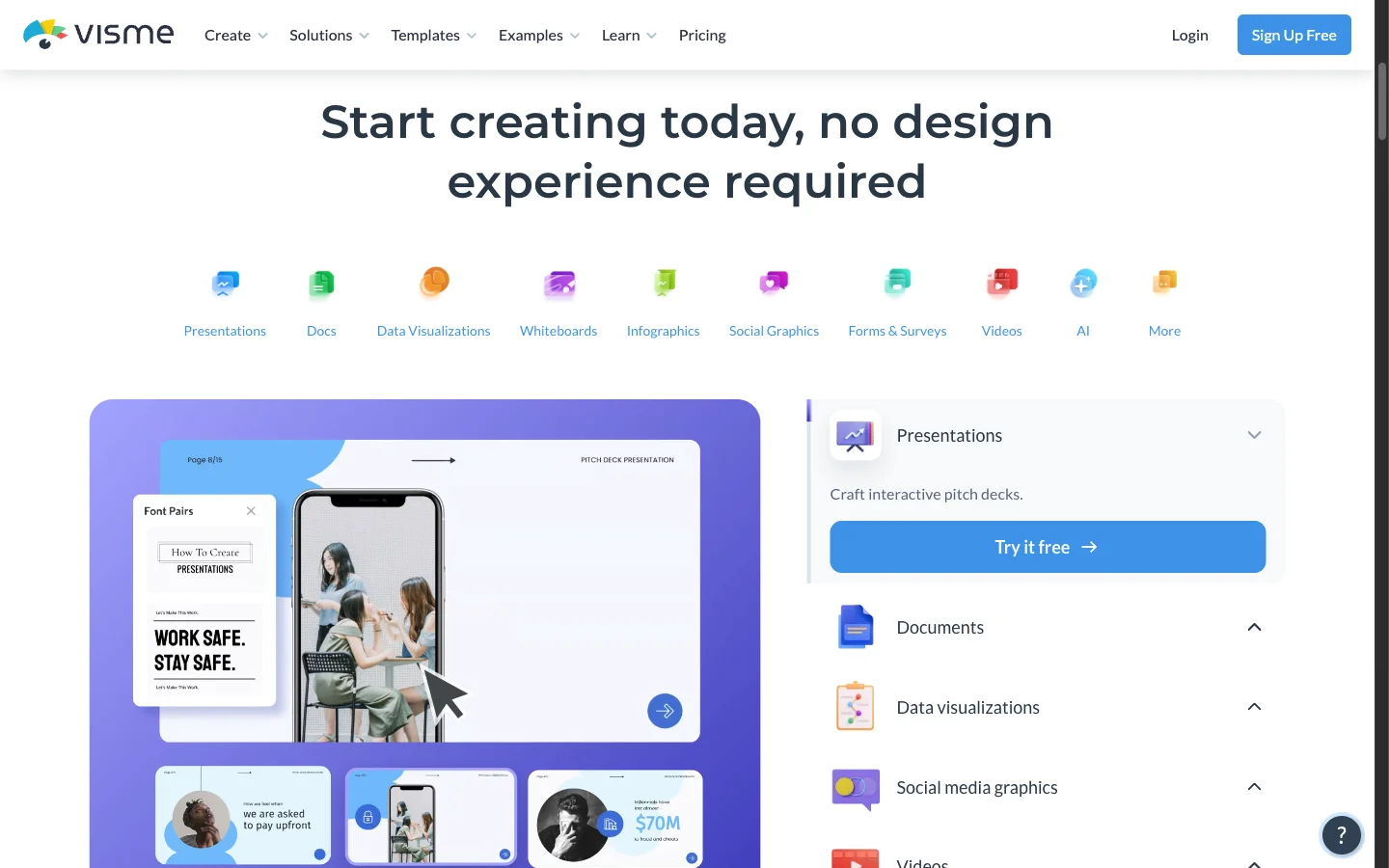
When production demands move beyond social flyers into corporate reporting, Visme stands out as a dedicated adobe express alternative. While Adobe Express handles basic graphics, Visme transforms complex business data into engaging, interactive collateral.
Visme specializes in data-driven communication. As an executive adobe express alternative, it provides live spreadsheet connectors, customizable charts, and interactive map widgets. Presentations support branching navigation, slide animations, and viewer tracking to measure audience engagement on each slide.
- Where it shines: Advanced data visualization with dynamic charts, live data feeds, and interactive presentations with viewer tracking in Visme.
- Where Adobe Express is better: Adobe Express is significantly more cost-effective for casual creators needing simple social graphics, offering faster quick actions and tighter Adobe software connectivity.
- Pricing: Free basic plan with limited templates and 500 MB storage with Visme branding; Starter plan is $29/month ($12.25/mo annual at $147/year) for 1 GB storage and unbranded exports; Pro plan is $59/month ($24.75/mo annual) for 10 GB storage, brand kits, and analytics.
- Verdict: Choose Visme as your specialized adobe express alternative if your organization prioritizes professional data presentation, interactive pitch decks, and reader analytics over casual social flyers.
5. Pixlr (Pixlr E & X) — Best Lightweight Browser Editor for Quick Adjustments
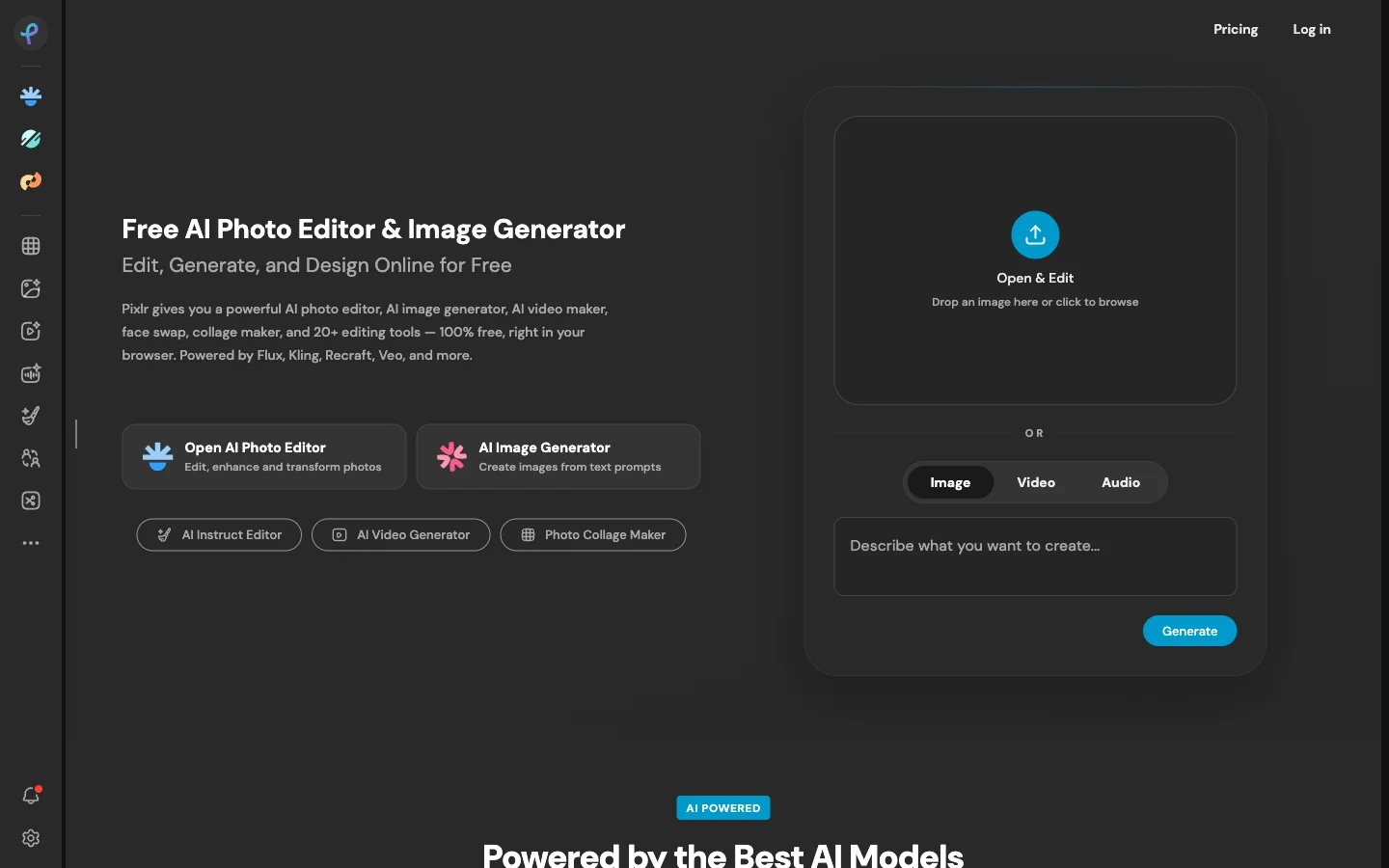
For creators wanting a balance between template builders and photo software, Pixlr acts as a practical adobe express alternative. The platform provides two browser apps: Pixlr X for rapid adjustments, templates, and social framing, and Pixlr E for multi-layer photo retouching and manual masking.
Running smoothly on Chromebooks and tablets, Pixlr provides an agile adobe express alternative for everyday image cropping, automated cutouts, and creative overlays.
- Where it shines: Responsive, dual-mode browser workspace catering to both beginners (Pixlr X) and experienced editors (Pixlr E); fast loading performance on lightweight hardware; broad support for web graphics in a practical adobe express alternative.
- Where Adobe Express is better: Adobe Express provides richer generative AI text-to-image prompts, direct Creative Cloud library linking, and a vastly larger collection of commercial typography via Adobe Fonts.
- Pricing: Free plan includes core editing tools with ads and a 3 daily save limit; Pixlr Plus is $2.49/month ($1.99/month billed annually) with unlimited saves; Pixlr Premium is $9.99/month ($7.99/month billed annually) with full AI tools.
- Verdict: Choose Pixlr as an accessible adobe express alternative if you need a lightweight in-browser editor that merges fast social framing with practical layer-based retouching.
6. Adobe Express (Reference Benchmark) — The Integrated Creative Cloud Suite
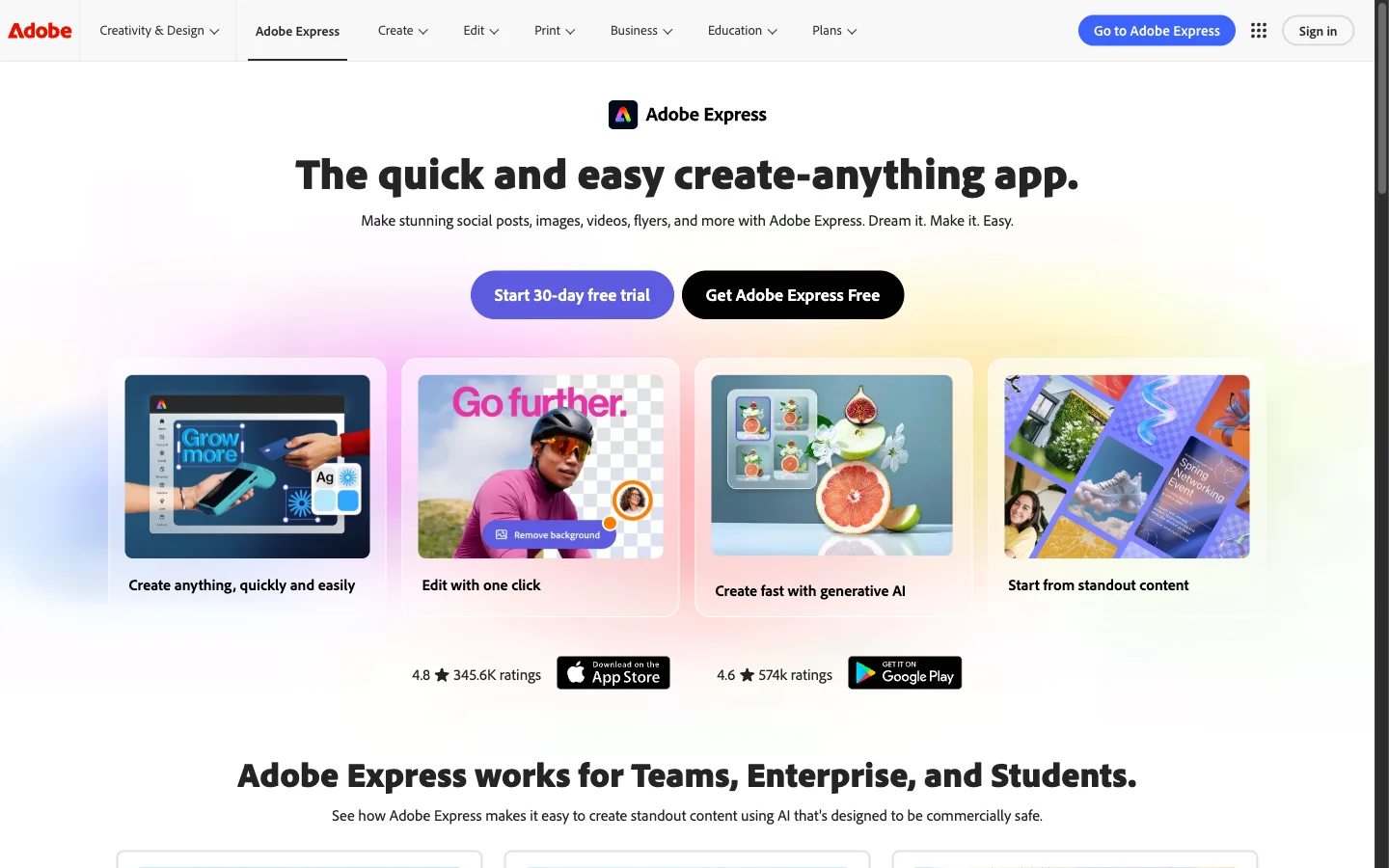
To evaluate an adobe express alternative objectively, one must understand why Adobe Express remains an industry benchmark. Serving as Adobe's agile web app, Express connects everyday creators with Adobe's imaging technology.
Its premier strength is deep Creative Cloud integration. Subscribers can access shared team libraries, Illustrator vector assets, and layered Photoshop compositions directly in Express. It also includes access to 30,000+ Adobe Fonts and 200 million royalty-free Adobe Stock assets, establishing high design standards.
However, specific commercial bottlenecks frequently prompt creators to evaluate an adobe express alternative:
- Free Generative AI Limits: Free accounts receive limited daily generations on curated models, while Premium costs $9.99/month ($99.99/year) for 250 monthly generative credits (verified via Adobe Generative Credits FAQ).
- Editing Feature Paywalls & Asset Lock-in: Bulk resizing and background removal require paid tiers (verified via Adobe Express Pricing). Furthermore, official documentation confirms that applying a premium Adobe Stock photo on Premium and switching to free locks export until upgrading back (verified via Adobe Express Premium Help).
- Storage Ceilings: Free accounts receive limited cloud storage (2GB to 5GB), whereas 100 GB storage requires a paid subscription.
- Where it shines: Seamless synchronization with desktop Photoshop and Illustrator files; access to 30,000+ Adobe Fonts and commercially safe Firefly AI models; generous basic quick actions in Adobe Express.
- Where alternatives are better: CrispFix is far superior as an adobe express alternative for optical glare erasure and vintage photo restoration; Canva offers a larger community template collection; Photopea provides complete unmetered PSD layer manipulation.
- Pricing: Free plan with basic quick actions and daily generative limits; Premium plan costs $9.99/month or $99.99/year.
- Verdict: Adobe Express remains an excellent tool for organizations invested in Creative Cloud, but creators frustrated by generative caps, export lock-in, and feature paywalls should adopt a dedicated adobe express alternative.
How to Choose the Right Adobe Express Alternative
Selecting the ideal adobe express alternative depends on your project goals, technical skill, and budget:
- For fixing damaged portraits, glare, or vintage prints: Use CrispFix. As a specialized adobe express alternative, CrispFix applies neural inpainting to remove eyeglasses flash reflections, heal scratched prints, and colorize monochrome photos without deleting backgrounds.
- For marketing graphics with team collaboration: Choose Canva. It pairs an intuitive interface with over 1.6 million templates, shared brand kits, and integrated social publishing as an agile adobe express alternative.
- For in-browser Photoshop-style layer control: Open Photopea. It provides a browser-based adobe express alternative with native PSD compatibility and non-destructive layer masks without subscription fees.
- For corporate presentations and interactive infographics: Adopt Visme. When slide decks require live data connectors, dynamic charts, and viewer tracking, Visme delivers a data-centric adobe express alternative.
Frequently Asked Questions
Is there a free alternative to Adobe Express?
Yes, several free options exist depending on your creative workflow. For restoring damaged photos and removing eyeglasses glare, CrispFix provides a 100% free adobe express alternative without watermarks or credit limits. For manual layer editing, Photopea is completely free in your web browser. For marketing designs, Canva offers a free tier with 1.6M+ templates, while Pixlr supports 3 free daily exports.
Which is better, Adobe Express or Canva?
Choosing between Adobe Express and Canva depends on your software ecosystem. Canva is better for most content creators due to its library of over 1.6 million templates, intuitive drag-and-drop editor, and direct social media scheduling. Adobe Express is better for creators who already use Adobe software, offering seamless synchronization with desktop Photoshop and Illustrator assets, 30,000+ Adobe Fonts, and Firefly AI models. If neither matches your budget, selecting a dedicated adobe express alternative like CrispFix for photo restoration or Photopea for layer editing provides greater value.
Is there a free version of Adobe Express?
Yes, Adobe offers a free version of Adobe Express supporting basic design tasks, standard templates, and quick actions like basic image conversion. However, the free tier restricts tools like bulk resizing and background removal behind paywalls, limits cloud storage, and enforces strict daily generative AI caps. Unlocking full capabilities requires upgrading to the Premium plan at $9.99 per month, which is why many creators switch to an unmetered adobe express alternative.
Who is Adobe's biggest competitor?
In web-based design, Canva is Adobe's biggest competitor, commanding a massive global user base seeking an approachable alternative to complex creative suites. In professional creative sectors, Adobe competes with Serif's Affinity Suite for one-time purchase software, Figma for UI/UX design, and web tools like Photopea for in-browser PSD manipulation. For specialized photo restoration and glare repair without design overhead, CrispFix serves as a focused niche competitor and dedicated adobe express alternative.