
Paint.NET Alternative: 6 Best Free & Mac Image Editors in 2026
Looking for a paint net alternative? Compare the 6 best free, Mac, and web image editors for layer manipulation, photo restoration, and lightweight editing.
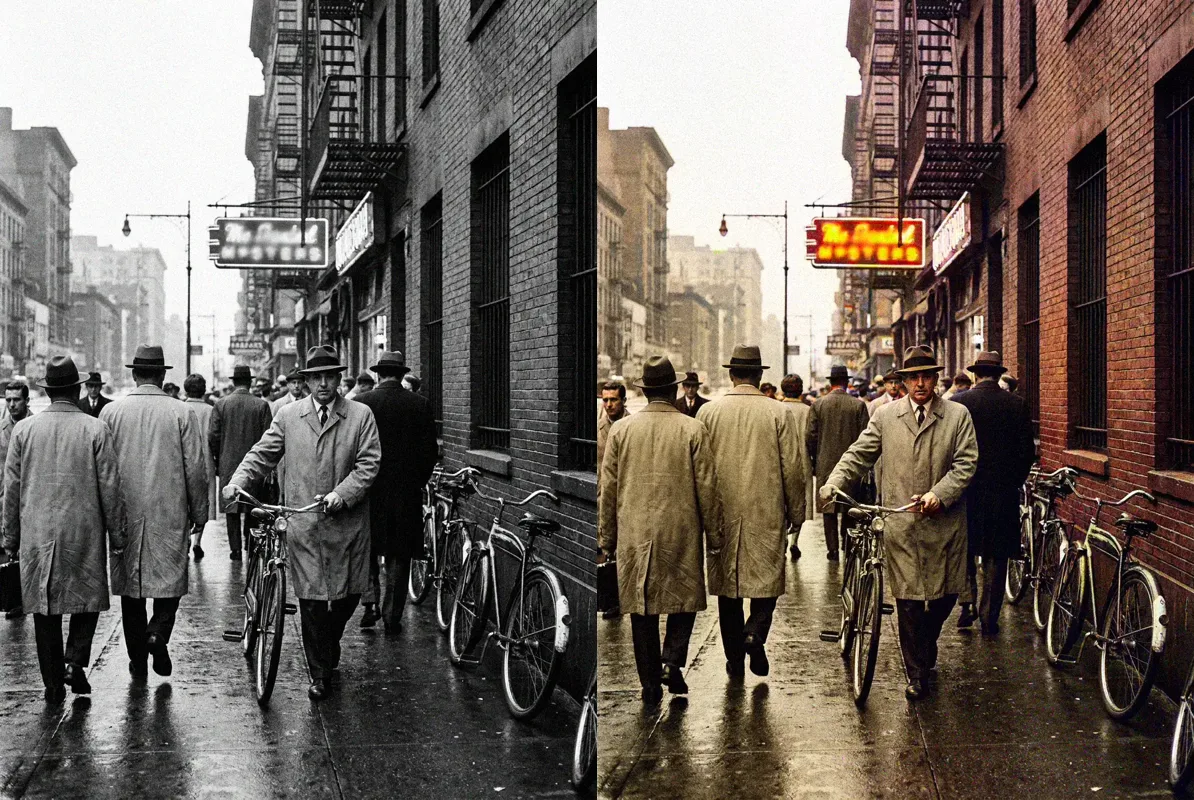
Paint.NET has long served as a capable Windows graphics editor. However, architectural constraints have led creators to seek a modern paint net alternative.
Platform exclusivity is the primary limitation. Paint.NET is locked into Windows, requiring a 64-bit CPU with AVX2 and Direct3D 11. Creators on macOS, Linux, or ChromeOS cannot run it natively, making a cross-platform paint net alternative essential.
Furthermore, Paint.NET relies on manual clone stamps. When repairing eyeglasses glare or cracked vintage prints, manual cloning leaves smudged textures. A specialized paint net alternative with neural inpainting resolves these challenges cleanly.
Finally, while classic desktop installers remain free, the Microsoft Store package costs $14.99, and intensive editing generates large disk scratch files. A flexible paint net alternative ensures reliable editing across modern devices.
For optical glare and vintage photo repair, CrispFix provides an automated browser-based paint net alternative. For an open-source desktop clone, Pinta serves as an authentic paint net alternative. For in-browser PSD layers, Photopea acts as a versatile paint net alternative. Meanwhile, GIMP provides deep manipulation, Krita delivers an illustration-focused paint net alternative, and Pixlr enables rapid cloud retouching.
Note: This site operates CrispFix and we've aimed to evaluate all tools objectively.
Key Takeaways (TL;DR)
- Best for Optical Glare & Photo Defect Restoration: CrispFix delivers specialized neural restoration for eyeglasses glare, flash reflection, and vintage print scratch repair in your web browser as an unmetered paint net alternative.
- Best Direct Open-Source Cross-Platform Clone: Pinta replicates the minimalist tool layout, layer windows, and drawing shortcuts of Paint.NET while running natively on macOS, Linux, and Windows.
- Best No-Install Web Layer Editor: Photopea runs entirely inside modern web browsers with professional PSD, XCF, and multi-layer masking support, serving as a zero-install paint net alternative.
- Best for Advanced Open-Source Image Manipulation: GIMP provides full GEGL high-bit-depth color processing, parametric layer masks, and plugin architectures for complex image tasks.
- Best for Digital Illustration & Brush Work: Krita features brush stabilization, customizable color wheels, and drawing tablet pressure sensitivity for creative painters seeking a capable paint net alternative.
- Best for Fast Cloud Photo Retouching: Pixlr pairs quick one-click social adjustments with classic layer-based editing across all operating systems.
- Benchmark for Native Windows Performance: Paint.NET remains remarkably responsive on modern Windows 11 hardware with Direct3D 11 acceleration, provided you do not require Mac compatibility or AI restoration.
Paint.NET Alternatives Feature & Pricing Comparison
When assessing each candidate paint net alternative, reviewing supported operating systems, primary strengths, free tier allowances, and core functional capabilities clarifies which software fits your workstation setup:
| Tool | Platform Support | Free Tier Allowance | Primary Strength | Ideal Use Case |
|---|---|---|---|---|
| CrispFix | Web (All operating systems) | 100% free web processing, no watermarks | Neural optical glare removal & scratch repair | Restoring damaged portraits & removing glasses reflection |
| Pinta | Linux, macOS, Windows | 100% free & open-source (MIT License) | Exact Paint.NET interface clone & low footprint | Lightweight layered image editing across non-Windows PCs |
| Photopea | Web (All browsers & Chromebooks) | Full editor free; supported by modest side ads | Desktop-grade PSD & layer mask compatibility | Advanced browser-based photo manipulation without setup |
| GIMP | Linux, macOS, Windows | 100% free & open-source (GPLv3) | Comprehensive filters, color depth & plugins | Deep multi-channel photo editing and batch automation |
| Krita | Windows, macOS, Linux | 100% free & open-source (GPL) | Pressure-sensitive brushes & illustration tools | Digital sketching, concept art, and textured painting |
| Pixlr | Web, iOS, Android | 3 daily file saves; ad-supported editor | Dual express and layered browser workspaces | Quick social image framing, cropping, and color filtering |
| Paint.NET (Benchmark) | Windows 10 (21H2+) & Windows 11 only | Free classic download; $14.99 on Microsoft Store | Instant startup & native Direct3D hardware speed | Everyday Windows desktop cropping, drawing, and resizing |
(Product features and pricing tiers verified as of September 2026 against official developer documentation).
Detailed Reviews: The Top 6 Paint.NET Competitors
1. CrispFix — Best for Optical Glare & Photo Defect Restoration
Traditional desktop utilities like Paint.NET treat photographic defects as manual brush adjustments. When portraits suffer from flash reflection on spectacle lenses, Paint.NET forces users to sample skin tones using the Clone Stamp brush and guess eye contours. This manual process is tedious and frequently creates distorted skin textures. CrispFix approaches visual editing from an optical restoration perspective, functioning as a dedicated paint net alternative for intricate photo repairs.
Instead of manual cloning, this paint net alternative provides a remove glasses glare from photo tool that clears reflections cleanly. Its companion photo glare remover eliminates flash hotspots while preserving skin textures. For physical archives, an automated old photo restoration engine repairs paper cracks without manual stamping. Creators can also use a neural resolution image enhancer to upscale blurry scans and an AI photo colorizer to revitalize vintage monochrome photos.
- Where it shines: Automated removal of eyeglasses reflections and lighting flare; seamless scratch inpainting on vintage prints; studio tonal rendering via our black and white image converter; instant browser access without accounts or watermarks as an agile paint net alternative.
- Where Paint.NET is better: Paint.NET provides a multi-layer canvas for freehand drawing, arbitrary vector shapes, and local canvas dimension adjustments.
- Pricing: 100% free web utility with real-time comparison sliders and full-resolution image downloads.
- Verdict: Choose CrispFix as your specialized paint net alternative whenever you need to correct optical reflections or repair historical photographs without manual cloning.
2. Pinta — Best Direct Open-Source Cross-Platform Clone
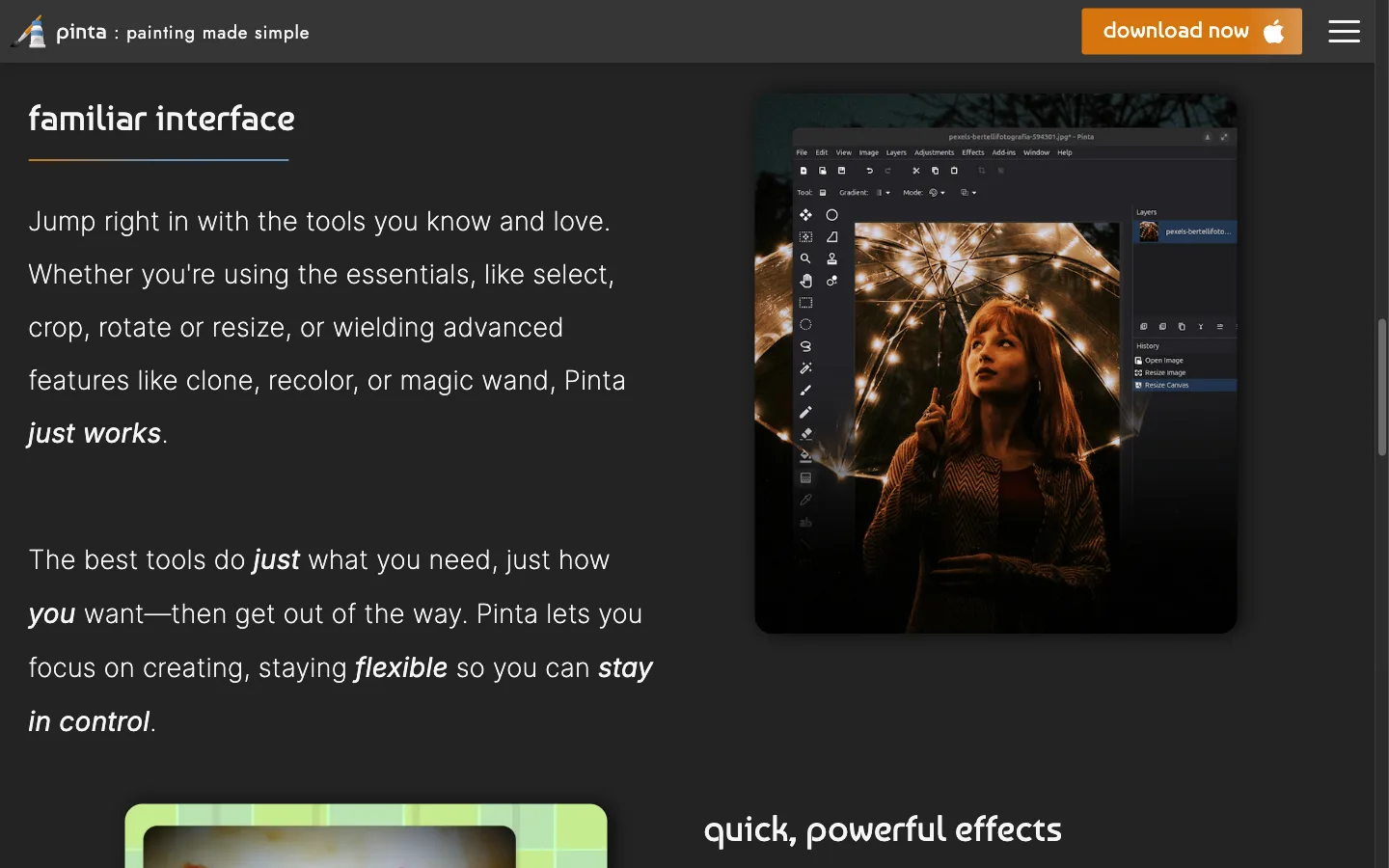
For creators who miss the streamlined utility of Paint.NET on non-Windows computers, Pinta represents the most faithful direct equivalent available. Modeled deliberately after Paint.NET, Pinta provides an intuitive workspace featuring floating palettes, layer management panels, and unlimited undo history.
Operating natively on macOS, Linux, and Windows, Pinta supports multi-layer composition, blend modes, gradient fills, and color adjustments. As a lightweight paint net alternative, it consumes minimal memory and launches swiftly on modest hardware.
- Where it shines: Near-identical interface layout and operational mechanics to Paint.NET; native cross-platform support across macOS, Linux, and Windows; completely free under the MIT license without advertisements.
- Where Paint.NET is better: Paint.NET benefits from tighter Direct3D 11 hardware acceleration on modern Windows PCs and boasts a larger library of community-authored plugins.
- Pricing: 100% free and open-source without paywalls or subscription tiers.
- Verdict: Choose Pinta as your primary paint net alternative if you use macOS or Linux and desire the familiar layered drawing experience of Paint.NET.
3. Photopea — Best No-Install Browser Layer Editor
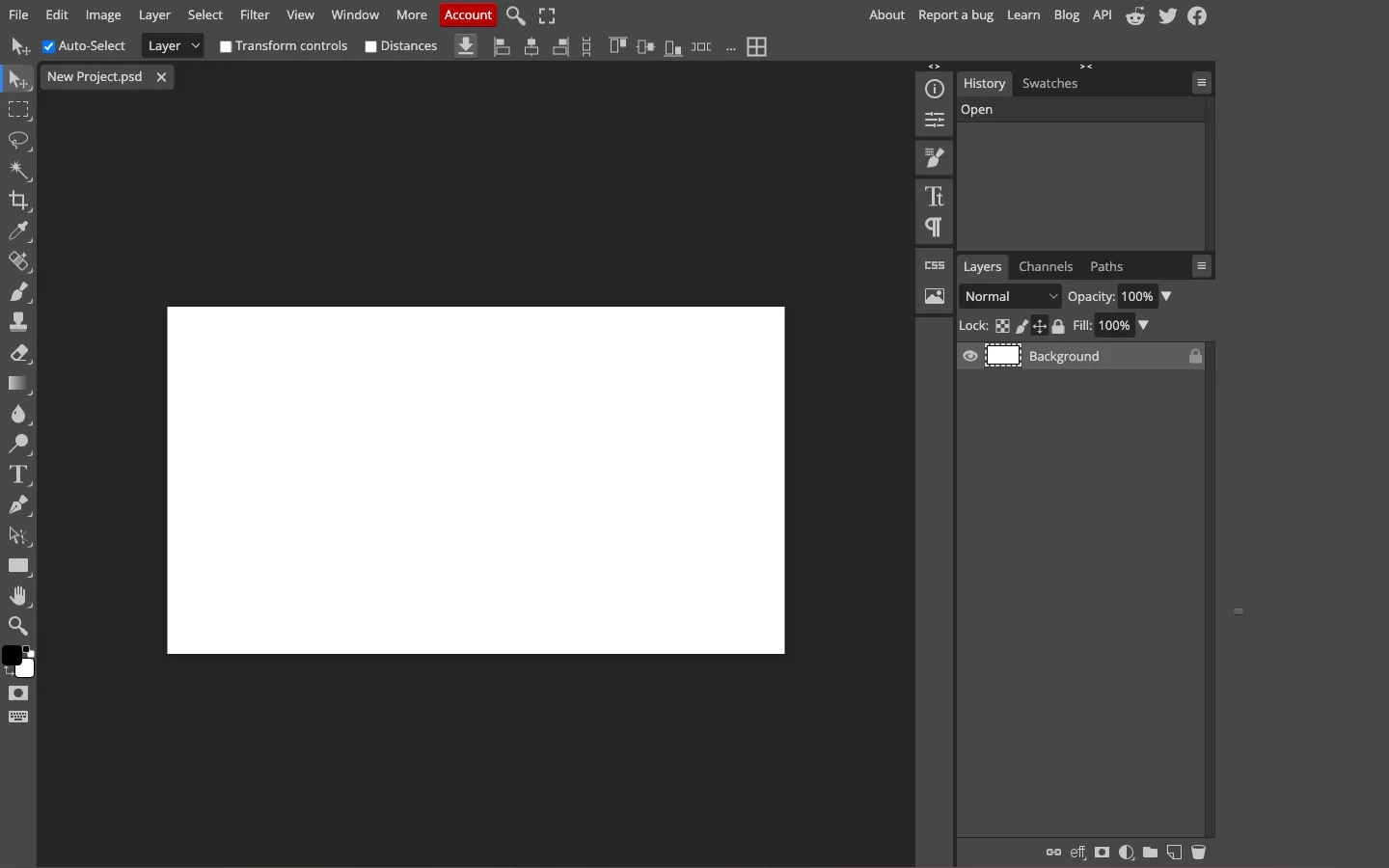
If your creative workflow requires layered image editing across diverse computers without local software installation, Photopea is a remarkably capable paint net alternative. Running client-side inside web browsers, Photopea turns any desktop or Chromebook into an advanced graphics workstation.
Photopea supports PSD, XCF, and raster formats alongside non-destructive layer masks, clipping paths, smart objects, and pen tools. When you need a versatile paint net alternative for multi-element compositions, Photopea delivers desktop-grade functionality without local disk overhead.
- Where it shines: Zero-installation browser execution running identically on Mac, Windows, Linux, and ChromeOS; native PSD and layer mask compatibility; complete tool access without upfront fees.
- Where Paint.NET is better: Paint.NET operates as an offline desktop app with instant local disk access, zero network data transfer, and no web banner advertisements.
- Pricing: Completely free with non-intrusive sidebar ads; optional Premium accounts ($5 per month or $40 per year) remove ads and expand undo history steps.
- Verdict: Opt for Photopea as a versatile paint net alternative when you work across multiple operating systems or require professional layer masks and PSD compatibility without installation.
4. GIMP — Best for Advanced Open-Source Photo Manipulation
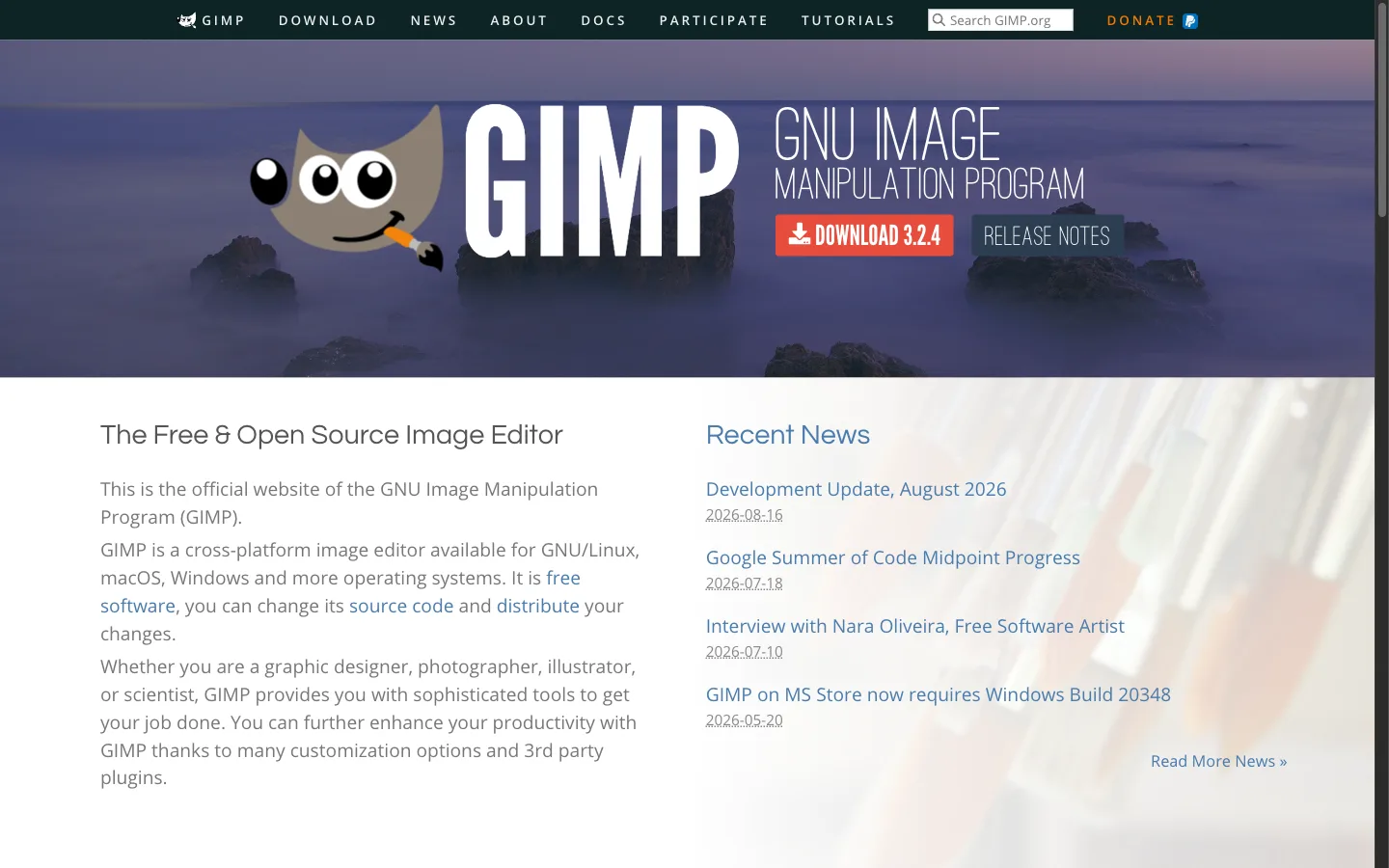
GIMP
is the most mature open-source image editor available. While Paint.NET provides a lightweight middle tier, GIMP was engineered to rival commercial suites, serving as an expansive paint net alternative for advanced users.
Powered by GEGL, GIMP supports 32-bit floating-point color depths, advanced profiles, and Python scripting automation, serving as a powerhouse option for technical photo manipulation.
- Where it shines: Deep image manipulation features with high bit-depth color support; extensive community plugin repository and Python automation scripting; complete cross-platform independence with zero licensing fees.
- Where Paint.NET is better: Paint.NET offers a much simpler user interface that beginners can master quickly, paired with faster startup speeds and a lighter memory footprint on Windows.
- Pricing: 100% free and open-source under the GNU General Public License (GPLv3).
- Verdict: Transition to GIMP as an advanced paint net alternative when your projects require channel masking, custom color profiles, and programmatic scripting beyond simple editing.
5. Krita — Best for Digital Painting, Illustration & Brushes
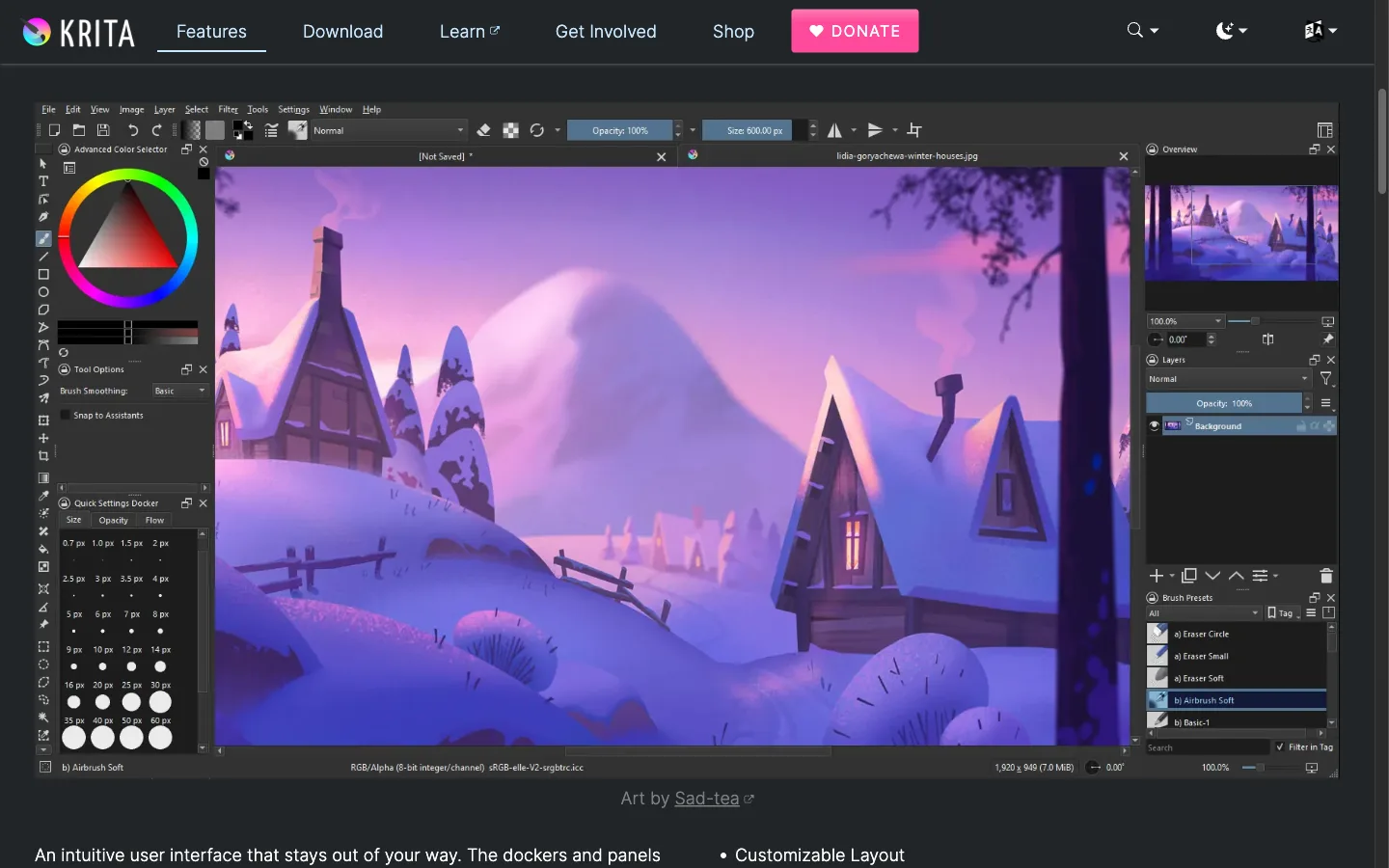
While users rely on Paint.NET for basic sketching, its brush engine is rigid. For illustrators and digital artists seeking an expressive creative upgrade, Krita provides an exceptional paint net alternative built for digital painting.
Maintained by the KDE community, Krita provides over 100 brush presets simulating watercolors, charcoal, and ink pens. Its brush engine includes stroke stabilizers to smooth tablet lines, a pop-up palette for color selection, and canvas mirroring, delivering a responsive environment for freehand artwork.
- Where it shines: World-class digital illustration brush engine with dynamic stroke smoothing; advanced layer management supporting vector layers and filter masks; active open-source art community with extensive learning resources.
- Where Paint.NET is better: Paint.NET is faster and simpler for straightforward photo cropping, basic canvas resizing, quick text annotations, and general screenshot cleanups.
- Pricing: 100% free to download from the official Krita Foundation website; optional paid versions on the Microsoft Store ($14.99) and Steam support development.
- Verdict: Choose Krita as an inspiring paint net alternative if your primary focus is freehand drawing, character design, or digital painting where rich brush dynamics matter.
6. Pixlr (Pixlr E & Pixlr X) — Best for Fast Cloud Photo Retouching
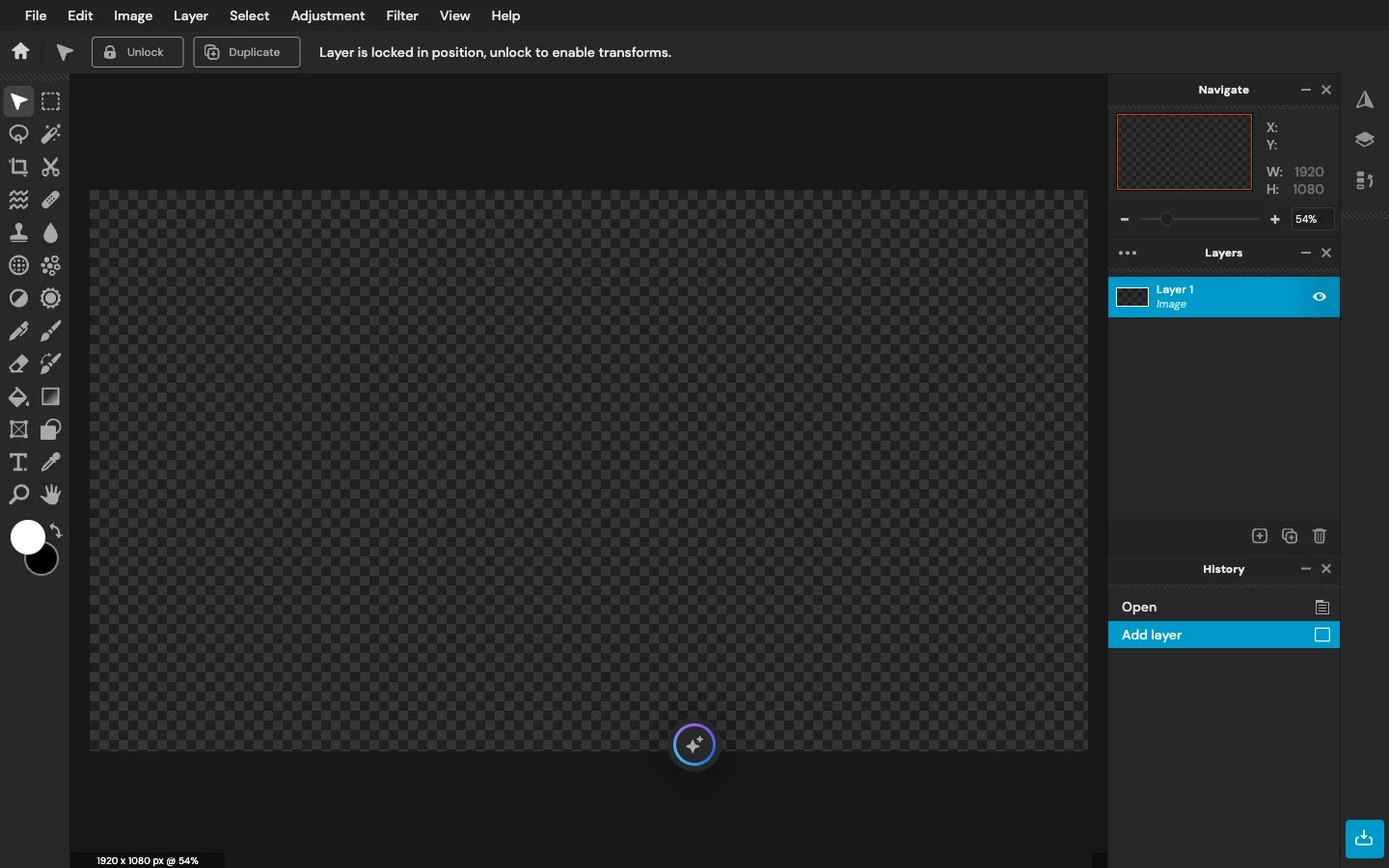
For casual creators, social media managers, and marketers wanting quick photo adjustments without heavy software, Pixlr offers an agile, browser-based paint net alternative. The platform provides two online environments: Pixlr X for express template-driven edits, and Pixlr E for detailed multi-layer retouching.
Within Pixlr E, users find lasso tools, magic wands, clone stamps, and masks. Meanwhile, Pixlr X offers aspect ratio presets for social channels, making it an appealing option for rapid publishing across operating systems.
- Where it shines: Dual workspace architecture catering to both quick edits and layered design; convenient social media aspect ratio presets; complete freedom from operating system installations as an agile paint net alternative.
- Where Paint.NET is better: Paint.NET imposes no daily save limits, works completely offline without internet connectivity, and contains no web advertisements.
- Pricing: Free tier supports 3 daily file saves with advertisements; Pixlr Plus ($2.49/month or $1.99/month billed annually) removes save limits; Pixlr Premium ($9.99/month or $7.99/month billed annually) unlocks full asset libraries and AI features.
- Verdict: Pick Pixlr as a practical paint net alternative when you need to crop, adjust, and format graphics for social channels quickly on any computer without installing desktop software.
How to Choose the Right Paint.NET Alternative for Your Workflow
Selecting the most suitable paint net alternative depends on your operating system, editing complexity, and specific photo challenges:
- For Portrait Glare & Scratched Prints: If photos suffer from flash reflections on eyeglasses or paper creases on vintage scans, manual clone stamping is slow. Use CrispFix for automated neural inpainting that restores facial features while preserving original backgrounds.
- For Native Mac or Linux Desktop Editing: If you want an experience matching Paint.NET's clean floating panels and direct keyboard commands on non-Windows computers, Pinta is your most seamless paint net alternative.
- For Advanced Layers Without Local Installation: If you frequently switch between workstations or use a Chromebook, Photopea delivers professional PSD compatibility and layer masks inside your browser as an adaptable paint net alternative.
- For Deep Manipulation & Custom Color Spaces: If your work demands high bit-depth color management, complex path selections, and batch scripting, GIMP provides the ultimate open-source desktop solution.
- For Digital Painting & Stylus Illustration: If freehand sketching and rich brush textures are your creative priority, Krita delivers superior stroke stabilization compared to standard options.
Frequently Asked Questions
Is there a Paint.NET alternative for Mac?
Yes. Because Paint.NET runs exclusively on Windows .NET runtimes and Direct3D pipelines, it cannot execute natively on Apple hardware. For Mac users seeking an identical interface and lightweight workflow, Pinta is the closest direct equivalent, offering floating tool panels, basic layers, and drawing tools. For advanced layer manipulation and Photoshop file editing directly inside Safari or Chrome, Photopea provides an outstanding zero-install paint net alternative. Additionally, open-source applications like GIMP and Krita offer native macOS packages compatible with Intel and Apple Silicon processors.
What is the best free alternative to Paint.NET?
The best free alternative depends on your specific editing requirements. For general cross-platform editing that mirrors Paint.NET's simplicity, Pinta is widely considered the premier open-source solution, available without cost across Linux, Mac, and Windows. If you require browser flexibility with professional PSD support and layer masks, Photopea provides an exceptional free paint net alternative supported by modest side advertisements. For specialized photographic restoration—including eliminating eyeglasses glare and repairing scratched vintage prints—CrispFix delivers 100% free neural inpainting without accounts or watermarks. For comprehensive image manipulation, GIMP remains the benchmark in free software.
Is Paint.NET completely free?
Paint.NET is free to download and use when obtained as a classic desktop installer directly from the developer's official website (getpaint.net). However, dotPDN also distributes an official edition through the Microsoft Store priced at a flat $14.99. The Microsoft Store version provides functional parity with the classic release while adding automated background updates, effortless multi-device installation under a single Microsoft account, and a direct method to support ongoing development. If you prefer not to pay the $14.99 Store fee or operate non-Windows hardware, utilizing a dedicated free paint net alternative like Pinta, Photopea, or CrispFix gives you capable creative workflows without financial commitments.
Can I use these alternatives to edit .pdn files?
Paint.NET's native .pdn file format is proprietary and designed specifically to store Paint.NET's internal layer stack and canvas metadata. While standard graphics programs cannot open .pdn files natively out of the box, specific solutions exist. For example, third-party plugins are available for GIMP that allow it to parse and import multi-layer .pdn documents. Similarly, community file converters can occasionally extract flattened raster layers. Nevertheless, if you anticipate opening your creative projects across multiple software suites or operating systems, the safest production workflow is to export your artwork from Paint.NET into universal formats—such as .png for flattened graphics with transparency, or multi-layer .psd files via Paint.NET's community PSD plugin—ensuring seamless compatibility with every paint net alternative.