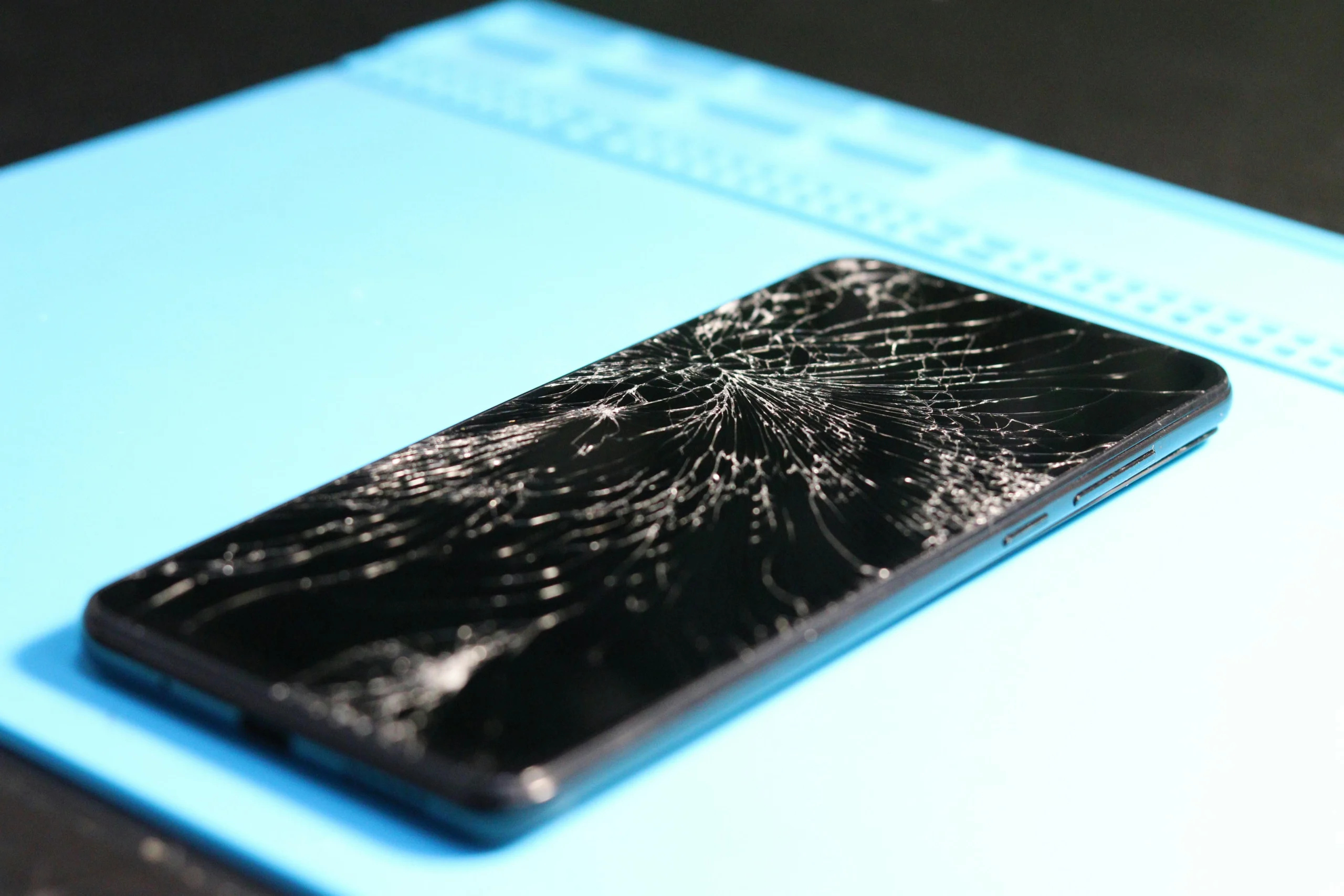
Things break. And sometimes change is a good thing. But how do you decide when to repair or replace your electronics? The answer is simple: it should be on your terms, not the manufacturer’s.
How to decide to repair or replace
As a rule of thumb: if it costs under 50% of the price of the device to fix it, it’s worth fixing.
If your phone is a year old or more and feels slow, the cause may be battery degradation. A simple battery replacement could bring it back to 100%. (We help with those!).
If your storage is near full (and soldered, like in nearly every phone or newer MacBook) and cloud or external storage feels daunting, a new device is probably in order. Just make sure you pick a model with storage that meets your needs. For future-proofing, aim for 512 gigabytes and avoid 128 gigabyte models.
Other factors to consider include RAM capacity (if it can’t be expanded) and processor speed. Newer flagship phones are often overbuilt, which is why 4+ year-old models like the Samsung S21 Ultra and iPhone Xs remain reliable today.
In spite of the ‘experts,’ it may not be certain doom for your device just yet
Back in 2018, CBS aired a segment featuring Louis Rossmann, a staunch right-to-repair advocate. He showed how a bent backlight pin on a MacBook’s display cable led to an Apple Store quoting a $1,200 logic board replacement:
I’ve seen the same story play out. A friend brought me a used MacBook that suddenly died with a loud crack while charging. At the Apple Store, the repair cost was so high they told her to scrap it and buy new.
This is what the USB-C port looked like:

This was before I officially founded CrispFix. As a personal favor, I opened the laptop and saw the board looked fine. I suspected the USB-C port — a $20 part — was the real culprit. In repair and diagnostics, we work with the clues we get. After a day of waiting and 15 minutes of reassembly, the MacBook worked like new.

Therefore, before you’re convinced you need a replacement, it’s worth getting a second opinion from someone who isn’t trying to sell you a new device. Schedule a quote today, and let’s see if it’s really the end of the line for YOUR device.